
WISTAR WISTAR-SOBPS26
WISTAR HSTNN-C17C Laptop Battery User Manual
Model: WISTAR-SOBPS26
1. Introduction
This manual provides essential information for the safe and effective use of your WISTAR HSTNN-C17C Laptop Battery. This high-quality Lithium-Ion battery is designed to provide reliable power for compatible HP Pavilion laptop models. Please read this manual thoroughly before installation and use to ensure optimal performance and longevity of your battery.

Figure 1: WISTAR HSTNN-C17C Laptop Battery with its packaging.
2. Safety Precautions
- Do not disassemble, crush, puncture, or short-circuit the battery.
- Do not expose the battery to high temperatures (above 60°C / 140°F) or direct sunlight.
- Keep the battery away from fire and water.
- Use only the specified charger for your laptop.
- If the battery shows signs of damage, swelling, or leakage, discontinue use immediately and dispose of it properly.
- Keep out of reach of children.

Figure 2: The battery incorporates multiple safety features for reliable operation.
3. Setup and Installation
Before installing the new battery, ensure your laptop is powered off and disconnected from the AC adapter. Refer to your laptop's original user manual for specific battery removal and installation instructions if needed.
- Power Off Laptop: Shut down your laptop completely, do not just put it to sleep.
- Disconnect Power: Unplug the AC adapter from the laptop.
- Remove Old Battery: If applicable, locate the battery release latches on the underside of your laptop. Slide the latches to unlock the old battery and carefully remove it from its compartment.
- Insert New Battery: Align the WISTAR HSTNN-C17C battery with the battery compartment. Gently push the battery into place until it clicks securely. Ensure the latches engage to hold the battery firmly.
- Connect Power: Reconnect the AC adapter to your laptop.
- Initial Charge: It is recommended to fully charge the new battery before its first use.

Figure 3: The WISTAR HSTNN-C17C battery, ready for installation.
4. Operating the Battery
The WISTAR HSTNN-C17C battery is designed for optimal performance with compatible HP Pavilion laptops. It features a Lithium-Ion composition with a capacity of 4400 mAh and a voltage of 10.8V.
- Charging: Connect your laptop to the AC adapter. The battery will automatically begin charging. The charging indicator on your laptop will typically show the charging status.
- Discharging: The battery will power your laptop when disconnected from the AC adapter. Battery life will vary depending on usage, applications, and power settings.
- First Use: For the first few cycles, allow the battery to fully charge and then discharge to about 10-15% before recharging. This helps calibrate the battery's charge indicator.
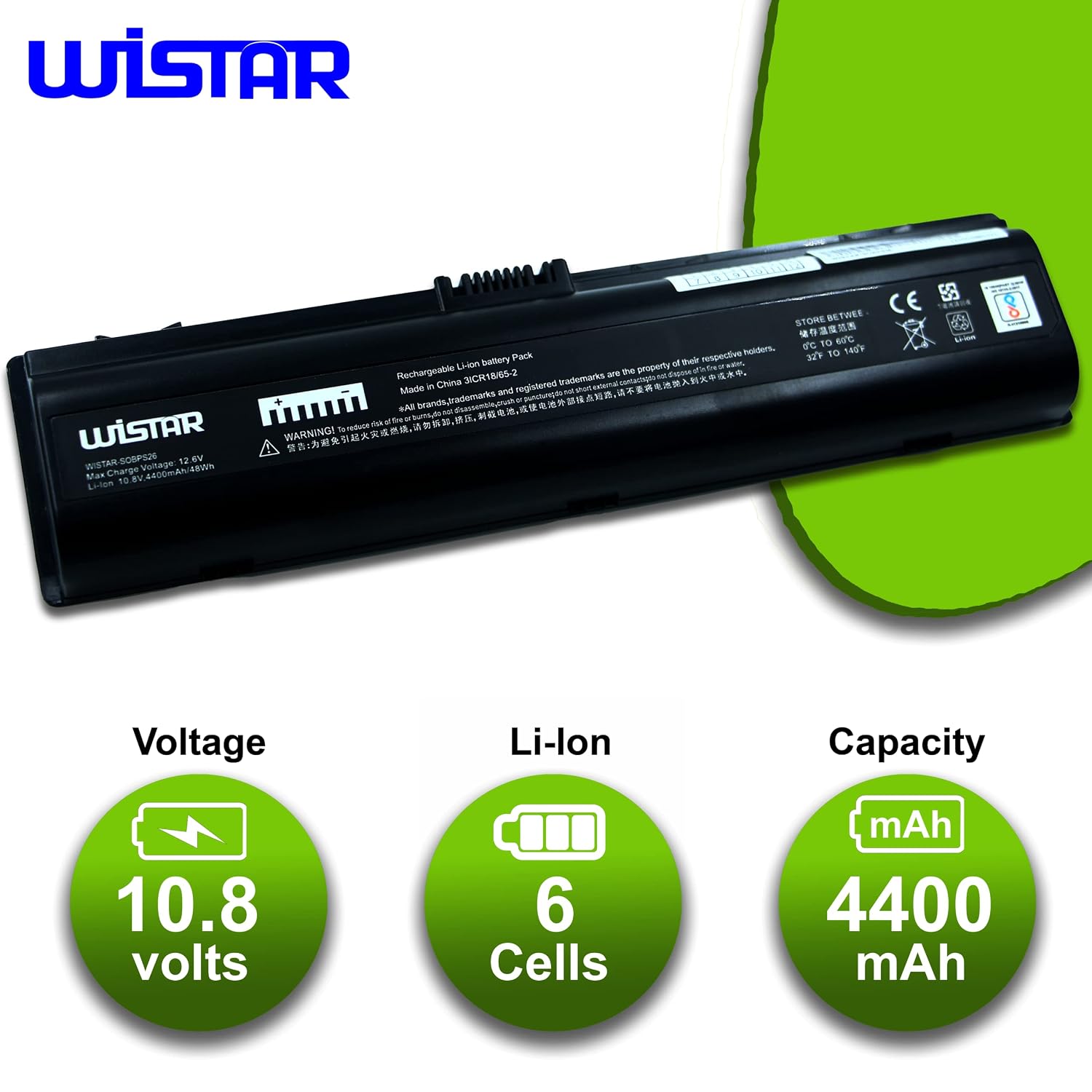
Figure 4: Key specifications of the WISTAR battery, including 10.8 volts, 6 Li-ion cells, and 4400 mAh capacity.

Figure 5: The battery is designed to provide 100% true capacity for consistent performance.
5. Maintenance and Care
Proper care can extend the lifespan of your WISTAR laptop battery.
- Regular Use: Avoid leaving the battery fully charged or fully discharged for extended periods. Regular use and cycling (charging and discharging) are beneficial.
- Storage: If storing the battery for a long time, charge it to about 50-60% and store it in a cool, dry place. Recharge it every 3-6 months to prevent deep discharge.
- Temperature: Operate your laptop in a moderate temperature environment. Extreme heat or cold can degrade battery performance and lifespan.
- Cleaning: Keep the battery contacts clean using a dry, soft cloth.
- No Memory Effect: This Lithium-Ion battery does not suffer from the "memory effect," meaning you do not need to fully discharge it before recharging to maintain its capacity.

Figure 6: An illustration of the internal cells within a laptop battery, highlighting the quality components.

Figure 7: The WISTAR battery is TUV, RoHS, and CE certified, indicating high quality and safety standards. It features high-quality cells and no memory effect.
6. Troubleshooting
If you encounter issues with your WISTAR laptop battery, try the following solutions:
| Problem | Possible Cause | Solution |
|---|---|---|
| Battery not charging. | Loose connection, faulty AC adapter, battery not recognized. | Ensure AC adapter is securely connected. Try a different AC adapter if available. Reinstall the battery. Update laptop's BIOS or battery drivers. |
| Battery not holding charge. | Normal wear and tear, high power consumption, background processes. | Adjust power settings to optimize battery life. Close unnecessary applications. Check for excessive background processes. Consider battery calibration. |
| Laptop not recognizing battery. | Improper installation, driver issue. | Ensure battery is correctly seated. Remove and reinsert the battery. Uninstall and reinstall battery drivers in Device Manager. |
| Battery indicator shows incorrect percentage. | Battery calibration needed. | Perform a battery calibration: fully charge, then discharge until laptop shuts down, then fully recharge. |
If problems persist, please contact WISTAR customer support.
7. Specifications
| Attribute | Detail |
|---|---|
| Brand | WISTAR |
| Model Number | WISTAR-SOBPS26 |
| Battery Type | Lithium Ion (Li-ion) |
| Voltage | 10.8 Volts |
| Capacity | 4400 Milliamp Hours (mAh) |
| Number of Cells | 6 (internal Lithium Ion cells) |
| Product Dimensions | 7 x 7 x 5 Centimeters |
| Item Weight | 200 g (Battery Weight: 170 Grams) |
| Compatible Devices | HP Pavilion DV2000, DV2100, DV2200, DV2300, DV2400, DV2500, DV2600, DV2700, DV2800, DV2900, DV6000, DV6100, DV6200, DV6300, DV6400, DV6500, DV6600, DV6700, DV6800, DV6900 Series; HP Presario A900, C700, F500, F700, V3000, V3100, V3200, V3300, V3400, V3500, V3600, V3700, V3800, V6000, V6100, V6200, V6300, V6400, V6500, V6600, V6700, V6800 Series. Also compatible with various HP part numbers including HSTNN-C17C, 411462-141, 432306-001, etc. (Full list available in product description). |
| Country of Origin | China |
| Reusability | Rechargeable |
| Date First Available | 15 June 2022 |
8. Warranty and Support
The WISTAR HSTNN-C17C Laptop Battery comes with a 12 Month Warranty from the date of purchase.
For warranty claims, technical support, or any inquiries, please contact WISTAR customer service. Please have your purchase details and product model number (WISTAR-SOBPS26) ready when contacting support.
You can visit the official WISTAR store for more information: WISTAR Store on Amazon.in
Ask a question about this manual
Ask about setup, troubleshooting, compatibility, parts, safety, or missing instructions. Manuals+ will review the question and use this page’s manual context to help answer it.