
1. Introduction
The TMEZON Wireless Security Camera Outdoor provides robust and reliable surveillance for your home. Featuring 2K resolution, solar power capabilities, and a 360° pan-tilt view, this camera ensures comprehensive coverage and peace of mind. Its advanced features include color night vision, smart AI detection, and two-way audio, all accessible via Wi-Fi control.

Image: TMEZON Wireless Security Camera Outdoor with included solar panel.
2. What's in the Box
Verify that all components are present in your package:
- Security camera (1)
- Solar power panel (1)
- User manual (1)
- Screws (for installation)
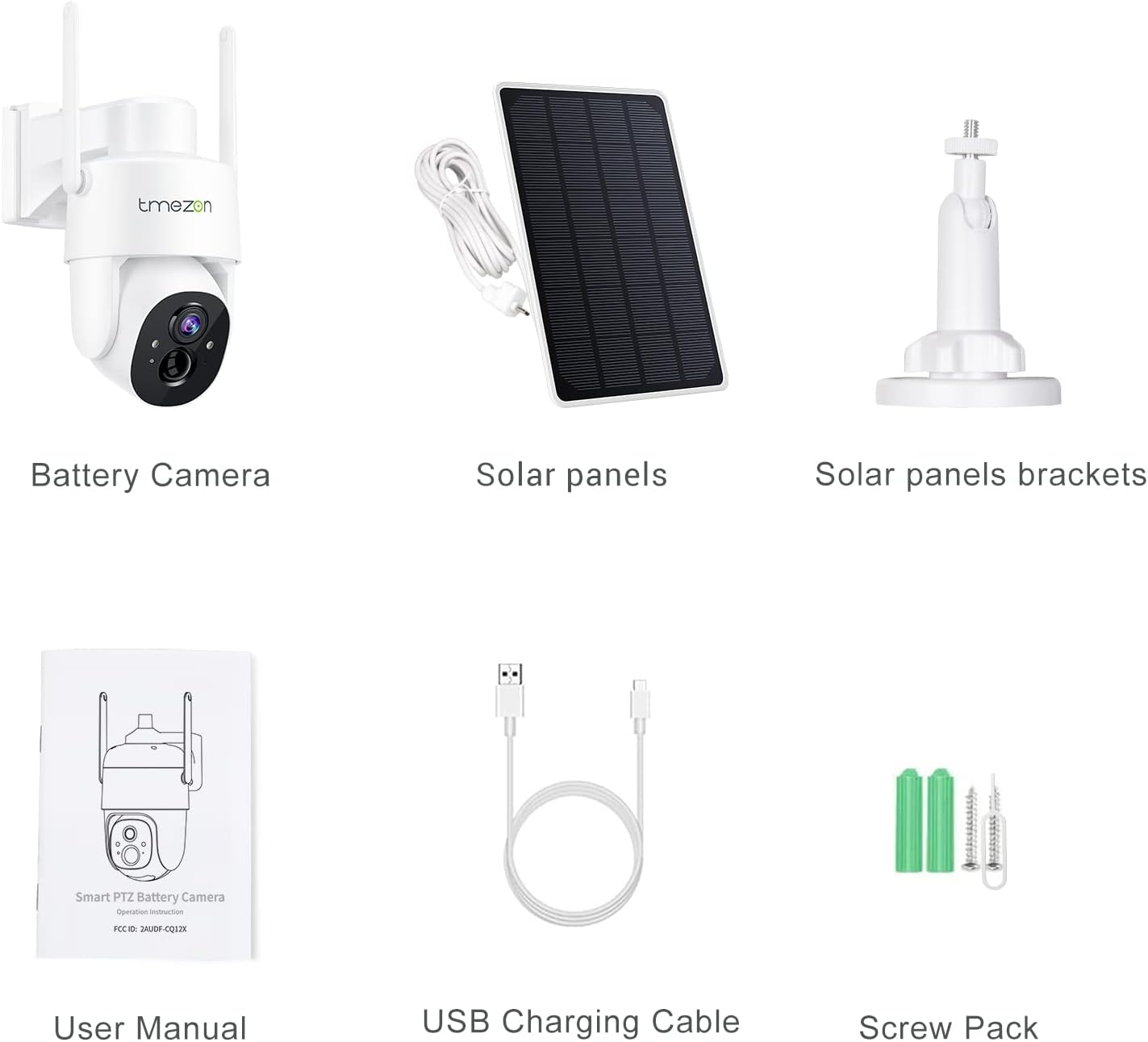
Image: All components included in the TMEZON Security Camera package.
Video: An unboxing video demonstrating the contents of the TMEZON Security Camera package.
3. Setup Guide
Follow these steps to set up your TMEZON Wireless Security Camera:
- Charge the Camera: Ensure the camera's built-in 9000mAh battery is fully charged using the provided USB cable or by exposing the solar panel to direct sunlight.
- Download the App: Scan the QR code on the packaging or in the manual to download the official TMEZON app (VicoHome).
- Power On: Long press the power button on the camera for 3 seconds to power it on.
- Connect to Wi-Fi: Follow the in-app instructions to connect the camera to your 2.4GHz Wi-Fi network. Ensure your smartphone and camera are near the router during this process. Note: This camera supports 2.4GHz Wi-Fi only.
- Mount the Camera: Choose a suitable outdoor location with good Wi-Fi signal strength and ample sunlight for the solar panel. Use the provided screws and mounting brackets to securely install the camera and solar panel.

Image: Visual guide for simple connection steps, including app download and Wi-Fi pairing.
Video: A detailed guide on how to set up the TMEZON Wireless Security Camera, including app configuration.
Video: Instructions for the physical installation of the Solar Camera Wireless, demonstrating mounting procedures.
4. Operating Instructions
4.1 Pan, Tilt, and Zoom Control
Utilize the in-app controls to remotely adjust the camera's viewing angle. The camera supports 355° pan and 90° tilt, providing a 360° field of view to cover every corner of your property.

Image: The camera's smart AI recognition capabilities, including person, pet, vehicle, and package detection.

Image: Illustration of the two-way audio communication feature.
Video: Demonstrates the live view capabilities of the solar camera during both day and night.
4.2 Night Vision
The camera automatically switches to night vision mode in low-light conditions, offering clear visibility up to 66ft. It supports both infrared mode (black and white) and color night vision (white light mode) for enhanced clarity.

Image: Comparison of Full Color Mode and Normal Mode (infrared) night vision.

Image: Illustrates PIR Motion Detection triggering a spotlight and smart alarm.
Video: Demonstrates the PTZ function and video quality, including night vision capabilities.
4.3 Smart AI Detection & Alerts
The camera features smart AI detection that differentiates between people, cars, pets, and objects. This reduces false alarms and ensures you only receive relevant notifications. The built-in siren can be activated upon detection to deter intruders.
Image: The camera's smart AI recognition capabilities, including person, pet, vehicle, and package detection.
Image: Illustration of the two-way audio communication feature.
5. Maintenance
5.1 Battery and Solar Charging
The camera is 100% wireless and solar-powered, equipped with a 9000mAh rechargeable battery. Ensure the solar panel is positioned to receive adequate sunlight for continuous operation. Regular exposure to sunlight will keep the battery charged, eliminating the need for manual recharging.

Image: Highlights the 100% wire-free design and solar charging capability with a built-in 9000mAh battery.
5.2 Cleaning
Periodically clean the camera lens and solar panel with a soft, damp cloth to ensure optimal performance and clear image quality. Avoid using harsh chemicals or abrasive materials.
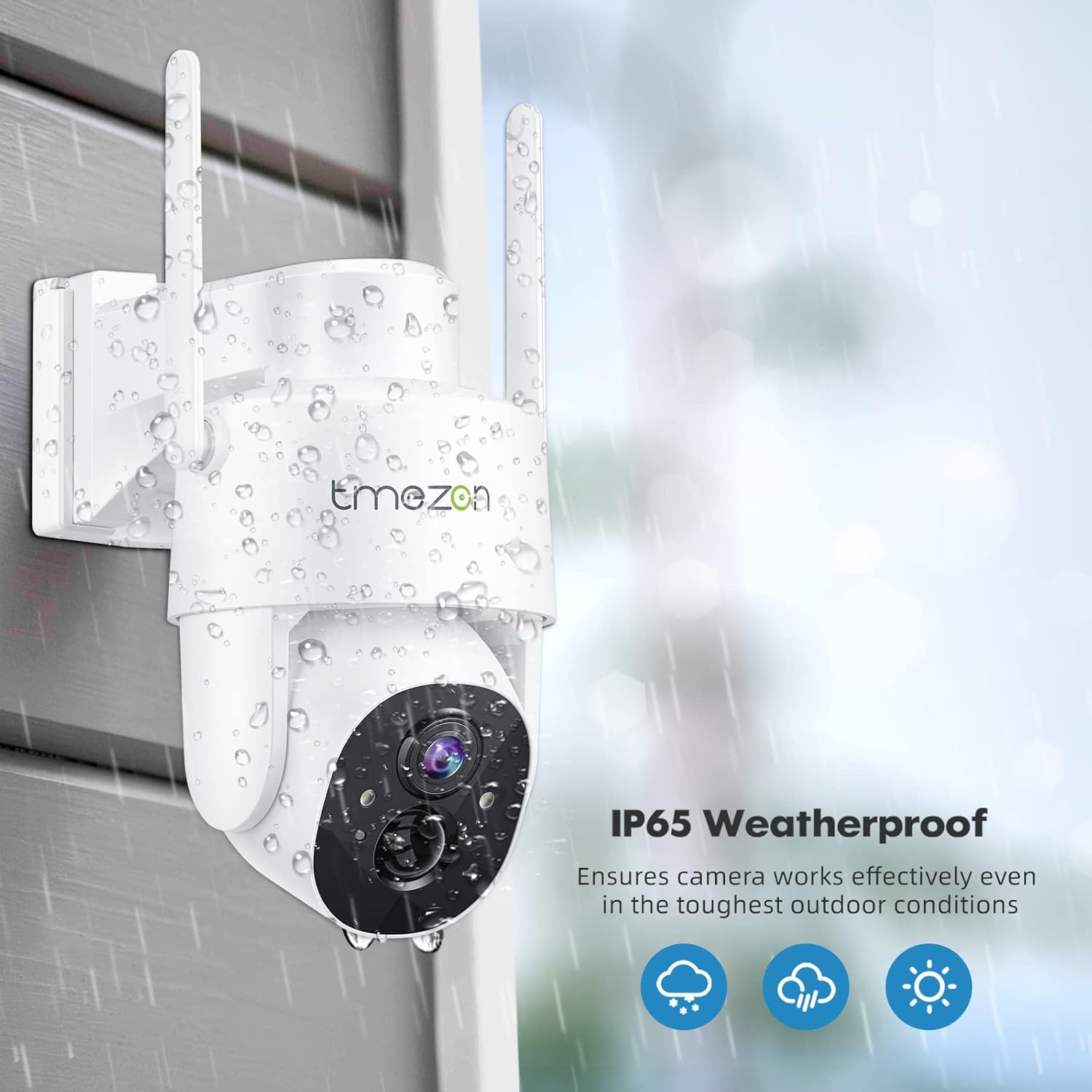
Image: Shows the IP65 weatherproof rating, ensuring the camera's durability in various outdoor conditions.
6. Troubleshooting
6.1 App Connection Issues
If you experience issues connecting the camera to the app:
- Ensure your smartphone and camera are near the Wi-Fi router.
- Verify that your Wi-Fi network is 2.4GHz. This camera does not support 5GHz Wi-Fi.
- Reconfirm your Wi-Fi name (SSID) and password, ensuring they are case-sensitive.
Video: A detailed guide on how to set up the TMEZON Wireless Security Camera, including app configuration, which may help resolve connection issues.
7. Specifications
| Feature | Detail |
|---|---|
| Brand | TMEZON |
| Model Number | CQ1H |
| Video Capture Resolution | 2K (3 MP Max Webcam Image Resolution) |
| Power Source | Solar Powered |
| Battery Power | 9000 Amp Hours (Lithium Ion) |
| Connectivity Technology | Wireless (Wi-Fi, 2.4GHz only) |
| Viewing Angle | 360 Degrees (355° Pan, 90° Tilt) |
| Night Vision Range | 33 Feet (66ft effective) |
| International Protection Rating | IP65 (Weatherproof) |
| Alert Type | Audio and Motion (Smart AI Detection) |
| Item Dimensions L x W x H | 8.11 x 7.17 x 5.31 inches |
| Item Weight | 2 Pounds |
| Material | Plastic |
8. Warranty and Support
The TMEZON Wireless Security Camera comes with a 365-day warranty and 60 days of after-sales service. Lifetime support with local phone service and TMEZON backup is also provided. For any inquiries or assistance, please refer to the contact information provided in your user manual or on the official TMEZON website.
9. Additional Resources
For a more detailed guide and further information, you can download the official Installation Manual (PDF) from the following link:


