Introduction
The Bowers & Wilkins Px7 S2 Over-Ear Wireless Headphones offer a premium audio experience with advanced noise cancellation and superior comfort. This manual provides essential information for setting up, operating, maintaining, and troubleshooting your headphones to ensure optimal performance.

Figure 1: Bowers & Wilkins Px7 S2 Over-Ear Headphones in Grey. These headphones feature a sleek design with comfortable earcups and a durable headband.
Setup
Setting up your Px7 S2 headphones is straightforward, allowing you to quickly enjoy your audio. Ensure your device has Bluetooth enabled for seamless pairing.
1. Initial Pairing
- Fully charge your headphones using the provided USB-C to USB-C cable.
- Press and hold the Power/Bluetooth button on the right earcup until the LED indicator flashes blue, indicating pairing mode.
- On your audio device (smartphone, tablet, computer), navigate to the Bluetooth settings and select "Bowers & Wilkins Px7 S2" from the list of available devices.
- Once connected, the LED indicator will turn solid blue.
2. Bowers & Wilkins Music App
For enhanced control and customization, download the Bowers & Wilkins Music App, compatible with iOS and Android devices. The app allows you to adjust EQ settings, manage noise cancellation modes, and activate voice control.

Figure 2: The Bowers & Wilkins Music App provides intuitive controls for sound and noise cancellation settings directly from your mobile device.
Operating Your Headphones
The Px7 S2 headphones are designed for intuitive operation, providing easy access to key functions.
1. Controls
Physical buttons on the earcups provide tactile control over playback, calls, and noise cancellation.
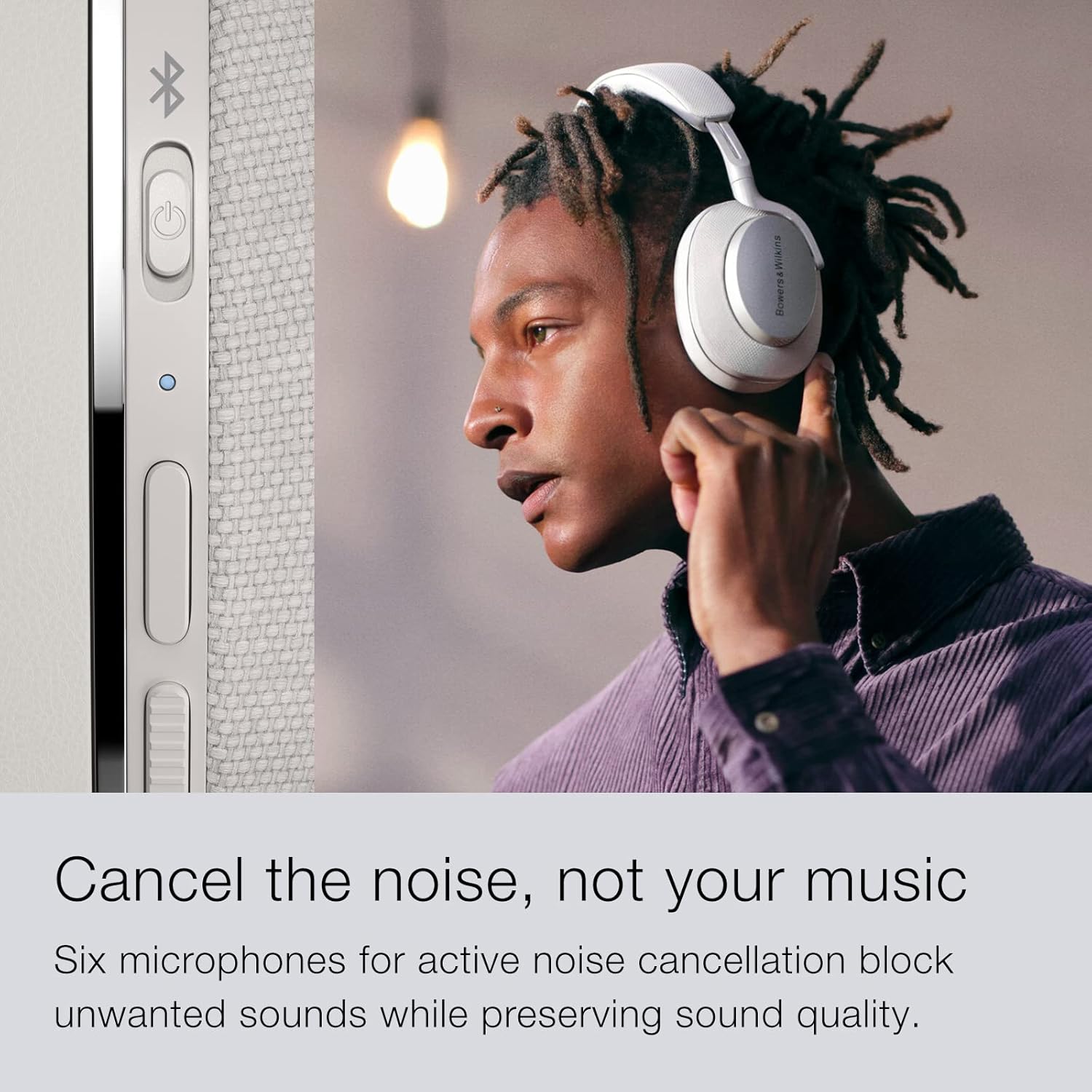
Figure 3: Side view of the Px7 S2 earcup, highlighting the physical control buttons for power, Bluetooth pairing, and multi-function use.
2. Active Noise Cancellation (ANC)
The proprietary active noise cancellation system effectively blocks unwanted external noise while preserving audio clarity. Six microphones are integrated for superior noise management and call quality.
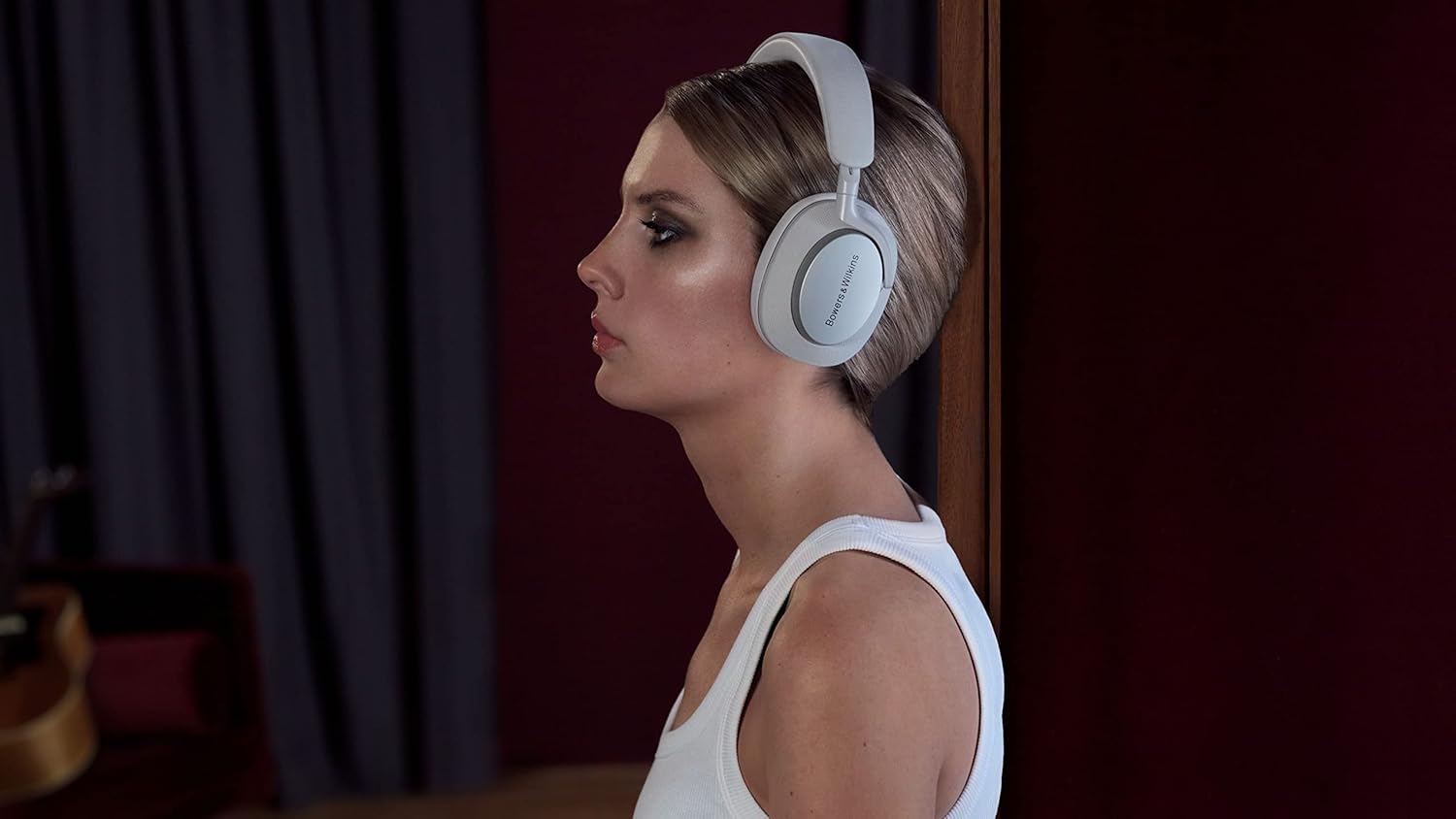
Figure 4: A user enjoying audio with the Px7 S2 headphones, showcasing the comfortable fit and the effectiveness of the active noise cancellation.
3. Battery Life
Enjoy up to 30 hours of playback on a single 2-hour charge. A quick 15-minute charge provides an additional 7 hours of listening time, ideal for users on the go.
Maintenance
Proper maintenance ensures the longevity and performance of your Px7 S2 headphones.
1. Cleaning
- Wipe the earcups and headband with a soft, dry cloth.
- Avoid using abrasive cleaners or solvents.
2. Earpad Replacement
The earpads are designed for easy removal, facilitating cleaning or replacement if needed. Gently pull the earpad away from the earcup to detach it. Align and press firmly to reattach.

Figure 5: Detailed view of the earcup, highlighting the premium technical fabric and the design that allows for easy earpad maintenance.
Troubleshooting
If you encounter issues with your Px7 S2 headphones, try the following common solutions:
- Bluetooth Connectivity: If you experience difficulty connecting, turn off the Bluetooth function on your device for a few minutes, then turn it back on and attempt to re-pair.
- No Sound: Ensure the headphones are charged and properly paired. Check the volume levels on both the headphones and your connected device.
- Poor Call Quality: Verify that the microphones are not obstructed. Ensure you are within Bluetooth range of your device.
For more detailed troubleshooting steps, please refer to the official User Guide PDF available on the Bowers & Wilkins support website.
Specifications
| Feature | Specification |
|---|---|
| Model Name | Px7 S2 Grey |
| Connectivity Technology | Wireless (Bluetooth) |
| Bluetooth Version | 5.0 |
| Noise Control | Active Noise Cancellation |
| Battery Life | 30 Hours (from 2-hour charge) |
| Quick Charge | 15-min charge for 7 hours playback |
| Included Components | 1.2m USB-C to 3.5mm audio cable, 1.2m USB-C to USB-C cable, Carry case, Headphones, Literature pack |
| Item Weight | 2.33 pounds (1.06 Kilograms) |
| Product Dimensions | 7.45 x 9.2 x 2.5 inches |
Warranty and Support
For warranty information and additional support, please visit the official Bowers & Wilkins website or refer to the included literature pack. A detailed User Guide is also available for download:


