
G-Ocean GHTF1502
G-Ocean GHTF1502 34-inch Tower Space Heater User Manual
Model: GHTF1502
1. Introduction
Thank you for purchasing the G-Ocean GHTF1502 34-inch Tower Space Heater. This manual provides important information for the safe operation, maintenance, and troubleshooting of your device. Please read it thoroughly before use and retain it for future reference.
This heater is designed for indoor use to provide supplemental warmth in rooms up to 200-320 sq.ft. It features PTC ceramic heating, 70° oscillation, an adjustable thermostat, and safety features including overheat and tip-over protection.
2. Important Safety Instructions
When using electrical appliances, basic precautions should always be followed to reduce the risk of fire, electric shock, and injury to persons, including the following:
- Read all instructions before using this heater.
- This heater is hot when in use. To avoid burns, do not let bare skin touch hot surfaces.
- Extreme caution is necessary when any heater is used by or near children or invalids and whenever the heater is left operating and unattended.
- Always unplug heater when not in use.
- Do not operate any heater with a damaged cord or plug or after the heater malfunctions, has been dropped or damaged in any manner.
- Do not use outdoors.
- Do not run cord under carpeting. Do not cover cord with throw rugs, runners, or similar coverings. Arrange cord away from traffic area and where it will not be tripped over.
- To disconnect heater, turn controls to OFF, then remove plug from outlet.
- Do not insert or allow foreign objects to enter any ventilation or exhaust opening as this may cause an electric shock or fire, or damage the heater.
- To prevent a possible fire, do not block air intakes or exhaust in any manner. Do not use on soft surfaces, like a bed, where openings may become blocked.
- A heater has hot and arcing or sparking parts inside. Do not use it in areas where gasoline, paint, or flammable liquids are used or stored.
- Use this heater only as described in this manual. Any other use not recommended by the manufacturer may cause fire, electric shock, or injury to persons.
- Always plug heaters directly into a wall outlet/receptacle. Never use with an extension cord or relocatable power tap (outlet/power strip).
- This heater includes an audible alarm to warn that parts of the heater are getting excessively hot. If the alarm sounds, immediately turn the heater off and inspect for any objects on or adjacent to the heater that may be causing high temperatures. DO NOT OPERATE THE HEATER WITH THE AUDIBLE ALARM SOUNDING.
- This appliance has a polarized plug (one blade is wider than the other). To reduce the risk of electric shock, this plug is intended to fit in a polarized outlet only one way. If the plug does not fit fully in the outlet, reverse the plug. If it still does not fit, contact a qualified electrician. Do not attempt to defeat this safety feature.
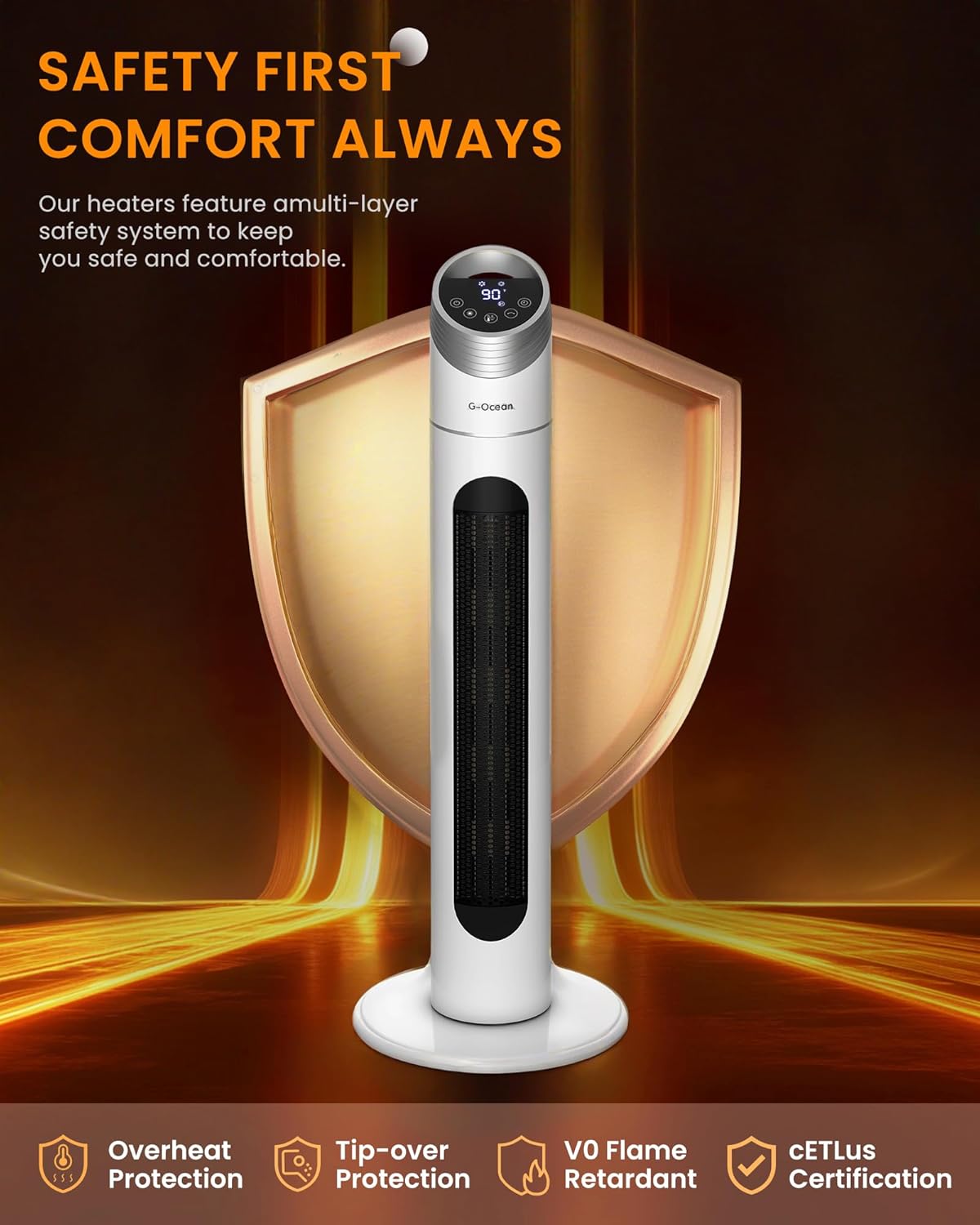
Image: The G-Ocean GHTF1502 tower space heater highlighting its safety features, including overheat protection, tip-over protection, V0 flame retardant materials, and cETLus certification. These features ensure safe operation.
3. Product Components
Familiarize yourself with the parts of your G-Ocean GHTF1502 space heater.
- Heater Unit (Main Body)
- Base
- Remote Control
- Power Cord

Image: The G-Ocean GHTF1502 tower space heater, illustrating its sleek design and the included remote control. Warm air is depicted flowing from the unit.
4. Setup Instructions
Follow these steps to set up your space heater:
- Unpacking: Carefully remove the heater from its packaging. Retain packaging for storage.
- Base Assembly: Attach the base to the bottom of the heater unit. Ensure it is securely fastened according to the diagrams in the quick start guide (if provided separately).
- Placement: Place the heater on a firm, level surface. Ensure there is at least 3 feet (0.9 meters) of clear space around the heater from walls, furniture, and other objects. Do not place it on soft surfaces like carpets or rugs that could block air vents.
- Power Connection: Plug the power cord directly into a 120V AC, 60Hz wall outlet. Do not use extension cords or power strips.

Image: A diagram illustrating the dimensions of the G-Ocean GHTF1502 tower space heater (34 inches tall, 12.4 inches wide at base) and its elevated heat reach compared to a shorter, 24-inch heater. This shows how the taller design provides more widespread warmth.
5. Operating Instructions
5.1 Control Panel and Remote Control
The heater can be operated using the touch control panel on the top of the unit or the included remote control.
- Power Button: Turns the heater ON or OFF.
- Mode Button: Cycles through heating modes (Low Heat, High Heat) and Fan mode.
- Temperature Adjustment Buttons (+/-): Adjusts the desired temperature between 60°F and 90°F.
- Oscillation Button: Activates or deactivates the 70° oscillation function.
- Timer Button: Sets the auto-off timer from 1 to 12 hours.

Image: A detailed view of the G-Ocean GHTF1502 tower space heater's digital control panel and the accompanying remote control. The remote shows buttons for power, mode, temperature, oscillation, and timer functions.
5.2 Initial Operation
- Plug the heater into a suitable electrical outlet.
- Press the Power button to turn the unit ON. The heater will start in a default heating mode.
- Use the Mode button to select your desired heating level (Low or High) or Fan mode.
- Adjust the thermostat using the Temperature Adjustment buttons (+/-) to set your preferred room temperature. The heater will cycle ON and OFF to maintain this temperature.
- Press the Oscillation button to activate the 70° oscillation for wider heat distribution.
- To set the timer, press the Timer button repeatedly to select the desired number of hours (1-12) before the heater automatically turns off.
- To turn the heater OFF, press the Power button.

Image: An illustration of the G-Ocean GHTF1502 tower space heater's adjustable thermostat feature, indicating a temperature range from 60°F (Low Heat, 900W) to 90°F (High Heat, 1500W) in 5°F increments. This demonstrates user control over comfort settings.
6. Maintenance
Regular maintenance ensures optimal performance and longevity of your heater.
6.1 Cleaning
- Always unplug the heater and allow it to cool completely before cleaning.
- Use a soft, damp cloth to wipe the exterior surfaces of the heater. Do not use abrasive cleaners or solvents.
- Use a vacuum cleaner with a brush attachment to remove dust from the air intake and exhaust grilles.
- Do not immerse the heater in water or allow water to drip into the interior.
6.2 Storage
When storing the heater, keep it in a cool, dry place. It is recommended to store it in its original packaging to protect it from dust and damage.
7. Troubleshooting
If your heater is not operating correctly, please refer to the following common issues and solutions:
| Problem | Possible Cause | Solution |
|---|---|---|
| Heater does not turn ON. |
|
|
| Heater produces insufficient heat. |
|
|
| Oscillation not working. |
|
|
If the problem persists after trying these solutions, please contact customer support.
8. Specifications
| Brand | G-Ocean |
| Model Number | GHTF1502 |
| Type | PTC Ceramic Tower Heater |
| Power Output | 1500W (High), 900W (Low) |
| Voltage | 120V AC, 60Hz |
| Amperage | 13.64 Amps |
| Product Dimensions | 12.4"D x 12.4"W x 34"H |
| Item Weight | 5.04 pounds |
| Oscillation | 70° |
| Timer | 1-12 Hours |
| Thermostat Range | 60°F - 90°F |
| Safety Features | Overheat Protection, Tip-over Protection |
| Certifications | ETL Certified |
9. Warranty and Support
For warranty information or technical support, please refer to the contact details provided with your purchase or visit the G-Ocean official website. Keep your purchase receipt as proof of purchase for warranty claims.
Manufacturer: G-Ocean
Customer Service: Please refer to the contact information on the G-Ocean store page or your product packaging.
Online Resources: G-Ocean Store on Amazon
Ask a question about this manual
Ask about setup, troubleshooting, compatibility, parts, safety, or missing instructions. Manuals+ will review the question and use this page’s manual context to help answer it.