
1. Introduction
Thank you for choosing the Borofone BM67 Wired In-Ear Earphones. This manual provides essential information for the proper setup, operation, and maintenance of your earphones. Please read it thoroughly before use to ensure optimal performance and longevity of the product.
Package Contents
- Borofone BM67 Wired In-Ear Earphones
- Protective Case
- User Manual (this document)
- Cable (integrated)
- Ear Cushions (various sizes, if included)
2. Safety Information
To prevent damage to your hearing or the device, please observe the following safety guidelines:
- Avoid listening at high volume levels for extended periods to prevent hearing damage.
- Do not use the earphones in situations where the inability to hear ambient sounds could be dangerous (e.g., while driving, cycling, or walking in traffic).
- Keep the earphones away from water, moisture, and extreme temperatures.
- Do not attempt to disassemble or modify the earphones. This will void the warranty and may cause damage.
- Keep out of reach of children. Small parts may pose a choking hazard.
3. Setup
The Borofone BM67 earphones are designed for simple plug-and-play operation.
Connecting to Your Device
- Locate the 3.5mm audio jack on your smartphone, tablet, laptop, or other compatible audio device.
- Insert the 3.5mm plug of the Borofone BM67 earphones firmly into the audio jack until it clicks into place.
- Ensure the connection is secure to prevent audio interruptions.
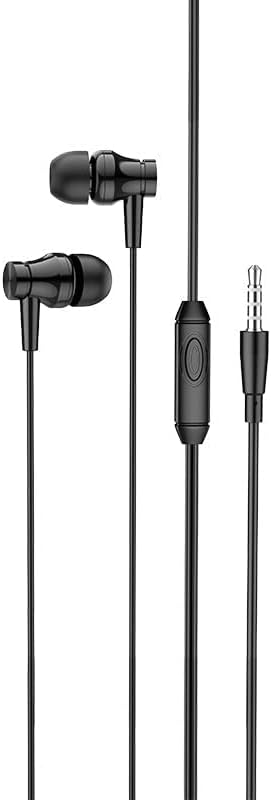
Image: The Borofone BM67 earphones showing the full cable length and the 3.5mm audio jack for connection to devices.
4. Operating Instructions
The Borofone BM67 earphones feature an in-line control unit for convenient management of audio playback and calls.
In-line Control Unit

Image: Close-up of the in-line control unit on the Borofone BM67 earphones, featuring a single button and the Borofone branding.
The control unit is equipped with a single multi-function button and an integrated microphone.
| Action | Function |
|---|---|
| Single Press | Play/Pause music; Answer/End a call. |
| Double Press | Skip to the next track. |
| Triple Press | Go back to the previous track. |
| Press and Hold | Activate voice assistant (e.g., Siri, Google Assistant). |
Using the Microphone
The integrated microphone allows for hands-free communication during calls. Ensure the microphone is positioned close to your mouth for clear audio transmission.
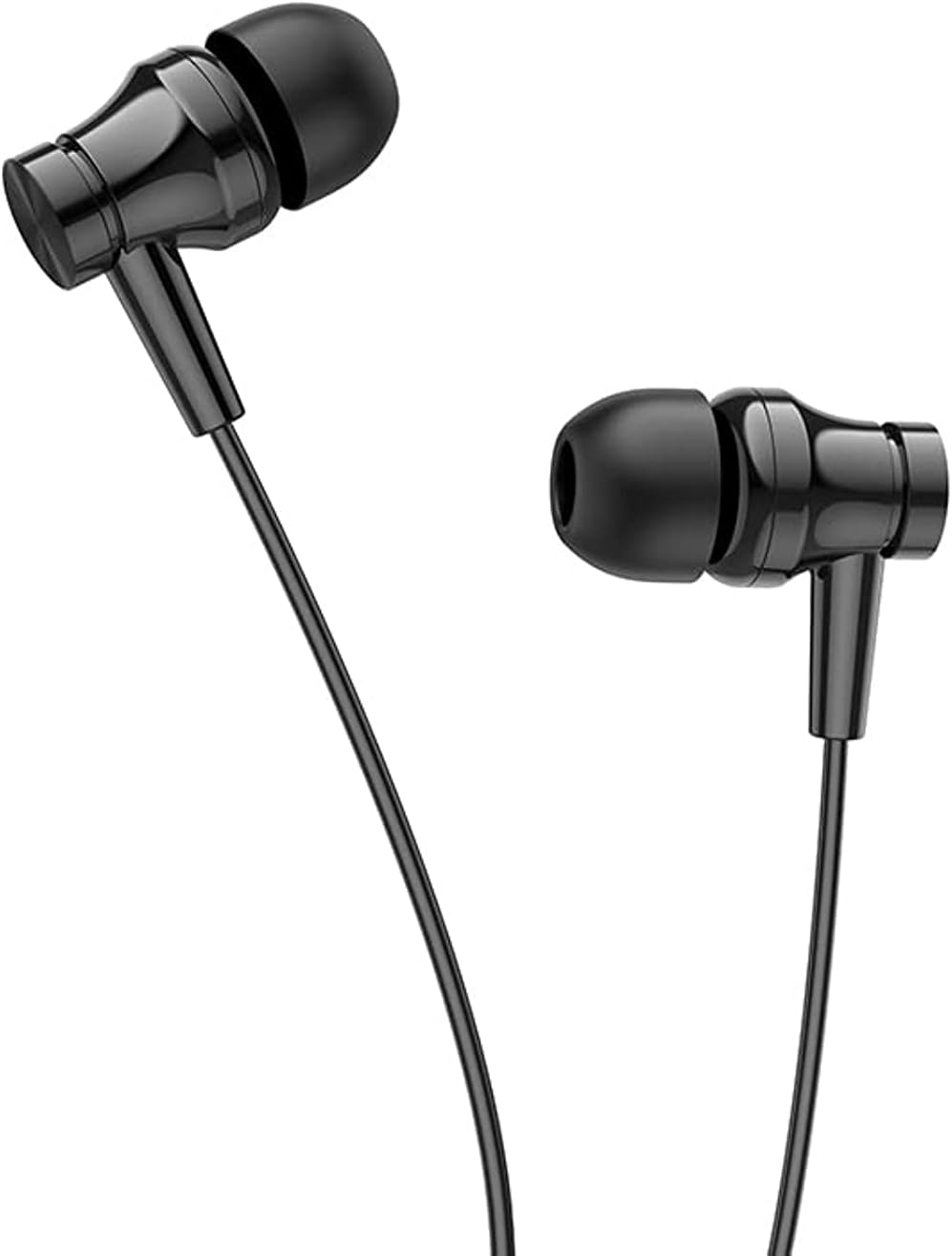
Image: The Borofone BM67 wired in-ear earphones in black, highlighting their ergonomic design.
5. Maintenance
Proper care will extend the life of your Borofone BM67 earphones.
Cleaning
- Gently wipe the earphones and cable with a soft, dry, lint-free cloth.
- For ear tips, remove them from the earphones and clean with a mild soap solution if necessary, then rinse thoroughly and allow to dry completely before reattaching.
- Do not use harsh chemicals, abrasive cleaners, or immerse the earphones in water.
Storage
When not in use, store the earphones in the provided protective case to prevent tangling and damage to the cable or earbuds.

Image: The Borofone BM67 earphones neatly coiled, demonstrating how they can be stored to prevent damage.
6. Troubleshooting
If you encounter issues with your earphones, refer to the following common problems and solutions:
| Problem | Possible Solution |
|---|---|
| No sound or low volume |
|
| Sound distortion or crackling |
|
| Microphone not working |
|
| In-line control button unresponsive |
|
If the problem persists after trying these solutions, please contact Borofone customer support for further assistance.
7. Specifications
| Feature | Detail |
|---|---|
| Model Name | BM67 |
| Brand | Borofone |
| Color | Black |
| Headphone Form Factor | In-Ear |
| Connectivity Technology | Wired |
| Headphone Jack | 3.5mm Jack |
| Speaker Diameter | 14mm |
| Cable Material | High-elasticity TPE with enameled wire |
| Cable Length | 1.2 meters |
| Weight | 11 grams (approx.) |
| Microphone | Integrated in-line control unit with microphone |
| Wire Control | One-button operation, compatible with Apple and Android systems |
| Noise Control | None |
| Product Dimensions | 19.2 x 7.7 x 1.9 cm (shipping dimensions) |
| Age Range Description | Adult |
8. Warranty and Support
Borofone products are manufactured to high-quality standards. For information regarding warranty coverage and customer support, please refer to the warranty card included with your purchase or visit the official Borofone website. Please retain your proof of purchase for any warranty claims.
For technical assistance or inquiries, please contact Borofone customer service through their official channels.