
1. Introduction
This manual provides detailed instructions for replacing the internal battery of your Samsung Galaxy S20 Plus 5G using the ASDAWN EB-BG985ABY replacement battery and the included repair tool kit. Please read all instructions carefully before beginning the replacement process to ensure a safe and successful installation.
2. Compatibility
This ASDAWN EB-BG985ABY battery is specifically designed for the Samsung Galaxy S20 Plus 5G. It is compatible with the following models:
- Samsung Galaxy S20 Plus SM-G985
- G985V (Verizon)
- G985A (AT&T)
- G985T (T-Mobile)
- G985P (Sprint)
- G985R4 (US Cellular)
- G985U (Unlocked US)
- G985U1 (Unlocked US)
- G985W (Canada)
- G985F (International)
Important: This battery is NOT compatible with Samsung Galaxy S20, S20 FE, S20 Ultra, Note 20, or Note 20 Ultra models. Please verify your phone's model number before proceeding.

Figure 2.1: ASDAWN EB-BG985ABY battery with a list of compatible Samsung Galaxy S20 Plus 5G models.
3. Safety Information
The ASDAWN EB-BG985ABY battery incorporates multiple safety features to protect your device and ensure reliable operation. These include:
- Overcharging Protection: Prevents damage from excessive charging.
- Overheat Protection: Monitors and regulates battery temperature.
- Short Circuit Protection: Safeguards against electrical shorts.
- Current Protection: Manages current flow to prevent overload.
- Voltage Protection: Maintains stable voltage levels.
- Discharge Protection: Prevents over-discharging, which can damage the battery.
Caution:
- Do not puncture, disassemble, or modify the battery.
- Avoid exposing the battery to extreme temperatures or direct sunlight.
- Dispose of old batteries responsibly according to local regulations.

Figure 3.1: ASDAWN battery protection features.
4. Package Contents
Your ASDAWN battery replacement kit includes the following items:
- ASDAWN EB-BG985ABY Replacement Battery
- Repair Tool Kit (typically includes screwdrivers, spudgers, suction cup, SIM ejector tool, adhesive)
- Installation Instruction Sheet

Figure 4.1: Contents of the ASDAWN battery replacement kit.
5. Setup & Installation
The repair kit includes a detailed instruction sheet to guide you through the step-by-step installation process. Please refer to this sheet for visual aids and specific instructions for your device. A general overview of the process is provided below:
- Preparation: Power off your phone completely. It is recommended to discharge the battery below 25% before starting to reduce the risk of thermal events if the battery is accidentally damaged.
- Heat the Back Cover: Use a hair dryer or a heat gun to gently warm the edges of the phone's back cover. This softens the adhesive, making it easier to remove.
- Open the Back Cover: Carefully use the included suction cup and opening tools (spudgers) to pry open the back cover. Work slowly and gently to avoid damaging the cover or internal components.
- Remove Screws: Locate and remove the screws securing the mid-frame or battery bracket. Keep track of screw locations as they may vary in size.
- Disconnect Old Battery: Carefully disconnect the old battery's flex cable from the motherboard using a plastic spudger. Do not use metal tools to pry the battery connector.
- Remove Old Battery: Gently pry out the old battery. If it is heavily adhered, apply a small amount of isopropyl alcohol around the edges to loosen the adhesive. Be extremely careful not to puncture or bend the old battery.
- Install New Battery: Apply the new battery adhesive (if provided) to the phone's frame. Place the new ASDAWN EB-BG985ABY battery into position, ensuring it sits flat.
- Connect New Battery: Reconnect the new battery's flex cable to the motherboard.
- Reassemble: Reinstall any brackets and screws. Carefully reattach the back cover, ensuring the adhesive seals properly. You may need to apply gentle heat again to help the adhesive bond.
- Final Check: Power on your phone to ensure it functions correctly.
Note: If you are unsure about any step, it is recommended to seek professional assistance or refer to online video tutorials specific to your phone model.
6. Operating Instructions (First Use & Charging)
To achieve the best performance and longevity from your new ASDAWN battery, follow these initial charging guidelines:
- Initial Discharge: For the first three times, use your phone until the battery is completely drained and the phone shuts off.
- Full Charge: After each full discharge, charge the battery completely to 100% without interruption.
- Optimal Performance: The battery's full performance and longevity are typically achieved after 3 to 5 complete charge and discharge cycles.
- Charger Usage: Always use the original charger and cable provided with your phone for optimal and safe charging.
7. Maintenance
Proper maintenance can extend the life of your battery:
- Avoid extreme temperatures (hot or cold) as they can degrade battery performance.
- Do not leave your phone charging for extended periods after it reaches 100%.
- If storing the phone for a long time, charge the battery to about 50% to prevent deep discharge.
- Use only compatible and certified charging accessories.
8. Troubleshooting
If you encounter issues after battery replacement, consider the following:
- Phone Not Turning On: Ensure the battery flex cable is securely connected to the motherboard. Try charging the phone for at least 30 minutes before attempting to power it on.
- Battery Not Charging: Verify that the charging port is clean and undamaged. Ensure you are using a functional charger and cable. Recheck the battery connection inside the phone.
- Rapid Battery Drain: Allow for 3-5 full charge/discharge cycles for the battery to calibrate. Check for background apps consuming excessive power. If the issue persists, re-verify the battery connection.
- Phone Overheating: Discontinue use immediately. Ensure the battery is properly seated and not damaged. If overheating continues, disconnect the battery and seek professional help.
For persistent issues, please contact ASDAWN customer support.
9. Specifications
The ASDAWN EB-BG985ABY replacement battery offers performance comparable to the original equipment manufacturer (OEM) battery.
| Feature | Specification |
|---|---|
| Model Number | EB-BG985ABY |
| Battery Type | Rechargeable Lithium-Ion |
| Capacity | 4500 mAh |
| Voltage | 3.86 V |
| Watt-hour | 17.37 Wh |
| Charging Cycles | Up to 500 cycles |
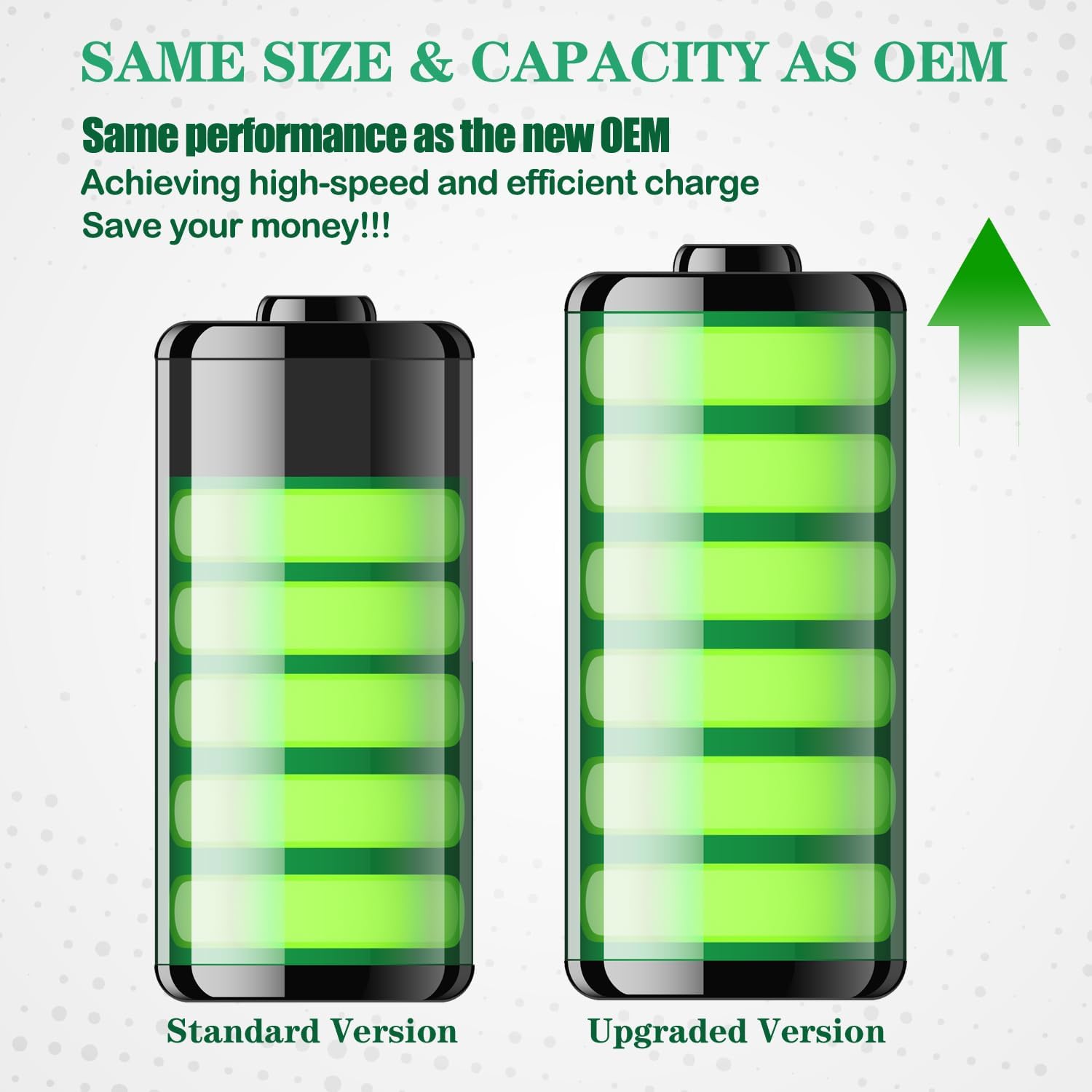
Figure 9.1: Performance comparison of ASDAWN battery.

Figure 9.2: Internal structure and cycle life of ASDAWN battery.
10. Warranty & Support
ASDAWN is committed to providing high-quality products. We address all quality-related issues with a replacement or refund. Our products are manufactured in fully automated workshops and undergo strict dual quality control inspections by professional technical personnel to ensure superior performance.
If you have any questions regarding the installation process, product performance, or require support, please contact ASDAWN customer service through the retailer where you purchased the product. Professional engineers are available to assist with repair process inquiries.

Figure 10.1: ASDAWN's automated production and quality inspection process.