
XB-8602
Syble XB-8602 Barcode Reader User Manual
1. Introduction
This manual provides comprehensive instructions for the proper setup, operation, maintenance, and troubleshooting of the Syble XB-8602 Barcode Reader. Please read this manual thoroughly before using the device to ensure optimal performance and longevity.
2. Product Overview
The Syble XB-8602 is a 1D desktop barcode scanner designed for efficient data capture in various environments such as supermarkets, pharmacies, and retail stores. It features a compact design and USB connectivity for ease of use.

Figure 2.1: This image shows the Syble XB-8602 Barcode Reader from a front-side perspective, highlighting its compact desktop design and the scanning window.
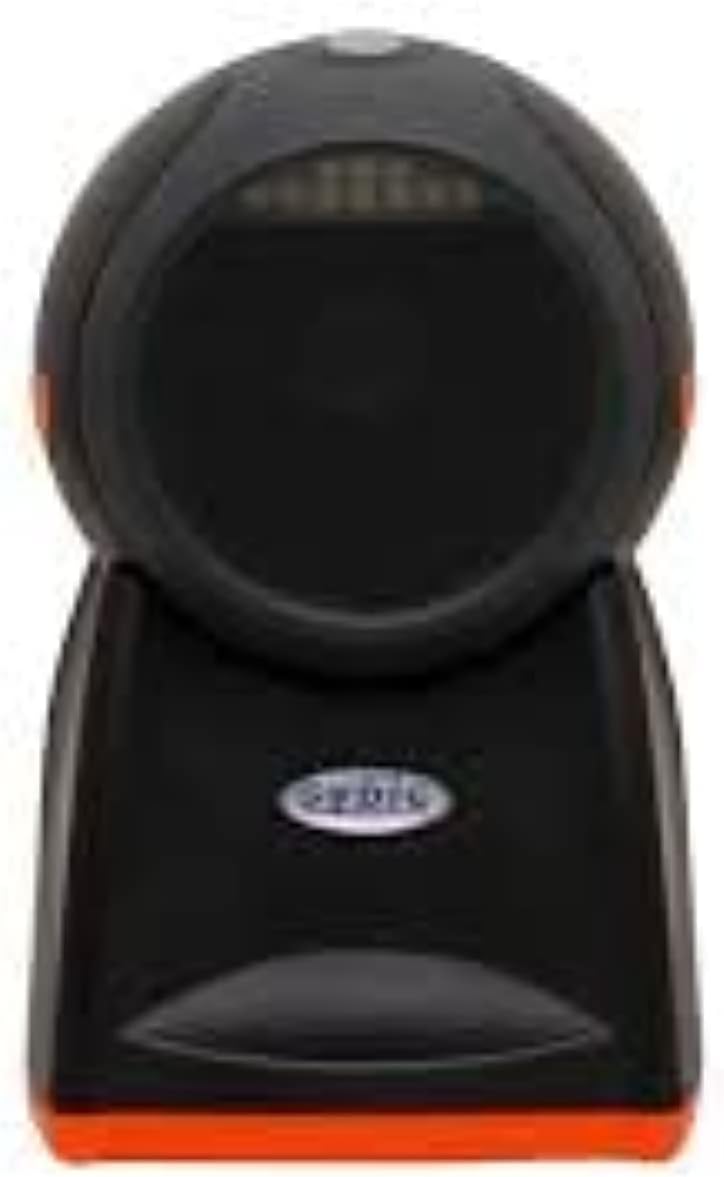
Figure 2.2: A direct front view of the Syble XB-8602 Barcode Reader, showcasing the scanning area and the 'syble' brand logo.

Figure 2.3: This image displays the Syble XB-8602 Barcode Reader from a side angle, illustrating its ergonomic stand and overall profile.
3. Setup Instructions
- Unpack the Device: Carefully remove the Syble XB-8602 Barcode Reader from its packaging. Ensure all components are present.
- Connect to Power: The device is corded electric. Connect the power cable to the barcode reader and then to a suitable power outlet.
- Connect to Host Device: The Syble XB-8602 uses USB connectivity. Plug the USB cable from the barcode reader into an available USB port on your desktop or laptop computer.
- Driver Installation (if necessary): In most cases, the device will be plug-and-play, and your operating system will automatically install the necessary drivers. If prompted, follow the on-screen instructions for driver installation.
- Placement: Position the barcode reader on a stable, flat surface, ensuring the scanning window is clear and accessible for scanning items.
4. Operating Instructions
Once the Syble XB-8602 Barcode Reader is set up and connected, it is ready for operation.
- Prepare for Scanning: Ensure the application or software you intend to use with the scanner is open and ready to receive input (e.g., a text editor, POS software, inventory management system).
- Position the Barcode: Hold the item with the barcode facing the scanning window of the XB-8602.
- Scan the Barcode: Move the item steadily across the scanning window. The scanner will emit a light beam to read the barcode. A successful scan is typically indicated by an audible beep and/or a visual confirmation (e.g., LED indicator).
- Verify Data: Confirm that the barcode data has been correctly transmitted to your host device and displayed in the active application.
5. Maintenance
Regular maintenance helps ensure the longevity and optimal performance of your barcode reader.
- Cleaning the Scanning Window: Use a soft, lint-free cloth lightly dampened with water or a mild, non-abrasive cleaner to gently wipe the scanning window. Avoid harsh chemicals or abrasive materials that could scratch the surface.
- Cleaning the Exterior: Wipe the exterior casing of the device with a soft, dry cloth.
- Avoid Extreme Conditions: Do not expose the device to extreme temperatures, humidity, or direct sunlight for prolonged periods.
- Cable Care: Ensure the USB cable is not bent sharply or subjected to excessive strain, which could damage the internal wiring.
6. Troubleshooting
If you encounter issues with your Syble XB-8602 Barcode Reader, refer to the following common problems and solutions:
| Problem | Possible Cause | Solution |
|---|---|---|
| Scanner does not power on. | Power cable not connected or faulty. | Ensure the power cable is securely connected to both the scanner and a working power outlet. Test the outlet with another device. |
| Scanner does not read barcodes. |
|
|
| Scanned data is incorrect or incomplete. |
|
|
| No response from host computer. | USB connection issue or driver problem. | Try plugging the USB cable into a different USB port on your computer. Restart the computer. Check Device Manager for any driver-related errors. |
7. Specifications
The following are the technical specifications for the Syble XB-8602 Barcode Reader:
- Model: XB-8602
- Brand: Generic
- Connectivity Technology: USB Cable
- Power Source: Corded Electric
- Compatible Devices: Desktop, Laptop
- Barcode Type: 1D (as per product description)
- Manufacturer: Generic
- Date First Available: 23 May 2022
8. Warranty and Support
Specific warranty information for the Generic Syble XB-8602 Barcode Reader is not provided in the product details. For warranty claims or technical support, please refer to the retailer or the manufacturer's official support channels if available. It is recommended to retain your proof of purchase for any warranty-related inquiries.
Ask a question about this manual
Ask about setup, troubleshooting, compatibility, parts, safety, or missing instructions. Manuals+ will review the question and use this page’s manual context to help answer it.