
Introduction
This manual provides detailed instructions for the installation, use, and maintenance of your beukei Tempered Glass Screen Protector. Designed specifically for the OnePlus Nord CE 2, OnePlus Nord 2T, and OnePlus Nord 2 5G, this screen protector offers robust protection with features like 9H hardness, high touch sensitivity, and a case-friendly design.
Installation Guide
Follow these steps carefully for optimal installation of your screen protector. Ensure you are in a dust-free environment.
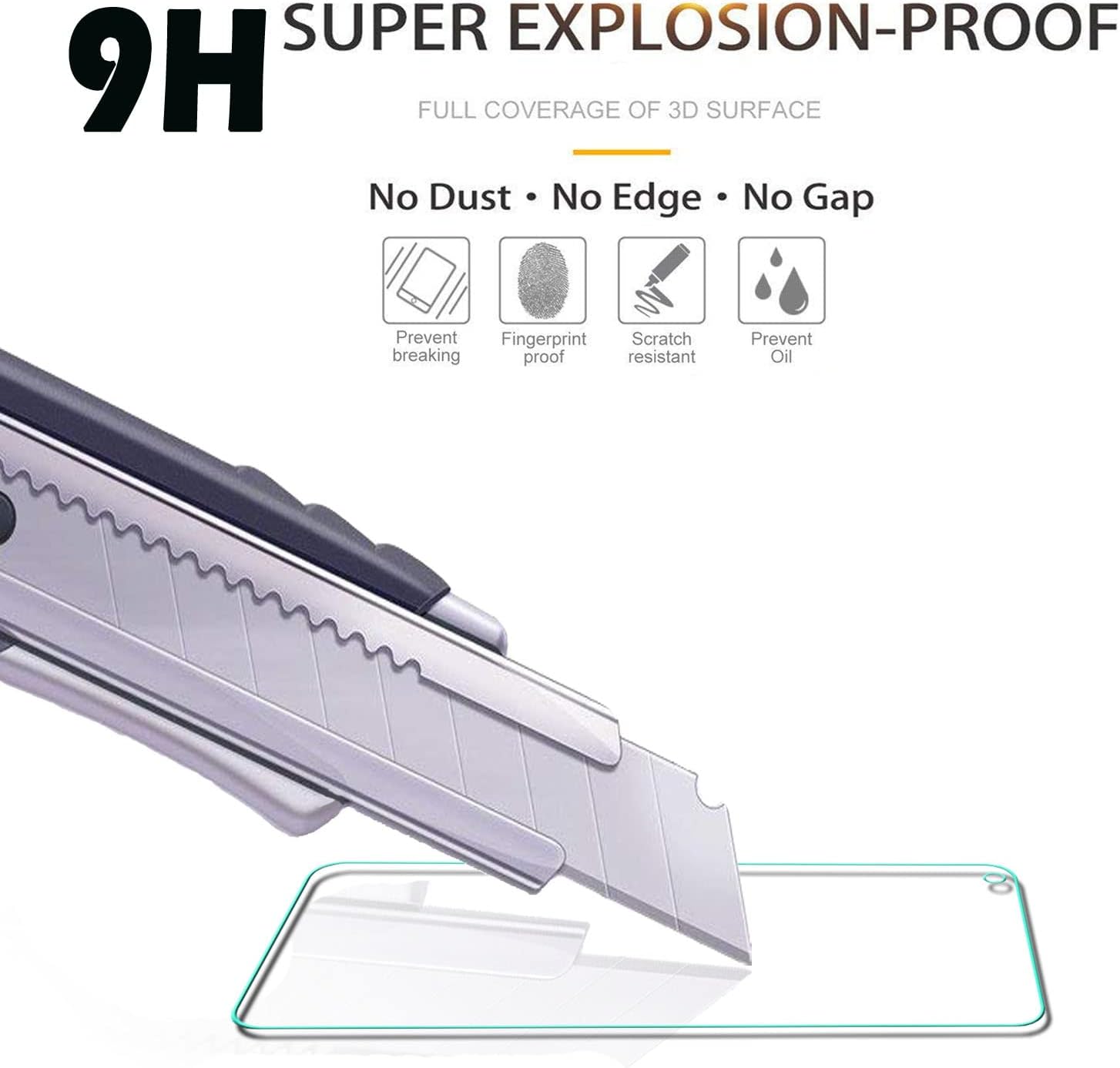
Image: Step-by-step visual guide for screen protector installation.
- Clean the Screen: Gently clean the phone screen with the provided alcohol pad. Then, completely dry the screen using the microfiber cloth.
- Positioning: Use the guide stick (if provided) to mark the intended position of the screen protector on your phone.
- Dust Removal: Fold the screen protector over and use the Dust Absorber sticker to remove any remaining dust or lint from the screen.
- Peel Film: Carefully peel off the protective film from the back of the screen protector.
- Apply Protector: Fold the screen protector back over and gently press it down onto the phone screen, starting from one edge and moving across.
- Finalize: Lightly press on the center of the screen protector. Any small bubbles should disappear within 24 hours.
Operating Features
Your beukei screen protector is engineered to enhance your device's usability while providing superior protection.
- High Touch Sensitivity: The protector maintains 99.99% accuracy, ensuring your phone's original touch response and 3D touch feeling are preserved without interference.

Image: Illustration of the screen protector's 3D touch layer for responsive interaction.
- 9H Hardness: Constructed with 9H hardness tempered glass, it offers excellent anti-scratch, anti-screen breakage, and impact resistance, protecting your screen from daily wear and accidental drops.

Image: Visual representation of the screen protector's 9H hardness and explosion-proof capabilities.
- Case Friendly Design: Featuring 2.5D round edges, the protector is designed with less coverage on the very edge of the screen, ensuring compatibility with most phone cases without interference or lifting.

Image: Diagram showing the 2.5D curved edge for case compatibility.
Maintenance and Care
To ensure the longevity and clarity of your screen protector, follow these simple maintenance tips:
- Cleaning: The anti-fingerprint, hydrophobic, and oleophobic coatings help reduce sweat and fingerprints. For cleaning, gently wipe the screen with a soft, lint-free cloth. Avoid harsh chemicals.
- Avoid Sharp Objects: While highly scratch-resistant, extreme pressure or sharp objects can still damage the protector.
- Storage: If removing the protector for any reason, store it carefully to prevent dust accumulation or damage to the adhesive layer.
Troubleshooting
Here are solutions to common issues you might encounter during or after installation:
- Bubbles After Installation: Small bubbles are common immediately after installation. These are typically caused by trapped air and will usually disappear naturally within 24 hours. Gently push larger bubbles towards the nearest edge with a soft cloth.
- Dust Under Protector: If dust particles are trapped, carefully lift the nearest corner of the protector using a dust removal sticker or a piece of tape. Use another dust removal sticker to dab the dust off the screen and the adhesive side of the protector, then reapply.
- Edges Not Sticking: Ensure the screen is thoroughly clean and dry before application. If edges are lifting, gently press them down for a few seconds. If the issue persists, it might be due to a misaligned installation or a case interfering with the edges.
Specifications
| Brand | beukei |
| Compatible Phone Models | OnePlus Nord 2 5G, OnePlus Nord 2T |
| Material | Tempered Glass |
| Item Hardness | 9H |
| Special Features | 9H Surface Hardness, Scratch Resistant, Hydrophobic and Oleophobic Coating, High Touch Sensitivity, 2.5D Rounded Edges, Case Friendly |
| Finish Type | Matte (Note: Product description implies transparent, but spec says matte. Please verify if this is critical.) |
| Water Resistance Level | Waterproof |
| Unit Count | 3.0 Count |
| Product Dimensions | 6.3"L x 2.5"W (16.0 cm x 6.35 cm) |
| Item Weight | 3.1 ounces (87.9 grams) |
Warranty and Support
beukei is committed to providing quality products and customer satisfaction. While specific warranty details are not provided in this manual, beukei offers friendly customer service. Should you encounter any issues with your product, please contact beukei customer support for assistance.
For further inquiries or support, please refer to the contact information provided with your purchase or visit the official beukei website.