
RORIOS AA-1UF001
RORIOS Men's Multifunction Quartz Watch Instruction Manual
Model: AA-1UF001
Introduction
Thank you for choosing the RORIOS Men's Multifunction Quartz Watch. This manual provides detailed instructions for the proper setup, operation, maintenance, and troubleshooting of your new timepiece. Please read this manual thoroughly to ensure optimal performance and longevity of your watch.
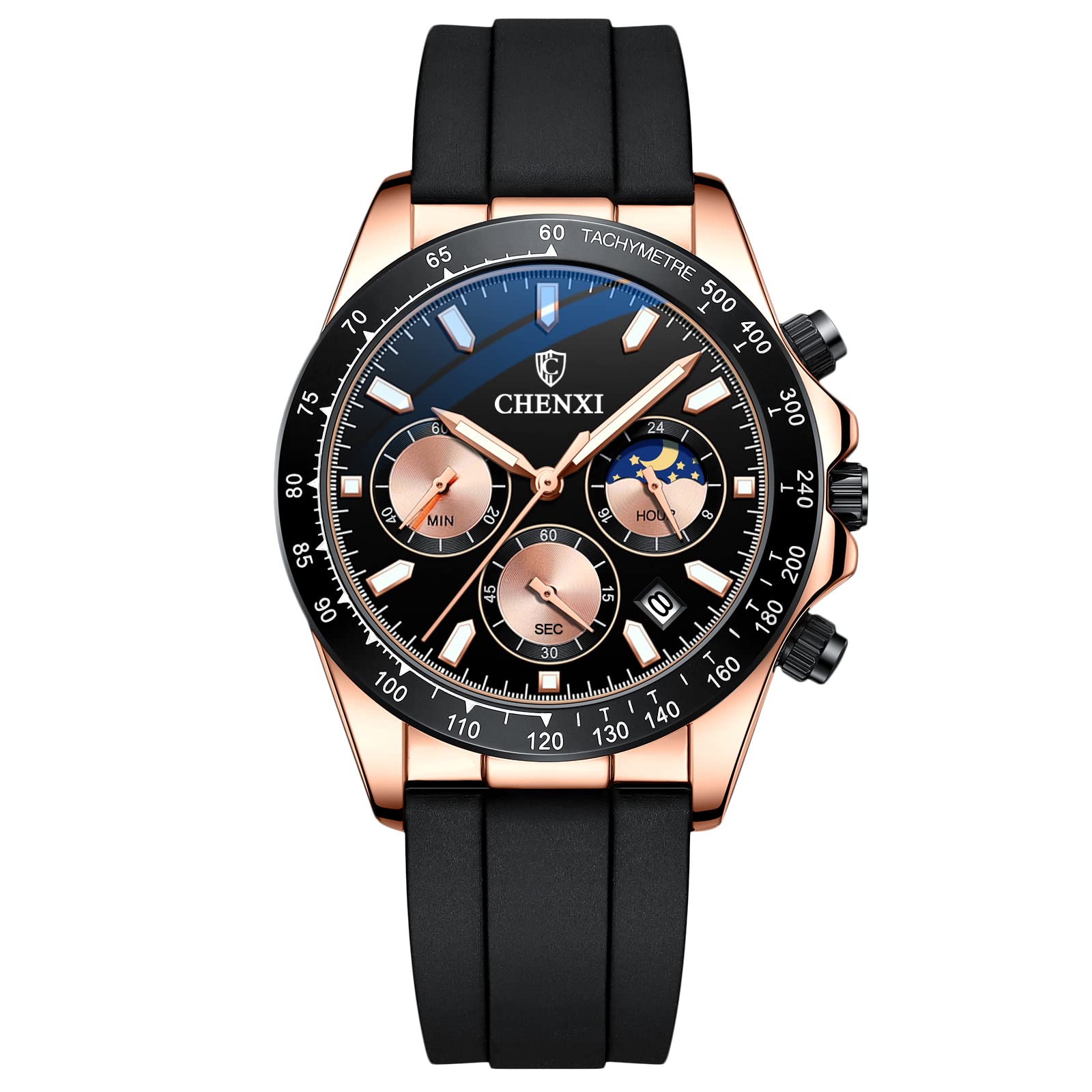
Image: The RORIOS Men's Multifunction Quartz Watch, showcasing its design on a wrist.
Product Features
Your RORIOS watch is equipped with several functions designed for daily utility and style:
- Analog Quartz Movement: Provides accurate timekeeping.
- Multifunction Dials: Includes stopwatch, calendar, and sun/moon phase display.
- Luminous Hands and Markers: Ensures visibility in low-light conditions.
- Durable Silicone Strap: Offers comfort and flexibility.
- Water Resistance: Suitable for daily splashes, rain, and hand washing (30 meters).
- Mineral Crystal: Provides scratch resistance.

Image: Detailed view of the watch face, labeling the Start/Stop Button, First Gear (Calendar), Second Gear (Time), Reset Button, Sun Moon and Stars display, Calendar window, and Second hand.
Setup Instructions
1. Setting the Time
- Pull the crown (main knob on the side) out to the second gear position.
- Rotate the crown to adjust the hour and minute hands to the correct time. Ensure the AM/PM is correctly set if your watch has a 24-hour indicator or sun/moon phase.
- Push the crown back into the normal position to start the watch.
2. Setting the Date
- Pull the crown out to the first gear position.
- Rotate the crown to adjust the date. Avoid setting the date between 9 PM and 3 AM, as this is when the date change mechanism is engaged and could be damaged.
- Once the date is set, push the crown back into the normal position.
3. Adjusting the Silicone Strap
The silicone strap is designed for comfort and adjustability. Use the foldover clasp to secure the watch on your wrist. If the strap is too long, it may require professional adjustment by removing segments or repositioning the clasp on the strap.

Image: A composite image showing the stainless steel back of the watch, the removable silicone strap with its foldover clasp, and the watch comfortably worn on a wrist.
Operating Instructions
1. Using the Stopwatch Function
Your watch features a stopwatch (chronograph) function:
- Press the Start/Stop Button (typically located at the 2 o'clock position) to start the stopwatch.
- Press the Start/Stop Button again to stop the stopwatch.
- Press the Reset Button (typically located at the 4 o'clock position) to return the stopwatch hands to zero.
2. Luminous Display
The hands and markers of your RORIOS watch are coated with a luminous material. This material absorbs light during the day and emits a glow in the dark, allowing for time readability in low-light conditions. The intensity and duration of the glow depend on the amount of light absorbed.

Image: The RORIOS watch face displaying its practical luminous function, glowing brightly in a dark environment.
3. Water Resistance
This watch is rated for 30 meters (3ATM) water resistance. This means it is suitable for daily life activities such as:
- Rain exposure
- Accidental splashes
- Hand washing
Important: It is not suitable for showering, bathing, swimming, diving, or any water sports. Do not operate the crown or buttons while the watch is wet or submerged, as this can compromise the water seal.

Image: The RORIOS watch with water splashing around it, accompanied by icons indicating its resistance to rain, sweat, and hand-washing.
Maintenance
1. Cleaning Your Watch
To maintain the appearance of your watch:
- Wipe the case and crystal with a soft, dry cloth.
- For the silicone strap, you can use a slightly damp cloth with mild soap, then rinse and dry thoroughly.
- Avoid using harsh chemicals or abrasive materials, as these can damage the watch's finish.
2. Battery Replacement
Your quartz watch is powered by a battery. When the watch stops or the second hand starts skipping, it indicates a low battery. Battery replacement should be performed by a qualified watch technician to ensure the water resistance seal is properly maintained.
3. Storage
When not wearing your watch, store it in a cool, dry place away from direct sunlight, extreme temperatures, and strong magnetic fields. The original watch box is ideal for storage.
Troubleshooting
- Watch is not running:
Check if the crown is pushed all the way in. If it is, the battery may need replacement. - Time or date is incorrect:
Refer to the "Setting the Time" and "Setting the Date" sections to re-adjust. Ensure the crown is fully pushed in after setting. - Luminous function is weak:
The watch needs to be exposed to light to charge the luminous material. Expose it to bright light for a few minutes to recharge. - Water appears inside the watch:
This indicates a breach in the water resistance. Stop using the watch immediately and seek professional repair to prevent further damage.
Specifications
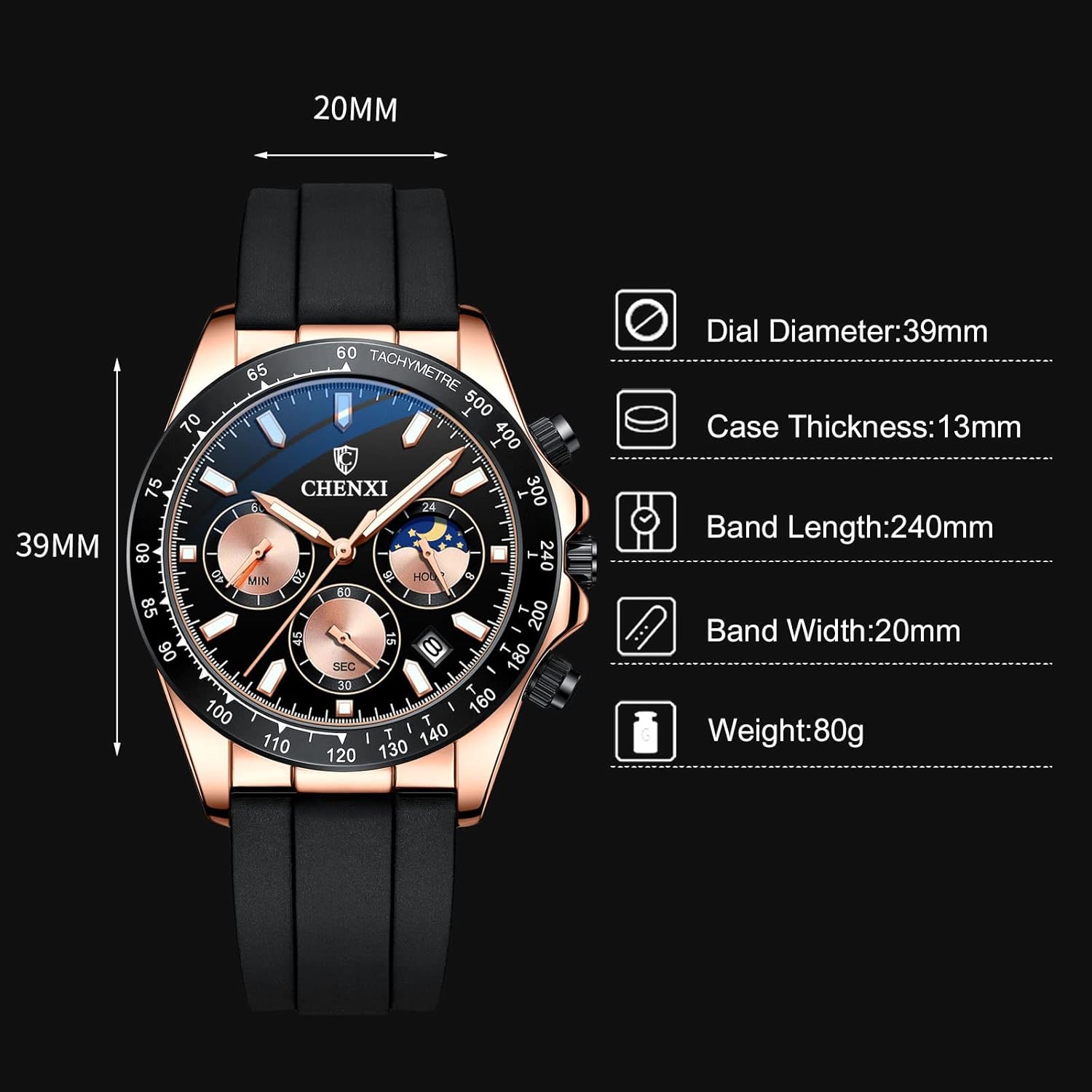
Image: A diagram illustrating the key dimensions of the RORIOS watch, including dial diameter, case thickness, band length, band width, and overall weight.
| Feature | Detail |
|---|---|
| Model Number | AA-1UF001 |
| Movement Type | Japanese Quartz |
| Display Type | Analog |
| Case Material | Stainless Steel |
| Band Material | Silicone |
| Crystal Material | Mineral |
| Dial Diameter | 39 mm |
| Case Thickness | 13 mm |
| Band Width | 20 mm |
| Band Length | 240 mm |
| Item Weight | 80 grams (2.82 ounces) |
| Water Resistance Depth | 30 Meters (3ATM) |
| Clasp Type | Foldover Clasp |
Warranty Information
Warranty details for your RORIOS watch are typically provided with your purchase documentation. Please refer to the warranty card or information included in the product packaging for specific terms, conditions, and duration of coverage. Keep your proof of purchase for any warranty claims.
Customer Support
If you encounter any issues not covered in this manual or require further assistance, please contact the seller or manufacturer directly. Refer to your purchase receipt or the product packaging for contact information. When contacting support, please have your watch model number (AA-1UF001) and purchase details readily available.
Ask a question about this manual
Ask about setup, troubleshooting, compatibility, parts, safety, or missing instructions. Manuals+ will review the question and use this page’s manual context to help answer it.