
ASONPAO 4200/420001
ASONPAO MultiCode Gate Opener Keypad 4200/420001 300MHZ Instruction Manual
Model: 4200/420001 | Brand: ASONPAO
Introduction
This manual provides detailed instructions for the installation, programming, operation, and maintenance of your ASONPAO MultiCode Gate Opener Keypad. Please read these instructions carefully before use to ensure proper functionality and safety.
The ASONPAO MultiCode Keypad is designed for use with Multi-Code 4200/420001 wireless systems operating at 300MHZ with 10 dip switches.
Compatibility
This keypad is compatible with the following systems:
- Multi-Code 4200/420001 Wireless Keypad
- Carper 300
- Multicode 1090, 3060, 3070, 3083, 3089, 4120, 4140
- Skylink 100
- Systems operating at 300MHZ with 10 Dip switches.

Image: Compatibility chart for ASONPAO MultiCode Keypad, illustrating compatible Multi-Code and Digi-Code transmitters with 300MHz 10-dip switch systems.
Setup and Programming
Follow these steps to program your ASONPAO MultiCode Keypad. It is recommended to have your existing transmitter/remote and the receiver unit accessible during this process.
Step 1: Locate Your Transmitter/Remote
You will need your existing transmitter or remote to program the keypad. Ensure it is a Chamberlain, Digi-Code, or Multi-Code brand.
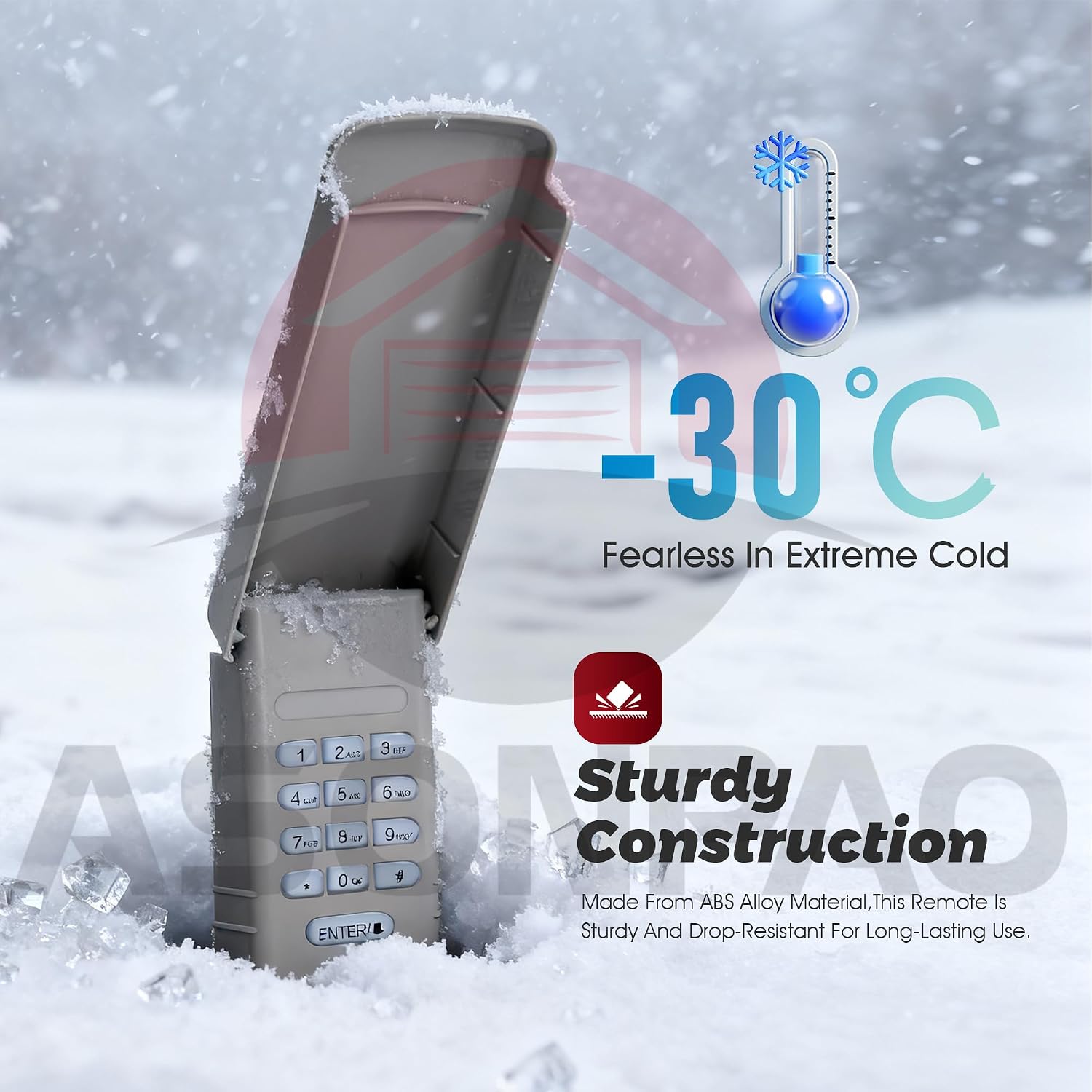
Image: Internal view of a Multi-Code transmitter, showing the dip switches that need to be matched.
Step 2: Determine Your Radio Code
--Take the cover off of the transmitter to expose the dip switches (10 switches).
--Notice how the switches have two possible settings, Up or Down.
--Locate the switches that are switched to the UP position.
--Example: The drawing below has 2,3,4,8,& 0 switched to the UP position.
Radio Code in this Example 23480
Note: Radio code is read from LEFT to RIGHT
Step 3: Setting Your Radio Code on the Keypad
Press the following sequence of buttons to set your Radio Code
-- Press and hold * for 3 seconds then release -- one beep heard
-- Enter your radio code
-- Press the ENTER button -- two beeps heard and LED blinks two times

Image: A close-up of the keypad, showing the buttons used for programming.
Step 4: Setting Your Access Code on the Keypad
Press the following sequence of buttons to set your Access Code
-- Press and hold # for 3 seconds then release -- one beep heard
-- Press the ENTER button
-- Enter a 4-digit access code of your choice: ????
-- Press the ENTER button -- two beeps heard and LED blinks two times
Programming Video Guide
For a visual guide on programming your keypad, please watch the video below:
Video: A step-by-step guide demonstrating how to program the ASONPAO Wireless Keypad for MultiCode 4200/420001 300MHZ systems, including setting the radio code and access code.
Operating Instructions
Once you have Your Radio Code and Access Code programmed, you are done.please test operation.
Press the following sequence of buttons to test operation.
-- Enter the 4 digit access code: ????
-- Press the ENTER button -- the garage door opener will activate,the keypad will remain for 10 seconds.during this 10 seconds press the ENTER button,it can be used to stop,start or reverse the door.
if you want to exit right away,just press any other button on keypad.

Image: The ASONPAO keypad demonstrating its ultra-long remote range of 164 feet for convenient garage door operation.
Maintenance
Battery Replacement
The keypad is powered by two AAA batteries (included). When the keypad's performance degrades or the LED indicator is dim, it's time to replace the batteries.
- Open the battery compartment cover on the back of the keypad.
- Remove the old AAA batteries.
- Insert two new AAA alkaline batteries, ensuring correct polarity.
- Close the battery compartment cover securely.

Image: The keypad with its battery compartment open, highlighting the long-lasting battery feature. Note: Product specifications indicate AAA batteries, while this image shows a 9V battery.
Cleaning
To clean the keypad, use a soft, damp cloth. Avoid using abrasive cleaners or solvents, as these can damage the surface and internal components. Ensure the keypad is dry before closing the cover.
Troubleshooting
If you encounter issues with your ASONPAO MultiCode Keypad, refer to the following common problems and solutions:
Why does the keypad not sync with garage door opener?
- Incorrect Model: Please double check if you bought correct model? this keypad is only compatible with Multi-Code 10 dip switch.
- Programming Steps: Please watch programming video on amazon and follow instruction manual carefully.
- Timing During Programming: Please doing the programming steps faster,if you wait too long(a few seconds) between steps,it times out and program failed.

Image: ASONPAO offers 24-hour online technical support for assistance with any issues.
Specifications
| Feature | Detail |
|---|---|
| Model | 4200/420001 |
| Brand | ASONPAO |
| Connectivity Technology | Radio Frequency |
| Frequency | 300MHZ |
| Compatible Devices | Multi-Code Gate Opener, Garage Door Opener |
| Max Number of Supported Devices | 5 |
| Maximum Range | 164 Feet |
| Button Quantity | 10 |
| Controller Type | Button Control |
| Battery Type | 2 AAA batteries (included) |
| Material | ABS Alloy Material |
| Color | Gray |
| Item Weight | 0.14 Kilograms |

Image: Detailed product parameters including model, working range, frequency, battery type, and dimensions.
Warranty and Support
The ASONPAO MultiCode Gate Opener Keypad comes with a 3-Year Warranty, ensuring long-lasting performance and peace of mind.
For any technical assistance or support, ASONPAO provides 24-hour Amazon technical support. Please refer to your Amazon order details for contact information or visit the ASONPAO store page on Amazon.
Ask a question about this manual
Ask about setup, troubleshooting, compatibility, parts, safety, or missing instructions. Manuals+ will review the question and use this page’s manual context to help answer it.