
Introduction
This manual provides essential instructions for the installation, operation, and maintenance of your new replacement drive belt for Philips turntables. This belt is compatible with various Philips models, including 22GF805, 22GF827, 22GF907, and 22GP808. Proper installation and care will ensure optimal performance and longevity of your record player.
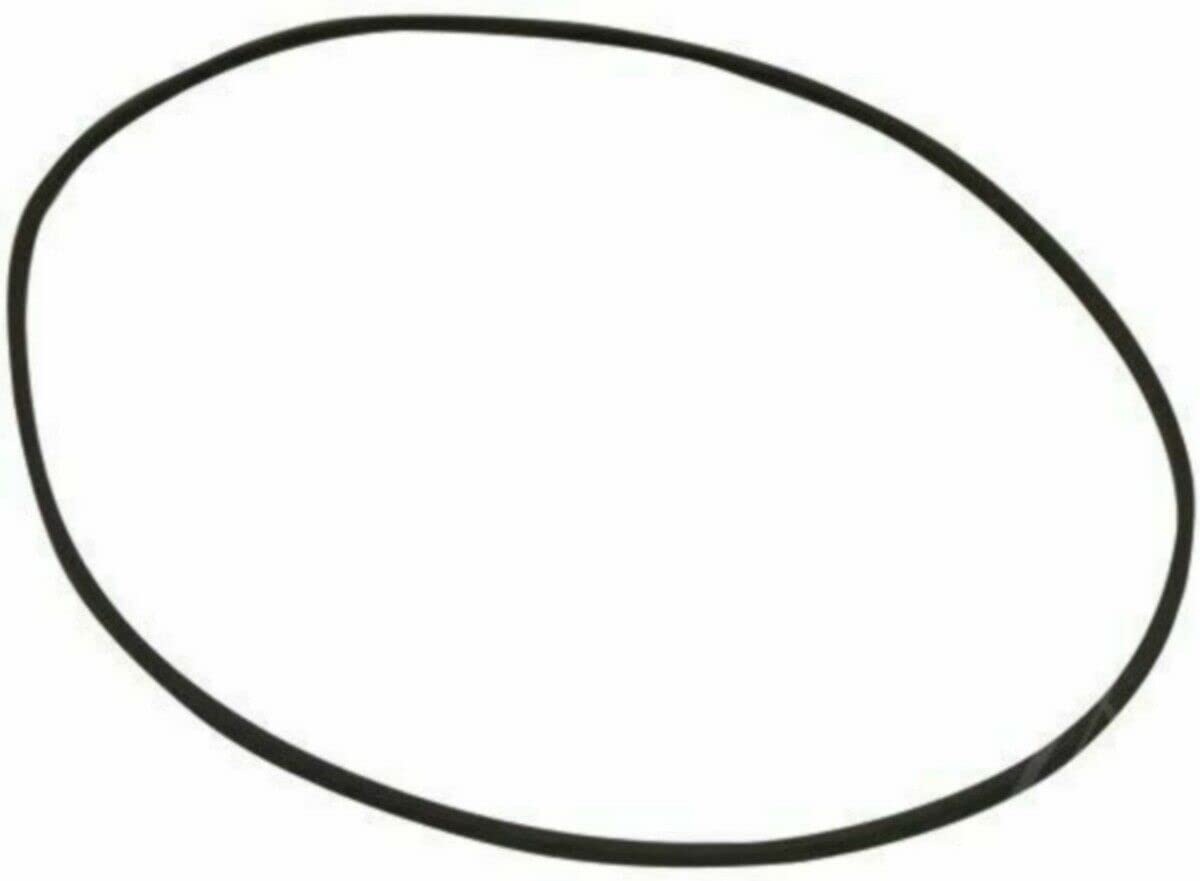
Image: A black rubber drive belt, typically used in turntables to transmit power from the motor to the platter.
Setup: Drive Belt Installation
Installing a new drive belt requires careful handling of your turntable components. Follow these steps to ensure correct installation:
- Power Disconnection: Before beginning, always unplug your turntable from the power outlet to prevent electrical hazards.
- Platter Removal: Carefully remove the turntable platter. This usually involves lifting it straight up. Some models may require removing a retaining clip or screw. Refer to your specific turntable's user manual for detailed instructions on platter removal.
- Old Belt Removal (if applicable): If an old belt is present, gently remove it from the motor pulley and the inner rim of the platter. Dispose of the old belt responsibly.
- Clean Surfaces: Use a clean, lint-free cloth and a small amount of isopropyl alcohol to clean the motor pulley and the inner rim of the platter where the belt makes contact. This removes any residue that could cause the new belt to slip. Allow to dry completely.
- New Belt Placement: Carefully loop the new drive belt around the motor pulley. Then, stretch the belt gently around the inner rim of the turntable platter. Ensure the belt is seated evenly and not twisted.
- Platter Reinstallation: Carefully place the platter back onto the turntable spindle, ensuring the belt remains correctly positioned on both the motor pulley and the platter rim. Rotate the platter manually a few times to confirm the belt is seated properly and moves smoothly.
- Power Reconnection and Test: Plug your turntable back into the power outlet. Select a record speed (e.g., 33 RPM) and start the turntable to verify that the platter spins smoothly and at a consistent speed.
Caution: Turntable components can be delicate. Exercise care to avoid bending the tonearm or damaging the stylus during installation.
Operating Principles
The drive belt is a critical component in belt-driven turntables. Its primary function is to transfer rotational energy from the turntable's motor to the platter. This design helps to isolate motor vibrations from the platter, contributing to smoother rotation and improved sound quality by reducing rumble and noise. A properly installed and maintained belt ensures consistent platter speed, which is essential for accurate audio playback.
Maintenance
To maximize the lifespan and performance of your drive belt and turntable:
- Regular Inspection: Periodically inspect the belt for signs of wear, cracking, stretching, or deterioration. A worn belt can lead to inconsistent playback speed.
- Keep Clean: Ensure the belt, motor pulley, and platter rim are free from dust, oil, and debris. Use a dry, lint-free cloth for cleaning. Avoid using harsh chemicals.
- Avoid Overstretching: Do not manually stretch the belt excessively, as this can weaken its elasticity and lead to premature failure.
- Proper Storage: If removing the belt for extended periods, store it flat in a cool, dry place away from direct sunlight and extreme temperatures.
- Replacement: Drive belts are consumable items and will eventually need replacement. Replace the belt if you notice speed fluctuations, slippage, or visible damage.
Troubleshooting
If you encounter issues with your turntable's rotation after belt installation, consider the following:
- Turntable Not Spinning:
- Ensure the turntable is plugged in and powered on.
- Verify the belt is correctly seated on both the motor pulley and the platter rim.
- Check if the motor is receiving power (some motors may hum faintly).
- Inconsistent or Incorrect Speed (Wow and Flutter):
- The belt might be slipping. Ensure the motor pulley and platter rim are clean and free of grease or dust.
- The belt may be worn out or stretched. Consider replacing it if it's old or appears loose.
- Ensure the belt is not twisted during installation.
- Belt Slipping Off:
- Recheck the belt's seating on both the motor pulley and platter rim.
- Ensure the platter is correctly aligned on the spindle.
- Clean the contact surfaces thoroughly.
If problems persist, consult your turntable's original service manual or contact a qualified technician.
Specifications
| Feature | Detail |
|---|---|
| Brand | Generic |
| Compatible Philips Models | 22GF805, 22GF827, 22GF907, 22GP808, GP808 |
| Manufacturer Part Number | C-90773 |
| Material | Vinyl (Rubber) |
| Color | Black |
| Special Feature | Belt Drive (for power transmission) |
Warranty and Support
As a generic replacement part, specific warranty information for this drive belt is not provided by the manufacturer. For any issues or support inquiries regarding this product, please contact the seller directly through your purchase platform. Always refer to your original turntable's manual for warranty details pertaining to the turntable itself.