
YOVDA DT-A10
Motorcycle Bluetooth 5.0 Helmet Headset User Manual
Model: DT-A10 | Brand: YOVDA
1. Introduction
This manual provides detailed instructions for the installation, operation, and maintenance of your YOVDA DT-A10 Motorcycle Bluetooth 5.0 Helmet Headset. This device is designed to provide clear audio communication and music playback while riding, featuring advanced Bluetooth 5.0 connectivity, IPX7 waterproofing, and long battery life. Please read this manual thoroughly before use to ensure optimal performance and safety.

Image: The YOVDA DT-A10 Motorcycle Bluetooth Helmet Headset, showing the main control unit, speakers, and microphone.
2. Package Contents
Verify that all items are present in your package:
- Headphone main unit
- Earplugs (Speakers)
- Earplug accessories
- Installation accessories (Velcro and spring clip)
- Charging cable

Image: All components included with the DT-A10 headset, laid out for inspection.
3. Product Overview
The DT-A10 features a compact main unit with intuitive controls and thin speakers designed for helmet integration. The unit is equipped with flashing cool lights for visibility and a multi-functional design for various uses.
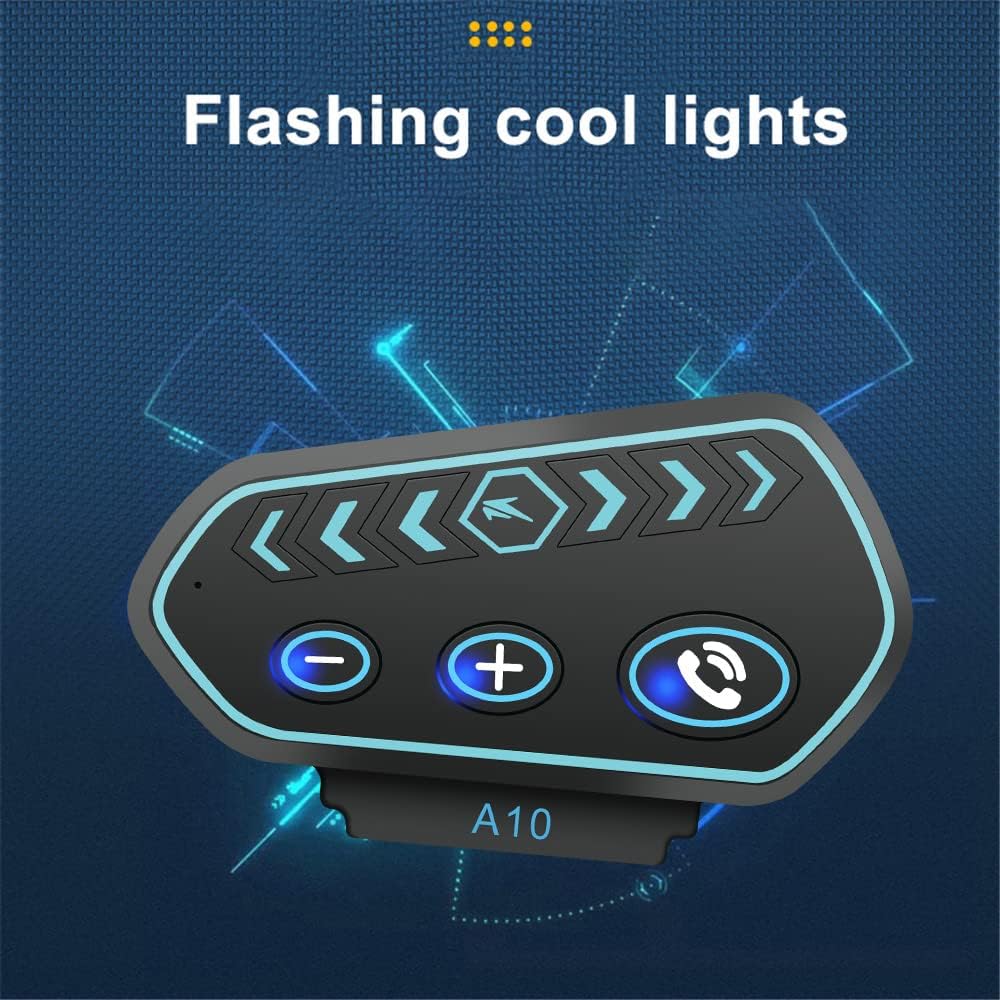
Image: The DT-A10 headset main unit displaying its flashing cool lights feature.

Image: Icons representing the multi-functional design of the DT-A10, including imported chips, Bluetooth 5.0, noise reduction, 2600mAh battery, power display, cue tone, voice assistant, IP67 waterproof, high volume, caller ID, lighting design, and light adjustable switch.
4. Setup
4.1 Installation
The DT-A10 offers two installation methods: elastic Velcro or clamp fastening. Choose the method that best suits your helmet.

Image: Depicts the two installation methods: elastic Velcro installation and clamp fastening installation, showing the headset attached to a helmet using both methods.

Image: A close-up of the spring steel clip, highlighting its stable and durable design for secure attachment.
For a visual guide on installation and key adjustments, please refer to the official video below:
Video: This video demonstrates the key adjustment instructions for the A10 headset, including installation steps and button functionalities.
4.2 Bluetooth Pairing
To pair your headset with a mobile device:
- Ensure the headset is powered off.
- Press and hold the power button until the indicator light flashes rapidly, indicating pairing mode.
- On your mobile device, enable Bluetooth and search for available devices.
- Select "DT-A10" from the list of devices.
- Once connected, the indicator light will change to a slow flash or solid blue.
The headset supports connecting to two mobile phones simultaneously, allowing for seamless switching between devices.
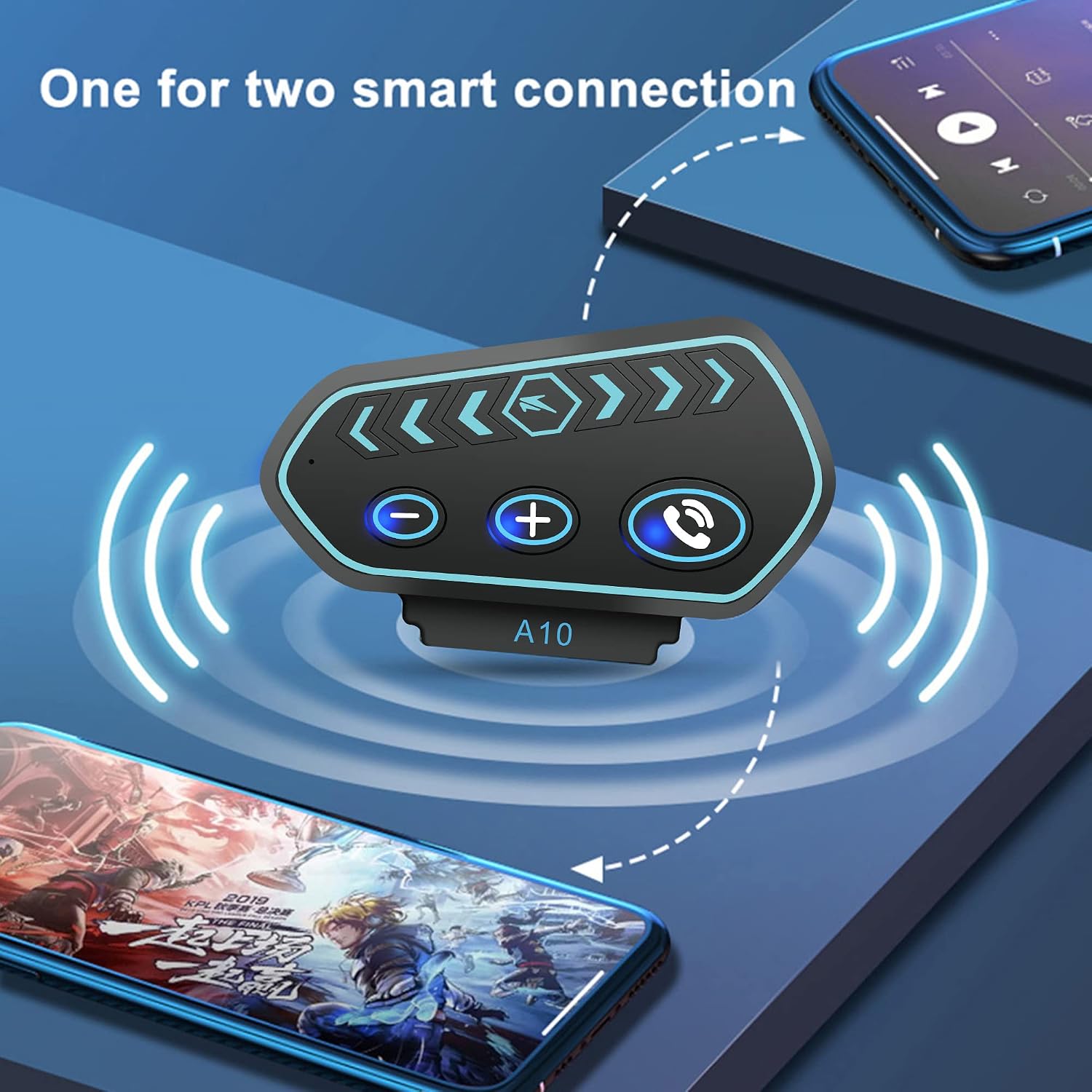
Image: The DT-A10 headset demonstrating its ability to connect to two smart devices simultaneously.
5. Operating Instructions
5.1 Power On/Off
- Power On: Long press the power button until the indicator light turns on.
- Power Off: Long press the power button until the indicator light turns off.
5.2 Music Playback
- Play/Pause: Click the dial key (center button) to pause or resume music.
- Next Song: Click the "+" button to skip to the next track.
- Previous Song: Click the "-" button to go to the previous track.
- Volume Up: Long press the "+" button to increase volume.
- Volume Down: Long press the "-" button to decrease volume.
5.3 Call Management
- Answer Call: Click the phone button to answer an incoming call.
- End Call: Click the phone button during a call to end it.
- Reject Call: Long press the phone button to reject an incoming call.
- Redial Last Number: Double-click the phone button to redial the last dialed number.
5.4 Voice Assistant
The headset supports intelligent voice assistant functionality. Double-click the "-" key to activate your device's voice assistant (e.g., Siri, Google Assistant).

Image: A rider using the intelligent voice assistant feature of the DT-A10 headset, with speech bubbles indicating common commands like "play music" or "tell a story."
5.5 FM Radio
The DT-A10 supports FM radio functionality. Specific controls for FM radio tuning will be detailed in the quick start guide provided with your product.
6. Maintenance
6.1 Charging
The headset is equipped with a built-in 2600mAh rechargeable lithium-ion battery, providing up to 160 hours of continuous talk and play time, and up to half a month of standby time. Charging typically takes 2-3 hours. Connect the provided charging cable to the headset and a USB power source. The battery level can be displayed on your mobile phone.
6.2 Waterproofing
The DT-A10 features IPX7 waterproof and non-interference dustproof nano-coating technology, ensuring reliable performance outdoors, even in rain or snow.
Video: This video demonstrates the waterproof performance of the A10 motorcycle headset, showing it being sprayed with water.
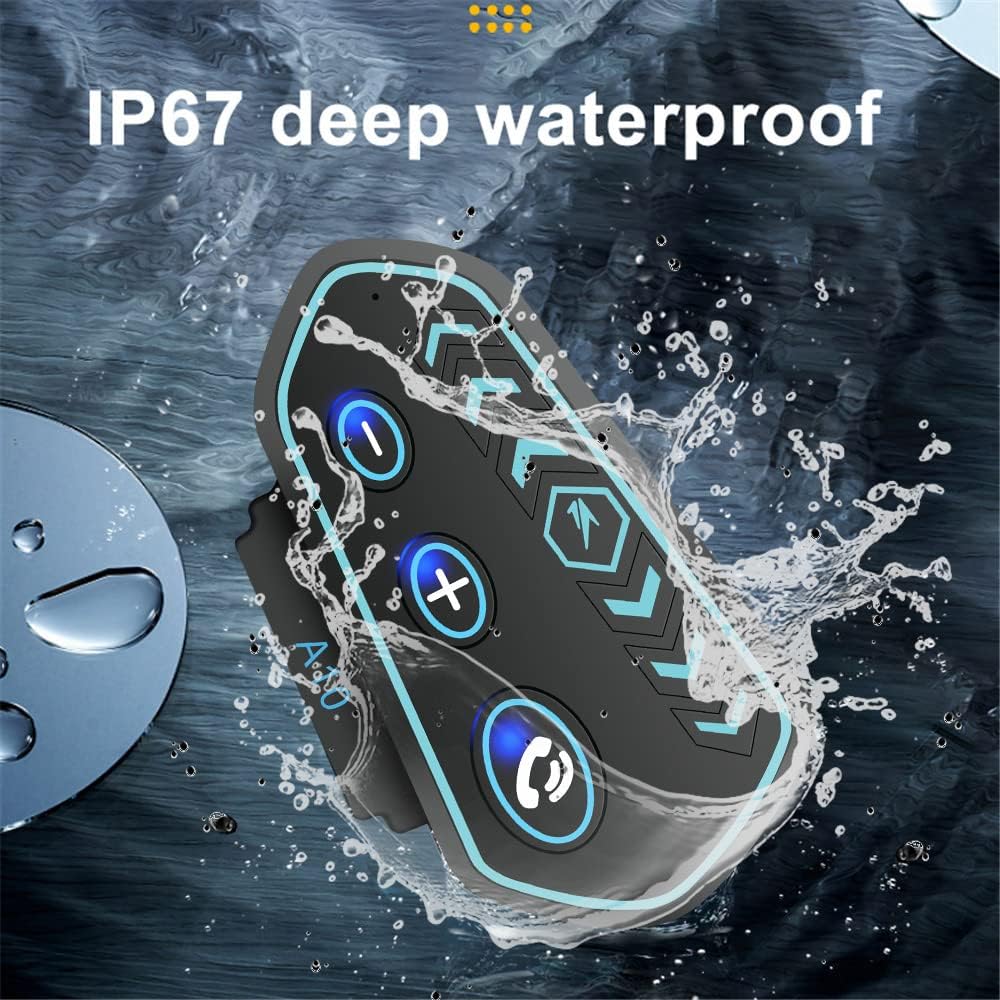
Image: The DT-A10 headset partially submerged in water, illustrating its IP67 deep waterproof capability.
6.3 Cleaning and Storage
Wipe the headset with a soft, damp cloth. Avoid using harsh chemicals or abrasive cleaners. Store the headset in a cool, dry place away from direct sunlight and extreme temperatures when not in use.
7. Troubleshooting
If you encounter issues with your DT-A10 headset, please refer to the following common problems and solutions:
| Problem | Possible Cause | Solution |
|---|---|---|
| Cannot power on | Low battery | Charge the headset for 2-3 hours. |
| Cannot pair with device | Headset not in pairing mode; Bluetooth off on device | Ensure headset is in pairing mode (rapid flashing light). Turn Bluetooth on and off on your device. |
| No sound or low volume | Volume too low; Speakers improperly positioned | Increase volume on both headset and connected device. Adjust speaker position inside helmet. |
| Sound crackling or distortion | Interference; Loose connection | Move away from sources of strong electromagnetic interference. Check all cable connections. |
| Microphone not working | Microphone not connected; Obstruction | Ensure microphone is securely plugged in. Check for any obstructions. |
8. Specifications
| Feature | Specification |
|---|---|
| Model Name | A10 (DT-A10) |
| Connectivity Technology | Wireless (Bluetooth 5.0) |
| Noise Control | Active Noise Cancellation (DSP noise reduction) |
| Water Resistance Level | IPX7 Waterproof |
| Battery Life | 160 Hours (playback/talk time) |
| Battery Capacity | 2600mAh |
| Charging Time | 2-3 Hours |
| Headphones Jack | 3.5 mm Jack |
| Material | Metal, Acrylonitrile Butadiene Styrene (ABS) |
| Item Weight | 0.3 Pounds (approx. 4.8 ounces) |
| Recommended Uses | Cycling, Sport |
9. Warranty and Support
Your YOVDA DT-A10 Motorcycle Bluetooth Helmet Headset comes with a standard manufacturer's warranty. For detailed warranty information, technical support, or service inquiries, please refer to the warranty card included in your package or visit the official YOVDA website. Keep your purchase receipt as proof of purchase for warranty claims.
Ask a question about this manual
Ask about setup, troubleshooting, compatibility, parts, safety, or missing instructions. Manuals+ will review the question and use this page’s manual context to help answer it.