
Dioche Mini 3 Key Keypad Mechanical White Gaming Keyboard
Dioche One Handed Gaming Keyboard User Manual
Model: Mini 3 Key Keypad Mechanical White Gaming Keyboard
Brand: Dioche
Introduction
The Dioche One Handed Gaming Keyboard is a versatile and compact 3-key custom keypad designed for various applications, including office work, gaming, music production, media control, and industrial control. It features programmable keys and an adjustment knob for enhanced functionality and convenience.
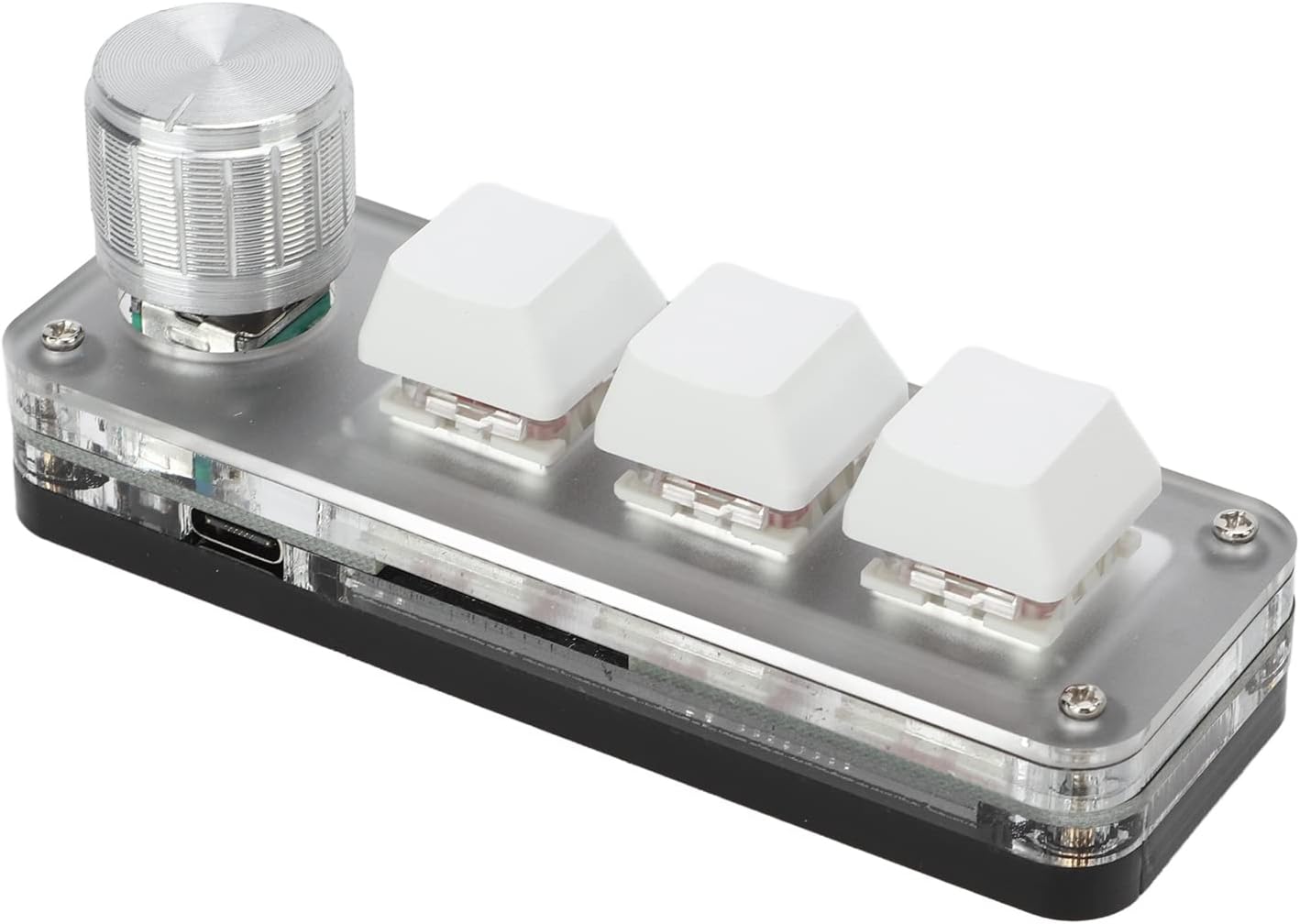
Image: The Dioche One Handed Gaming Keyboard, featuring three white keys and a silver rotary knob, presented on a clear acrylic base.
Setup
Setting up your Dioche One Handed Gaming Keyboard is straightforward. The device is designed for plug-and-play operation, requiring no additional drivers for basic functionality.
Connecting the Keyboard
- Locate the Type-C port on the keyboard.
- Connect the provided Type-C to USB cable to the keyboard's Type-C port.
- Plug the USB end of the cable into an available USB port on your computer or device.
- The keyboard will be automatically recognized by your system.

Image: The Dioche One Handed Gaming Keyboard shown alongside its white USB Type-C cable, ready for connection.
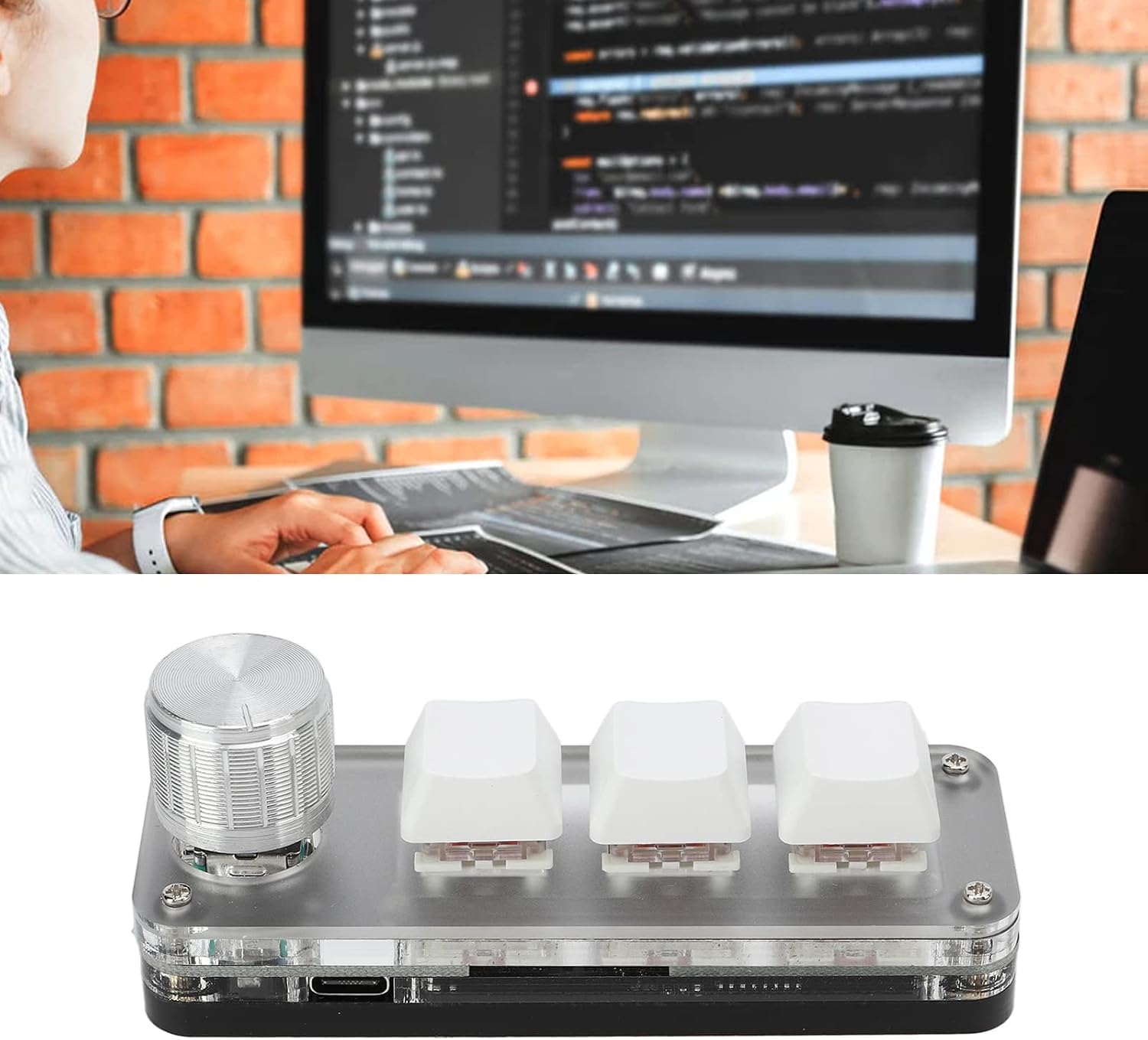
Image: A user operating the Dioche One Handed Gaming Keyboard connected to a desktop computer, demonstrating its use in a typical work environment.
Operating Instructions
The Dioche One Handed Gaming Keyboard offers customizable functions and a versatile rotary knob to enhance your productivity and control.
Custom Key Functions
The three keys on the keyboard are fully programmable. You can assign any standard keyboard key function or complex combination of shortcut keys to each key. This allows for one-key execution of frequently used or cumbersome commands. The settings can be repeated and stored without conflict.
- Programmable Keys: Assign single keys or complex shortcut combinations.
- RGB Lighting: The keyboard features RGB lighting for visual feedback and aesthetic customization.

Image: The Dioche One Handed Gaming Keyboard with an overlay text describing its multifunctional capabilities, including knob functions and shortcut key programming.
Rotary Knob Functions
The integrated rotary knob provides quick access to various media and system controls:
- Screen Control: Enlarge or reduce the screen view.
- Media Playback: Switch songs, increase or decrease volume, pause, and play.
Storage Function
The keyboard includes a storage function, meaning that once you configure your key assignments and knob functions, these settings are saved directly on the device. This allows the keyboard to retain its custom programming when connected to different systems that support USB protocols, without needing to reinstall software or reconfigure settings.

Image: The Dioche One Handed Gaming Keyboard and its USB cable, with text emphasizing its driver-free, plug-and-play functionality and storage capability.

Image: A collage showing the Dioche One Handed Gaming Keyboard being used in different scenarios: an office setting, a gaming setup, and a music production studio, illustrating its versatility.
Maintenance
To ensure the longevity and optimal performance of your Dioche One Handed Gaming Keyboard, follow these simple maintenance guidelines:
- Cleaning: Use a soft, dry cloth to wipe down the surface of the keyboard. For stubborn dirt, a slightly damp cloth with mild soap can be used, ensuring no liquid enters the device.
- Avoid Liquids: Do not expose the keyboard to excessive moisture or liquids, as this can damage internal components.
- Storage: When not in use, store the keyboard in a cool, dry place away from direct sunlight and extreme temperatures.
- Handling: Handle the keyboard with care to prevent drops or impacts that could damage the keys or internal circuitry.
Troubleshooting
If you encounter issues with your Dioche One Handed Gaming Keyboard, please refer to the following common troubleshooting steps:
| Problem | Possible Cause / Solution |
|---|---|
| Keyboard not recognized by computer. |
|
| Custom functions not working. |
|
| Keys feel loose or come out easily. |
|
| RGB lighting not functioning. |
|
Specifications
| Feature | Detail |
|---|---|
| Brand | Dioche |
| Model | Mini 3 Key Keypad Mechanical White Gaming Keyboard |
| Connectivity | Type-C to USB (Plug and Play) |
| Keys | 3 Programmable Keys |
| Control | 1 Rotary Knob (Volume, Song Switch, Screen Zoom) |
| Lighting | RGB Lighting |
| Storage | Built-in storage for custom settings |
| Package Dimensions | 4.72 x 2.36 x 1.73 inches |
| Item Weight | 3.84 ounces |
| Included Components | USB Cable |
| Country of Origin | China |
Warranty and Support
For information regarding warranty coverage, technical support, or to obtain the necessary programming software for your Dioche One Handed Gaming Keyboard, please contact the manufacturer or the seller directly. Refer to your purchase documentation or the product packaging for specific contact details.
You may also visit the official Dioche store on Amazon for additional resources: Dioche Store
Ask a question about this manual
Ask about setup, troubleshooting, compatibility, parts, safety, or missing instructions. Manuals+ will review the question and use this page’s manual context to help answer it.