
1. Introduction
This manual provides detailed instructions for the installation, operation, and maintenance of your Toeeklsa 9.7-inch Android 11 Car Stereo. Designed specifically for Cadillac Escalade models from 2007 to 2012, this unit integrates advanced multimedia and navigation features into your vehicle's dashboard. Please read this manual thoroughly before installation and use to ensure proper function and safety.
2. Product Features
- Android 11.0 Operating System: Provides a smooth and responsive user experience with access to a wide range of applications.
- 9.7-inch Tesla Style Touchscreen: High-definition IPS 2.5D capacitive multi-touch display (1024*768 resolution) for clear visuals and intuitive control.
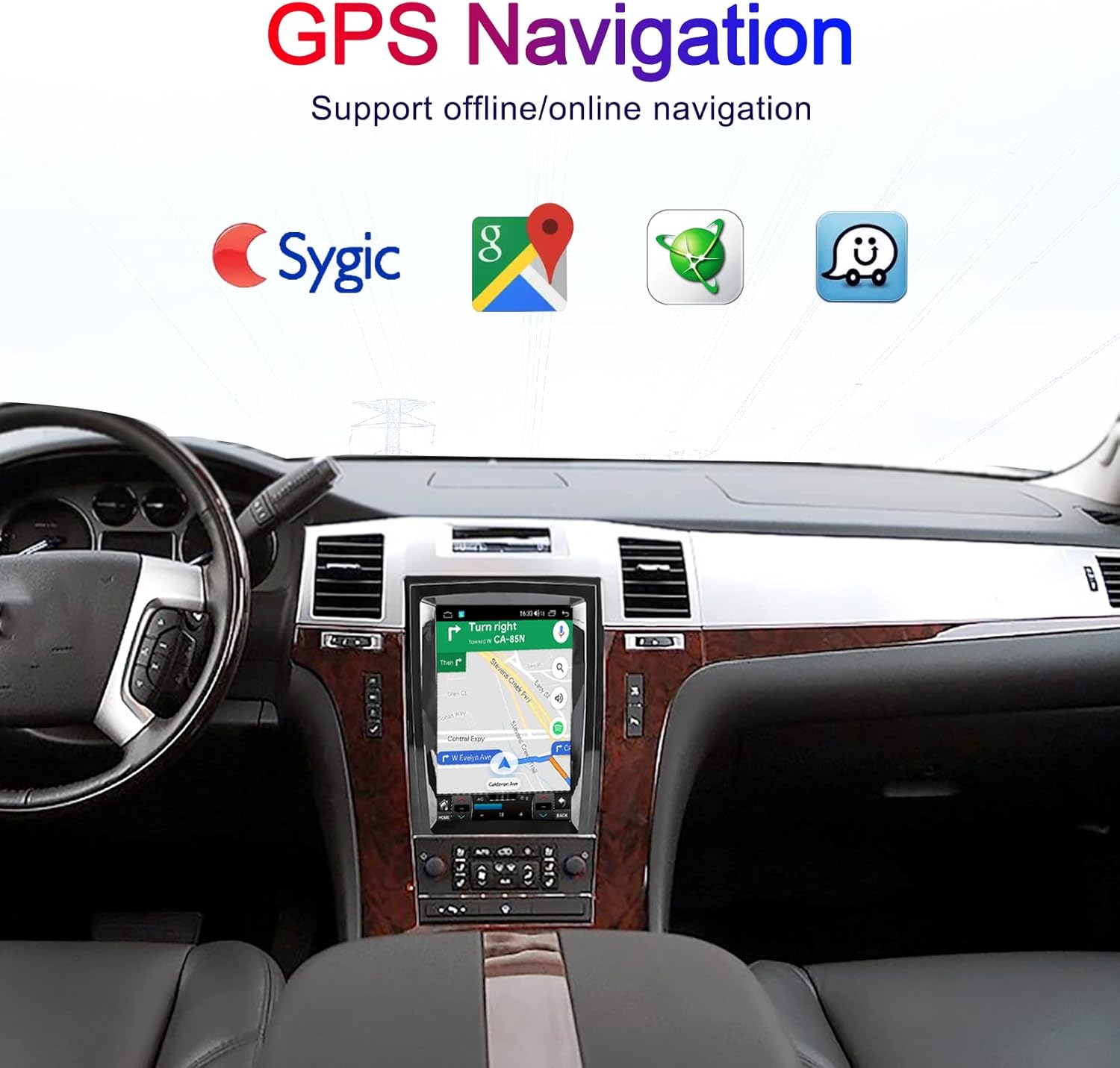
- Built-in GPS Navigation: Supports both offline and online maps, allowing for reliable navigation even without internet access.
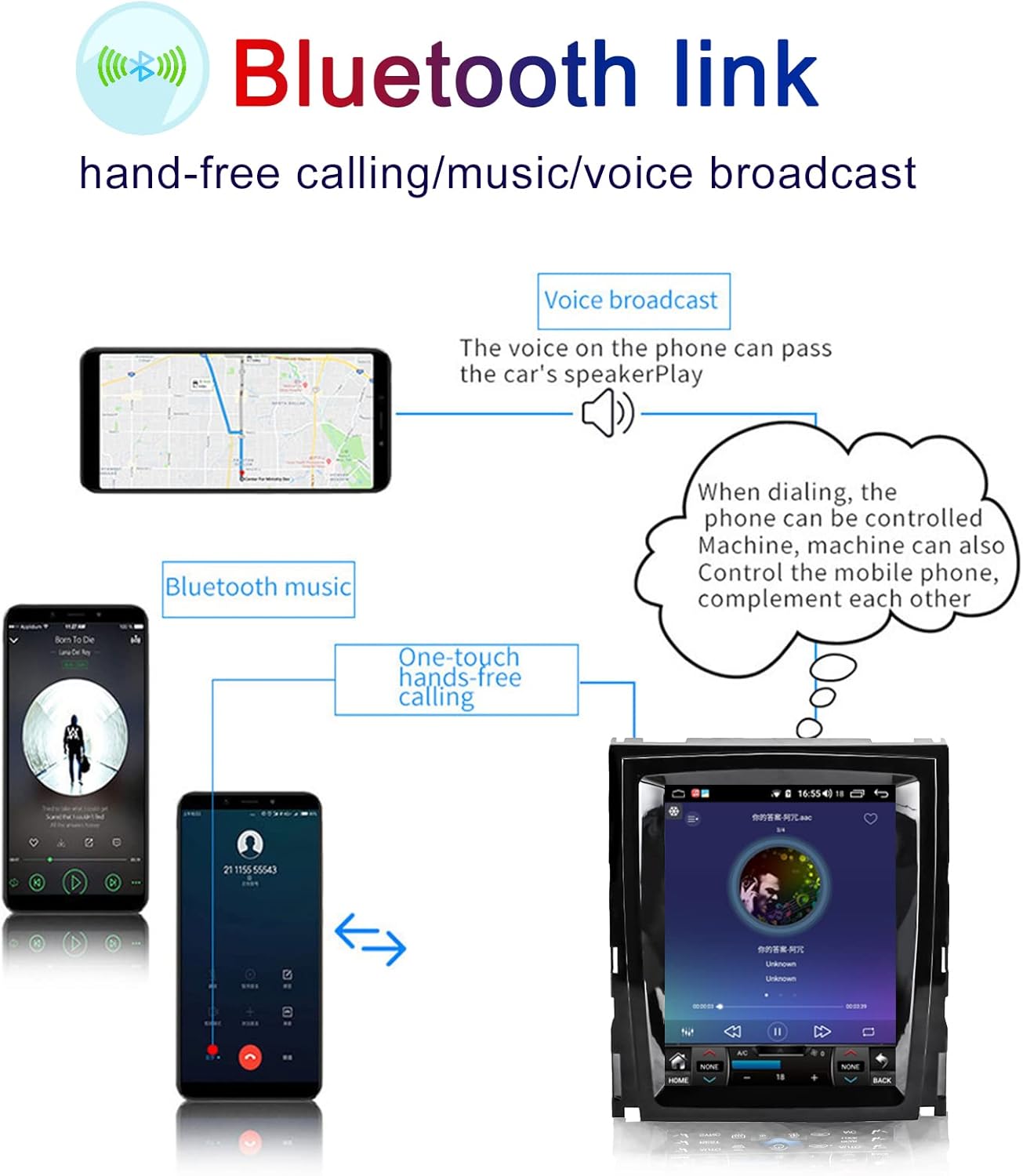
- Bluetooth Connectivity: Enables hands-free calling, phonebook access, and wireless music streaming for a safer driving experience.
- FM/AM Radio: Access to local radio stations for news, traffic updates, and entertainment.
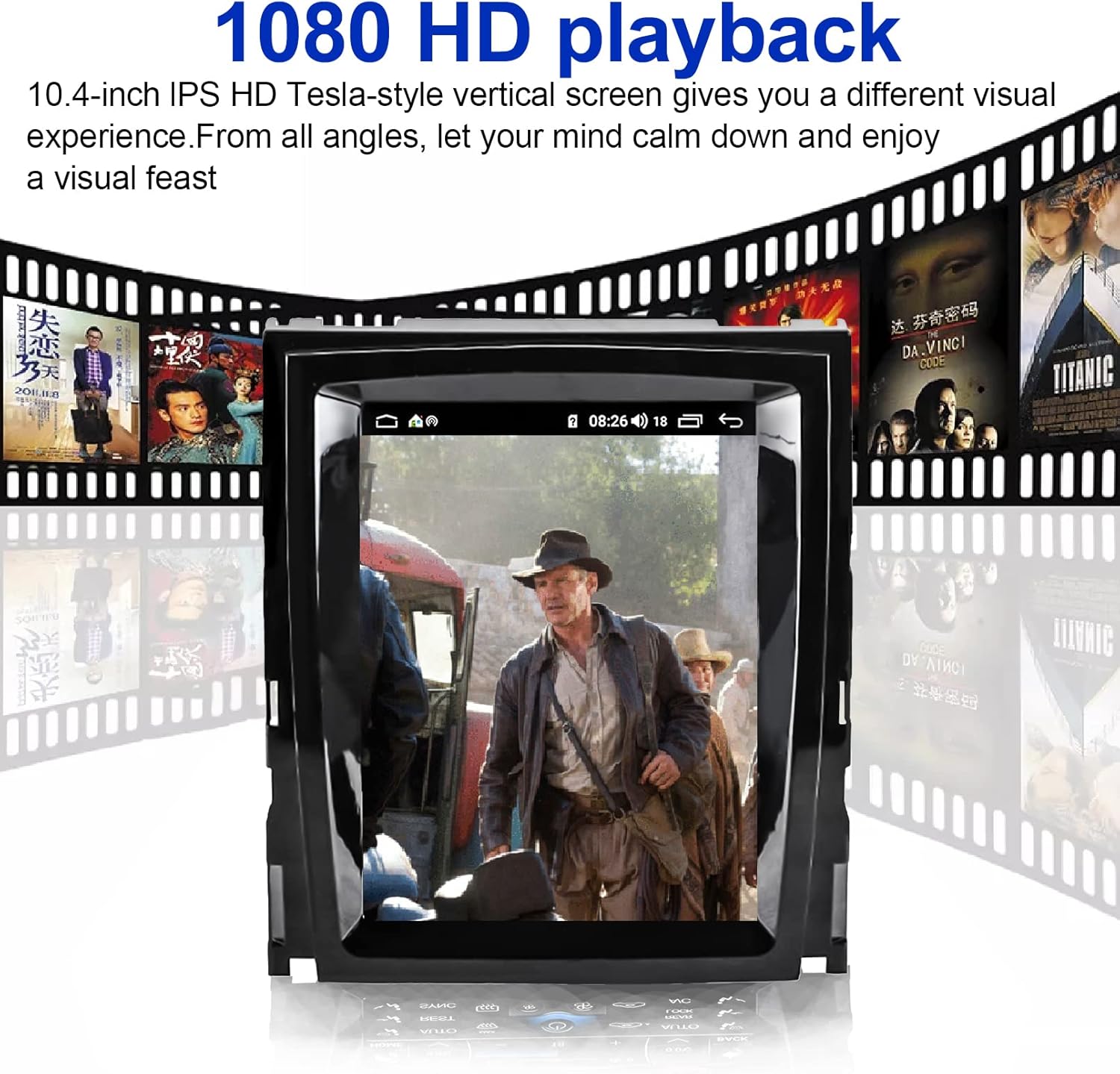
- Multimedia Playback: Supports MP4, MP5, and other high-definition video (1080P) and audio formats. Features split-screen playback.
- Mirror Link: Connect your smartphone to mirror its screen content directly onto the car stereo display.
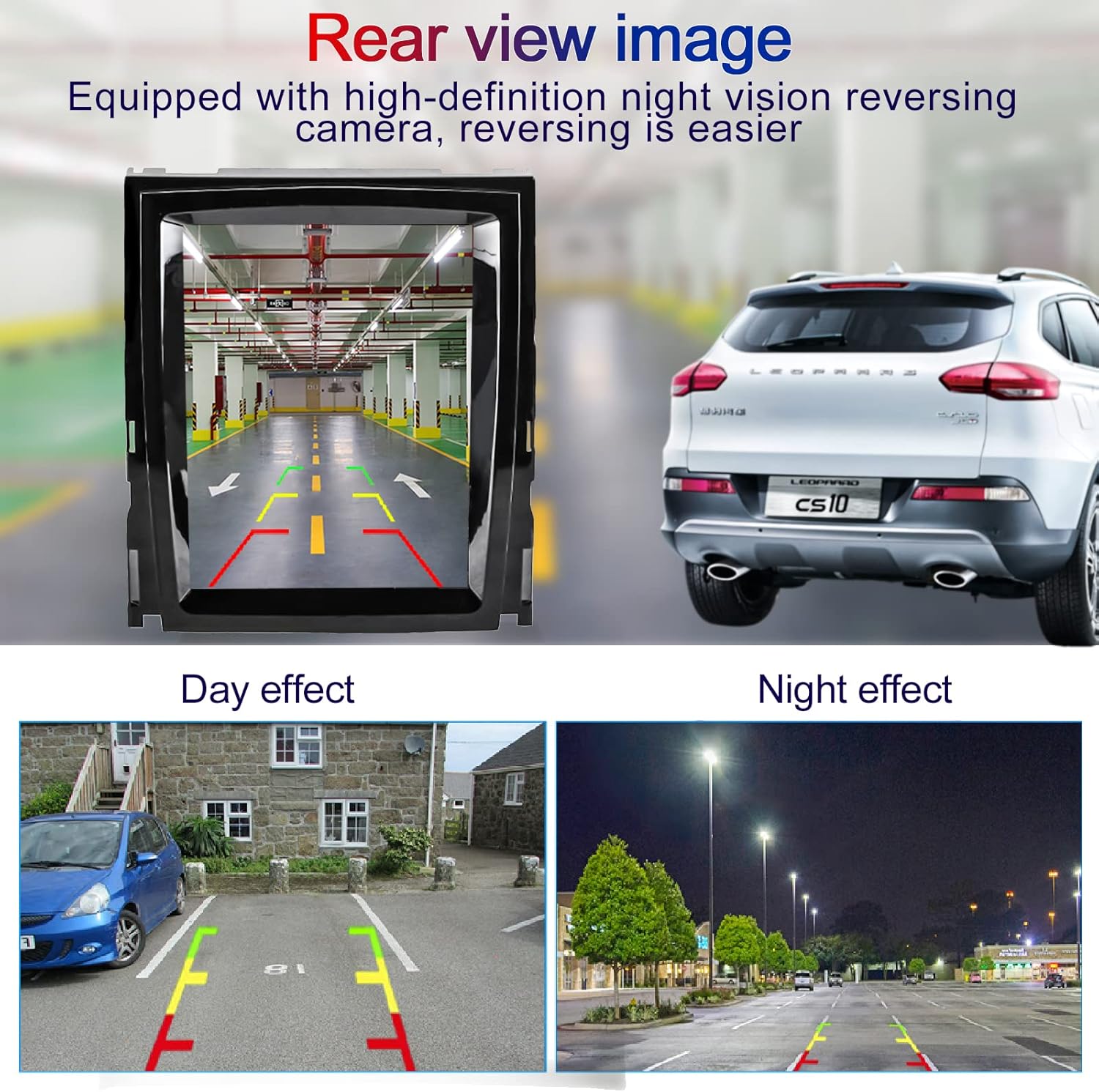
- Rear Camera Support: Compatible with HD Night Vision rear cameras for enhanced safety during reversing. (Note: Original car rear view camera is not supported).
- Built-in DSP Sound System: Digital Signal Processor for optimized audio quality and customizable sound settings.
- Steering Wheel Control (SWC): Supports original car multi-function steering wheel controls for convenient operation.
- TPMS Support: Compatible with Tire Pressure Monitoring Systems for real-time tire status.
- Memory: 2GB RAM and 32GB ROM for efficient performance and storage.
3. Package Contents
Please verify that all items are present in your package:
- Toeeklsa 9.7-inch Android Car Stereo Unit
- Power Harness and necessary wiring cables
- GPS Antenna
- USB Cables
- External Microphone (if included)
- HD Night Vision Rear Camera (if included in your package)
- User Manual (this document)
4. Installation Guide
Professional installation is highly recommended. Incorrect installation can damage the unit or your vehicle. Ensure the vehicle's power is disconnected before beginning installation.
4.1 Pre-Installation Overview
The Toeeklsa car stereo is designed to integrate seamlessly into your Cadillac Escalade's dashboard. The image below illustrates the appearance before and after installation, highlighting the transformation from the original setup to the new Tesla-style touchscreen.

4.2 General Installation Steps
- Disconnect Battery: Before starting, disconnect the negative terminal of your car battery to prevent electrical shorts.
- Remove Original Unit: Carefully remove the existing car radio and dashboard trim. Refer to your vehicle's service manual for specific instructions on trim removal.
- Connect Wiring Harness: Connect the provided wiring harness to the car stereo and the vehicle's factory harness. Ensure all connections are secure.
- Install GPS Antenna: Mount the GPS antenna in a location with a clear view of the sky, typically on the dashboard or under the windshield.
- Connect USB Cables: Route the USB cables to an accessible location, such as the glove compartment or center console.
- Install Rear Camera (Optional): If installing the included rear camera, follow the wiring diagram provided in section 4.3.
- Mount New Stereo: Secure the Toeeklsa car stereo into the dashboard opening.
- Reconnect Battery: Reconnect the car battery and test the unit's functionality before reassembling the dashboard trim.
4.3 Rear Camera Wiring Diagram
For universal car stereos, follow these steps to connect the rear camera:

- Connect the red +12V wire of the camera to the positive wire of the car reverse light.
- Connect the black GND wire to the negative wire of the car reverse light.
- Connect the RCA output of the camera to the rear camera input of the car stereo.
- Connect the red reverse trigger wire of the camera to the reverse control cable of the car stereo.
- Installation finished.
5. Basic Operation
The car stereo features an intuitive Android interface. Power on the unit by starting your vehicle. The main screen will display various application icons. Navigate by tapping icons or swiping the screen. The system supports multiple UI display interfaces for personalization.

6. GPS Navigation
The unit comes with built-in GPS navigation. You can download offline maps from the app store or use online maps via an internet connection (e.g., Wi-Fi hotspot from your phone). The navigation interface is designed for clarity and ease of use.

7. Bluetooth Connectivity
Pair your mobile phone via Bluetooth for hands-free communication and audio streaming. This feature enhances driving safety by allowing you to answer calls and play music without handling your phone.

8. Multimedia Playback
Enjoy high-definition video and audio playback directly on the 9.7-inch screen. The system supports various formats and offers a split-screen function to run multiple applications simultaneously.


9. Steering Wheel Control (SWC)
The unit supports the original car's multi-function steering wheel controls. This allows you to manage audio, calls, and other functions directly from your steering wheel, minimizing distractions while driving.
10. Rear Camera Function
When the vehicle is shifted into reverse, the car stereo automatically displays the rear camera feed, providing a clear view of the area behind your vehicle. This feature significantly aids in parking and maneuvering.
11. Additional Features
11.1 Built-in DSP Sound System
The integrated Digital Signal Processor (DSP) allows for precise audio tuning, enabling you to customize the sound output to your preference for an optimal listening experience.

11.2 Highly Sensitive Radio
The FM/AM dual-band radio tuner offers high sensitivity for clear reception of radio stations, keeping you informed and entertained on the go.

11.3 TPMS Support
The system supports Tire Pressure Monitoring Systems (TPMS), allowing you to monitor your tire pressure in real-time for improved safety and tire longevity.

12. Operating the Interface
The video below demonstrates the various functions and user interface of the Toeeklsa car stereo, including radio, navigation, music playback, phone functions, split-screen mode, and the reverse camera view.
13. Troubleshooting
If you encounter issues, please refer to the following common problems and solutions:
- No Power: Check all power connections and ensure the vehicle's battery is properly connected and charged. Verify the fuse.
- No Sound: Check speaker connections, volume settings, and ensure the correct audio source is selected. Verify DSP settings.
- GPS Not Working: Ensure the GPS antenna is properly connected and has a clear view of the sky. Check navigation app settings.
- Bluetooth Connection Issues: Ensure Bluetooth is enabled on both the stereo and your phone. Delete previous pairings and try reconnecting.
- Rear Camera Not Displaying: Verify the camera's power and video connections. Ensure the reverse trigger wire is correctly connected to the vehicle's reverse light circuit.
- Touchscreen Unresponsive: Try restarting the unit. If the issue persists, a factory reset might be necessary (consult support before performing a factory reset).
For persistent issues, please contact customer support.
14. Specifications
| Feature | Specification |
|---|---|
| Brand | Toeeklsa |
| Model Number | Escalade 2007-2012 |
| Operating System | Android 11.0 |
| Screen Size | 9.7 Inches |
| Display Type | IPS 2.5D Capacitive Multi-touch |
| Display Resolution | 1024*768 |
| Memory (RAM) | 2 GB |
| Storage (ROM) | 32 GB |
| Connectivity Technology | USB, Bluetooth, WIFI |
| Special Features | Bluetooth, Mirror Link, Touchscreen, WIFI, GPS, DSP, SWC Support, TPMS Support |
| Map Type | North America (Offline/Online) |
| Audio Output Mode | Stereo |
| Mounting Type | Dashboard Mount |
15. Warranty and Support
For warranty information, technical support, or any questions regarding your Toeeklsa car stereo, please refer to the contact information provided at the point of purchase or visit the official Toeeklsa website. Please have your product model number and purchase details ready when contacting support.