
Introduction
This manual provides instructions for the safe and efficient operation of your Mainstays LED Gooseneck Desk Lamp. Please read this manual thoroughly before use and retain it for future reference.
The Mainstays LED Desk Lamp is designed for use in various indoor settings such as dorm rooms, bedrooms, and home offices. It features a flexible gooseneck for light direction, an integrated AC outlet for device charging, and a catch-all tray for small items.
Important Safety Instructions
WARNING: To reduce the risk of fire, electric shock, or injury to persons:
- Do not operate the lamp with a damaged cord or plug.
- Do not use the lamp if it has been dropped or damaged.
- Do not attempt to modify or repair the lamp. Refer all servicing to qualified service personnel.
- Do not immerse the lamp in water or any other liquid.
- Unplug the lamp from the outlet before cleaning or when not in use.
- Use only as intended for indoor environments.
- Keep away from flammable materials.
Product Components
Familiarize yourself with the parts of your Mainstays LED Gooseneck Desk Lamp:
- LED Light Head: Contains the integrated LED light source.
- Flexible Gooseneck: Allows for adjustment of the light direction.
- Lamp Base: Provides stability and houses the electrical components.
- AC Outlet: Located on the base for charging external devices.
- Catch-All Tray: Integrated into the base for small item storage.
- On/Off Rocker Switch: Controls the power to the lamp.
- Power Cord: Connects the lamp to an electrical outlet.
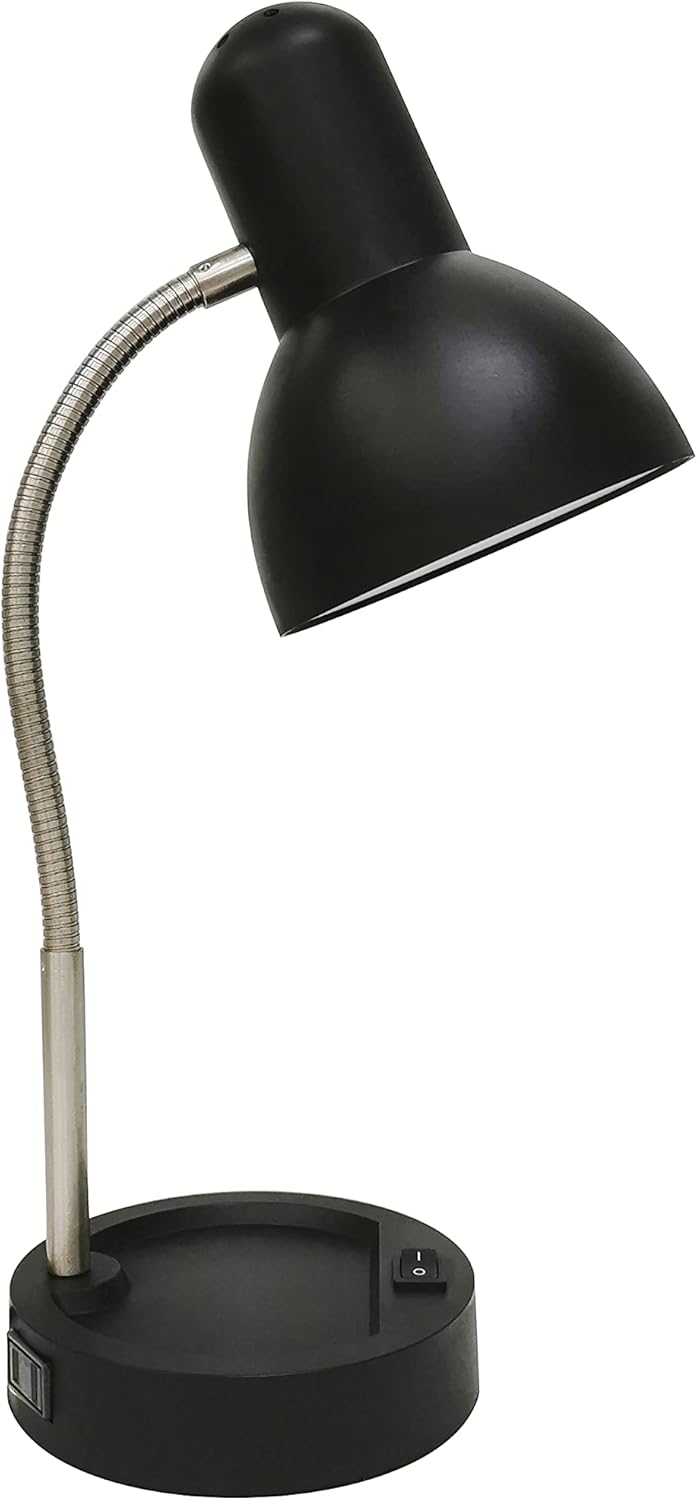
Figure 1: Mainstays LED Gooseneck Desk Lamp. This image shows the overall design of the lamp, including the black lamp head, flexible silver gooseneck, and black base with an integrated switch and AC outlet.
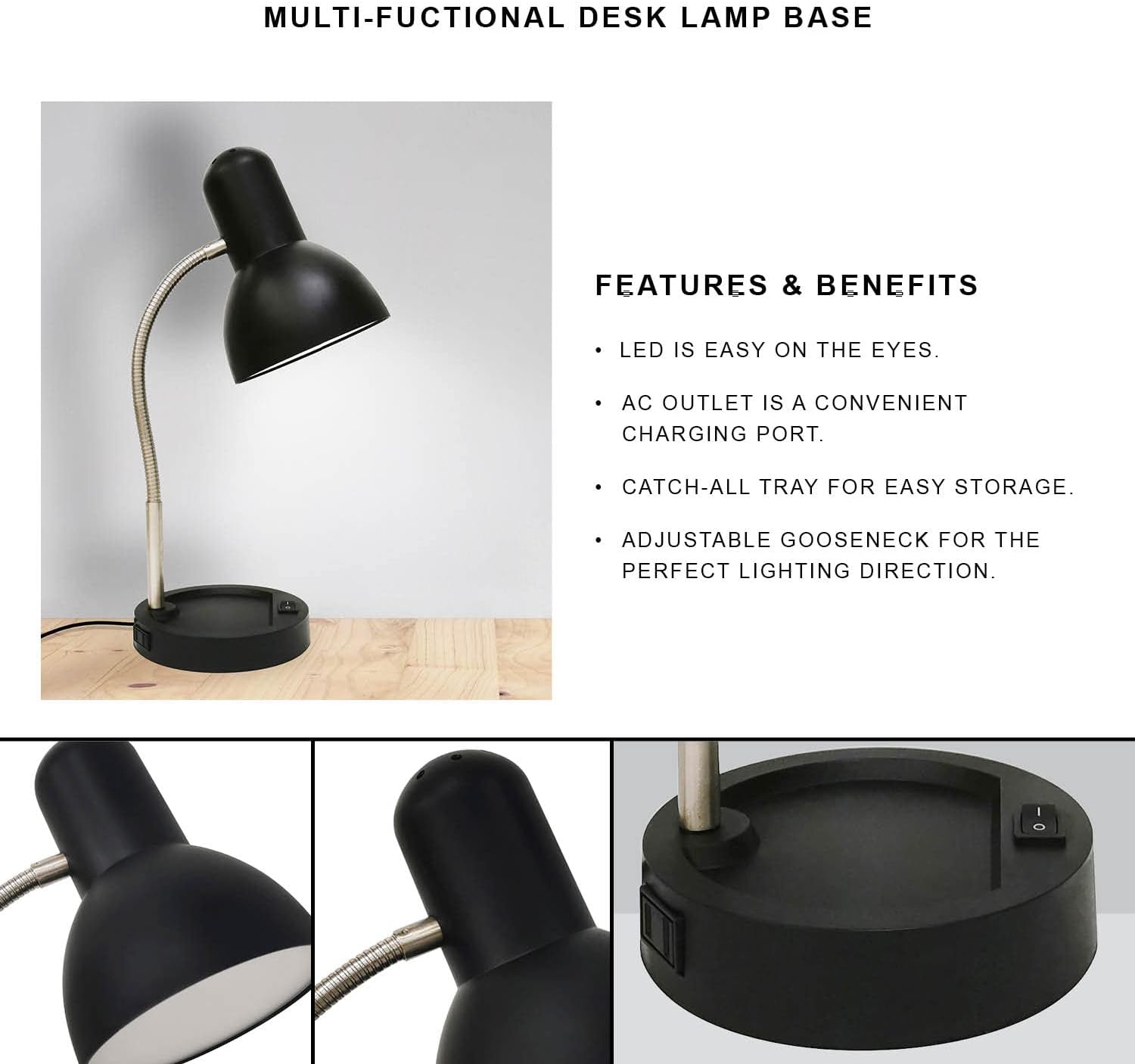
Figure 2: Multi-functional Desk Lamp Base. This image highlights the key features of the lamp's base, including the LED light, AC outlet, catch-all tray, and adjustable gooseneck. It also shows close-ups of the lamp head and the base's side profile.
Setup Instructions
- Unpack the Lamp: Carefully remove all components from the packaging. Ensure all parts listed in the "Product Components" section are present and undamaged.
- Position the Lamp: Place the lamp on a stable, flat surface, such as a desk or table, in your desired location. Ensure there is adequate space around the lamp for proper ventilation and access to the AC outlet.
- Connect to Power: Insert the power cord plug firmly into a standard 120V AC electrical wall outlet.
Operating Instructions
- Turning On/Off: Locate the rocker switch on the lamp base. Press the switch to the "ON" position to illuminate the LED light. Press the switch to the "OFF" position to turn off the light.
- Adjusting Light Direction: Gently bend and position the flexible gooseneck to direct the LED light to your desired area. The gooseneck allows for multiple angles of adjustment.
- Using the AC Outlet: The integrated AC outlet on the lamp base can be used to power or charge small electronic devices such as mobile phones or tablets. Plug your device's power adapter into this outlet.
- Using the Catch-All Tray: The circular indentation on the lamp base serves as a convenient tray for storing small office supplies, pens, paper clips, or even your mobile phone.
Maintenance and Care
- Cleaning: Before cleaning, ensure the lamp is unplugged from the power outlet. Wipe the lamp surfaces with a soft, dry cloth. Do not use abrasive cleaners, solvents, or polishes as they may damage the finish.
- LED Light Source: The LED light source is integrated and designed for long-lasting performance. It is not user-replaceable.
- Storage: When not in use for extended periods, unplug the lamp and store it in a cool, dry place.
Troubleshooting
| Problem | Possible Cause | Solution |
|---|---|---|
| Lamp does not turn on. |
|
|
| AC outlet is not providing power. |
|
|
| Gooseneck does not hold position. |
|
|
Specifications
| Feature | Detail |
|---|---|
| Model Number | B09YRHX2ZB |
| Lamp Type | Desk Lamp |
| Light Source Type | Integrated LED |
| Wattage | 4 watts |
| Lumen Output | 260 lumens |
| Voltage | 120 Volts |
| Power Source | Corded Electric |
| Switch Type | Rocker Switch |
| Base Material | Alloy Steel |
| Shade Material | Alloy Steel |
| Color | Black |
| Indoor/Outdoor Usage | Indoor |
| Mounting Type | Tabletop |
| Special Feature | Energy Efficient, Built-in AC Outlet, Catch-All Tray, Flexible Gooseneck |
| Lamp Weight | 2.86 lbs |
Warranty Information
Specific warranty details for the Mainstays LED Gooseneck Desk Lamp are typically provided at the point of purchase or within the product packaging. Please refer to any included warranty cards or contact the manufacturer, Deahun, for detailed warranty terms and conditions.
Retain your proof of purchase for any warranty claims.
Customer Support
For further assistance, technical support, or inquiries regarding your Mainstays LED Gooseneck Desk Lamp, please contact the manufacturer:
Manufacturer: Deahun
(Specific contact information such as phone number or email address is not available in the provided product data. Please refer to the product packaging or manufacturer's website for direct contact details.)