
1. Introduction
Thank you for choosing JMEXSUSS 200 LED Orange Net Lights. This manual provides essential information for the safe and effective use of your net lights. Please read these instructions carefully before installation and retain them for future reference.
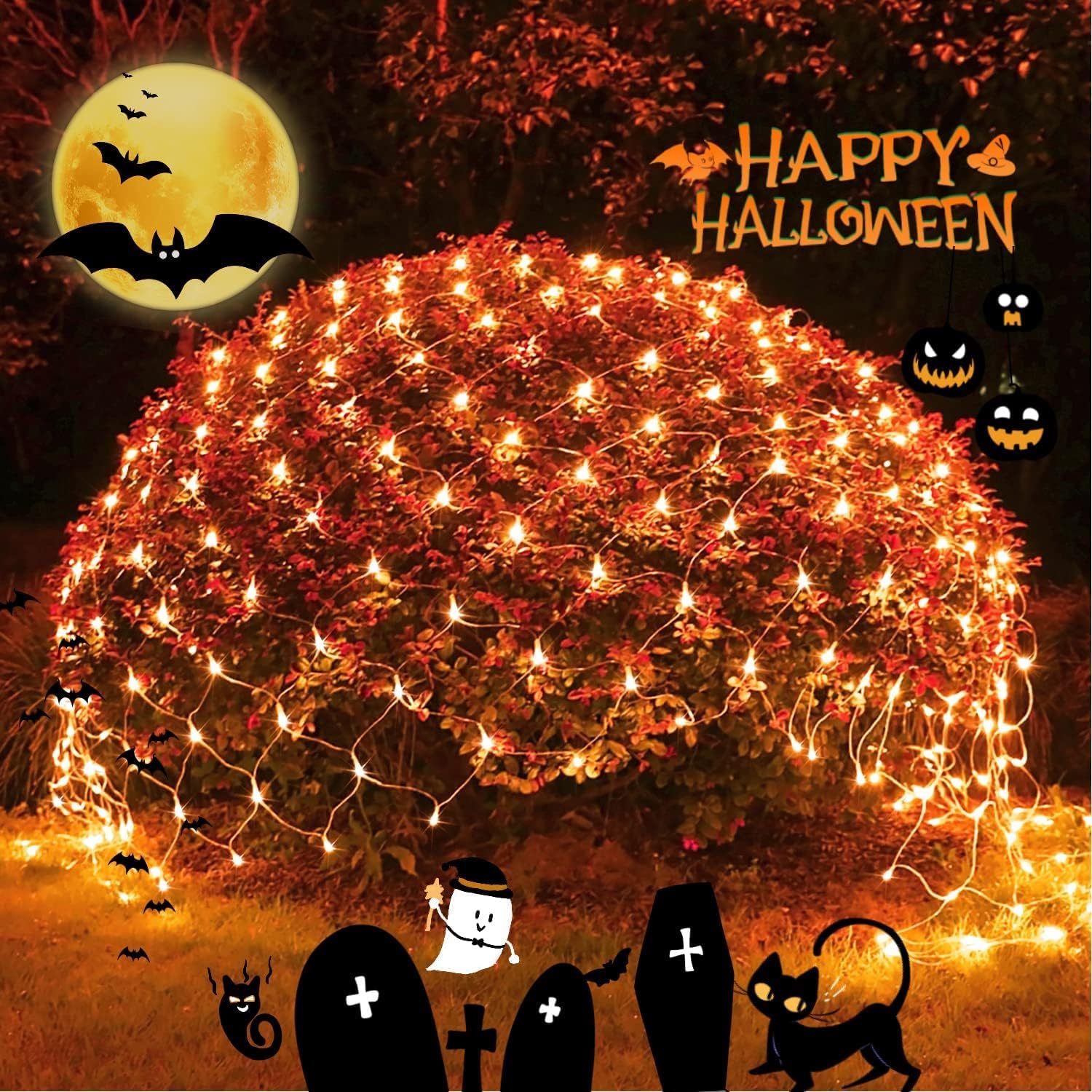
Image 1.1: JMEXSUSS 200 LED Orange Net Lights installed on a bush for Halloween decoration.
2. Safety Instructions
To ensure safe operation, always follow these guidelines:
- This product is for decorative purposes only. Do not use it for any other application.
- Ensure the power adapter is protected from water and moisture. The lights themselves have an IPX4 rating, meaning they are resistant to splashing water, but not submersion.
- The net lights are UL588 certified, operating at a safe low voltage of 30V.
- Do not attempt to modify or repair the lights or adapter. Contact customer support if issues arise.
- Keep away from open flames or heat sources.
- Avoid placing the lights where they can be easily damaged by sharp objects or excessive pulling.
- Unplug the lights from the power source when not in use or during installation/removal.
3. Product Features
The JMEXSUSS 200 LED Orange Net Lights offer a range of features for versatile decoration:
- Connectable Design: Up to 5 sets of these net lights can be interconnected for extended coverage.
- Dimensions: Each net measures approximately 9.8ft x 6.6ft.
- Versatile Use: Suitable for both indoor and outdoor decoration, ideal for bushes, fences, patios, windows, and more.
- 8 Lighting Modes: Choose from Combination, In Waves, Sequential, Slow Glow, Chasing/Flash, Slow Fade, Twinkle, and Steady On.
- Remote Control: Includes a multifunction remote for ON/OFF, mode selection, dimming (4 brightness levels), and timer settings.
- Timer Function: Automatically turns lights on for 6 hours and off for 18 hours.
- Low Voltage Safety: UL588 certified 30V output for enhanced safety.
- Waterproof Rating: IPX4 rated for resistance against splashing water.
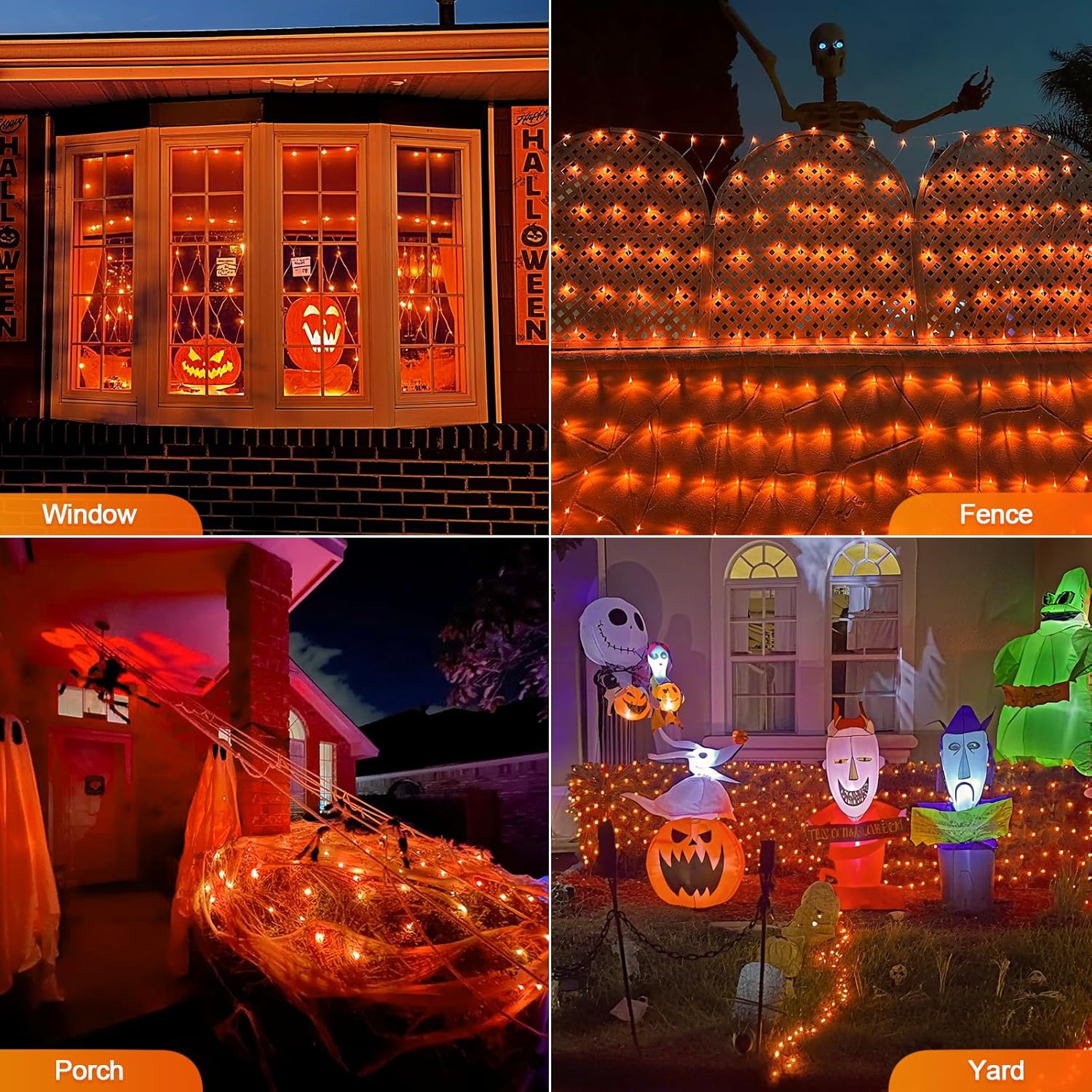
Image 3.1: Multifunction remote control for operating the net lights.
4. Package Contents
Upon opening your package, please verify that all components are present:
- 1 x JMEXSUSS 200 LED Orange Net Light set
- 1 x Power Adapter (UL588 certified)
- 1 x Remote Control
- 1 x User Manual (this document)
5. Setup Instructions
Follow these steps to set up your JMEXSUSS 200 LED Orange Net Lights:
- Unpack the Lights: Carefully remove the net lights from the packaging. The lights are folded like an accordion to prevent tangling. Gently unfold them.
- Placement: Position the net lights over your desired area, such as bushes, hedges, fences, or walls. Ensure the power adapter is located in a dry, protected area.
- Connecting Multiple Sets (Optional): If you are using multiple sets, connect them end-to-end using the integrated connectors. Up to 5 sets can be safely connected. Ensure the connections are secure.
- Power Connection: Plug the power adapter into a standard electrical outlet.

Image 5.1: Illustration of connecting multiple net light sets.
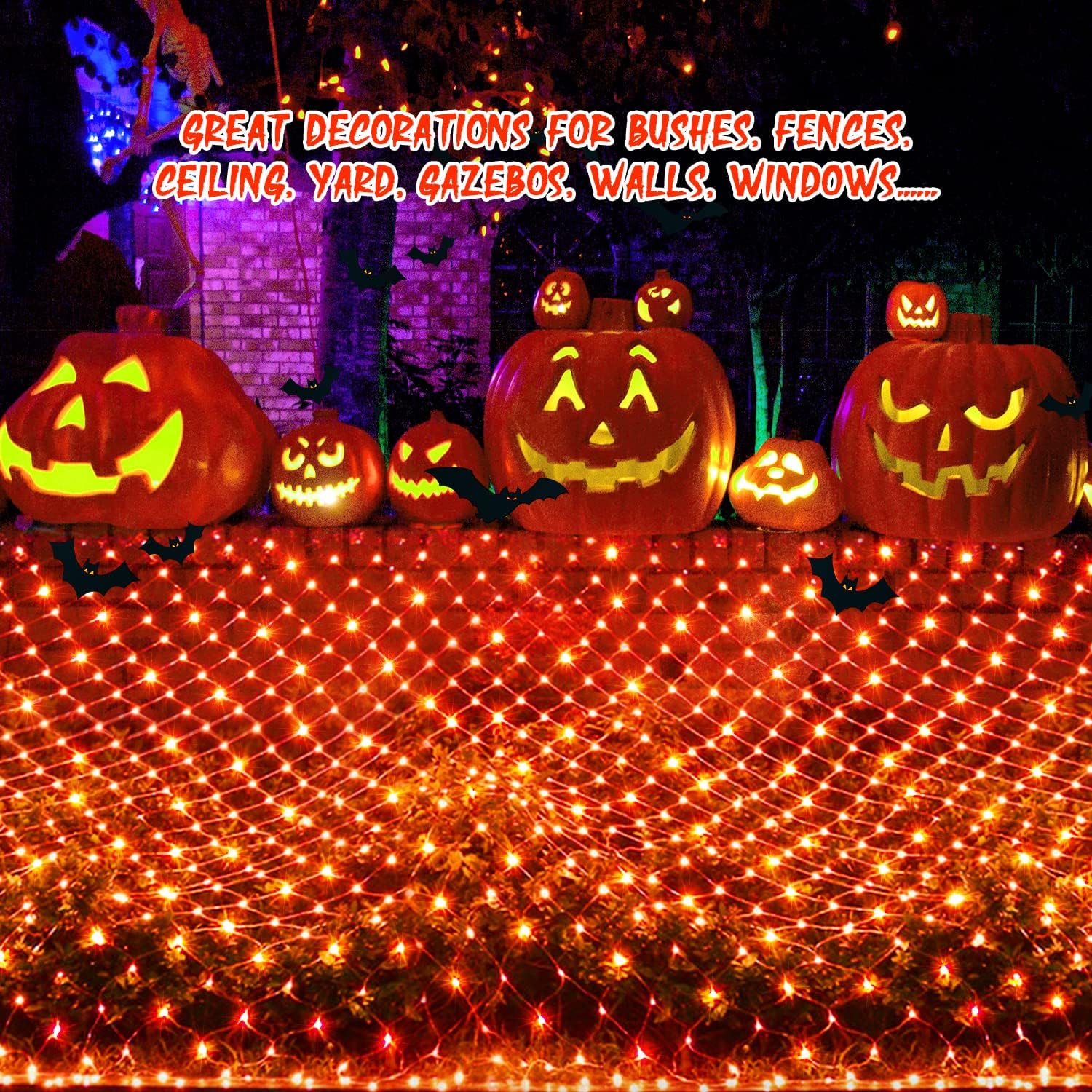
Image 5.2: Net lights installed on an outdoor hedge.
Video 5.1: Demonstration of connecting lights, safe touch, timer, and brightness levels.
6. Operating Instructions
Your JMEXSUSS net lights can be operated using the included remote control or the button on the power adapter.
6.1. Using the Remote Control
- ON/OFF: Press the "ON" button to turn the lights on, and "OFF" to turn them off.
- Mode Selection: Use buttons 1-8 to cycle through the 8 different lighting modes:
- Combination
- In Waves
- Sequential
- Slow Glow
- Chasing/Flash
- Slow Fade
- Twinkle
- Steady On
- Dimming: Use the "DIM+" and "DIM-" buttons to adjust the brightness. There are 4 brightness levels (25%, 50%, 75%, 100%).
- Timer: Press the "TIMER" button to activate the 6-hour on, 18-hour off cycle. The lights will automatically turn on for 6 hours, then off for 18 hours, repeating daily.
Video 6.1: Demonstration of the JMEXSUSS net lights features, including remote control, timer, and various lighting modes.
6.2. Using the Power Adapter Button
The button on the power adapter allows you to cycle through the 8 lighting modes. Press and hold the button for 3 seconds to activate or deactivate the timer function (green light indicates timer is active).
7. Maintenance
- Cleaning: Disconnect from power before cleaning. Wipe the lights and wires with a soft, dry cloth. Do not use harsh chemicals or abrasive cleaners.
- Storage: When not in use, carefully fold the net lights back into their accordion-like configuration to prevent tangling. Store in a cool, dry place away from direct sunlight.
- Inspection: Periodically inspect the wires and bulbs for any damage. Do not use if wires are frayed or bulbs are broken.
8. Troubleshooting
| Problem | Possible Cause | Solution |
|---|---|---|
| Lights do not turn on. | No power, loose connection, or faulty adapter. | Ensure the power adapter is securely plugged into a working outlet. Check all connections between light sets. Verify the power adapter is functioning. |
| Remote control is not working. | Remote battery depleted, remote too far, or obstruction. | Replace the remote control battery. Ensure you are within effective range of the receiver. Remove any obstructions between the remote and the receiver. |
| Some sections of the lights are not illuminating. | Damaged wire or bulb. | Inspect the wiring for any visible damage or breaks. If damage is found, discontinue use and contact customer support. |
| Timer function is not activating. | Timer not properly set. | Press the "TIMER" button on the remote or hold the button on the adapter for 3 seconds until the green light indicates activation. |
9. Specifications
| Attribute | Detail |
|---|---|
| Brand | JMEXSUSS |
| Model Number | EXS-N-0200 |
| Light Source Type | LED |
| Number of Lights | 200 |
| Light Color | Orange |
| Net Dimensions | 9.8 ft x 6.6 ft |
| Power Source | Corded Electric |
| Voltage | 30V (Low Voltage) |
| Wattage | 6 watts |
| Ingress Protection (IP) Rating | IPX4 |
| Controller Type | Remote Control |
| Indoor/Outdoor Usage | Outdoor |
| Material | Mesh |
10. Warranty and Support
JMEXSUSS products are designed for quality and durability. For any questions, concerns, or technical support regarding your 200 LED Orange Net Lights, please contact JMEXSUSS customer service through the retailer's platform or the official brand website.
Please retain your proof of purchase for any warranty claims.