
Introduction
This instruction manual provides essential information for the setup and operation of your Xtrasaver Replacement Remote Control for Onn Roku TV. This remote is designed to offer a seamless and intuitive experience for controlling your compatible Onn Roku television.
Compatibility
The Xtrasaver Replacement Remote Control is specifically designed for use with various Onn Roku TV models. It is a standard IR (Infrared) remote control and does not require complex programming. Simply insert batteries, and it is ready for use with compatible televisions.
Compatible Onn Roku TV Models:
- 100007147
- 3226000858
- 100012584
- 100012585
- 100012586
- 100012587
- 100012589
- 100012590
- 100018971
- 100005395
- 100005396
- 100005397
- And many other Onn Roku TV models.
Important Compatibility Notes:
- This remote is not compatible with Roku Sticks.
- This remote is not compatible with Roku Boxes.
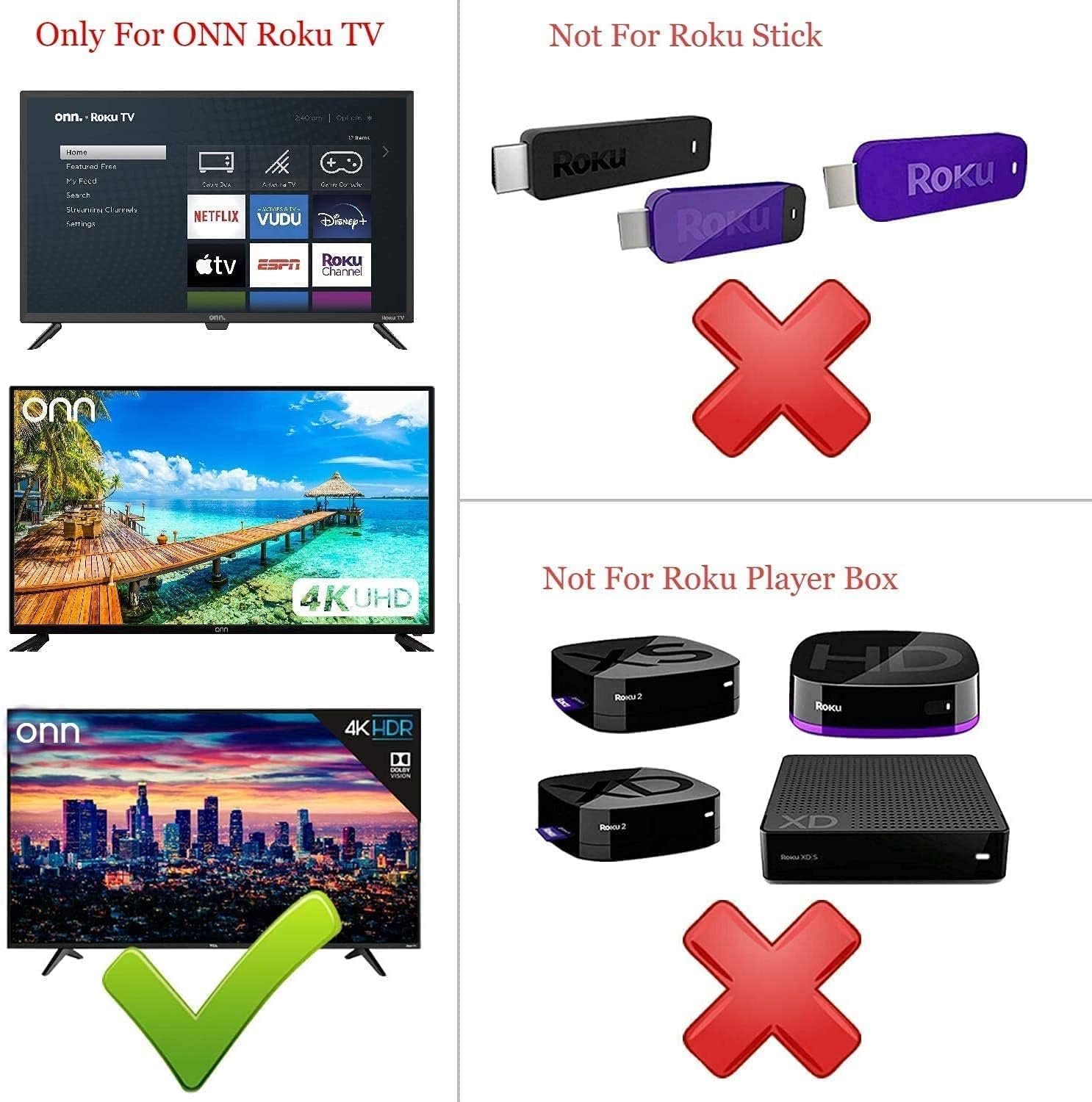
Image: Visual guide illustrating the compatibility of the remote with Onn Roku TVs and its incompatibility with Roku Sticks and Roku Player Boxes.
Features
- Dedicated Shortcut Buttons: Quick access to popular streaming services including Netflix, Disney+, Hulu, and VUDU.
- Standard IR Remote: Operates using infrared technology, ensuring broad compatibility with specified Onn Roku TV models.
- No Programming Required: Ready to use immediately after battery installation.
- Upgraded Smart Chip: Designed for durable lifespan, high quality, and stable performance.
- Durable Construction: Made from high-quality ABS material for safety and longevity.

Image: The remote control, showcasing its ergonomic design and the prominent shortcut buttons for streaming services.

Image: An illustration of the remote's internal components, emphasizing the upgraded smart chip for enhanced performance.
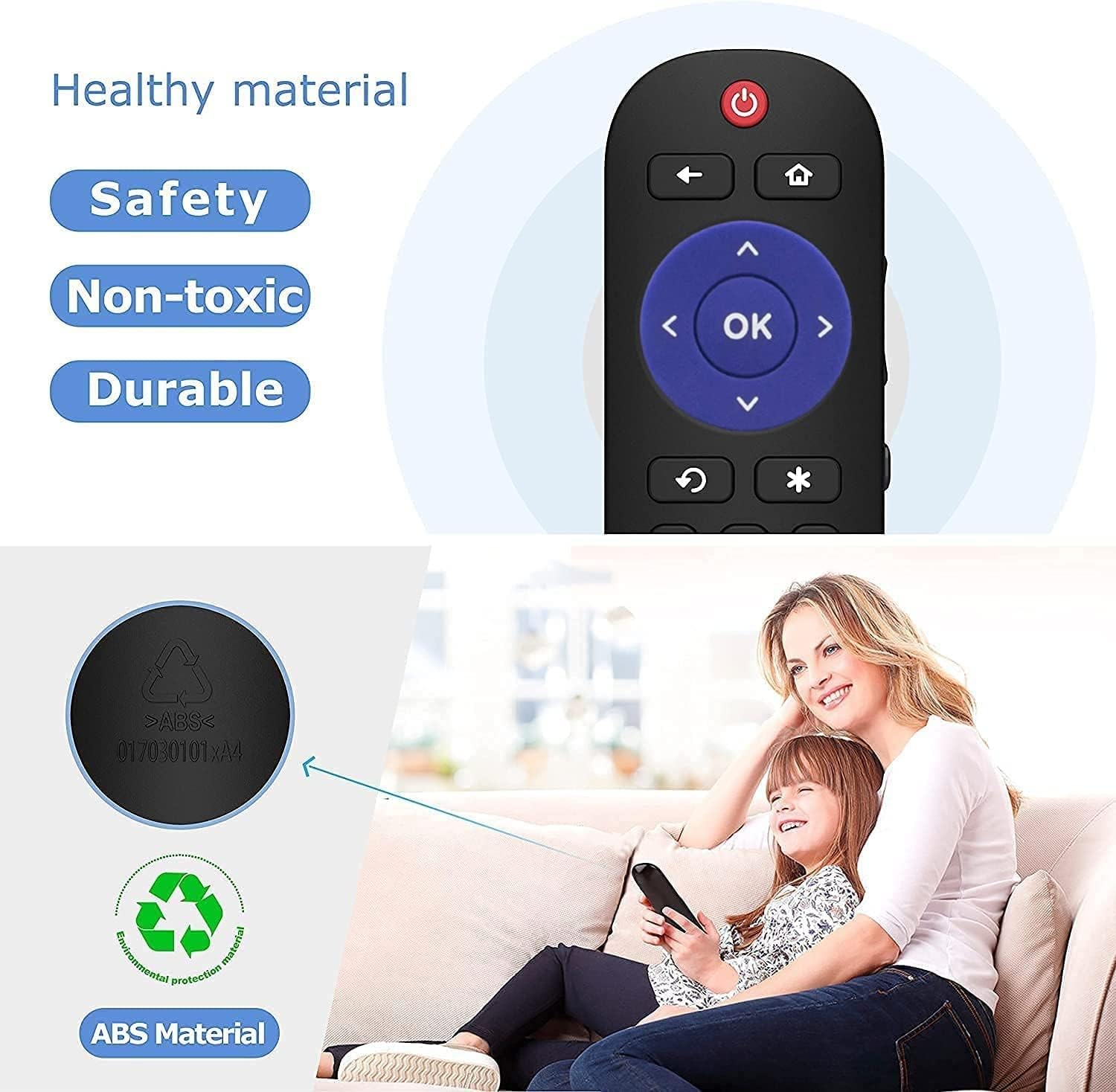
Image: The remote control, highlighting its construction from healthy, non-toxic, and durable ABS material, shown in a family setting.
Setup: Battery Installation
To begin using your Xtrasaver Replacement Remote Control, you will need to install two AAA batteries. Batteries are not included with the remote control.
- Locate the battery compartment on the back of the remote control.
- Slide the battery compartment cover downwards to open it.
- Insert two 1.5V AAA batteries, ensuring the positive (+) and negative (-) terminals align correctly with the indicators inside the compartment.
- Slide the battery compartment cover back into place until it clicks securely.

Image: Detailed view of the battery compartment, illustrating the correct placement of AAA batteries.
Operating Instructions
Once batteries are installed, your remote is ready for immediate use with your compatible Onn Roku TV. No additional pairing or programming is required.
- Power On/Off: Press the Power button (usually red, located at the top) to turn your TV on or off.
- Navigation: Use the directional pad (up, down, left, right) and the OK button in the center to navigate menus and select options on your TV screen.
- Home: Press the Home button (house icon) to return to the Roku home screen.
- Back: Use the Back button (left arrow) to go back to the previous screen or menu.
- Volume Control: Adjust the volume using the dedicated volume buttons located on the side of the remote.
- Mute: Mute or unmute the TV audio using the mute button, typically found near the volume controls.
- Instant App Access: Press the dedicated shortcut buttons (Netflix, Disney+, Hulu, VUDU) to launch these streaming applications directly.
- Playback Controls: Use the Play/Pause, Fast Forward, and Rewind buttons for media playback.
Troubleshooting
| Problem | Solution |
|---|---|
| Remote is not responding. |
|
| Specific shortcut buttons do not work. |
|
| Remote works intermittently. |
|
Specifications
- Brand: Xtrasaver
- Model Number: 850032140218
- Compatibility: Onn Roku TVs (specific models listed in Compatibility section)
- Connectivity Technology: Infrared (IR)
- Power Source: 2 x AAA Batteries (not included)
- Material: ABS
- Color: Black
- Dimensions: Approximately 5.43 x 1.81 x 0.83 inches
- Item Weight: Approximately 6 ounces
Warranty and Support
For any questions, troubleshooting assistance, or warranty inquiries regarding your Xtrasaver Replacement Remote Control, please contact Xtrasaver customer support. Refer to the product packaging or the retailer's website for specific contact information and warranty details.