
1. Introduction
Thank you for choosing the FIADO G-28 Bluetooth Truly Wireless In-Ear Earbuds. This manual provides essential information for setting up, operating, and maintaining your earbuds. Please read it carefully before use to ensure optimal performance and longevity of your device.
2. Package Contents
Verify that all items are present in your package:
- 2 x Wireless Earbuds (Left and Right)
- 1 x Charging Case
- 1 x Charging Cable (Type-C)
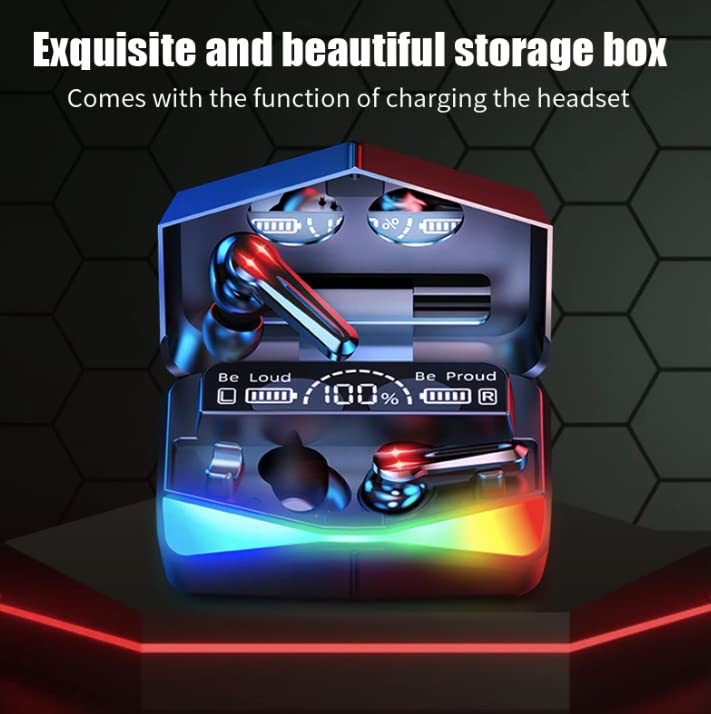
Image: The FIADO G-28 earbuds are shown inside their charging case, which features a digital display indicating battery levels.
3. Setup
3.1. Charging the Earbuds and Case
Before first use, fully charge the earbuds and the charging case.
- Connect the provided Type-C charging cable to the charging port on the case and to a USB power source.
- The LED indicator on the charging case will show charging status.
- Place the earbuds into the charging case. They will automatically begin charging.
- The case features automatic power-off after full charge to prevent overcharge.
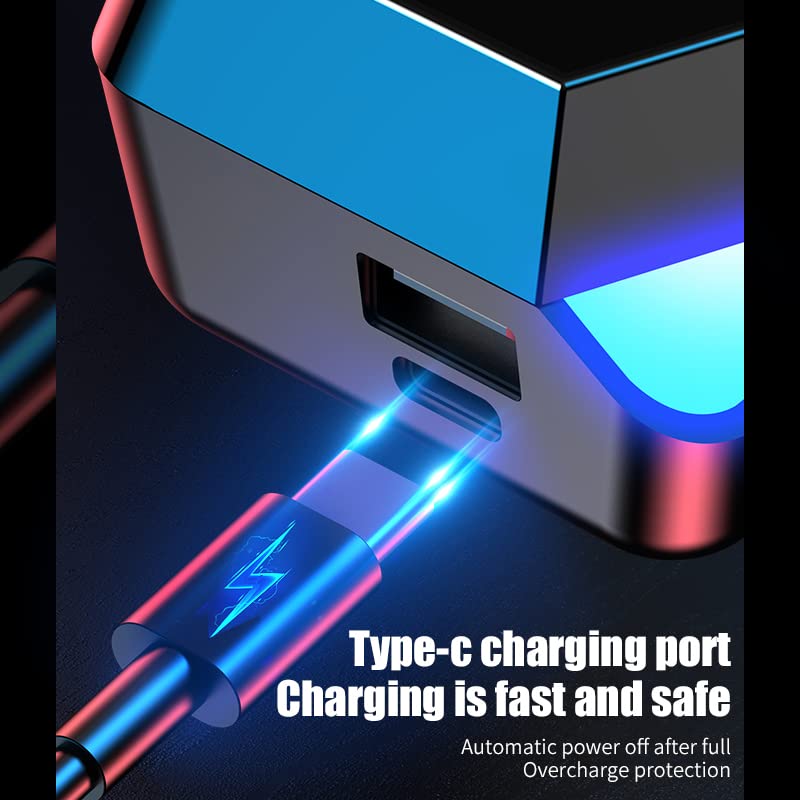
Image: A close-up of the Type-C charging port on the earbud case with a charging cable connected.
3.2. Pairing with a Bluetooth Device
The G-28 earbuds utilize Bluetooth 5.2 for stable and fast connections.
- Ensure the earbuds are charged.
- Open the charging case. The earbuds will automatically power on and enter pairing mode.
- On your device (smartphone, tablet, etc.), enable Bluetooth.
- Search for available Bluetooth devices and select "G-28" from the list.
- Once connected, the earbuds will indicate successful pairing.
Quick Sync Technology: After initial pairing, the earbuds will automatically connect to the last synced device when removed from the charging case.
4. Operating Instructions
4.1. Touch Controls
The G-28 earbuds feature touch sensor controls on both earbuds for various functions:
- Play/Pause: Single tap on either earbud.
- Next Song: Double tap on the right earbud.
- Previous Song: Double tap on the left earbud.
- Volume Up: Triple tap on the right earbud.
- Volume Down: Triple tap on the left earbud.
- Answer/End Call: Single tap on either earbud during an incoming call.
- Reject Call: Press and hold either earbud for 2 seconds during an incoming call.
- Activate Voice Assistant: Press and hold either earbud for 3 seconds.
4.2. Dual Mode Decoding (Music/Game Mode)
The earbuds support switching between music and game modes for optimized audio experience.
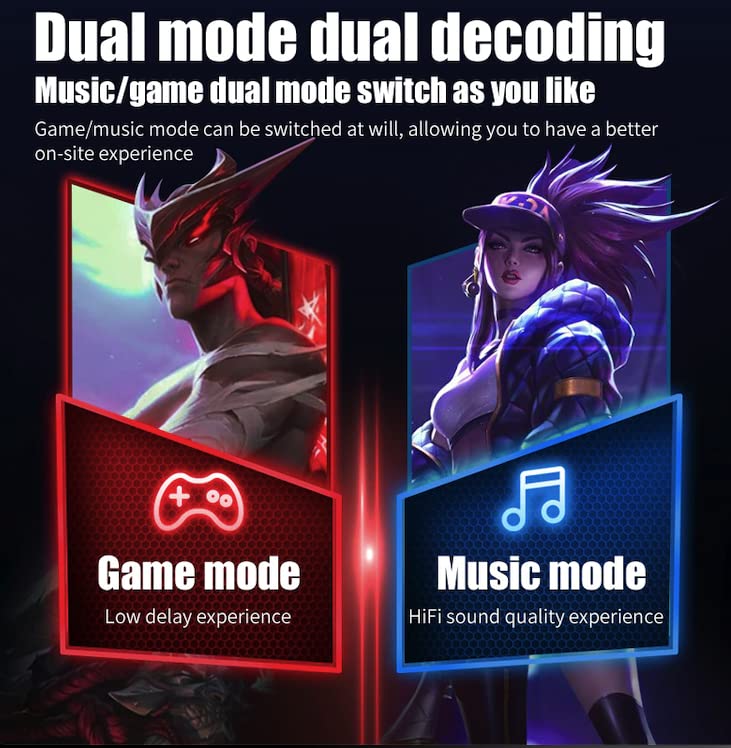
Image: An illustration showing the two modes: 'Game mode' for low delay experience and 'Music mode' for HiFi sound quality experience.
- Switch Mode: Specific touch gesture (refer to quick start guide if provided, typically a long press or specific tap sequence).
- Game Mode: Provides a low-latency experience, ideal for gaming.
- Music Mode: Offers HiFi sound quality for an immersive audio experience.
4.3. Breathing Colorful Lights
The charging case and earbuds feature colorful breathing lights.
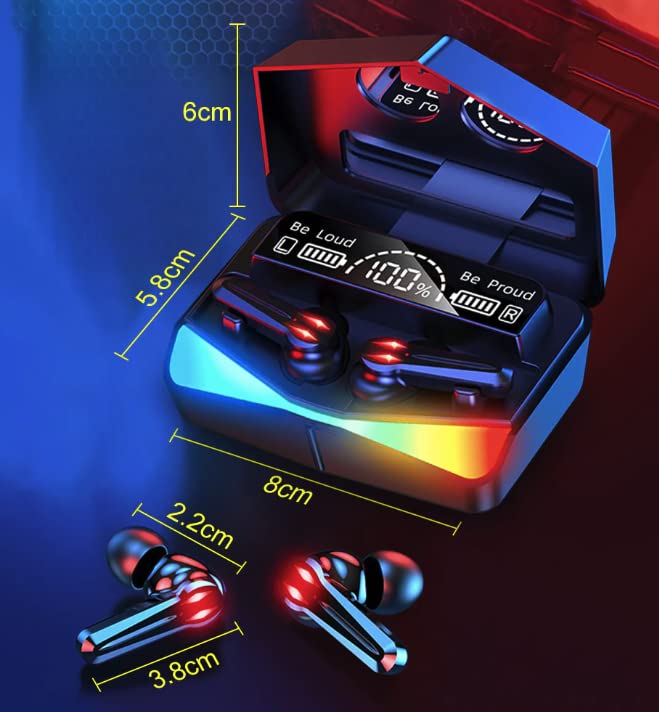
Image: The charging case and earbuds illuminated with colorful breathing lights, alongside battery life indicators (6h single use, 200h standby, 4-5 times charge headsets).
5. Maintenance
To ensure the longevity and performance of your FIADO G-28 earbuds:
- Cleaning: Regularly clean the earbuds and charging case with a soft, dry cloth. Avoid using liquids or abrasive cleaners.
- Storage: Store the earbuds in their charging case when not in use to protect them and keep them charged.
- Water Resistance: The earbuds are water-resistant. Avoid submerging them in water or exposing them to heavy rain. Dry them thoroughly if they get wet.
- Temperature: Avoid exposing the earbuds to extreme temperatures (hot or cold).
6. Troubleshooting
If you encounter issues with your earbuds, refer to the following common solutions:
| Problem | Possible Solution |
|---|---|
| Earbuds not pairing |
|
| No sound from one earbud |
|
| Charging issues |
|
| Low volume or poor sound quality |
|
7. Specifications
Key technical specifications for the FIADO G-28 Earbuds:
- Model Name: A-G28
- Connectivity Technology: Wireless
- Wireless Communication Technology: Bluetooth
- Bluetooth Version: 5.2
- Frequency Response: 2.4 GHz
- Control Type: Touch Control, Call Control
- Audio Driver Type: Dynamic Driver (Titanium coated)
- Special Features: Noise Isolation, Dedicated Gaming Mode (Low Latency), Breathing Colorful Lights
- Water Resistance Level: Water Resistant (Sweat Proof)
- Item Weight: 50 Grams
- Included Components: 2 wireless earphones, 1 charging box, 1 charging cable
- Compatible Devices: Smartphones, Tablets, Laptops, Desktops, Gaming Consoles, Smart TVs
- Material: Plastic
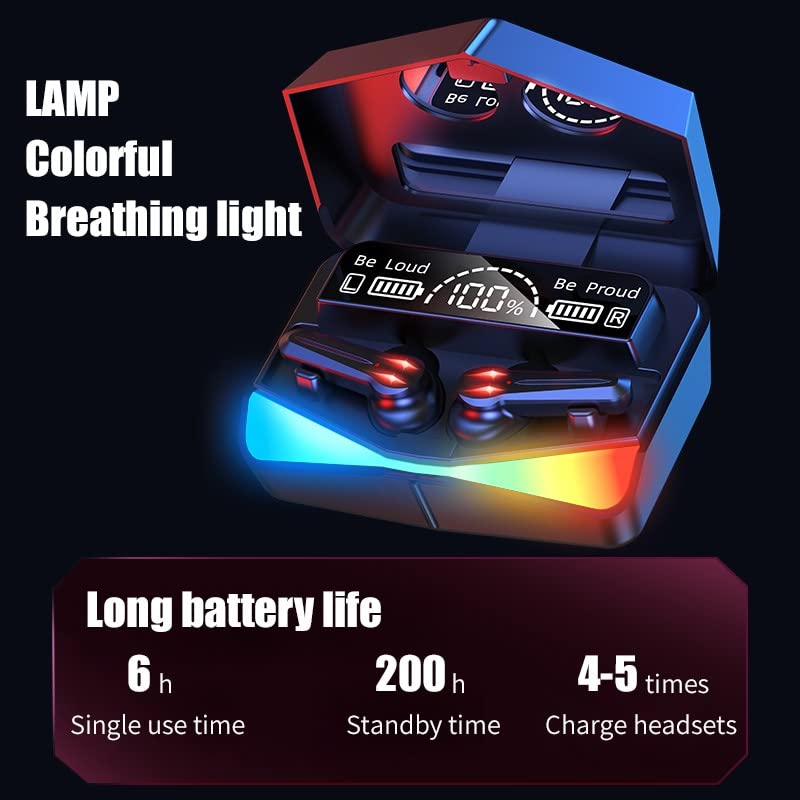
Image: Diagram showing the dimensions of the earbuds and charging case in centimeters.
8. Warranty and Support
Your FIADO G-28 Earbuds come with a 6-month warranty from the date of purchase. This warranty covers manufacturing defects. Please retain your proof of purchase for warranty claims.
For technical support or warranty inquiries, please contact your retailer or the manufacturer's customer service through their official channels.