
E T EASYTAO TV-628
E T EASYTAO TV-628 2K 3MP Indoor WiFi Security Camera User Manual
Model: TV-628
Introduction
This manual provides detailed instructions for the E T EASYTAO TV-628 Indoor WiFi Security Camera. This camera offers advanced features for home monitoring, including 2K 3MP resolution, smart night vision, two-way audio communication, and motion detection with instant alerts. It is also compatible with Amazon Alexa for convenient voice control. Please read this manual thoroughly before operating the device to ensure proper setup and functionality.
Package Contents
Verify that all items listed below are included in your package. If any items are missing or damaged, please contact customer support.
- 1 x 3MP Camera (TF card not included)
- 1 x DC 5V 1.5A Power Adapter
- 1 x 1-meter Power Cable
- 1 x Mounting Bracket
- 1 x Instruction Manual
- 1 x Screw Bag
Product Overview
The E T EASYTAO TV-628 camera is designed for comprehensive indoor surveillance. It features a pan-and-tilt mechanism for wide coverage, high-resolution video, and smart detection capabilities.

Image: Overview of the E T EASYTAO TV-628 camera, illustrating its 2K resolution, 360-degree visual coverage, two-way audio, 24/7 recording, family sharing, mobile monitoring, push notifications, Alexa/Google Assistant compatibility, 2.4GHz WiFi support, and flexible SD/cloud storage options.
Setup
1. Download the App
Search for and download the "Trishome" app from your mobile device's app store (Google Play Store for Android or Apple App Store for iOS). Alternatively, scan the QR code provided in the quick start guide to download the app.

Image: Screenshots showing the Trishome app icon, FAQ section, and live chat support interface, demonstrating how to access online technical assistance.
2. Insert Micro SD Card (Optional)
Before powering on the camera, insert a Micro SD card (up to 128GB, not included) into the designated slot for local video storage. Ensure the card is inserted correctly. The camera supports hot-swapping of the SD card after initial power-on, but it is recommended to insert it beforehand.
3. Power On the Camera
Connect the provided power adapter to the camera's power port and plug it into a wall outlet. The camera will power on and initiate its startup sequence. Wait for the indicator light to flash, indicating it's ready for connection.
4. Connect to Wi-Fi
Open the Trishome app and follow the on-screen instructions to add your new camera. Ensure your mobile device is connected to a 2.4GHz Wi-Fi network, as the camera only supports this frequency. The app will guide you through the pairing process, which typically involves scanning a QR code displayed on your phone with the camera lens.
Operating Instructions
Video Quality and Coverage
The camera provides clear 2K (2304x1296) resolution video, capturing fine details. Its advanced lens offers a 355-degree horizontal rotation and 90-degree vertical tilt, ensuring a full 360-degree panoramic view of your space.
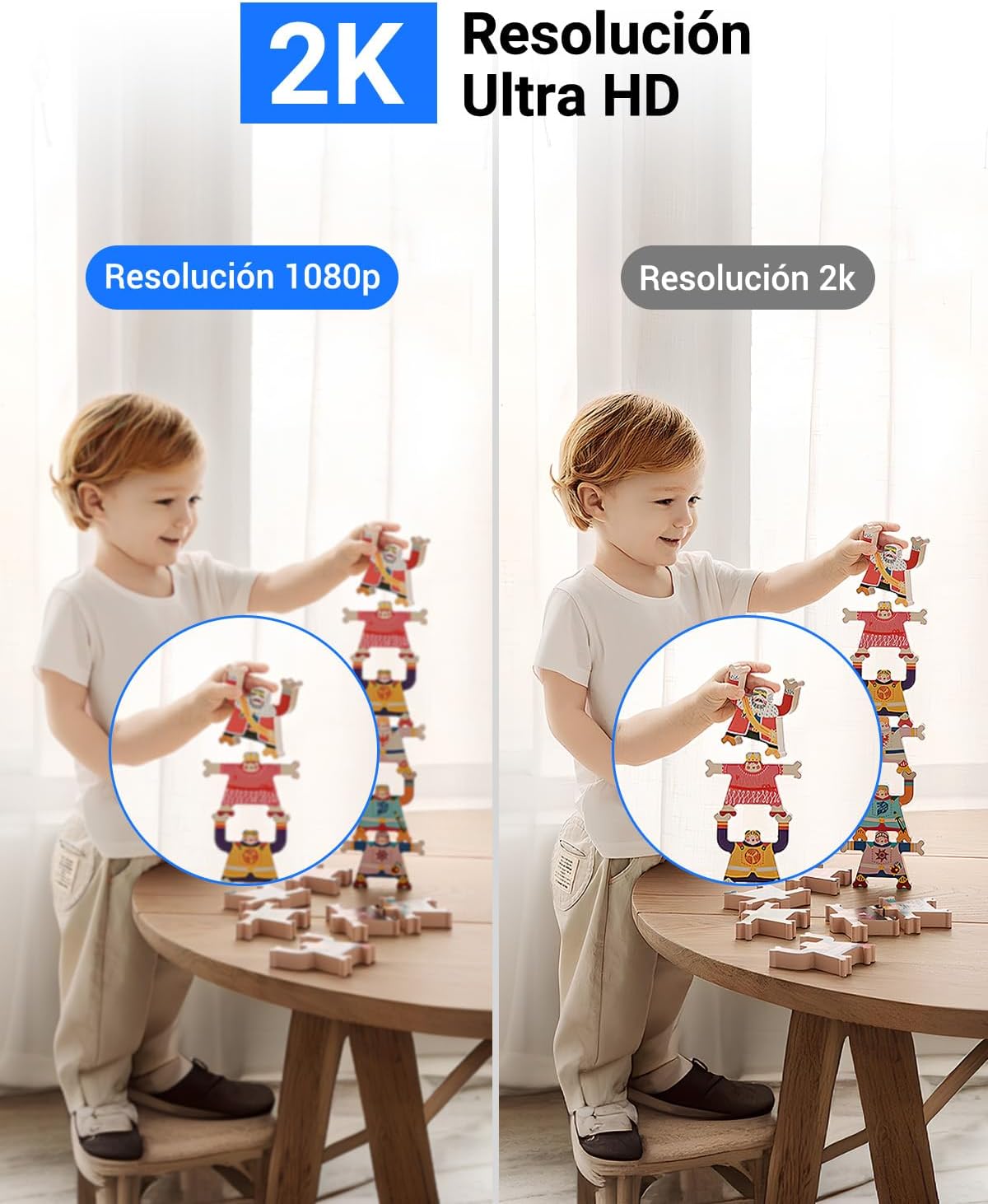
Image: A visual comparison demonstrating the superior clarity and detail of 2K Ultra HD resolution compared to standard 1080p resolution, highlighting the camera's video quality.

Image: The camera's 355-degree panoramic view in action, demonstrating its intelligent detection capabilities and how alerts are displayed on a mobile phone when motion is detected.
Smart Night Vision
Equipped with smart infrared technology, the camera offers night vision up to 20 meters. The infrared LED intensity adjusts automatically to prevent overexposure, ensuring clear images even in complete darkness. This feature allows for detailed monitoring of objects or individuals at night.

Image: A child interacting with the camera, illustrating the two-way audio communication feature and the camera's ability to provide clear night vision for monitoring.
Two-Way Audio
The integrated microphone and speaker enable seamless two-way communication. You can speak to and hear from anyone near the camera through the Trishome app, providing a convenient way to interact with family or pets from anywhere.
Motion Detection and Alerts
The camera features motion detection with instant alerts. Upon detecting movement, you will receive a notification on your phone with a snapshot and an audible alarm. The sensitivity of motion detection can be adjusted within the app to minimize false alarms.
Flexible Storage Options
Recordings can be stored locally on a Micro SD card (up to 128GB) or securely in the cloud. Cloud storage prevents data loss from SD card issues and ensures data security. The camera supports continuous 24/7 recording to both options.

Image: The camera highlighting its flexible storage capabilities, including cloud storage for 24/7 recording and local storage via a Micro SD card, with examples of monitored rooms.
Alexa Compatibility
The camera is compatible with Amazon Alexa. You can use voice commands to view live feeds on any Alexa-enabled screen device. For example, say "Alexa, show me the living room" to display the camera feed. If you need assistance connecting to Alexa, please refer to the online support or contact customer service.

Image: A woman in a kitchen using voice commands with an Alexa-enabled device to view the camera feed, demonstrating the hands-free control feature.
Maintenance
- Cleaning: Use a soft, dry cloth to clean the camera lens and body. Avoid using harsh chemicals or abrasive cleaners.
- Placement: Ensure the camera is placed in a stable location, away from direct sunlight, heat sources, and excessive moisture.
- Firmware Updates: Regularly check the Trishome app for available firmware updates to ensure optimal performance and security.
- Power Supply: Use only the provided power adapter to prevent damage to the camera.
Troubleshooting
- Camera not connecting to Wi-Fi:
- Ensure your Wi-Fi network is 2.4GHz. The camera does not support 5GHz networks.
- Check that the camera is within range of your Wi-Fi router.
- Verify that the Wi-Fi password entered in the app is correct.
- Try restarting your router and the camera.
- No video feed:
- Check the camera's power connection.
- Ensure your internet connection is stable.
- Restart the Trishome app.
- SD card not recording:
- Ensure the Micro SD card is inserted correctly and is not full.
- Format the SD card through the app settings.
- Check if the recording settings in the app are configured correctly.
- Alexa integration issues:
- Ensure the camera is properly linked to your Alexa account via the Trishome skill.
- Verify that your Alexa device is online and connected to the internet.
For further assistance, refer to the FAQ section within the Trishome app or utilize the online technical support chat feature.
Specifications
| Model | TV-628 (AETE008) |
| Resolution | 3 Megapixels (2304x1296) |
| Video Compression | H.265+ |
| Horizontal Angle | 355 degrees |
| Vertical Angle | 90 degrees |
| Night Vision Range | 10-20 meters |
| Power Source | DC 5V 1.5A |
| Connectivity | Wireless (Wi-Fi 2.4GHz only) |
| Storage | Micro SD Card (up to 128GB), Cloud Storage |
| Special Features | Motion Detection, Night Vision, Two-Way Audio, Alexa Compatible |
| Recommended Use | Indoor Security |
| Material | Plastic |
| Item Dimensions | Approx. 3 x 3 x 3 mm (Note: This dimension appears unusually small and may refer to a component rather than the full product.) |
Support
For any questions, technical assistance, or troubleshooting not covered in this manual, please utilize the in-app support features. The Trishome app provides a comprehensive FAQ section and direct access to online technical support via chat.
You can access support by opening the Trishome app and navigating to the 'Help' or 'Support' section.