
Introduction
This manual provides essential instructions for the safe and effective use of your Firskids 5-inch FHSS Video Baby Monitor. This system offers a secure, private connection without requiring a home Wi-Fi network or app, utilizing 2.4GHz FHSS wireless technology. Key features include a large 5-inch display, remote pan-tilt-zoom camera, automatic night vision, two-way audio communication, VOX sound activation, temperature monitoring, and built-in lullabies.
Safety Information
- Keep all small parts and cables out of reach of children.
- Do not place the camera or monitor in or near water.
- Use only the provided power adapters.
- Ensure proper ventilation for both units.
- This product is not a substitute for responsible adult supervision.
Package Contents
- Parent Unit (Monitor)
- Baby Unit (Camera)
- Power Adapter for Parent Unit
- Power Adapter for Baby Unit
- User Manual
- Wall Mounting Kit
Product Overview
The Firskids Video Baby Monitor system consists of two main units: the Parent Unit (monitor) and the Baby Unit (camera). The Parent Unit features a 5-inch LCD screen and control buttons, while the Baby Unit is equipped with a camera lens, microphone, and speaker.

Image: The Firskids 5-inch FHSS Video Baby Monitor, showing both the parent unit and the camera unit.
Setup
1. Charging the Parent Unit
Before initial use, fully charge the Parent Unit for approximately 8 hours. Connect the provided power adapter to the Parent Unit and a power outlet. The battery indicator on the screen will show charging status.
2. Positioning the Camera Unit
Place the Baby Unit (camera) in a location that provides a clear view of your baby. Ensure it is at least 3 feet (1 meter) away from your baby to avoid potential hazards. The camera can be placed on a flat surface or mounted to a wall using the included kit.

Image: The Firskids Baby Monitor camera unit positioned on a dresser, providing a view of a baby's crib.
3. Powering On
Connect the Baby Unit's power adapter to the camera and a power outlet. The camera will automatically power on. Press and hold the Power button on the Parent Unit to turn it on. The units should automatically pair. If not, refer to the 'Pairing' section in Troubleshooting.
Operating Instructions
1. Basic Functions
- Power On/Off: Press and hold the Power button on the Parent Unit.
- Volume Adjustment: Use the volume buttons on the Parent Unit to increase or decrease the sound level.
- Brightness Adjustment: Access the menu to adjust the screen brightness for optimal viewing.
2. Camera Control (Pan, Tilt, Zoom)
The camera unit offers remote pan, tilt, and digital zoom functions, allowing you to adjust the viewing angle from the Parent Unit.
- Pan/Tilt: Use the directional arrows on the Parent Unit to move the camera horizontally (pan up to 355°) and vertically (tilt up to 120°).
- Zoom: Press the zoom button on the Parent Unit to digitally zoom in on the image.

Image: The Firskids Baby Monitor camera demonstrating its remote pan and tilt functionality, covering a wide area.

Image: The Firskids Baby Monitor's 5-inch screen displaying a 2x digital zoom on a sleeping baby, highlighting the clarity and size advantage.
3. Two-Way Audio
Communicate with your baby through the monitor. Press and hold the microphone button on the Parent Unit to speak. Release the button to hear your baby.
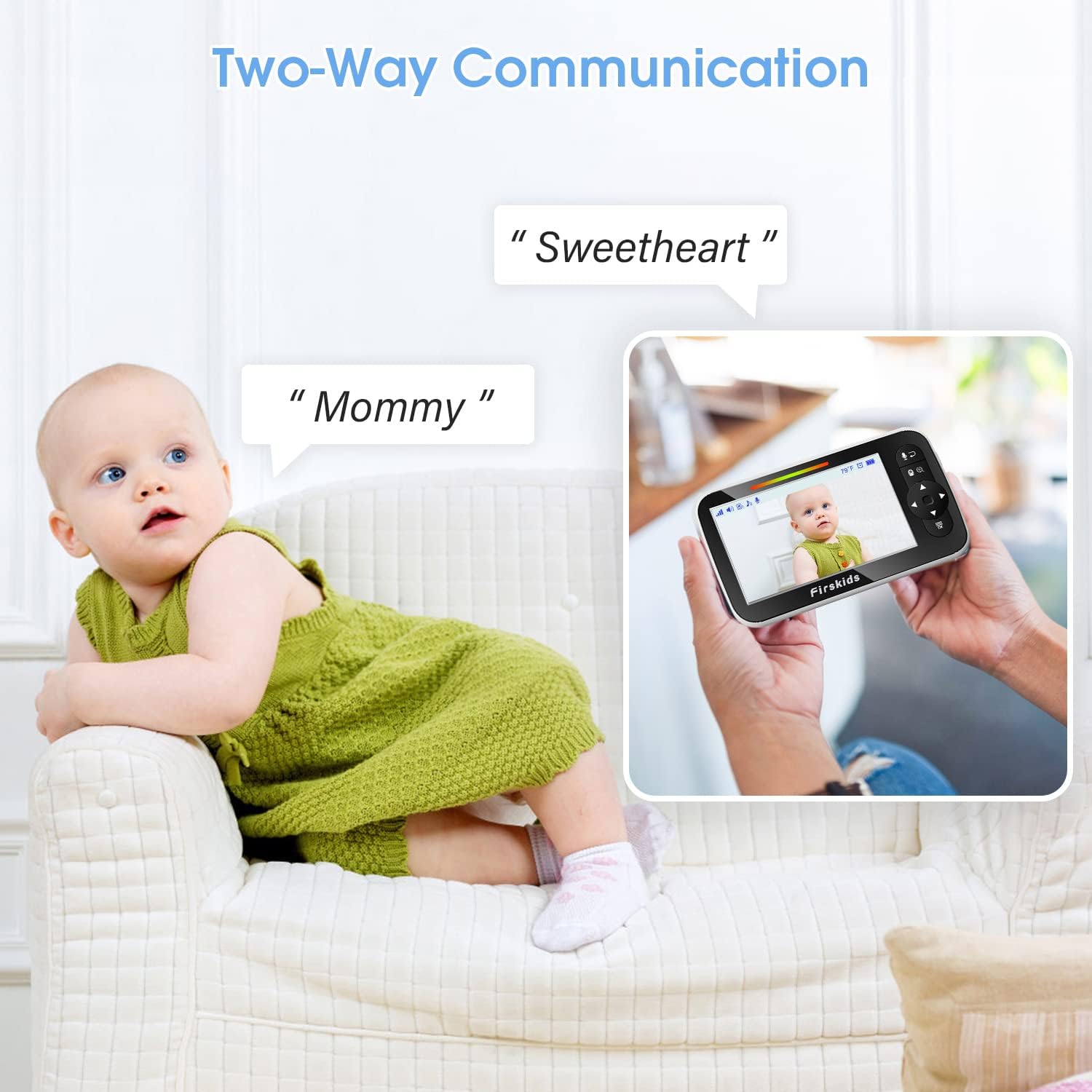
Image: A parent using the Firskids Baby Monitor to speak to their baby, illustrating the two-way communication feature.
4. Night Vision
The Baby Unit automatically activates infrared night vision in low-light conditions, providing a clear black-and-white image of your baby without disturbing their sleep.

Image: The Firskids Baby Monitor displaying a clear image of a baby in a dark nursery, demonstrating its automatic infrared night vision.
5. VOX Mode (Sound Activated)
VOX mode conserves battery by turning off the screen when no sound is detected. The screen will automatically turn on when sound is detected from the baby's room. You can adjust the VOX sensitivity level in the menu.

Image: The Firskids Baby Monitor screen indicating VOX mode activation when a baby cries, showing LED indicators for sound levels.
6. Temperature Monitoring
The Baby Unit includes a temperature sensor. The current room temperature is displayed on the Parent Unit. You can set temperature alerts in the menu to be notified if the room temperature goes outside a comfortable range.
7. Lullabies
Soothe your baby with built-in lullabies. Access the Lullaby option in the menu to select and play melodies through the Baby Unit's speaker.
Maintenance
- Cleaning: Use a soft, dry cloth to clean the units. Do not use abrasive cleaners or solvents.
- Battery Care: To prolong battery life, avoid extreme temperatures and fully charge the Parent Unit regularly.
Troubleshooting
| Problem | Solution |
|---|---|
| No image/sound on Parent Unit | Ensure both units are powered on and within range. Check battery levels. Re-pair units if necessary. |
| Interference/Poor signal | Move units closer together. Avoid placing near other electronic devices (microwaves, Wi-Fi routers) that may cause interference. |
| Units not pairing | Access the pairing menu on the Parent Unit and follow the on-screen instructions to re-pair with the Baby Unit. |
| Battery drains quickly | Reduce screen brightness. Use VOX mode. Ensure the unit is fully charged before use. |
Specifications
- Display Size: 5 inches
- Connectivity: 2.4GHz FHSS Wireless (No Wi-Fi required)
- Camera Resolution: 720p
- Pan Angle: 355°
- Tilt Angle: 120°
- Features: Night Vision, VOX Mode, Two-Way Audio, Temperature Monitoring, Lullabies
- Power Source: Plug-and-play (with rechargeable battery for Parent Unit)
- Item Weight: 1.54 pounds
- Package Dimensions: 6.93 x 5.47 x 4.41 inches
Warranty and Support
For warranty information and technical support, please refer to the contact details provided on the product packaging or visit the official Firskids website. Keep your purchase receipt as proof of purchase.