
1. Product Overview
The AMZSA Sport Smartwatch is a versatile wearable device designed to enhance your daily life and fitness activities. It features a 2.01-inch HD color screen, a rotary button for easy navigation, and a built-in speaker for call functionality. Compatible with both Android and iOS devices, this smartwatch offers a wide range of features including health monitoring, multiple sport modes, and smart notifications.

Image: The AMZSA Sport Smartwatch, showcasing its sleek design and large display.
2. Setup Guide
2.1 Charging the Smartwatch
Before initial use, fully charge your AMZSA Sport Smartwatch. Connect the provided charging cable to the charging contacts on the back of the watch and to a USB power source. The watch will display a charging indicator. A full charge typically takes approximately 2 hours.
2.2 App Installation and Pairing
- Download the Companion App: Search for the official AMZSA companion app in your smartphone's app store (Google Play Store for Android or Apple App Store for iOS). Install the app.
- Enable Bluetooth: Ensure Bluetooth is enabled on your smartphone.
- Open the App and Pair: Open the AMZSA app, create an account if prompted, and follow the on-screen instructions to search for and connect to your smartwatch. The app will guide you through the pairing process.
- Grant Permissions: Allow all necessary permissions requested by the app (e.g., notifications, location, contacts) to ensure full functionality of the smartwatch.
3. Operating Instructions
3.1 Basic Navigation
- Touch Screen: Swipe up, down, left, or right to navigate through menus and functions. Tap to select.
- Rotary Button: Rotate the side button to scroll through options or watch faces. Press the button to return to the home screen or confirm selections.
3.2 Call Functionality
The smartwatch features a built-in speaker and microphone, allowing you to make and receive calls directly from your wrist after connecting via Bluetooth.
- Making Calls: Access the dialer or contacts list on your watch to initiate a call.
- Receiving Calls: When a call comes in, the watch will display the caller ID. Tap the green icon to answer or the red icon to reject.

Image: The smartwatch displaying an incoming call, demonstrating its call function.
3.3 AI Voice Assistant
Activate the AI voice assistant on your smartwatch to perform various tasks using voice commands, such as setting alarms, checking the weather, or initiating calls.

Image: A user interacting with the AI Voice Assistant on the smartwatch.
3.4 Health Monitoring
The smartwatch tracks various health metrics to help you stay informed about your well-being.
- Heart Rate Monitor: Continuously or periodically monitors your heart rate.
- Blood Pressure Monitor: Provides estimated blood pressure readings.
- SpO2 Monitor: Measures your blood oxygen saturation levels.
- Sleep Tracker: Monitors your sleep patterns, including deep sleep, light sleep, and wake times.
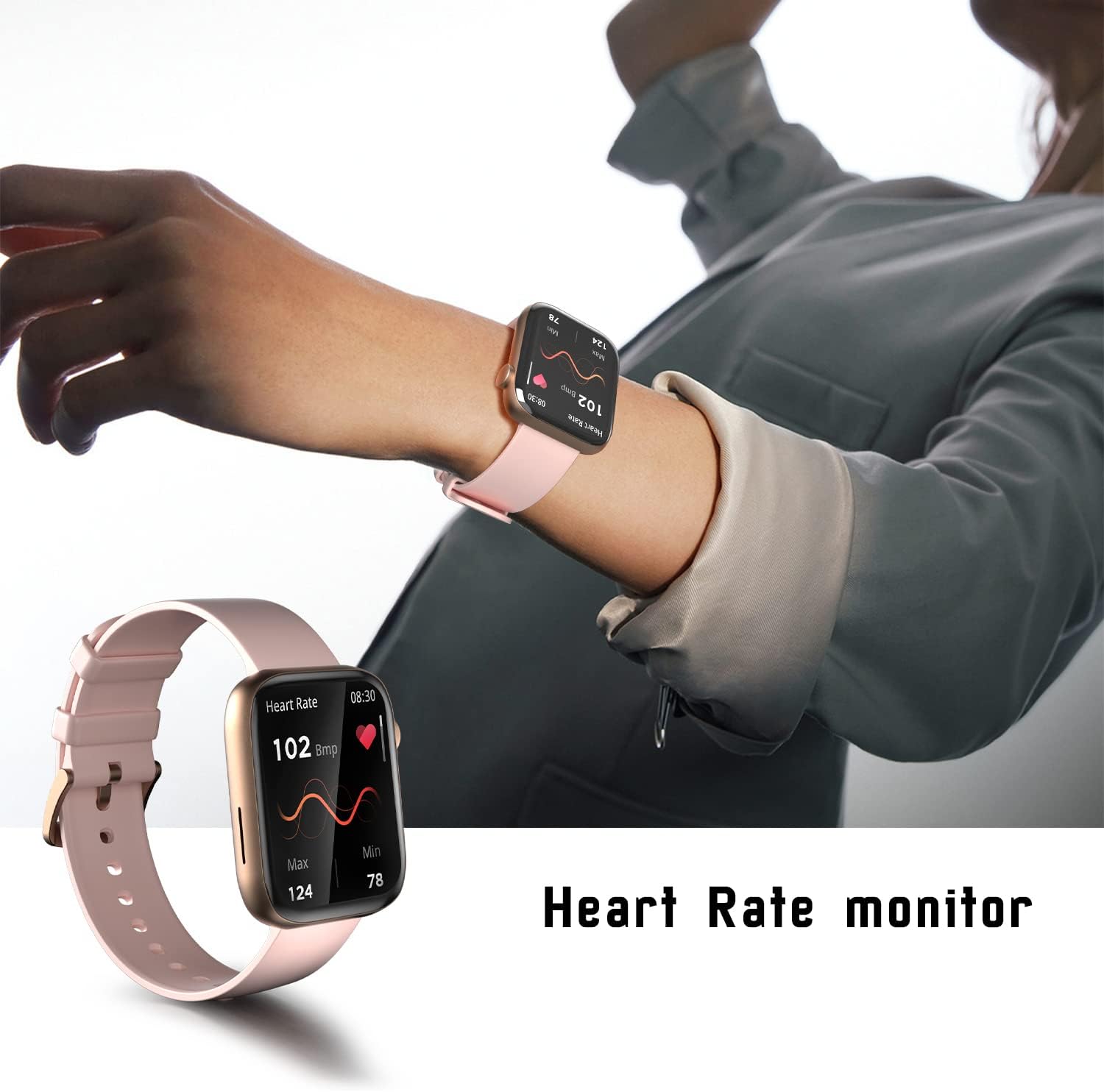
Image: The smartwatch displaying real-time heart rate data.

Image: The smartwatch showing detailed sleep tracking information.
3.5 Sport Modes
With over 120 sport modes, the smartwatch accurately tracks your exercise data, including calories burned, exercise duration, and heart rate during workouts.

Image: The smartwatch interface showing a selection of its 120+ sport modes.
3.6 Music Control and Player
Control music playback on your smartphone directly from your watch or use the integrated music player if supported by the device.

Image: The smartwatch displaying the music player interface.
3.7 Message Notifications
Receive notifications for calls, messages, and app alerts directly on your smartwatch. Ensure the companion app has the necessary permissions to push notifications.
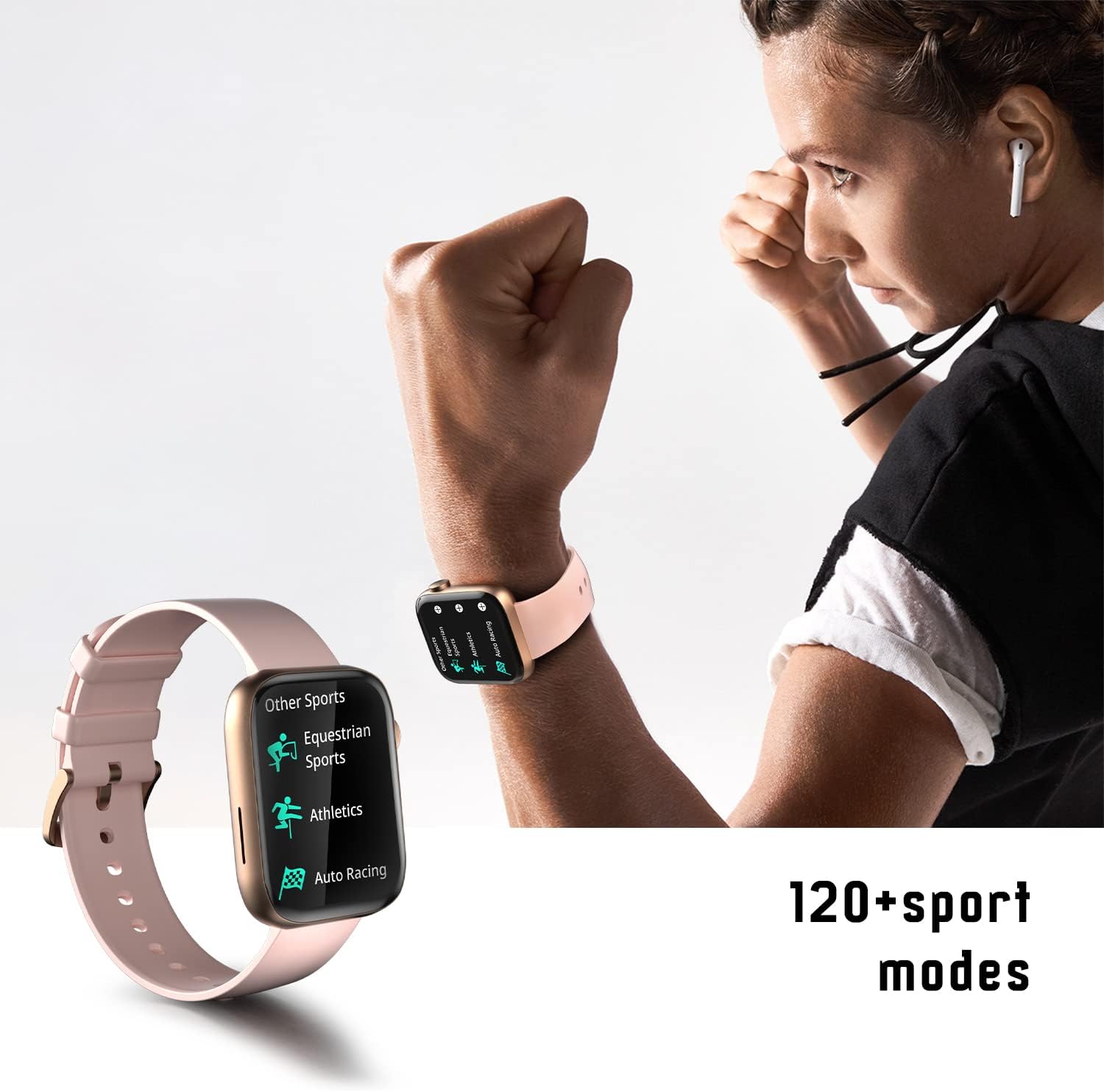
Image: The smartwatch displaying a message notification.
3.8 Other Functions
The smartwatch includes additional features such as:
- Calculator
- Weather Synchronization
- Customizable Watch Faces (upload your own photos)
- Camera Control (remotely trigger your phone's camera)
- Alarm Clock
- Stopwatch
- Find Phone / Find Device
- Drink Water Reminder

Image: A visual overview of several key functions available on the smartwatch, including camera control, message display, sleep tracking, and weather updates.
4. Maintenance
4.1 Cleaning
Regularly clean your smartwatch and strap to prevent skin irritation and maintain optimal performance. Use a soft, damp cloth to wipe the device. Avoid harsh chemicals or abrasive materials.
4.2 Water Resistance
The AMZSA Sport Smartwatch is water-resistant up to 1 meter. It is suitable for daily use and light water exposure like hand washing or rain. However, it is not recommended for swimming, diving, or exposure to saltwater, as this may cause damage. After exposure to water, use the watch's water draining function if available, and ensure the watch is dry before charging.
4.3 Battery Care
To prolong battery life, avoid extreme temperatures and do not leave the watch fully discharged for extended periods. Use only the provided charging cable.
5. Troubleshooting
- Watch not charging: Ensure the charging cable is securely connected to both the watch and the power source. Try a different USB port or power adapter. If the issue persists, the charging cable might be faulty.
- Call function not working: Verify that your smartwatch is properly connected to your smartphone via Bluetooth. Check the companion app's permissions to ensure it has access to phone calls and contacts. Restart both your phone and watch.
- Notifications not received or delayed: Confirm that notification permissions are enabled for the AMZSA app in your phone's settings. Ensure the app is running in the background. If notifications are delayed, try resetting the watch.
- Inaccurate health data: Ensure the watch is worn snugly on your wrist, not too tight or too loose. Clean the sensor on the back of the watch. Note that health monitoring features are for reference only and not for medical diagnosis.
- Watch unresponsive: Try performing a hard reset by pressing and holding the side button for approximately 10-15 seconds until the device restarts.
6. Specifications
| Feature | Specification |
|---|---|
| Model Number | złoty |
| Display Size | 2.01 inches |
| Display Type | LCD or OLED |
| Resolution | 240 x 201 |
| Connectivity | Bluetooth |
| Operating System Compatibility | Android (10 and above), iOS |
| Battery Type | Lithium-polymer |
| Battery Capacity | 260 mAh |
| Average Battery Life | 3 days |
| Water Resistance Level | 1 Meter (Waterproof) |
| Dimensions (L x W x H) | 4.64 x 3.79 x 1.18 cm |
| Weight | 180 grams |
| Case Material | Plastic + Zinc Alloy |
| Band Material | Silicone |
| Input Method | Buttons, Physical buttons and dials |
| GPS | Via smartphone |
| Included in Box | Charging cable (USB charger not included) |
7. Warranty and Support
7.1 Customer Support
AMZSA is committed to providing excellent customer service. If you encounter any issues with your product, please contact our professional after-sales team for assistance. We strive to resolve your problems promptly and ensure a positive shopping experience.
7.2 Quality Assurance
All AMZSA products undergo strict quality control before shipment to ensure reliability and performance.
For support inquiries, please refer to the contact information provided with your purchase or on the official AMZSA website.