
Product Overview
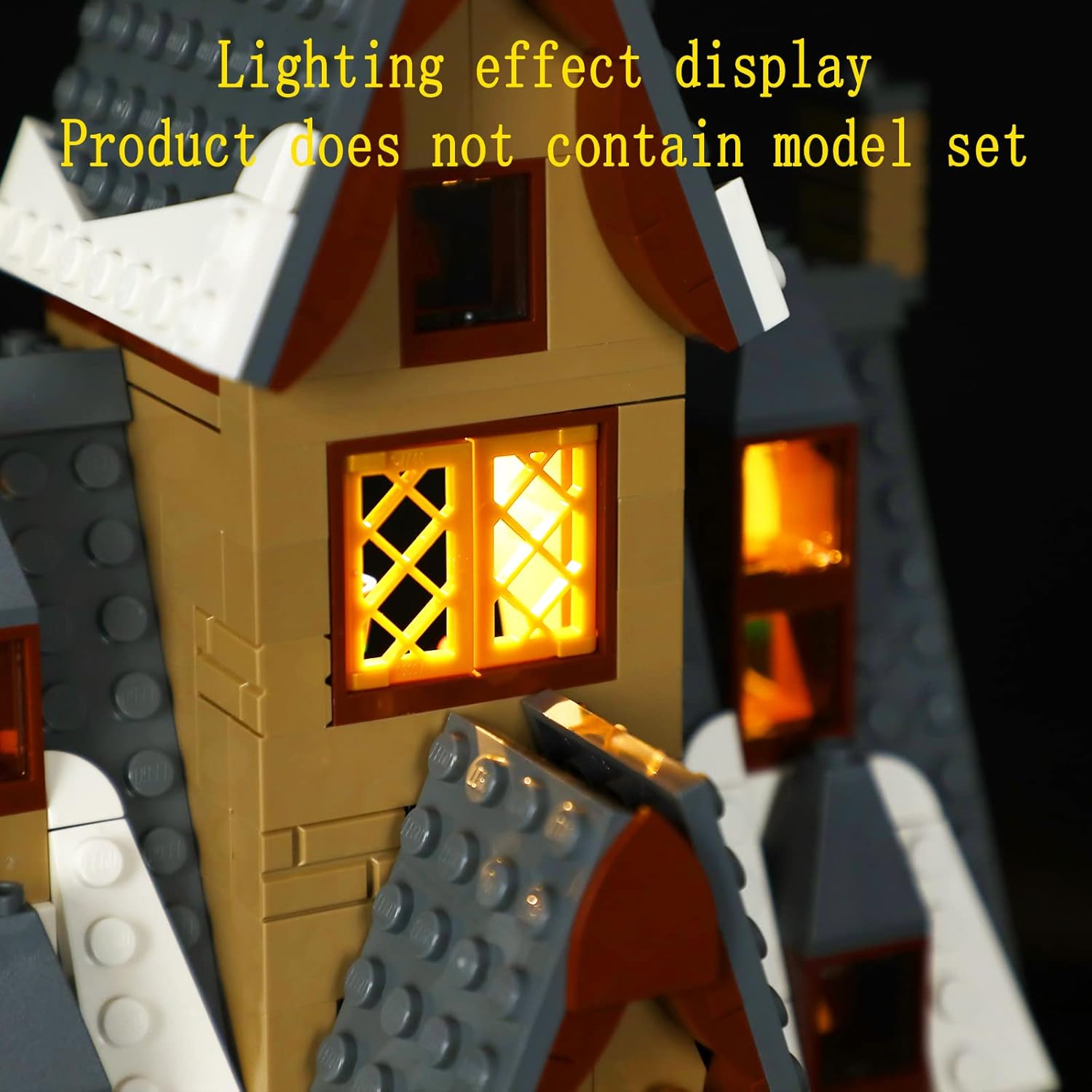
This GEAMENT LED Light Kit is specifically designed to enhance your Lego Hogsmeade Village Visit (model 76388) by adding illumination. Please note that this product includes only the lighting components; the Lego model set itself is not included.

Package Contents
Before you begin, please verify that all components listed below are present in your package:
- LED lighting components (various lights and wires)
- User manual (simple guide)
- Battery box (for power, batteries not included)
- USB power cable

Setup and Installation Guide
Important Pre-Installation Notes
Before beginning installation, ensure your Lego Hogsmeade Village Visit (model 76388) is fully assembled. The lighting kit is designed to be integrated into a completed model.
A simple user manual is included in the package. For detailed, step-by-step PDF installation instructions, please follow the prompts provided in the included manual to download them.
Installation Steps Overview
The installation process involves carefully integrating the LED lights and wiring into your Lego model. Patience and attention to detail are crucial to avoid damaging the components or the model. Follow the detailed PDF instructions for precise placement and connection of each light.




Operating Instructions
Powering the Light Kit
The light kit can be powered by a battery box (requires 3x AA batteries, not included) or via a compatible USB power source. Connect the USB cable from the light kit to the battery box or a USB power adapter (e.g., phone charger, power bank).
Switching On/Off
The light kit features a remote control for switching the lights on and off. Refer to the detailed PDF instructions for specific remote control functions, including brightness adjustment or lighting modes if available.
Maintenance
Cleaning
To clean the LED lights and wires, gently wipe with a dry, soft cloth. Avoid using liquids, solvents, or abrasive cleaners, as these can damage the components.
Storage
When not in use for extended periods, disconnect the power source (remove batteries or unplug USB) and store the light kit in a dry, cool place, away from direct sunlight and extreme temperatures.
Troubleshooting
Lights Not Turning On
- Ensure batteries are correctly inserted into the battery box and are not depleted. Replace with fresh batteries if necessary.
- Verify all connections are secure between the light kit, battery box, and USB cable.
- If using a USB power adapter, ensure it is functioning correctly and providing adequate power (5 Volts). Try a different USB port or adapter.
Flickering Lights
- Check for loose connections along the wiring.
- Replace batteries if they are low, as insufficient power can cause flickering.
- Ensure the power source is stable and not experiencing interruptions.
Damaged Wires/LEDs
Handle wires and LEDs with care during installation and operation. If components appear damaged, avoid attempting repairs yourself. Contact customer support for assistance.
Product Specifications
| Feature | Specification |
|---|---|
| Brand | GEAMENT |
| Model Name | GEAMENT 76388 (Item model number: 76388C) |
| Light Source Type | LED |
| Power Source | Battery Powered (USB compatible) |
| Voltage | 5 Volts |
| Control Method | Remote |
| Indoor/Outdoor Usage | Indoor |
| Material | Plastic |
| Item Weight | 3.88 ounces (110 Grams) |
| Product Dimensions | 5.91 x 3.94 x 1.18 inches |
Warranty and Support
Warranty Information
This product comes with a standard manufacturer's warranty. Please refer to the packaging or the detailed PDF instructions for specific warranty terms and conditions, including duration and coverage.
Customer Support
For any questions, technical assistance, or support regarding your GEAMENT LED Light Kit, please contact GEAMENT customer service through the retailer where the product was purchased or visit the official GEAMENT store page on Amazon for contact information.