
1. Setup Guide
Follow these steps to set up your Hama Cortino Wireless Keyboard and Mouse Set.
1.1 Package Contents
- Hama Cortino Wireless Keyboard
- Hama Cortino Wireless Mouse
- USB Receiver
- AAA Batteries (pre-installed or included)
1.2 Battery Installation
The keyboard and mouse require AAA batteries for operation. Ensure correct polarity when inserting batteries.

Image: Underside of the Hama Cortino wireless keyboard, illustrating the battery compartment location.
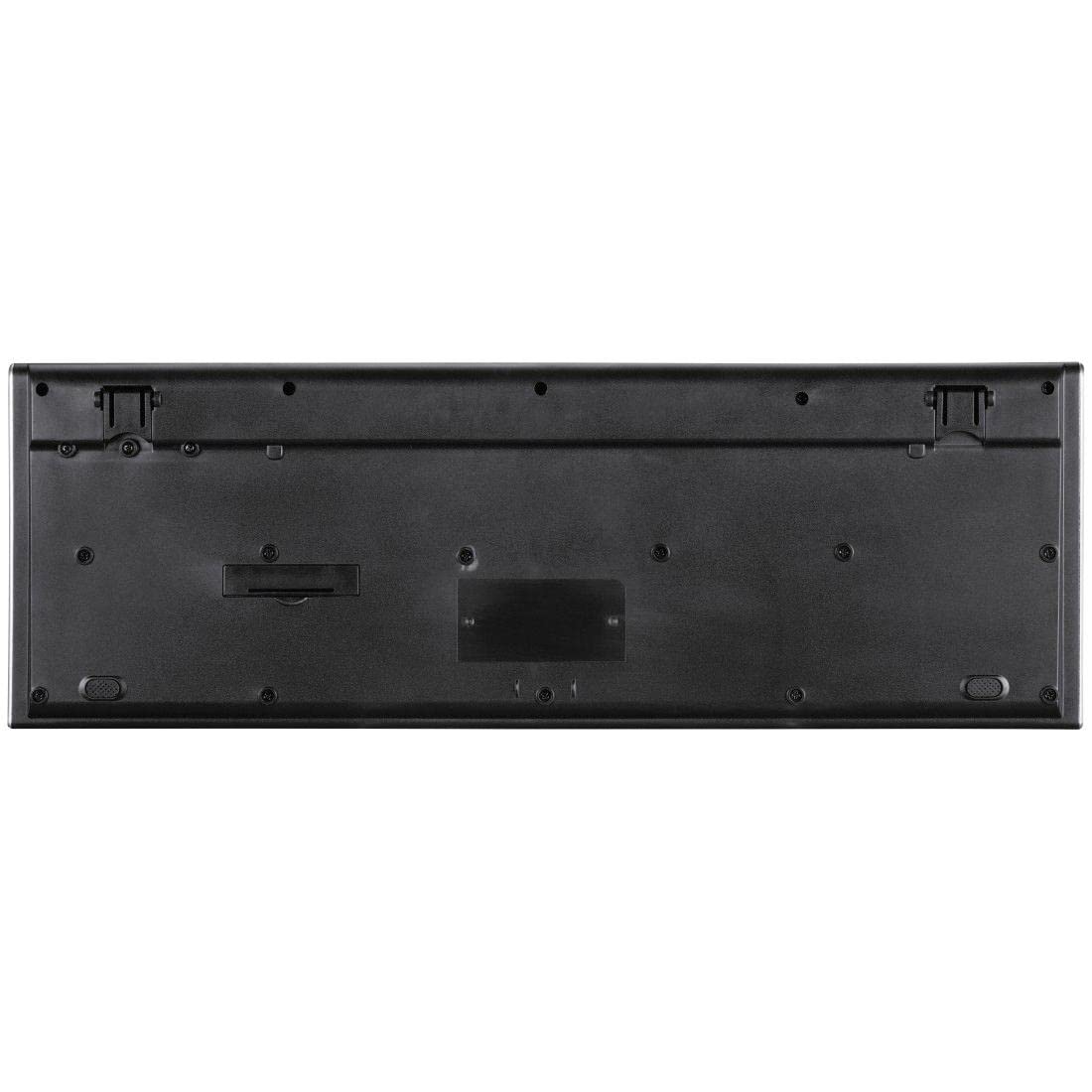
Image: Underside of the Hama Cortino wireless mouse, illustrating the battery compartment location.
- Locate the battery compartment on the underside of the keyboard and mouse.
- Open the battery compartment cover.
- Insert the AAA batteries, ensuring the positive (+) and negative (-) terminals align with the indicators inside the compartment.
- Close the battery compartment cover securely.
1.3 Connecting the Receiver
The Hama Cortino set uses a single USB receiver for both the keyboard and mouse.

Image: The Hama Cortino wireless keyboard, mouse, and their shared USB receiver.
- Plug the USB receiver into an available USB port on your computer (PC or Laptop).
- Your operating system (Windows) should automatically detect and install the necessary drivers. This is a Plug & Play device.
1.4 Powering On
Ensure the keyboard and mouse are switched on after battery installation and receiver connection.
- For the mouse, locate the power switch on its underside and slide it to the 'ON' position.
- The keyboard typically does not have a separate power switch and activates automatically when batteries are inserted and the receiver is connected.
2. Operation
This section details the basic functions and features of your Hama Cortino Wireless Keyboard and Mouse.
2.1 Keyboard Functions
The keyboard features a full-format layout with flat keys for comfortable typing. It includes 12 media keys for quick access to common functions.
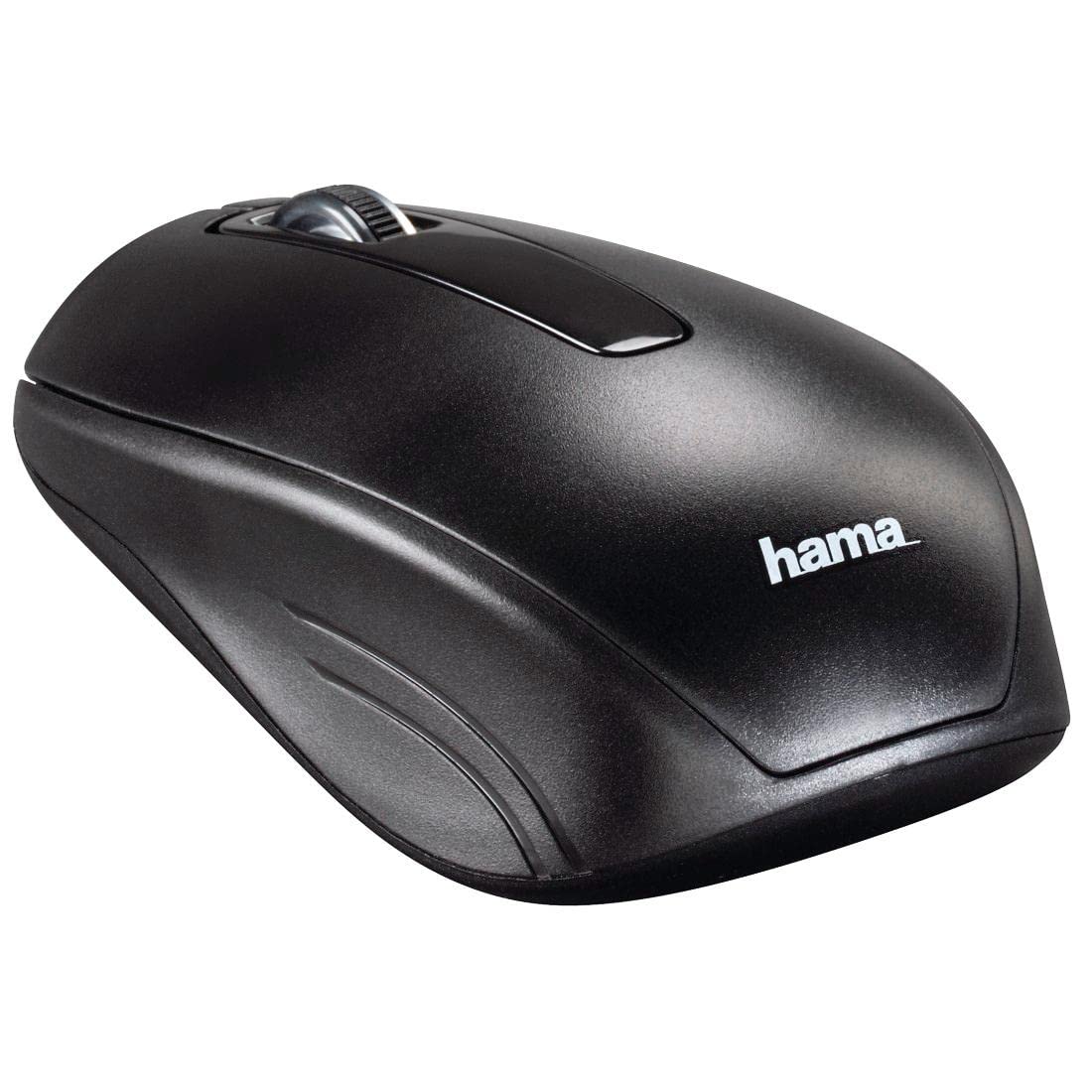
Image: Angled view of the Hama Cortino wireless keyboard, highlighting its full layout.
- Standard Keys: All standard alphanumeric and function keys are present.
- Media Keys: The F1-F12 keys have dual assignments for media control (e.g., volume, play/pause). These functions are typically accessed by holding the 'Fn' key (if present) and pressing the corresponding F-key.
- Adjustable Tilt: The keyboard features adjustable feet on the underside to change the typing angle for ergonomic comfort.
2.2 Mouse Functions
The wireless mouse utilizes a high-resolution optical sensor for precise cursor control and includes a scroll wheel for navigation.

Image: Angled view of the Hama Cortino wireless mouse, showing its ergonomic design and scroll wheel.
- Left and Right Click: Standard mouse buttons for selection and context menus.
- Scroll Wheel: Used for vertical scrolling in documents and web pages. It can also function as a middle click button.
- Adjustable DPI: The mouse sensitivity can be adjusted up to 1600 dpi, allowing for faster or slower pointer movements to suit user preference. This is typically done via a dedicated DPI button or a combination of buttons. Refer to the product packaging or Hama website for specific instructions on DPI adjustment.
3. Care and Maintenance
Proper care ensures the longevity and optimal performance of your wireless set.
3.1 Cleaning
- Disconnect the USB receiver from your computer before cleaning.
- Use a soft, dry, lint-free cloth to wipe the surfaces of the keyboard and mouse.
- For stubborn dirt, slightly dampen the cloth with water or a mild cleaning solution. Avoid excessive moisture.
- Do not use abrasive cleaners, solvents, or aerosol sprays, as these can damage the product's finish.
- Use compressed air to remove dust and debris from between keyboard keys.
3.2 Battery Replacement
Replace batteries when performance degrades or the devices stop responding. Refer to section 1.2 for battery installation steps.
- Always replace all batteries in a device at the same time.
- Use new, high-quality AAA alkaline batteries.
- Dispose of used batteries responsibly according to local regulations.
4. Troubleshooting
If you encounter issues with your Hama Cortino Wireless Keyboard and Mouse Set, try the following solutions:
- No Connection / Devices Not Responding:
- Ensure the USB receiver is securely plugged into a working USB port. Try a different USB port.
- Check if the mouse is switched 'ON'.
- Replace the batteries in both the keyboard and mouse with fresh ones.
- Move the keyboard and mouse closer to the USB receiver to rule out range issues.
- Restart your computer.
- Erratic Cursor Movement / Delayed Input:
- Ensure the mouse is used on a clean, non-reflective surface.
- Check for interference from other wireless devices.
- Replace mouse batteries.
- Specific Keys Not Working:
- Clean around the affected keys to remove any debris.
- Replace keyboard batteries.
- Test the keyboard on another computer to determine if the issue is with the device or the computer.
5. Technical Specifications
Key specifications for the Hama Cortino Wireless Keyboard and Mouse Set (Model U8182664).
| Feature | Detail |
|---|---|
| Brand | Hama |
| Model | U8182664 |
| Model Name | "Cortino" Wireless Keyboard/Mouse Set, US |
| Connectivity Technology | 2.4 GHz Wireless, USB Receiver |
| Compatible Devices | PC, Laptop (Windows Operating System) |
| Keyboard Description | Full-format, Flat Keys, 12 Media Keys |
| Mouse Movement Detection | Optical |
| Mouse Sensitivity (DPI) | Adjustable, Max. 1600 dpi |
| Power Source | Battery Powered |
| Batteries Required | Yes (1 AAA for keyboard, 1 AAA for mouse, included) |
| Battery Cell Composition | Alkaline |
| Product Dimensions (Keyboard) | Approx. 40 x 8 x 2.7 cm |
| Item Weight | Approx. 636 g (total) |
6. Warranty and Support
6.1 Warranty Information
The Hama Cortino Wireless Keyboard and Mouse Set comes with a 5-year warranty from the date of purchase. Please retain your proof of purchase for warranty claims. The warranty covers manufacturing defects under normal use.
6.2 Customer Support
For further assistance, technical support, or warranty claims, please contact Hama customer service through their official website or the retailer where the product was purchased. Provide your product model number (U8182664) and a detailed description of the issue.