
1. Introduction
Thank you for choosing the Osoeri OS-LP01 Thermal Shipping Label Printer. This manual provides essential information for setting up, operating, and maintaining your printer to ensure optimal performance. This printer is designed for efficient printing of 4x6 inch shipping labels, ideal for home use, small businesses, and various e-commerce platforms.

2. Package Contents
Please verify that all items are present in the package:
- Osoeri OS-LP01 Thermal Label Printer
- Power Adapter and Cable
- USB Cable
- External Label Holder (for both stack and roll labels)
- USB Flash Drive (containing drivers and user manual)
- Sample 4x6 inch Thermal Labels
- Quick Start Guide


3. Product Overview
The Osoeri OS-LP01 is a compact and efficient thermal label printer. It features a feed button, power switch, USB port, and power input for easy connectivity and operation.

4. Setup Guide
4.1 Connecting the Printer
- Connect the power adapter to the printer's power input and plug it into a power outlet.
- Connect the USB cable from the printer's USB port to your computer.
- Ensure the printer's power switch is in the OFF position before connecting.
4.2 Loading Labels
- Open the top cover of the printer.
- Place the labels into the printer, ensuring the printing side is facing up.
- Adjust the paper guides to fit the label width snugly.
- Close the top cover.
- If using the external label holder, assemble it according to the instructions and feed the labels from the holder into the printer's rear slot.

4.3 Driver Installation
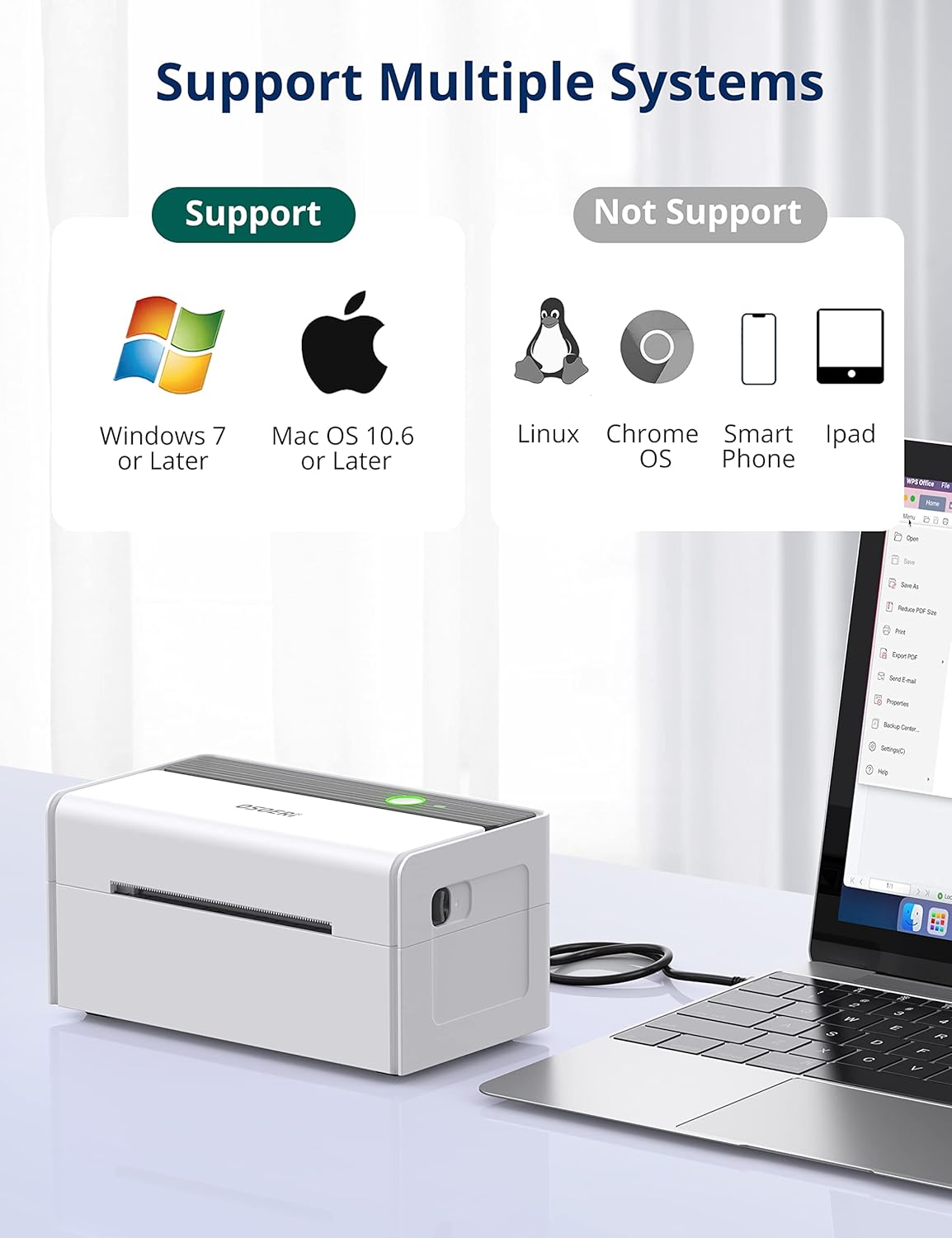
Insert the provided USB flash drive into your computer. Follow the instructions to install the appropriate drivers for your operating system (Windows, Mac, or Linux). The printer is compatible with Windows 7 or later, Mac OS 10.6 or later, and Linux.
5. Operating Instructions
5.1 Calibrating Label Size
After loading labels, press and hold the feed button on the printer until you hear one beep. The printer will automatically identify and calibrate the label size. This ensures accurate printing for various label dimensions (1.57" - 4.25" wide).
5.2 Printing a Self-Test Page
To print a self-test page, press and hold the feed button until you hear three beeps. This page can help verify printer functionality and print quality.

5.3 Printing Shipping Labels
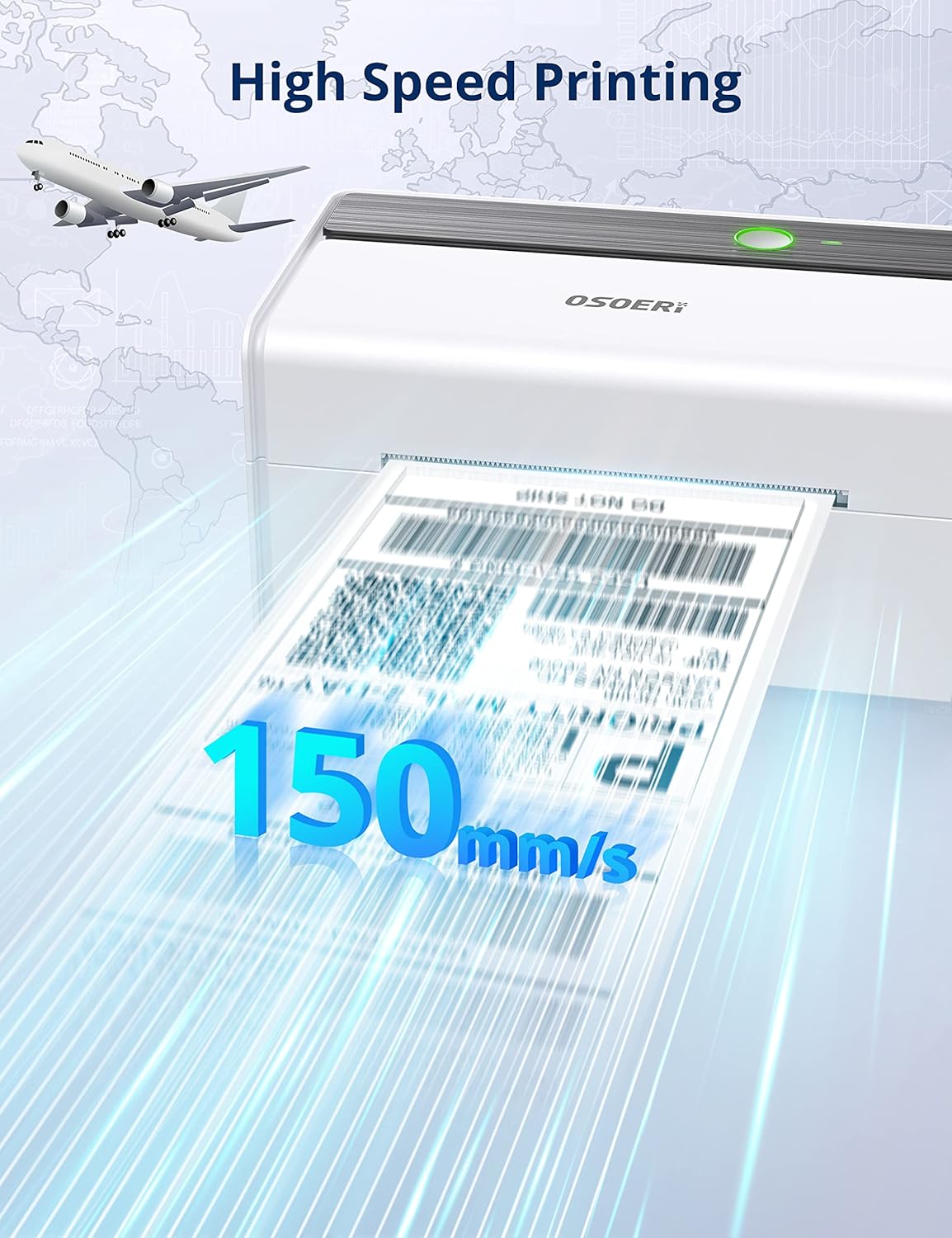
The Osoeri OS-LP01 offers high-speed printing at 150mm/s with 203 DPI resolution, ensuring clear and scannable labels. It supports various shipping platforms like UPS, USPS, FedEx, Amazon, eBay, Etsy, Shopify, and more.

When printing from your computer, ensure you select the correct printer model and set the paper size to 4x6 inches in your printing preferences. Incorrect software settings can lead to faint or off-center prints.

6. Maintenance
6.1 Cleaning the Print Head
Regularly clean the print head to maintain optimal print quality. Use a soft, lint-free cloth lightly dampened with isopropyl alcohol. Gently wipe the print head and allow it to dry completely before use.
6.2 General Care
- Keep the printer in a clean, dust-free environment.
- Avoid exposing the printer to direct sunlight or extreme temperatures.
- Use only high-quality thermal labels to prevent damage to the print head.
7. Troubleshooting
7.1 Faint or Blurry Prints
- Ensure the print head is clean (refer to Section 6.1).
- Verify that the labels are loaded with the printing side up.
- Check your software's print settings for darkness or density adjustments.
- Confirm that the correct label size (4x6 inches) is selected in your print dialogue.
7.2 Off-Center Prints
- Perform label calibration (refer to Section 5.1).
- Ensure the paper guides are adjusted snugly against the labels.
- Check your shipping platform's specific print settings for label alignment. Some platforms may require specific configurations.
7.3 Printer Not Responding
- Verify that the power adapter and USB cable are securely connected.
- Ensure the printer is powered ON.
- Reinstall the printer drivers from the provided USB flash drive.
- Restart your computer and the printer.
8. Specifications
| Feature | Detail |
|---|---|
| Model Name | OS-LP01 |
| Printing Technology | Thermal |
| Connectivity Technology | USB |
| Printer Output | Monochrome |
| Max Print Resolution | 203 x 203 DPI |
| Max Print Speed | 150 mm/s |
| Supported Media Sizes | 4 x 6 inches (adjustable from 1.57" - 4.25" wide) |
| Compatible Devices | Laptops (Mac, Windows, Linux) |
| Item Weight | 4.28 pounds |
| Product Dimensions | 6"D x 8"W x 6"H |
9. Warranty and Support
9.1 Warranty Information
The Osoeri OS-LP01 Thermal Shipping Label Printer comes with a limited warranty. Please refer to the warranty card included in your package for specific terms and conditions.
9.2 Customer Support
For technical assistance, troubleshooting, or any inquiries regarding your Osoeri product, please contact our customer support team. Contact details can be found on the official Osoeri website or in the documentation provided with your printer.