
Klarstein Skyscraper Ice Smart
Klarstein 4-in-1 Smart Air Cooler User Manual
Model: Skyscraper Ice Smart (ACO4-SkyscrprIceSmB)

The Klarstein Skyscraper Ice Smart 4-in-1 Air Cooler, Fan, Humidifier, and Ionizer in black.
1. Introduction
Thank you for choosing the Klarstein Skyscraper Ice Smart 4-in-1 Air Cooler. This versatile device combines the functions of an air cooler, fan, humidifier, and ionizer to provide optimal indoor climate control. Designed for efficiency and ease of use, it features smart control capabilities, multiple operating modes, and a convenient timer function. Please read this manual thoroughly before operation to ensure safe and effective use.
2. Safety Instructions
Always observe the following basic safety precautions when using electrical appliances to reduce the risk of fire, electric shock, and injury:
- Read all instructions carefully before operating the appliance.
- Ensure the voltage indicated on the appliance corresponds to your local mains voltage before connecting.
- Do not immerse the appliance, power cord, or plug in water or other liquids.
- Unplug the appliance from the power outlet when not in use, before cleaning, or before moving.
- Do not operate the appliance with a damaged cord or plug, or after the appliance malfunctions or has been damaged in any manner.
- Keep the appliance out of reach of children.
- Place the appliance on a stable, flat surface to prevent tipping.
- Do not block air inlets or outlets. Ensure adequate ventilation around the unit.
- Only use accessories recommended by the manufacturer.
3. What's in the Box
Carefully unpack all components and check for any damage. If any parts are missing or damaged, contact your retailer immediately.
- 1 x Klarstein Skyscraper Ice Smart Air Cooler Unit
- 2 x Ice Packs
- 1 x Remote Control
- 1 x User Manual (this document)

4. Setup
4.1 Placement
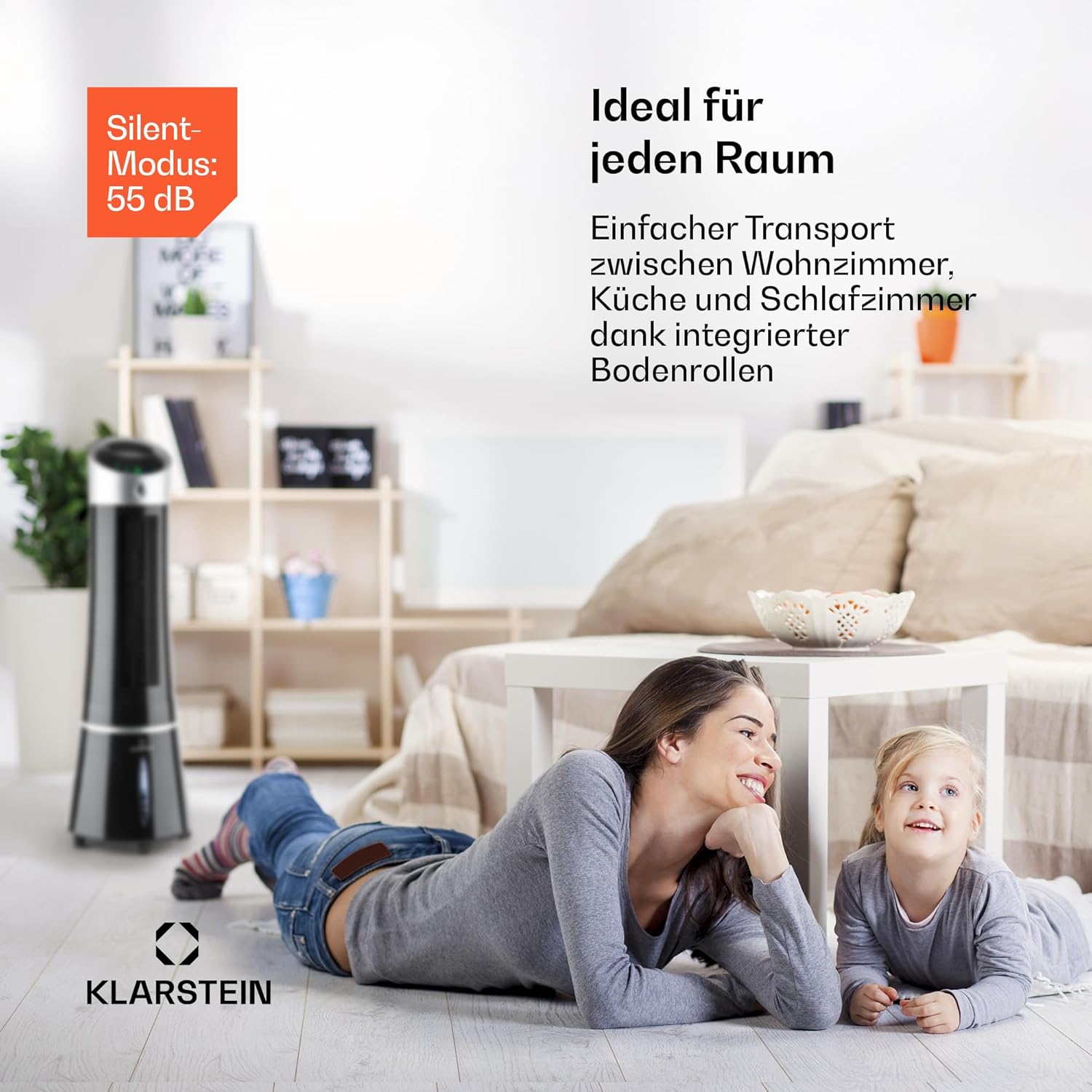
Place the air cooler on a firm, level surface. Ensure there is sufficient space around the unit for proper airflow, at least 20 cm from walls or furniture. The integrated floor rollers allow for easy transport between rooms.

4.2 Filling the Water Tank and Using Ice Packs
For cooling and humidification, the water tank needs to be filled. The tank capacity is 6 liters.
- Pull out the water tank from the bottom rear of the unit.
- Fill the tank with clean tap water. Do not exceed the 'MAX' fill line.
- For enhanced cooling, place the included ice packs (after freezing them) directly into the water tank.
- Carefully push the water tank back into the unit until it clicks into place. Ensure it is securely closed to prevent leaks.
5. Operating Instructions
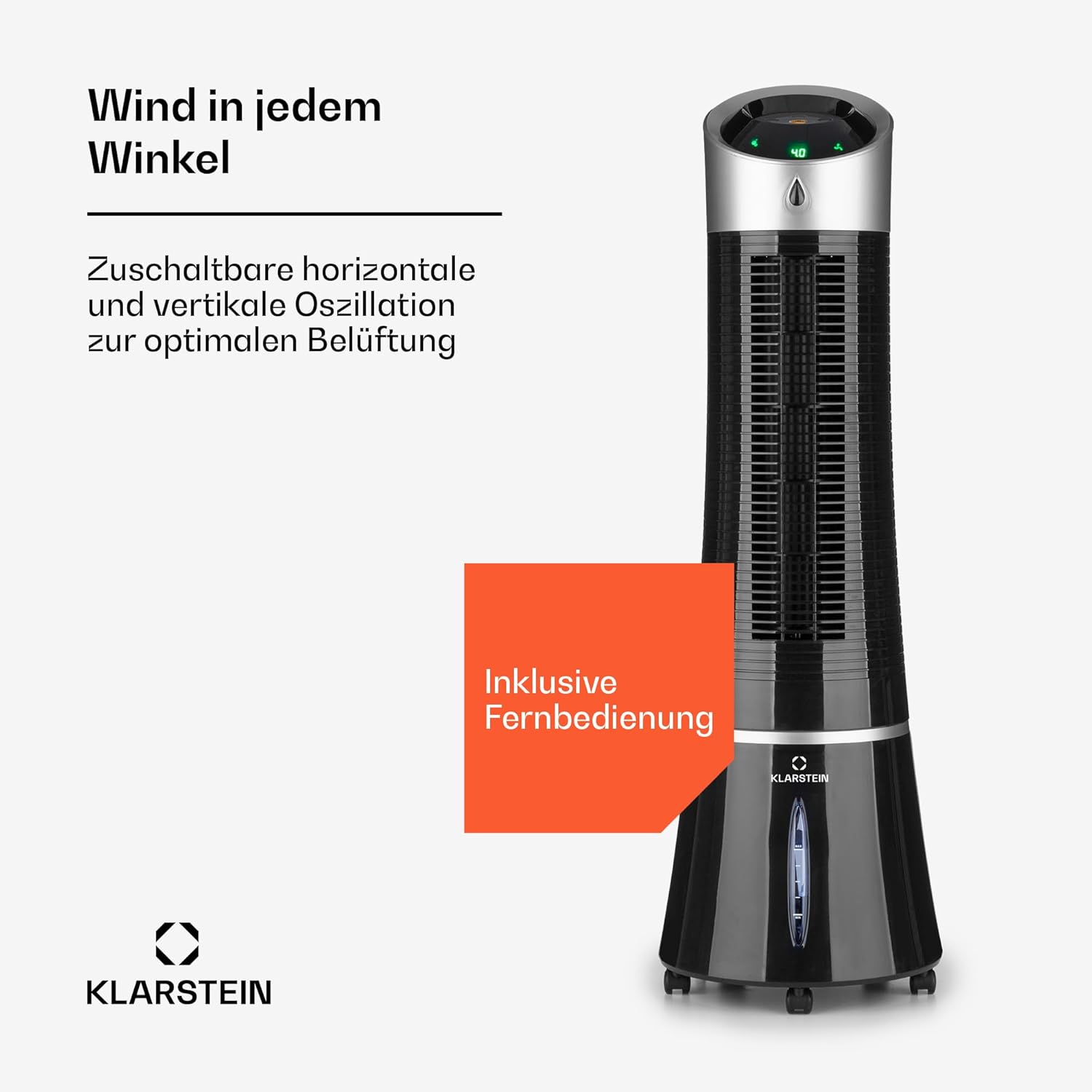
The Skyscraper Ice Smart can be operated via the touch control panel on top of the unit, the included remote control, or the Klarstein app.
5.1 Control Panel and Remote Control
The control panel features intuitive touch buttons for various functions. The remote control offers the same functionality for convenient operation from a distance.

- Power Button: Turns the unit on or off.
- Speed Button: Cycles through fan speeds: Low, Medium, High.
- Mode Button: Selects operating modes: Normal, Natural (varying speed), Night (slows down before shutting off).
- Oscillation Button: Activates or deactivates horizontal oscillation for wider air distribution.
- Timer Button: Sets the operating timer (up to 7.5 hours).
- Ionization Button: Activates or deactivates the ionizer function to purify the air.
5.2 Smart Control (App)
The Skyscraper Ice Smart can be controlled via the Klarstein app, compatible with Amazon Alexa and Google Home. Download the app from your device's app store and follow the in-app instructions for pairing.

6. Maintenance
Regular cleaning and maintenance will ensure the longevity and optimal performance of your air cooler.
6.1 Cleaning the Exterior
Wipe the exterior surfaces of the unit with a soft, damp cloth. Do not use abrasive cleaners or solvents. Ensure the unit is unplugged before cleaning.
6.2 Cleaning the Water Tank
To prevent the buildup of mold, algae, or mineral deposits, clean the water tank regularly, ideally every two to four weeks depending on usage and water quality. Remove the tank, empty any remaining water, and clean it with a mild detergent and water. Rinse thoroughly before refilling.
6.3 Cleaning the Cooling Pad/Filter
The cooling pad (evaporative filter) should be cleaned periodically. Refer to the detailed instructions in the full manual for removal and cleaning procedures. Regular cleaning prevents reduced airflow and maintains cooling efficiency.
6.4 Storage
If the unit will not be used for an extended period, empty and clean the water tank and cooling pad. Allow all parts to dry completely. Store the unit in a cool, dry place, away from direct sunlight and extreme temperatures.
7. Troubleshooting
| Problem | Possible Cause | Solution |
|---|---|---|
| Unit does not turn on. | No power supply; Power cord not properly connected. | Check if the unit is plugged into a working power outlet. Ensure the power cord is securely connected. |
| Weak or no airflow. | Air inlets/outlets blocked; Cooling pad dirty; Water tank empty (for cooling/humidification). | Clear any obstructions. Clean the cooling pad. Refill the water tank. |
| Unusual noise (e.g., splashing). | Low water level; Unit not level; Internal components loose. | Ensure water level is adequate. Place the unit on a flat, stable surface. If noise persists, contact customer support. |
| Cooling effect is not noticeable. | No ice packs used; Room too large or poorly insulated; High humidity. | Use frozen ice packs in the water tank. Air coolers are not as powerful as air conditioners; ensure appropriate room size. High humidity can reduce evaporative cooling effectiveness. |
8. Specifications
| Feature | Detail |
|---|---|
| Brand | Klarstein |
| Model Name | Skyscraper Ice Smart |
| Model Number | ACO4-SkyscrprIceSmB |
| Product Dimensions | 28 x 28 x 95 cm |
| Item Weight | 6 Kilograms |
| Color | Black |
| Power Source | Electric |
| Voltage | 230 Volts |
| Airflow Capacity | 210 m³/h |
| Control Type | App & Remote Control & Button Control |
| Tank Capacity | 6 Liters |
| Special Feature | Easy to install |
| Included Components | 1 x Unit, 2 x Ice Packs, User Manual |
9. Warranty and Support
Klarstein products are manufactured to the highest quality standards. For information regarding warranty terms and conditions, please refer to the warranty card included with your product or visit the official Klarstein website. For technical support, troubleshooting assistance, or spare parts, please contact Klarstein customer service. Contact details can typically be found on the Klarstein website or in your purchase documentation.
Related Documents - Skyscraper Ice Smart
 |
Klarstein Skyscraper Ice Smart Air Cooler User Manual Comprehensive user manual for the Klarstein Skyscraper Ice Smart air cooler, covering setup, operation, features, maintenance, and troubleshooting. Includes instructions for remote control and smartphone app integration. |
 |
Klarstein Skyscraper Ice Air Cooler User Manual Comprehensive guide to operating and maintaining the Klarstein Skyscraper Ice air cooler, including setup, features, and troubleshooting. |
 |
Klarstein Skyscraper Ice Smart Air Cooler - User Manual and Technical Data This document provides the user manual and technical specifications for the Klarstein Skyscraper Ice Smart Air Cooler. It includes product description, control panel layout, operating instructions, button functions, display indicators, fan types, phone control, cleaning and maintenance, troubleshooting, disposal instructions, and declaration of conformity. |
 |
Klarstein Skyscraper Frost Air Cooler User Manual and Operation Guide Comprehensive guide for the Klarstein Skyscraper Frost air cooler (models 10035819, 10035820). Includes technical specifications, safety warnings, operating instructions, cleaning, storage, and disposal information. |
 |
Klarstein Skyscraper Frost Air Cooler - User Manual Comprehensive guide to operating and maintaining the Klarstein Skyscraper Frost air cooler. Learn about its features, safety instructions, and usage. |
 |
Klarstein Skyscraper Horizon Luftkühler Bedienungsanleitung Umfassende Bedienungsanleitung für den Klarstein Skyscraper Horizon Luftkühler. Enthält Informationen zu Einrichtung, Bedienung, Sicherheit, Reinigung und Fehlerbehebung für eine effektive Nutzung des Geräts. |
Ask a question about this manual
Ask about setup, troubleshooting, compatibility, parts, safety, or missing instructions. Manuals+ will review the question and use this page’s manual context to help answer it.