
Introduction
This manual provides detailed instructions for the setup, programming, and operation of your new CARMATOR garage door opener remote. This remote is designed for use with specific garage door openers featuring a purple learn button and operating on a 315 MHz frequency. Please read these instructions carefully before use.
Compatibility
IMPORTANT: This remote is compatible ONLY with garage door openers manufactured from September 2005 to current that have a PURPLE LEARN BUTTON and operate at 315 MHz.
Please check the back of your garage door opener motor unit to confirm the color of the learn button.

This image illustrates the purple learn button on a garage door opener, which is essential for compatibility with this remote. It specifies compatibility for units manufactured between 2006 and 2013, operating at 315 MHz.
Compatible with various models from LiftMaster, Chamberlain, Sears, and Craftsman, including but not limited to:
- Craftsman Garage Door Opener Remotes: 139.5314D, 139.53910D, 139.53914D, 139.53919D, 139.53920D, 139.53925DS, 139.53930D, 139.53930DM, 139.53985D, 139.53985DM, 139.53990D, 139.53992D, 139.53993D, 139.53997D, 139.18451D, 139.18451DM, 139.18452D, 139.18452DM, 139.18453D, 139.18453DM, 139.18473D, 139.18473DM, 139.18490DM, 139.18191, 139.18192, 139.53752, 139.53753, 139.53754.
- LiftMaster Remote Garage Door Openers: 355LM, 365LM, 370LM, 371LM, 371LMC, 372LM, 372LMC, 373LM, 373LMC, 373P, 373W, 374LM, 374LMC, 376LM, 377LM, 377LMC, 378LM, 398LM, 41A6127-1.
- Chamberlain Garage Door Opener Remotes: 950D, 950CD, 953D, 953CD, 956D, 956CD, 41A6318, 940D, 940CD.

This image provides a visual representation of the CARMATOR remote alongside a comprehensive list of compatible garage door opener models from various brands.
Package Contents
Your CARMATOR remote package includes the following items:
- 2 x Remote Controls
- 2 x Visor Clips
- Battery (CR2032, pre-installed in each remote control)
- Instruction Manual (this document)
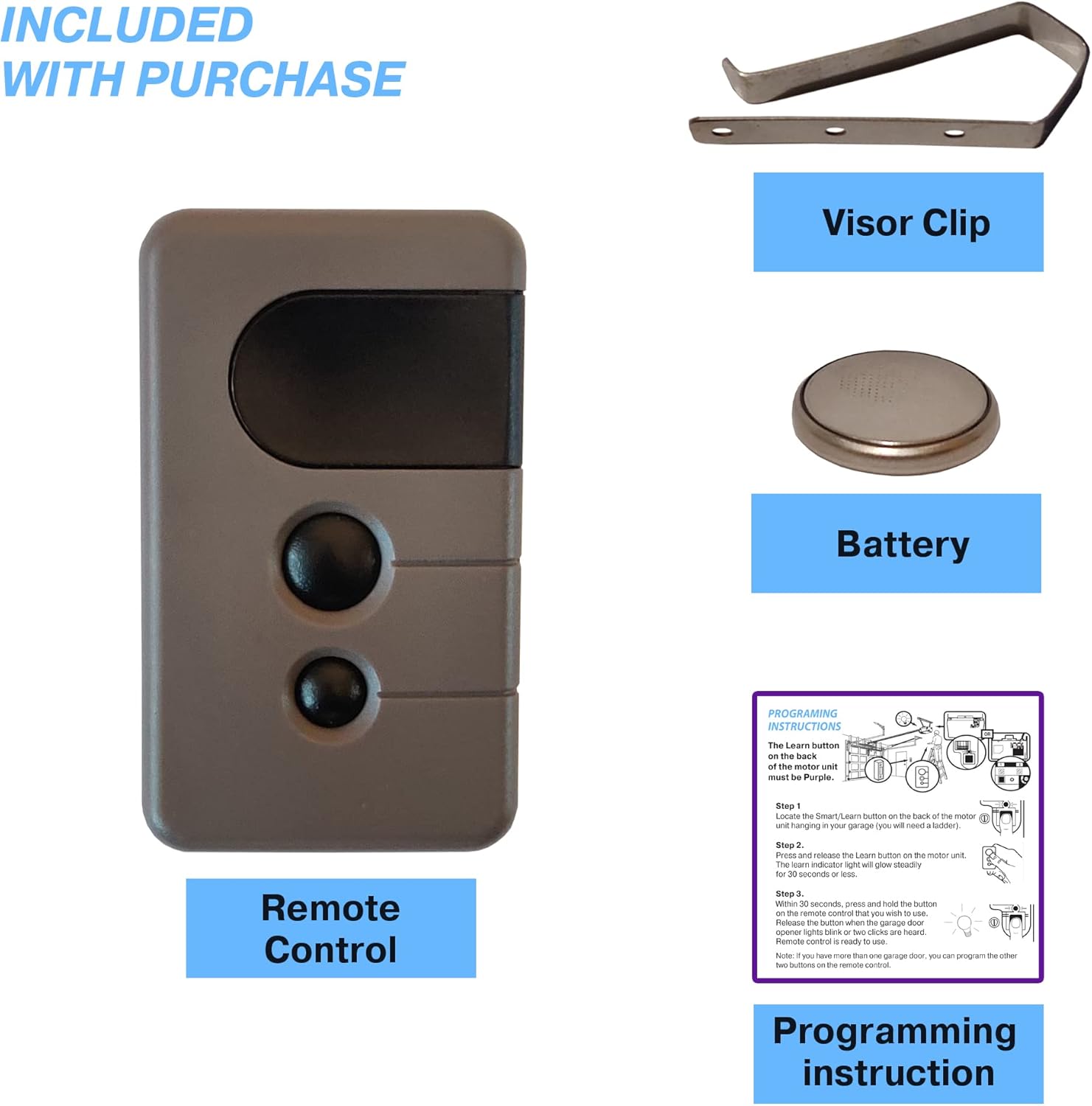
This image displays all components included in the package: the remote control, a visor clip for vehicle attachment, a pre-installed battery, and the programming instructions.
Setup and Programming Instructions
Follow these steps to program your CARMATOR garage door opener remote to your motor unit. Ensure your garage door opener has a purple learn button.

This diagram visually guides you through the programming process, from locating the learn button on the motor unit to synchronizing it with your remote control.
Step 1: Locate the Learn Button
Locate the Smart/Learn button on the back of the motor unit hanging in your garage. You may need a ladder to reach it.
Step 2: Activate Learn Mode
Press and release the Learn button on the motor unit. The learn indicator light will glow steadily for 30 seconds or less, indicating it is in programming mode.
Step 3: Program the Remote
Within 30 seconds of activating learn mode, press and hold the button on the remote control that you wish to use. Release the button when the garage door opener lights blink or two clicks are heard. The remote control is now ready to use.
Note: If you have more than one garage door, you can program the other two buttons on the remote control by repeating these steps for each additional door.
Operation
Once programmed, simply press the corresponding button on your CARMATOR remote control to open or close your garage door. Ensure you are within range of your garage door opener for reliable operation.
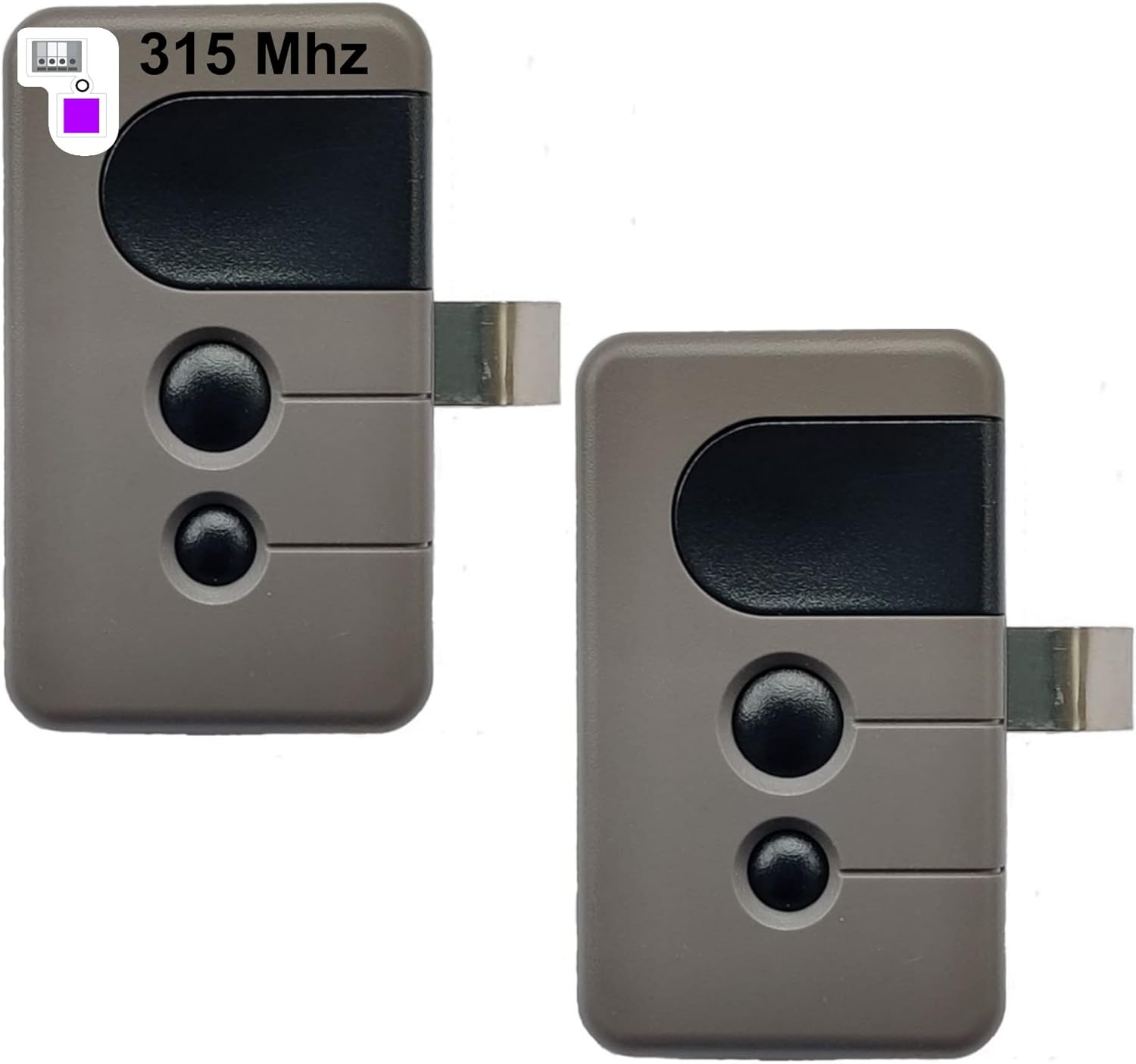
This image shows two CARMATOR garage door opener remotes, ready for use after programming.
Battery Replacement
The remote control uses one CR2032 lithium battery, which is pre-installed. If the remote's range decreases or it stops responding, the battery may need replacement.
- Locate the battery compartment on the back of the remote control.
- Use a small coin or screwdriver to gently pry open the compartment cover.
- Remove the old CR2032 battery.
- Insert a new CR2032 battery with the positive (+) side facing up.
- Replace the compartment cover securely.
Troubleshooting
| Issue | Possible Cause | Solution |
|---|---|---|
| Remote does not work after programming. | Incorrect learn button color; programming error; dead battery. | Verify your garage door opener has a purple learn button. Repeat programming steps carefully. Check or replace the CR2032 battery. |
| Remote has poor range or is inconsistent. | Weak battery; interference; remote not properly paired. | Replace the CR2032 battery. Ensure there are no large metal objects or strong radio signals interfering. Re-program the remote. |
| Garage door opener lights do not blink or click during programming. | Learn button not pressed correctly; remote button not pressed within 30 seconds. | Ensure the learn button on the motor unit is pressed and released firmly. Press and hold the remote button immediately after the learn indicator light glows. |
Specifications
- Model: HBW2028
- Frequency: 315 MHz
- Compatibility: Garage door openers with Purple Learn Button (manufactured 9/2005-current)
- Battery Type: 1 x CR2032 Lithium (included)
- Item Weight: Approximately 2.08 ounces (per remote)
- Package Dimensions: Approximately 3.27 x 2.83 x 1.42 inches
Technical Support
For any technical assistance or further questions, CARMATOR offers 24/7 technical support. Please refer to the contact information provided with your purchase or visit the CARMATOR official website for support details.