
Introduction
Thank you for purchasing the BLACK+DECKER BXFT50006GB 40 Inch Tower Fan. This manual provides important information regarding the safe operation, assembly, maintenance, and troubleshooting of your new tower fan. Please read this manual thoroughly before use and retain it for future reference.

Image: Front view of the BLACK+DECKER BXFT50006GB 40 Inch Tower Fan, black in color with a sleek, tall design.
Important Safety Instructions
When using electrical appliances, basic safety precautions should always be followed to reduce the risk of fire, electric shock, and injury to persons, including the following:
- Read all instructions before using this fan.
- Ensure the voltage indicated on the rating label matches your mains voltage.
- Do not operate any fan with a damaged cord or plug. Discard fan or return to an authorized service facility for examination and/or repair.
- Do not run cord under carpeting. Do not cover cord with throw rugs, runners, or similar coverings. Arrange cord away from traffic area and where it will not be tripped over.
- To disconnect fan, turn controls to OFF, then remove plug from outlet.
- Do not insert or allow fingers or foreign objects to enter any ventilation or exhaust opening as this may cause an electric shock or fire, or damage the fan.
- Do not block air intakes or exhaust in any manner.
- Do not use in wet or moist locations such as bathrooms.
- Always place the fan on a stable, flat, and dry surface.
- This appliance is not intended for use by persons (including children) with reduced physical, sensory or mental capabilities, or lack of experience and knowledge, unless they have been given supervision or instruction concerning use of the appliance by a person responsible for their safety.
Package Contents
Please check the contents of the box upon opening:
- BLACK+DECKER BXFT50006GB Tower Fan Unit
- Base Assembly (if separate)
- Remote Control
- User Manual

Image: The BLACK+DECKER tower fan shown inside its retail packaging, highlighting key features.
Setup and Assembly
The BLACK+DECKER BXFT50006GB Tower Fan typically requires minimal assembly, usually involving attaching the base.
- Carefully remove all components from the packaging.
- Place the main fan body upside down on a soft, flat surface to avoid scratching.
- Align the two halves of the base assembly and snap them together around the bottom of the fan body.
- Secure the base to the fan body using the provided screws, if any, ensuring it is firmly attached.
- Place the fan upright on a stable, level surface.
- Insert batteries into the remote control (if not pre-installed).
Operating Instructions
Your tower fan can be operated using the control panel on top of the unit or the included remote control.
Control Panel and Remote Control Overview
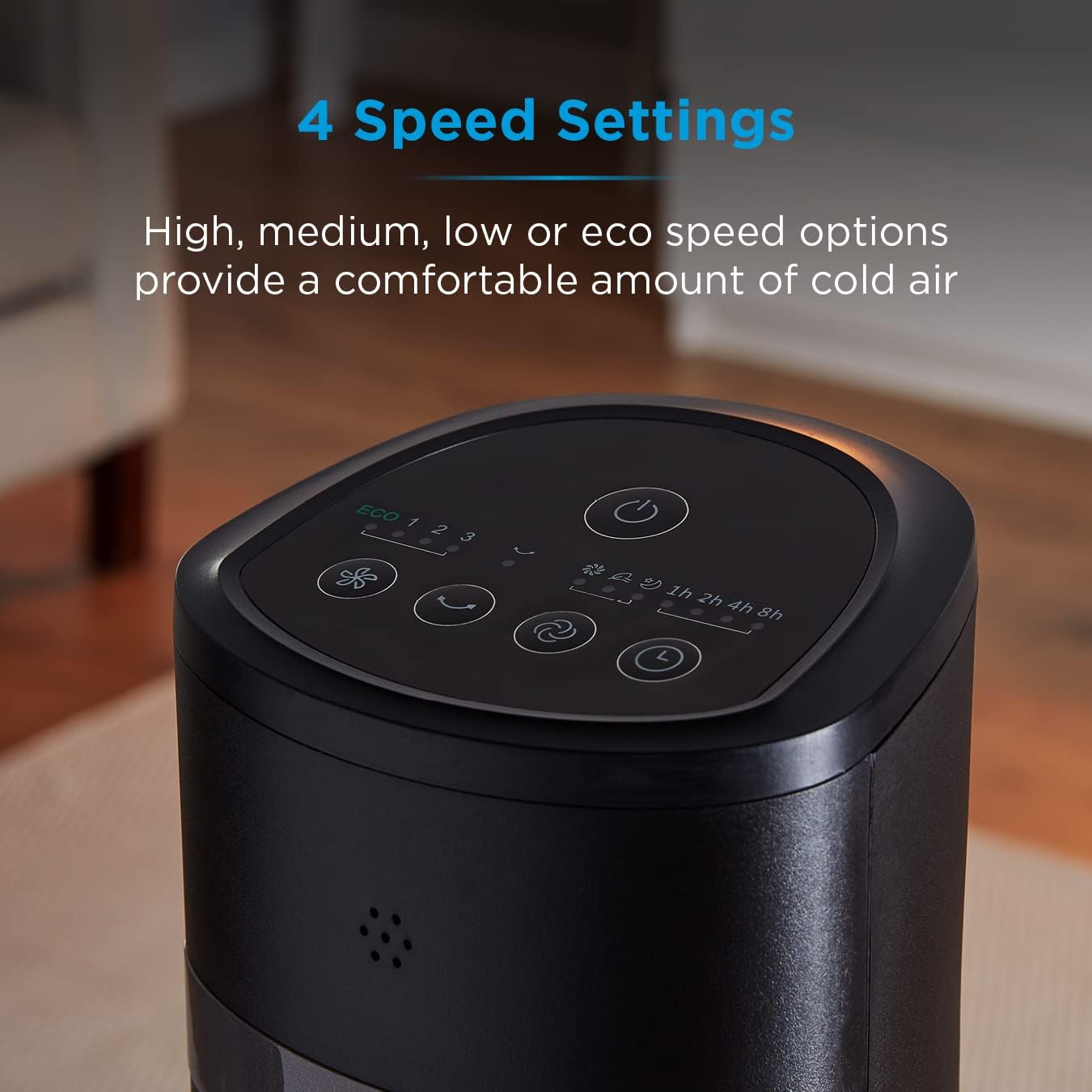
Image: Top view of the fan's control panel, showing buttons for power, speed, mode, oscillation, and timer.

Image: The remote control positioned next to the fan's control panel, illustrating the similar button layout for ease of use.
Basic Operation
- Power On/Off: Press the Power button (⏻) to turn the fan on or off.
- Speed Settings: Press the Speed button (☼) repeatedly to cycle through the 4 speed options: Low, Medium, High, and ECO.
- Wind Modes: Press the Mode button (≈) to select from 3 wind modes:
- Normal Mode: Constant airflow at the selected speed.
- Natural Mode: Simulates natural breeze by varying fan speed.
- Sleep Mode: Gradually decreases fan speed for quiet operation during sleep.
- Oscillation: Press the Oscillation button (↻) to activate or deactivate the fan's oscillating function, allowing it to rotate from side to side.
- Timer Function: Press the Timer button (⏱) repeatedly to set the automatic shut-off timer. The timer can be set from 1 to 15 hours in 1-hour increments. The fan will automatically turn off after the set time.
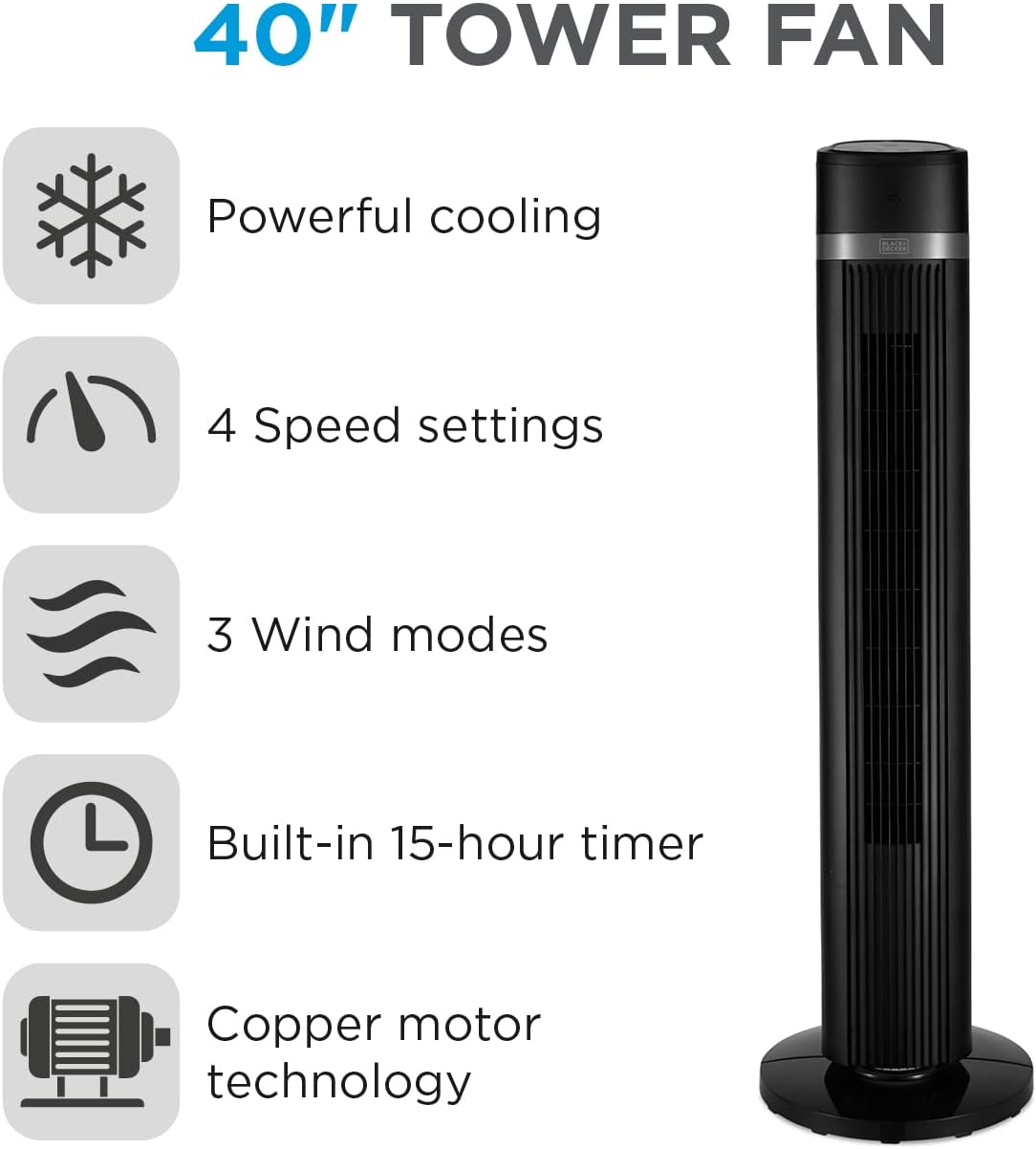
Image: An infographic summarizing the key features of the 40-inch tower fan, including its cooling power, speed settings, wind modes, timer, and motor technology.
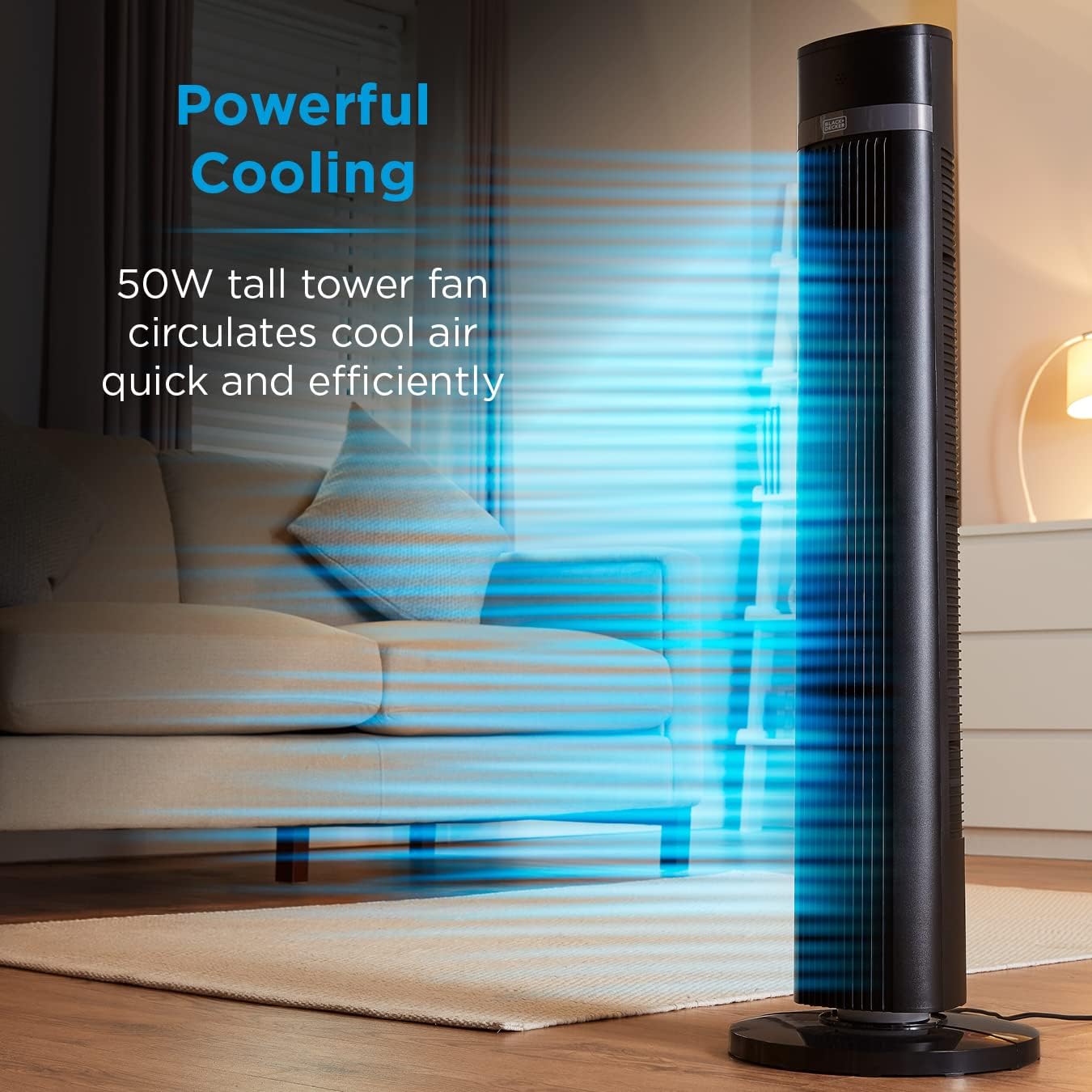
Image: The tower fan operating in a living room, with blue lines indicating the powerful circulation of cool air.
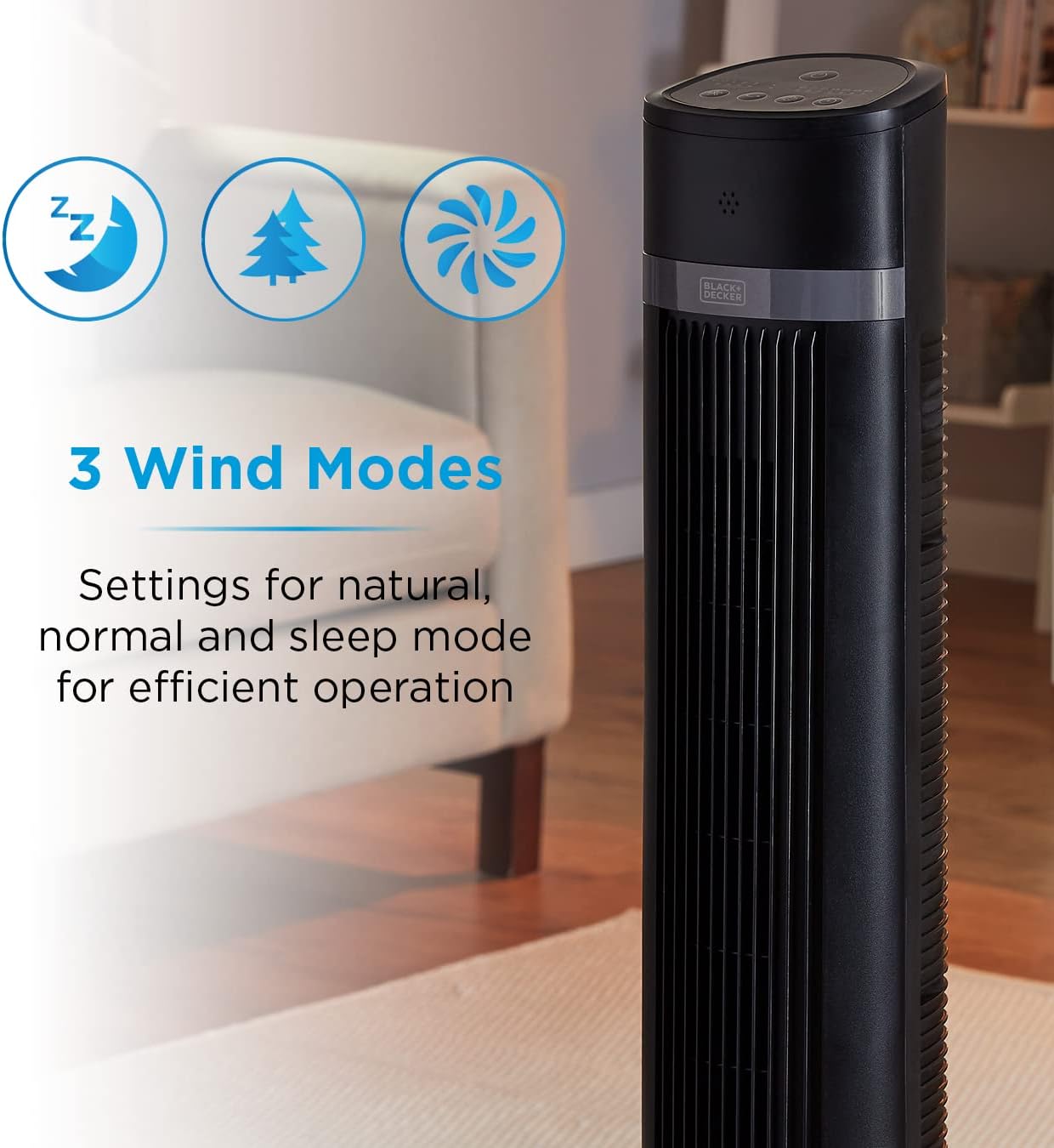
Image: The tower fan with graphic overlays showing icons for sleep mode (Zz), natural mode (tree), and normal mode (fan blades), illustrating the three available wind modes.
Maintenance and Cleaning
Regular cleaning will help maintain the efficiency and appearance of your fan.
- Always unplug the fan from the power outlet before cleaning.
- Use a soft, damp cloth to wipe the exterior surfaces of the fan. Do not use abrasive cleaners or solvents.
- For dust accumulation in the air intake/outlet grilles, use a vacuum cleaner with a brush attachment or compressed air to gently remove dust.
- Do not immerse the fan in water or any other liquid.
- Store the fan in a cool, dry place when not in use, preferably in its original packaging.

Image: A cutaway diagram illustrating the internal components of a copper motor, highlighting its robust construction for long-lasting performance.
Troubleshooting
If you experience issues with your fan, please refer to the following common problems and solutions:
| Problem | Possible Cause | Solution |
|---|---|---|
| Fan does not turn on. | Not plugged in; Power outlet not working; Fan is off. | Ensure plug is fully inserted; Test outlet with another device; Press the Power button. |
| Weak airflow. | Fan speed is too low; Air inlets/outlets are blocked. | Increase fan speed; Clear any obstructions from grilles. |
| Fan is noisy. | Fan not on a stable surface; Foreign object inside. | Place fan on a flat, stable surface; Unplug and check for obstructions (do not disassemble). |
| Remote control not working. | Batteries are dead or incorrectly inserted; Obstruction between remote and fan. | Replace batteries, ensuring correct polarity; Remove any obstructions. |
If the problem persists after trying these solutions, please contact customer support.
Specifications
| Feature | Detail |
|---|---|
| Model Number | BXFT50006GB |
| Brand | BLACK+DECKER |
| Type | Tower Fan |
| Height | 40 inches (approx. 101.3 cm) |
| Power Consumption | 35W |
| Noise Level | 48 dB |
| Control Method | Remote, Control Panel |
| Timer | 15-Hour |
| Speed Settings | 4 (Low, Medium, High, ECO) |
| Wind Modes | 3 (Normal, Natural, Sleep) |
| Product Dimensions (L x W x H) | 11.81 x 11.81 x 39.88 inches (approx. 30 x 30 x 101.3 cm) |
| Item Weight | 8.14 pounds (3.7 kg) |
| Blade Material | Plastic |
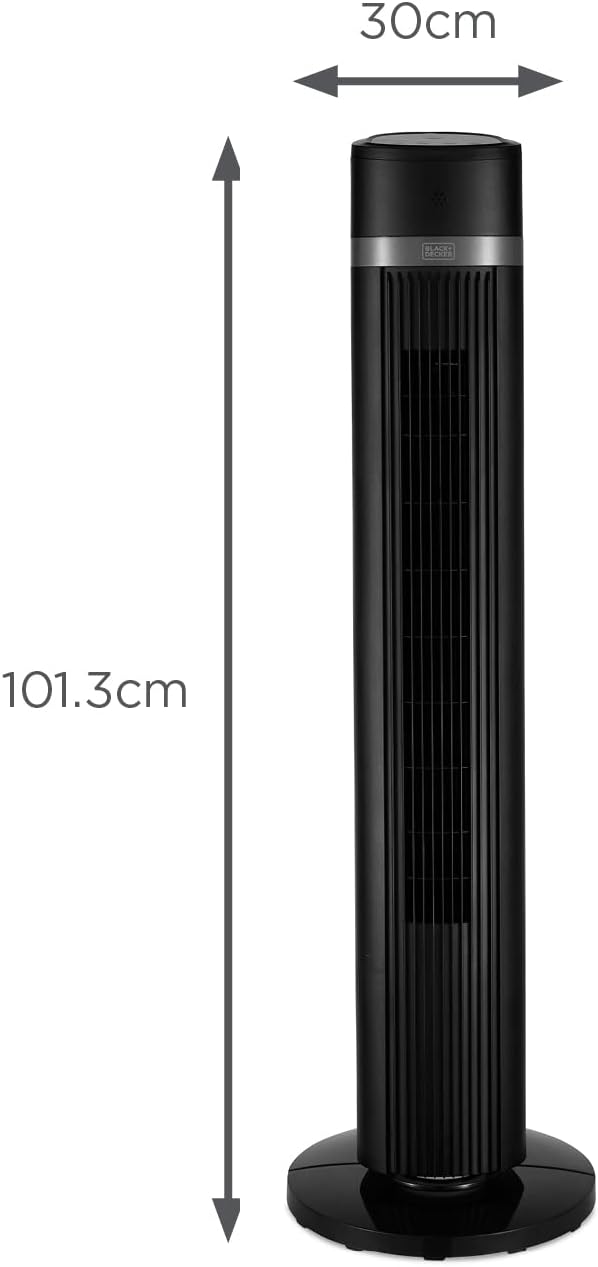
Image: A diagram illustrating the approximate dimensions of the tower fan, showing a height of 101.3 cm and a width of 30 cm.
Warranty and Support
This BLACK+DECKER BXFT50006GB Tower Fan comes with a 2-Year Guarantee from the date of purchase, covering manufacturing defects and faults in materials or workmanship.

Image: A graphic displaying "2 YEAR GUARANTEE" indicating the product's warranty period.
For warranty claims, technical support, or any inquiries regarding your product, please contact BLACK+DECKER customer service. Keep your proof of purchase for warranty validation.
You can find contact information on the official BLACK+DECKER website or through your retailer.