
arungo MP10
arungo MP10 Portable MP3 Player User Manual
Model: MP10
1. Introduction
Thank you for purchasing the arungo MP10 Portable MP3 Player. This device is designed to provide a convenient and enjoyable audio experience, featuring music playback, FM radio, voice recording, and e-book functionality. This manual provides essential information for setting up, operating, and maintaining your MP3 player.
2. Package Contents
Please verify that all items listed below are included in your package:
- 1 x arungo MP10 MP3 Player
- 1 x 32GB Micro SD Card (pre-installed)
- 1 x Earphone
- 1 x Charging Cable
- 1 x User Manual
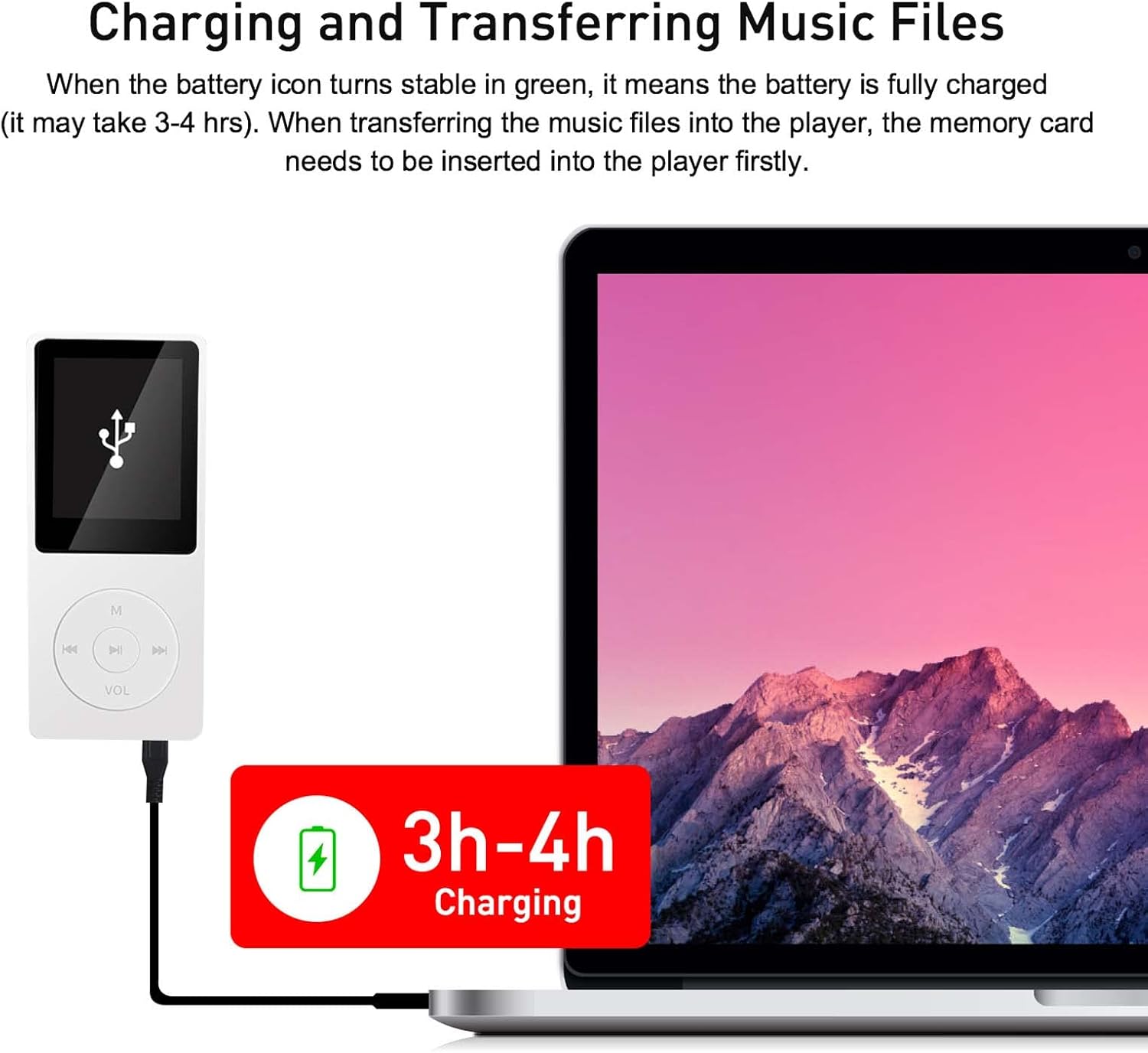
Image: The complete package contents of the arungo MP10 MP3 Player, showing all included accessories.
3. Product Overview
3.1 Device Layout

Image: The arungo MP10 MP3 Player, a compact white device featuring a color screen and intuitive control buttons.
3.2 Button Guide
Familiarize yourself with the player's control buttons:

Image: Detailed guide to the MP10 player's controls, including M (Menu), Left/Previous, Play/Pause, Right/Next, and VOL (Volume/Return).
- M (Menu): Short press to enter the menu. Long press to return to the main interface.
- ◀◀ (Left / Previous): When playing music, short press to select the previous music file. Long press to rewind the music.
- ►► (Confirm / Play / Pause): Short press to confirm selection or play/pause music. Long press to turn the player on or off.
- ▶▶ (Right / Next): When playing music, short press to select the next music file. Long press to fast forward the music.
- VOL (Volume / Down / Return): Short press to return to the previous step. Long press to enter the volume adjustment menu, then use ◀◀ or ▶▶ to adjust.
4. Setup
4.1 Charging the Device
Before initial use, fully charge your MP3 player. Connect the player to a computer or a USB wall adapter using the provided charging cable. The battery icon on the screen will indicate charging status. When the battery icon turns stable green, the device is fully charged. A full charge typically takes 3-4 hours.
4.2 Inserting/Formatting the Memory Card
The MP10 player comes with a 32GB Micro SD card pre-installed. This card is essential for storing your media files. For optimal performance, it is recommended to format the memory card on your computer before first use. The player supports Micro SD cards up to 128GB.

Image: The arungo MP10 MP3 Player comes with a 32GB Micro SD card and supports expansion up to 128GB.
4.3 Transferring Music Files
To transfer music or other files to your MP3 player:
- Connect the MP3 player to your computer using the provided USB cable.
- The player will appear as a removable disk or USB drive on your computer.
- Open the player's folder.
- Drag and drop your desired MP3, WMA, APE, FLAC, WAV, or AAC audio files into the player's storage.
- Once files are transferred, safely eject the device from your computer before disconnecting the USB cable.

Image: Illustration of the MP10 player being charged and connected to a computer for transferring music files. A charging indicator shows 3-4 hours for a full charge.
5. Operating Instructions

Image: An overview of the arungo MP10's key features, including music playback, e-book reading, FM radio, voice recording, and expandable storage.
5.1 Music Playback
From the main menu, navigate to the 'Music' option. You can browse your music by artist, album, or all songs. The player supports random playback. Supported audio formats include MP3, WMA, APE, FLAC, WAV, and AAC.
Adjusting Volume
While a song is playing, press and hold the VOL button. The volume controls will appear on the screen. Use the ◀◀ (Left) and ▶▶ (Right) buttons to adjust the volume level.

Image: The arungo MP10 MP3 Player is suitable for active use, allowing users to enjoy music during activities like jogging.
5.2 FM Radio
To use the FM radio function, ensure earphones are connected to the player, as they act as the antenna. Navigate to the 'FM Radio' option from the main menu. You can adjust the frequency range and select your preferred channels.

Image: The MP10 player's FM radio interface, showing available frequencies and the requirement for earphones to function.
5.3 Voice Recorder
The MP10 player includes a voice recorder feature. Access this function from the main menu to record audio. Ensure sufficient storage space is available on the Micro SD card.
5.4 E-Book Reader
The device supports e-book reading. Transfer compatible text files to the player's storage and access them via the 'E-book' menu option.
6. Maintenance
To ensure the longevity and optimal performance of your arungo MP10 MP3 Player, follow these maintenance guidelines:
- Cleaning: Use a soft, dry cloth to clean the device. Avoid using liquid cleaners or abrasive materials.
- Storage: Store the player in a cool, dry place away from direct sunlight and extreme temperatures.
- Water Exposure: This device is not waterproof. Avoid exposure to water or high humidity.
- Battery Care: Do not overcharge the battery. Disconnect the charger once the device is fully charged. Avoid completely draining the battery frequently.
- Handling: Handle the player with care to prevent physical damage. Avoid dropping or subjecting it to strong impacts.
7. Troubleshooting
If you encounter issues with your MP10 player, refer to the following common problems and solutions:
- Player does not turn on:
Ensure the battery is charged. Connect the player to a power source and try again. If the issue persists, perform a long press on the Play/Pause button. - Cannot transfer files to the player:
Verify the USB cable connection. Ensure the player is recognized by your computer. Check if the memory card is properly inserted and not full. Try reformatting the memory card on your computer (this will erase all data). - Player does not recognize music files:
Confirm that the music files are in a supported format (MP3, WMA, APE, FLAC, WAV, AAC). Ensure files are transferred to the correct directory on the memory card. Try reformatting the memory card. - Poor sound quality or static:
Ensure earphones are fully plugged in. Try using a different pair of earphones to rule out faulty headphones. Adjust the volume settings. - FM Radio not working:
Ensure earphones are connected, as they serve as the antenna for the FM radio function. - Buttons are unresponsive or player behaves erratically:
Try restarting the device by long-pressing the Play/Pause button. If the problem continues, a factory reset might be necessary (refer to the on-screen menu for this option, if available).
If these steps do not resolve the issue, please contact customer support.
8. Specifications
| Model Number | MP10 |
| Product Dimensions | 0.28 x 1.54 x 3.54 inches |
| Item Weight | 2.39 ounces |
| Memory Storage Capacity | 32 GB (Micro SD card included) |
| Expandable Memory | Up to 128 GB (Micro SD card, not included) |
| Screen Size | 1.8 Inches |
| Supported Audio Formats | MP3, WMA, APE, FLAC, WAV, AAC |
| Connectivity Technology | USB |
| Special Features | Voice Recorder, E-Book Reader, FM Radio |
| Battery | 1 Lithium Polymer battery (included) |
| Bluetooth Support | No |
9. Warranty and Support
arungo is committed to providing high-quality products. While specific warranty details are not provided in this manual, if you encounter any usage issues or require assistance, please contact our customer support team.
You can reach us by sending a message through your Amazon seller message box or via our after-sales email. We aim to respond to all inquiries within 24 hours.
Ask a question about this manual
Ask about setup, troubleshooting, compatibility, parts, safety, or missing instructions. Manuals+ will review the question and use this page’s manual context to help answer it.