Introduction
This manual provides essential information for the proper installation, operation, and maintenance of your HEIMAN WS-720ES Wi-Fi Carbon Monoxide Detector. Please read it thoroughly before use and retain it for future reference.
Important Safety Information
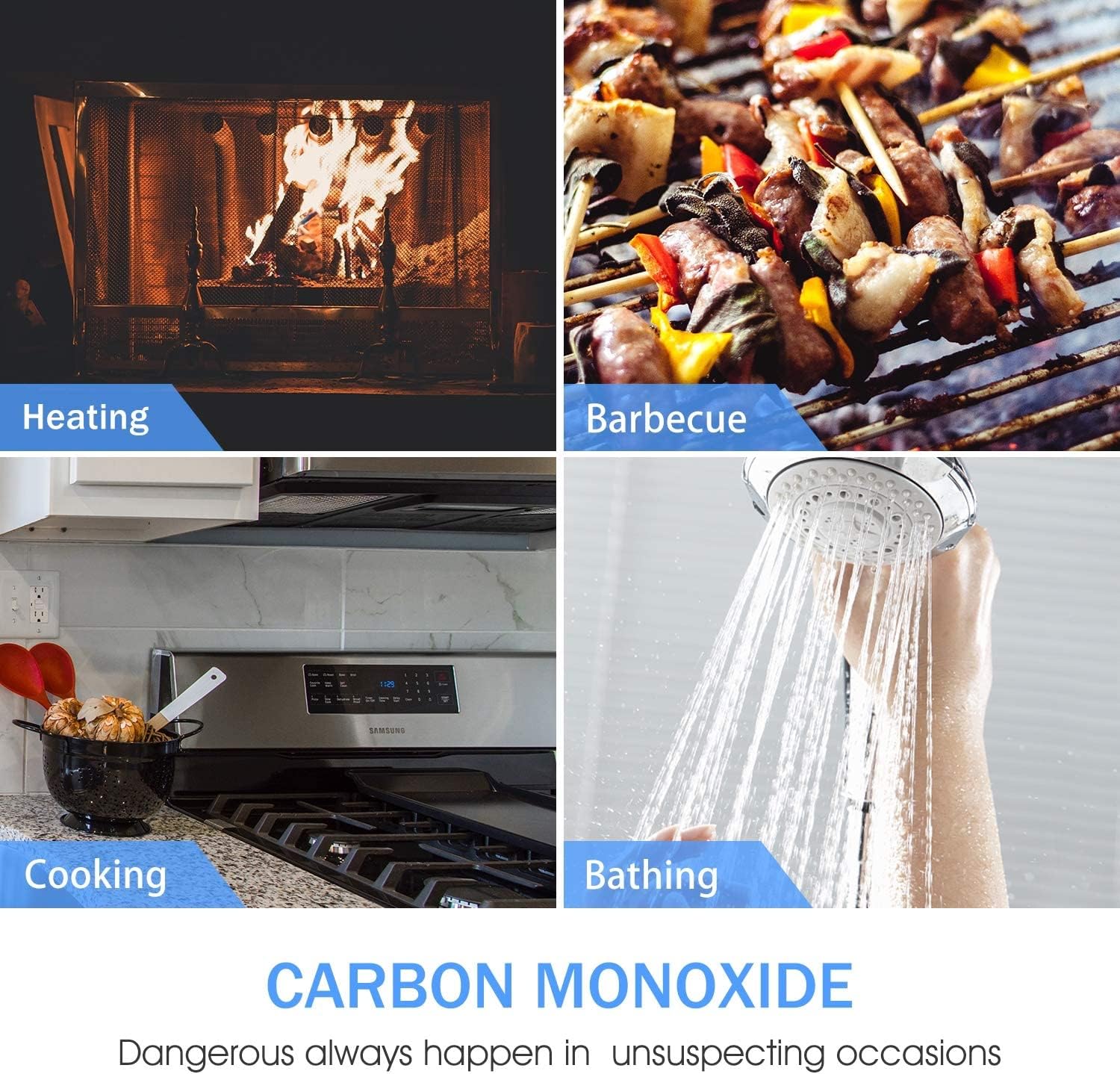
Carbon monoxide (CO) is a colorless, odorless, and tasteless gas that can be fatal. This detector is designed to alert you to the presence of CO gas. It is not a substitute for proper maintenance of fuel-burning appliances or adequate ventilation.
- Never ignore an alarm. Investigate the source of the CO.
- Do not paint the detector. Paint can clog the sensor openings and prevent the alarm from functioning properly.
- Do not block the detector's vents.

Product Overview
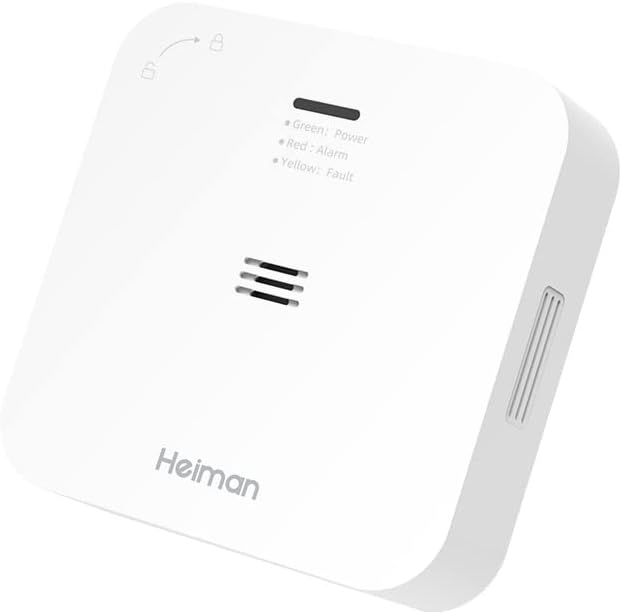
The HEIMAN WS-720ES is a compact, portable Wi-Fi enabled carbon monoxide detector designed for various environments. It features a clear 85 dB alarm and LED indicators for status.


Installation
The detector can be installed on flat surfaces or walls. Choose a location where CO is likely to accumulate, such as near fuel-burning appliances, but not directly above them or in areas with high humidity or extreme temperatures.
- Mounting: Use the provided screws and wall plugs to secure the mounting plate to a wall or ceiling. Alternatively, the detector can be placed on a flat surface.
- Battery Installation: Insert the two AA batteries into the battery compartment. Ensure correct polarity. The device will perform a self-test upon power-up.
- Placement: For optimal detection, place the detector at eye level (approximately 1.5 to 1.7 meters from the floor) in areas with potential CO sources. Avoid corners or areas obstructed by furniture.

Wi-Fi Connection and App Integration
This detector connects to your home Wi-Fi network (2.4 GHz) and integrates with the Tuya or Smartlife application for remote monitoring and notifications.
- Download App: Download the "Tuya Smart" or "Smart Life" app from your smartphone's app store.
- Register/Login: Create an account or log in to your existing account.
- Add Device: In the app, select "Add Device" and follow the on-screen instructions to add the Carbon Monoxide Detector. You may need to press the test button three times consecutively to put the device into pairing mode.
- Confirmation: Once connected, the app will display the device status and allow you to receive real-time alerts and view CO concentration levels.

Operating the Detector
LED Indicators:
- Green LED (Power): Flashes every 30 seconds, indicating normal operation.
- Red LED (Alarm): Flashes rapidly with an audible alarm when CO is detected.
- Yellow LED (Fault/Low Battery): Indicates a fault or low battery condition.
Testing the Detector:
Press and hold the "Test/Silence" button for a few seconds. The alarm will sound, and the red LED will flash, indicating the unit is functioning correctly. A notification should also appear in your connected app.
Silencing an Alarm:
In case of a CO alarm, press the "Test/Silence" button to temporarily silence the audible alarm. The red LED will continue to flash until CO levels return to normal. If the alarm persists, evacuate the area immediately.

Maintenance
- Battery Replacement: The detector uses 2 AA batteries with an estimated life of 5 years. When the yellow LED indicates low battery, replace both batteries with new ones.
- Cleaning: Regularly clean the detector's exterior with a soft, damp cloth. Do not use cleaning agents or solvents.
- Regular Testing: Test the detector weekly by pressing the "Test/Silence" button.
Troubleshooting
| Problem | Possible Cause | Solution |
|---|---|---|
| Detector not powering on. | Batteries incorrectly installed or depleted. | Check battery polarity; replace batteries. |
| Yellow LED flashing. | Low battery or internal fault. | Replace batteries. If issue persists, contact support. |
| Cannot connect to Wi-Fi/App. | Incorrect Wi-Fi password, 5GHz network, or device not in pairing mode. | Ensure 2.4GHz Wi-Fi, re-enter password, put device in pairing mode (press test button 3 times). |
| Alarm sounds frequently without apparent CO. | False alarm due to strong fumes (e.g., cleaning products) or detector placement. | Relocate the detector away from sources of fumes. Ensure proper ventilation. |
Specifications
| Feature | Detail |
|---|---|
| Model Number | WS-720ES |
| Power Source | DC 2*1.5V Alkaline AA LR6 batteries |
| Sensor Lifespan | Max. 10 years |
| Operating Temperature | -10°C to +40°C |
| Operating Humidity | 0%~95%RH non-condensing |
| Alarm Sound Level | ≥85dB at 3m |
| Alarm Output | Visual and audible indication |
| Warm-up Period | Approx. 100 seconds |
| Mounting Method | Wall mounting or ceiling mounting |
| Compliance Standard | EN 50291-1:2018 |
| Battery Life | 5 years |
| Dimensions | 83mm x 83mm x 23mm (approx.) |
| Weight | 230g |
Warranty and Support
For warranty information and technical support, please refer to the documentation included with your purchase or visit the official HEIMAN website. Keep your purchase receipt as proof of purchase.


