
Introduction
This manual provides instructions for the Sniggle Sloth Ctrl Z Undo Button Self-Inking Rubber Stamp. It covers setup, operation, maintenance, and product specifications to ensure proper use and longevity of your stamp.
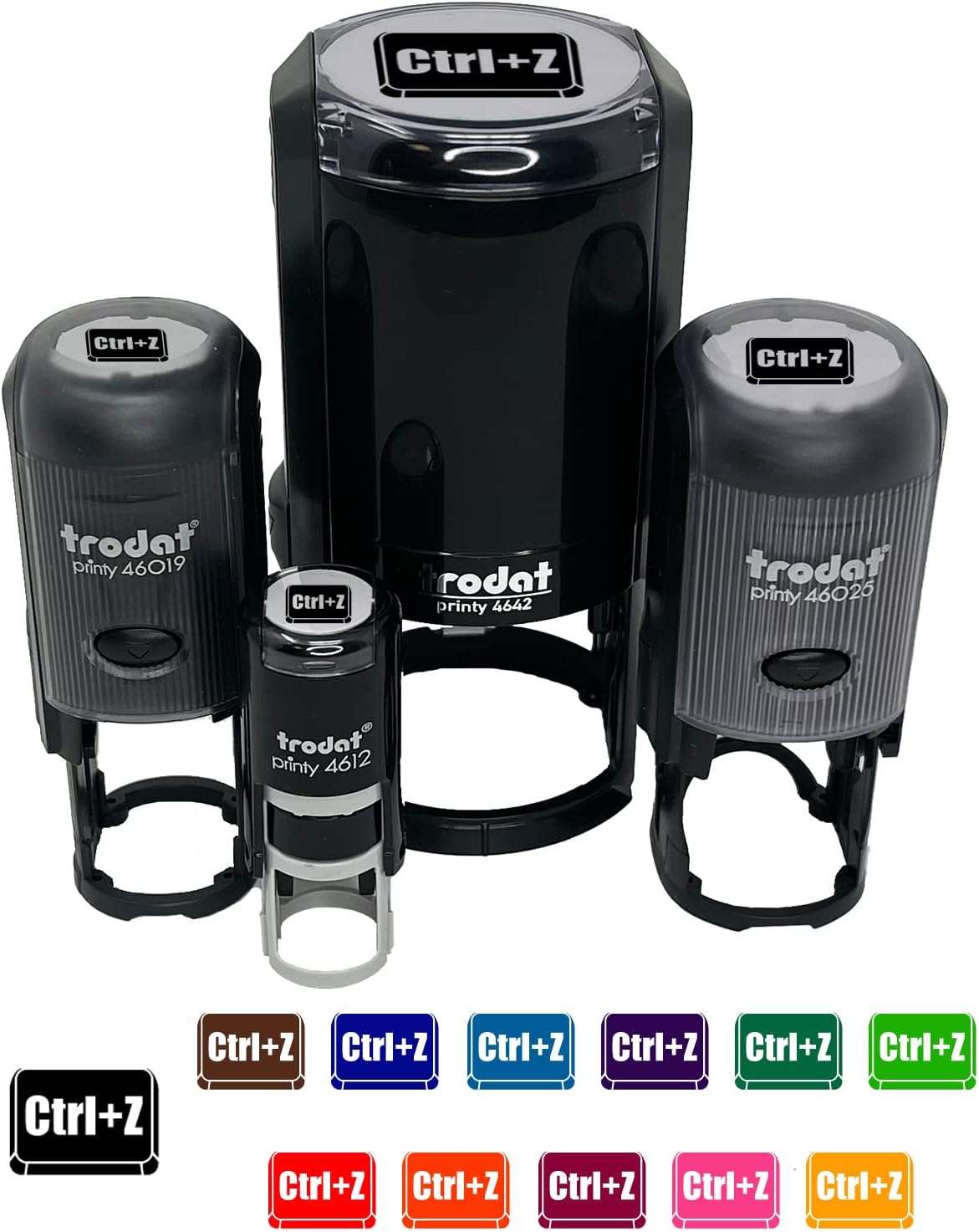
Image: A visual representation of the Sniggle Sloth Ctrl Z self-inking rubber stamps, showcasing different sizes and available ink colors. The main stamp featured is the 1-1/2 inch large black ink model.
Setup
Before first use, the protective cap must be removed. The method varies slightly depending on the stamp size.

Image: A diagram illustrating the cap removal process for different stamp sizes. It shows how to rotate the bottom cap for small and medium stamps, and how to squeeze unlock symbols and slide a button for large stamps.
For Small & Medium Stamps:
- Rotate the bottom cap by following the direction of the arrow indicated on the cap.
- Once rotated, the cap will slide off, making the stamp ready for use.
For Large Stamps (1-1/2 Inch Large Black Model):
- Squeeze the unlock symbols located on both sides of the bottom of the stamp to release the cap.
- Slide the button in the middle of the stamp to the unlock position. This action will release the stamp mechanism, making it ready for use.
Operating Instructions
To achieve a clear and consistent impression, follow these steps:
- Place the stamp on a flat, stable surface where you wish to make an impression.
- Apply firm, even pressure directly downwards on the top of the stamp.
- Lift the stamp straight up to reveal the impression.
This self-inking rubber stamp is suitable for various crafting and organizational tasks, including decorating cards, gift wrap, journals, planners, and other paper-based projects.

Image: An example of the self-inking stamps in use, demonstrating how they can be applied to paper to create different designs, surrounded by crafting materials like twine and patterned paper.
Maintenance
Proper maintenance ensures the longevity and performance of your self-inking stamp.
- Protection: Always replace the protective cover when the stamp is not in use. This prevents dust accumulation and helps to keep the ink pad from drying out.
- Re-inking: The stamp's ink pad can be easily removed and re-inked when impressions become faint. To re-ink, carefully slide out the ink pad from its housing. Apply a few drops of appropriate self-inking stamp ink onto the pad, allowing it to absorb evenly. Reinsert the ink pad into the stamp.
Troubleshooting
If you encounter issues with your stamp, consider the following:
- Faint Impressions: If the stamp produces faint or uneven impressions, the ink pad may be running low. Refer to the 'Maintenance' section for re-inking instructions.
- Uneven Impressions: Ensure you are applying firm and even pressure across the entire surface of the stamp when making an impression. Stamping on a flat, stable surface is also crucial.
- Smudged Impressions: Allow the ink to dry completely on the surface before touching. Ensure the stamp surface is clean and free of debris.
Specifications
Key specifications for the Sniggle Sloth Ctrl Z Undo Button Self-Inking Rubber Stamp (1-1/2 Inch Large Black model):
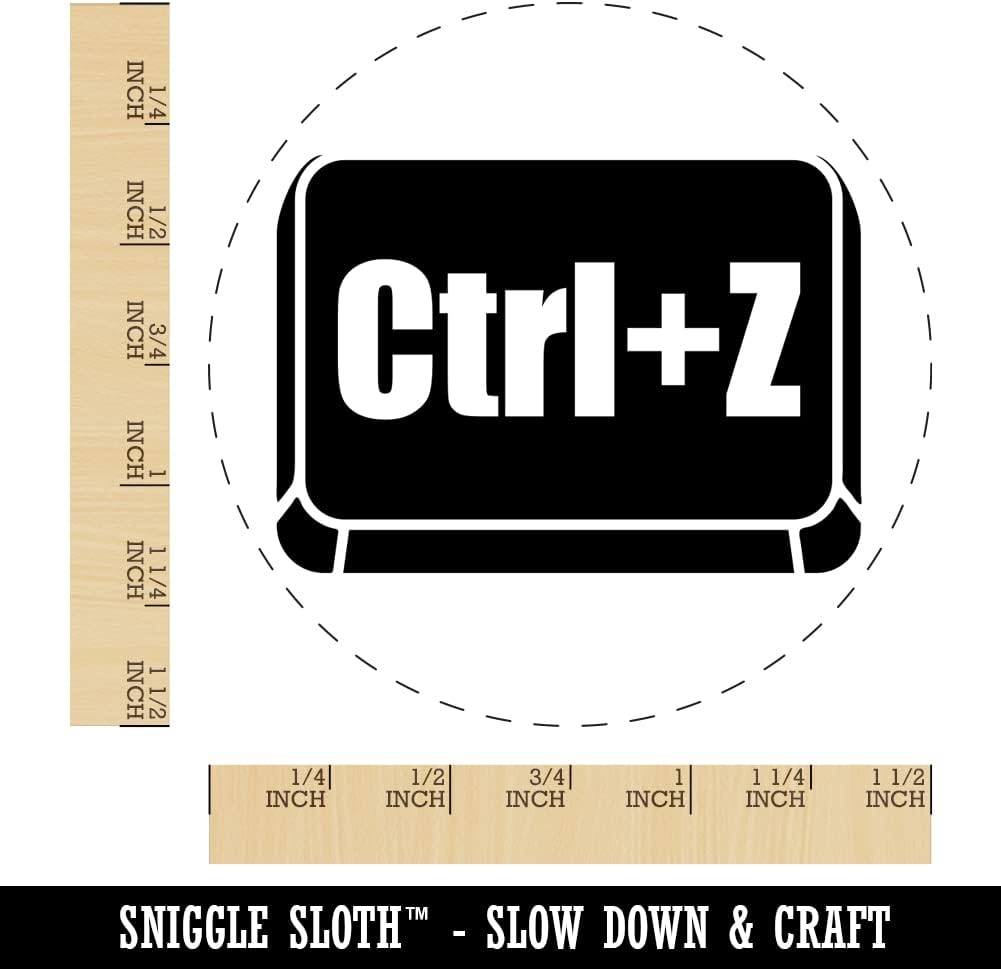
Image: A detailed view of the 'Ctrl+Z' stamp design, accompanied by a ruler to clearly show its approximate 1-1/2 inch (38 mm) diameter.
| Feature | Detail |
|---|---|
| Stamped Image Size | Approximately 1 1/2 inch (38 mm) in diameter |
| Product Dimensions | 3.6 x 2.3 x 2.3 inches |
| Item Weight | 3.8 ounces |
| Ink Color | Black |
| Manufacturer | Sniggle Sloth |
| ASIN | B09WRQFZ96 |

Image: An overview of the different sizes available for Sniggle Sloth self-inking stamps (1/2" Mini, 3/4" Small, 1" Medium, 1 1/2" Large) and a display of 14 ink pad color options, including Black, Brown, Blue, Sky Blue, Purple, Green, Lime Green, Red, Orange, Fuchsia, Pink, Yellow, UV, and Dry.
Warranty Information
Specific warranty details for this product are not provided in the available information. Please refer to the seller's or manufacturer's official website for any applicable warranty policies.
Support
For further assistance or inquiries regarding your Sniggle Sloth Ctrl Z Undo Button Self-Inking Rubber Stamp, please contact the seller directly through the platform where the purchase was made. Manufacturer contact information may also be available on the product packaging or the official Sniggle Sloth website.