
Introduction
Thank you for choosing the SAKOBS E2021 Computer Speakers. This manual provides essential information for setting up, operating, and maintaining your new speakers. Please read it thoroughly to ensure optimal performance and longevity of your device.

Image: The SAKOBS E2021 Computer Speakers positioned below a computer monitor on a desk, demonstrating its compact design.
Package Contents
Ensure all items are present in the package:
- 1 x SAKOBS PC Speakers (Model E2021)
- 1 x USB AUX Cable (Note: Power adapter is not included)
- 1 x User Manual (This document)
- 1 x Service Card
Product Features
- High-Fidelity Stereo Sound: Dual 6W full-range speakers with dual drivers and diaphragms for clear treble and deep bass.
- USB-Powered: Automatically powers on when connected via USB, eliminating the need for a separate power adapter.
- Wide Compatibility: Connects via 3.5mm AUX-in port, compatible with PCs, laptops, tablets, and TVs.
- Easy Volume Control: Stepless volume knob with an integrated blue LED indicator for power status.
- Slim and Space-Saving Design: Compact form factor (410mm W x 76.5mm D x 70mm H) designed to fit under monitors.
- Noise Reduction Technology: Anti-magnetic technology for static and noise reduction, enhancing audio clarity.
- Headphone and Microphone Outputs: Built-in 3.5mm headphone and microphone jacks for private audio and communication.

Image: An exploded view diagram illustrating the internal speaker components, highlighting the dual 6W high-excursion drivers for enhanced bass and stereo sound.
Setup Instructions
Follow these steps to connect your SAKOBS E2021 speakers to your device:
- Connect USB Cable: Plug the USB connector of the provided USB AUX cable into an available USB port on your computer, laptop, or other compatible device. The speakers will automatically power on, indicated by a blue LED light around the volume knob.
- Connect 3.5mm AUX Cable: Plug the 3.5mm audio jack of the provided USB AUX cable into the 3.5mm audio output (headphone jack) of your computer, laptop, monitor, or other audio source.
- Select Playback Device: On your computer's operating system (Windows, macOS, Chrome OS), navigate to the sound settings and select "USB Speaker" or a similar option as your primary audio playback device.

Image: A visual guide demonstrating how to connect the SAKOBS E2021 speakers to a laptop using both the USB and 3.5mm AUX cables.
Compatibility
The SAKOBS E2021 speakers are compatible with:
- Windows PCs
- macOS devices
- Chrome OS devices
- Any device with a 3.5mm audio output jack and a USB port for power.
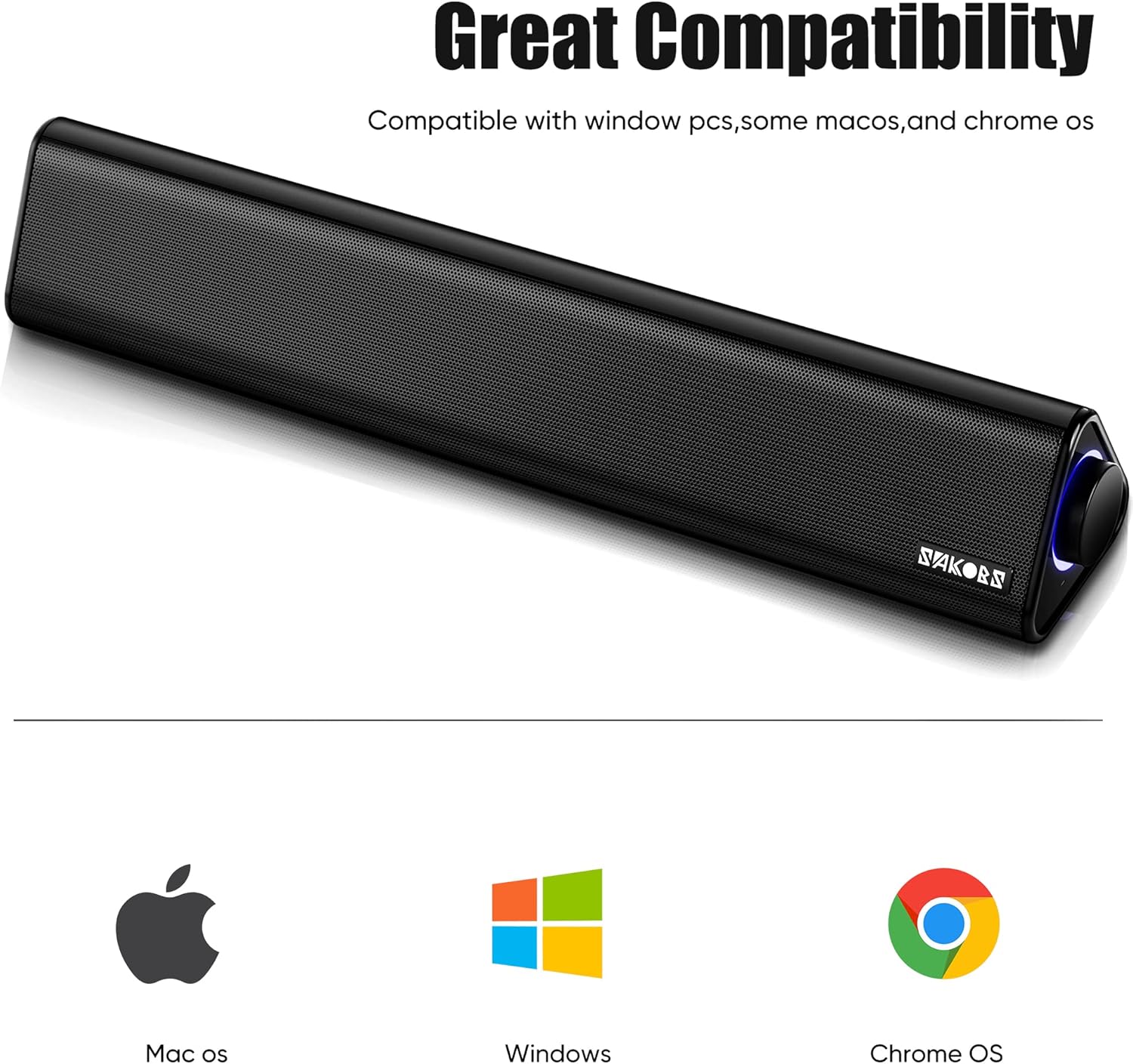
Image: The SAKOBS E2021 speakers displayed alongside logos for Mac OS, Windows, and Chrome OS, indicating broad operating system compatibility.
Operating Instructions
Power On/Off
The speakers power on automatically when the USB cable is connected to a powered USB port. There is no separate power button. The blue LED light around the volume knob indicates that the speakers are powered on.
Volume Control
Rotate the knob on the side of the speaker to adjust the volume. Turn clockwise to increase volume and counter-clockwise to decrease volume.

Image: A detailed view of the SAKOBS E2021 speaker's right side, highlighting the illuminated volume knob and the 3.5mm headphone and microphone output ports.
Headphone and Microphone Output
The speakers feature dedicated 3.5mm headphone and microphone output jacks. Connect your headphones to the headphone output for private listening. Connect an external microphone to the microphone output for voice input.

Image: A person wearing headphones connected to the SAKOBS E2021 speakers, demonstrating the use of the headphone output for private audio.
Maintenance
To ensure the longevity and optimal performance of your SAKOBS E2021 speakers, follow these maintenance guidelines:
- Cleaning: Use a soft, dry cloth to wipe the exterior of the speakers. Avoid using abrasive cleaners, solvents, or sprays directly on the device.
- Placement: Place the speakers on a stable, flat surface. Avoid placing them in direct sunlight, near heat sources, or in areas with high humidity.
- Cable Care: Handle the USB AUX cable gently. Avoid bending or crimping the cable excessively to prevent damage.
- Storage: If storing the speakers for an extended period, disconnect them from power and store them in a cool, dry place.
Troubleshooting
If you encounter issues with your SAKOBS E2021 speakers, refer to the following common problems and solutions:
| Problem | Possible Cause | Solution |
|---|---|---|
| No sound from speakers |
|
|
| Sound is distorted or unclear |
|
|
| Blue LED light is off |
|
|
Specifications
| Feature | Detail |
|---|---|
| Brand | SAKOBS |
| Model Number | E2021 |
| Speaker Type | Soundbar |
| Maximum Speaker Power Output | 6 Watts per speaker (Total 12W) |
| Connectivity Technology | Auxiliary (3.5mm), USB |
| Audio Output Mode | Surround (2.0 Channel) |
| Mounting Type | Tabletop |
| Material | Metal |
| Color | Black |
| Dimensions (W x D x H) | 410mm x 76.5mm x 70mm |
| Frequency Response | 70 Hz ~ 20 kHz |
| Compatible Devices | Laptop, Projector, Tablet, Television |
Warranty and Support
Your SAKOBS E2021 speakers come with a service card. Please refer to the information provided on the service card for details regarding warranty coverage and customer support. For further assistance, you may contact SAKOBS customer service through the channels specified on the service card or the official SAKOBS website.


