
1. Product Overview
The Clarifion DSTx GL-166 and Clarifion GL-139 Air Ionizers are designed to enhance indoor air quality. This bundle includes both models, offering versatile air purification solutions for various spaces in your home. The DSTx model features an activated carbon filter, while the Clarifion model is a filterless plug-in device. For optimal results, it is recommended to use at least one unit per bedroom, bathroom, dining room, living room, and kitchen. Strategic placement near windows and doors is advisable.
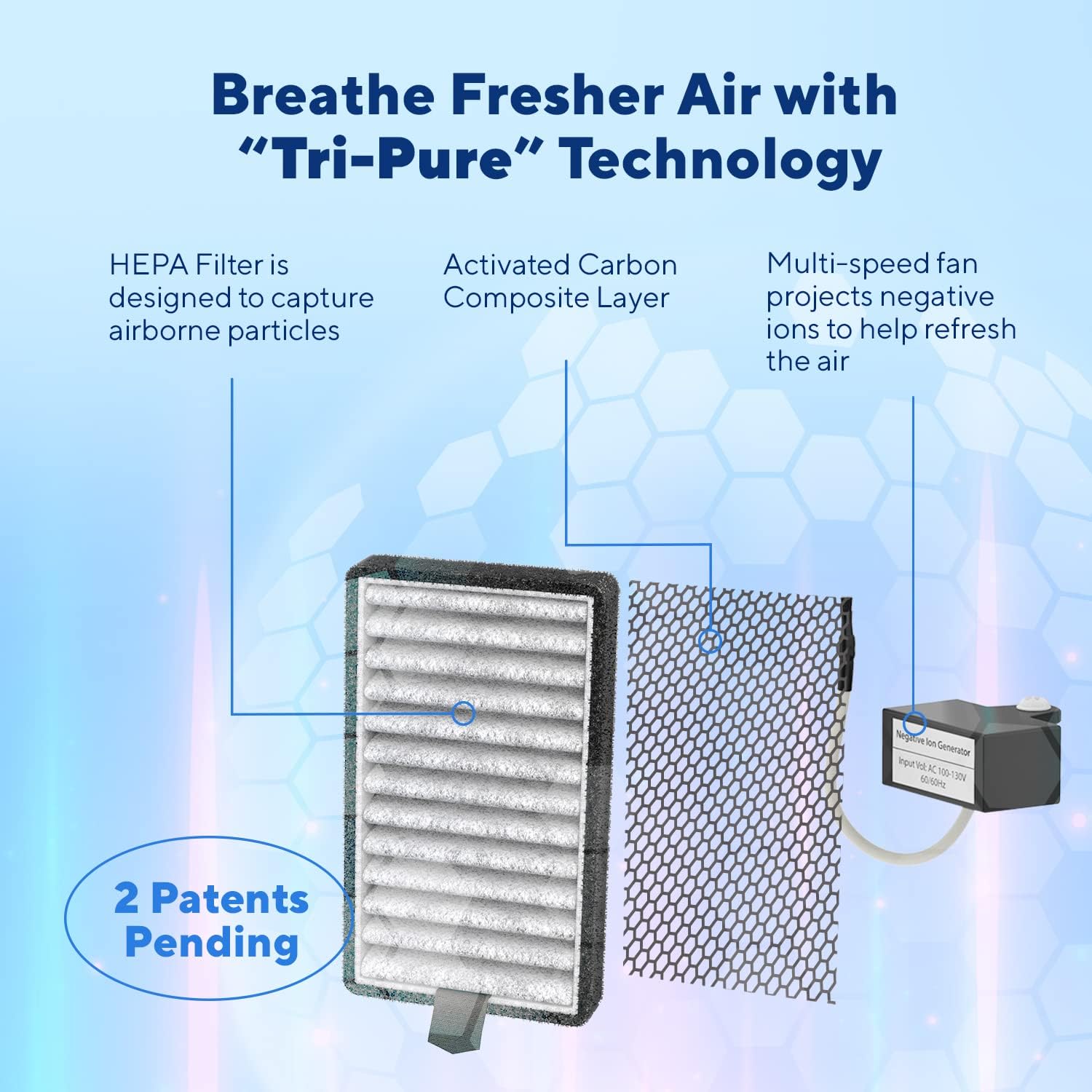
Image 1: Clarifion DSTx and Air Ionizers 6 Pack Bundle packaging.
2. Setup Instructions
Setting up your Clarifion Air Ionizer is simple and requires no complex installation. Follow these steps:
- Unpack the Device: Carefully remove the Clarifion Air Ionizer from its packaging.
- Choose a Location: Select a standard electrical outlet in the desired room. For best performance, consider placing the unit near windows or doors.
- Plug In: Insert the Clarifion Air Ionizer directly into the standard wall outlet. The device will begin operating automatically.
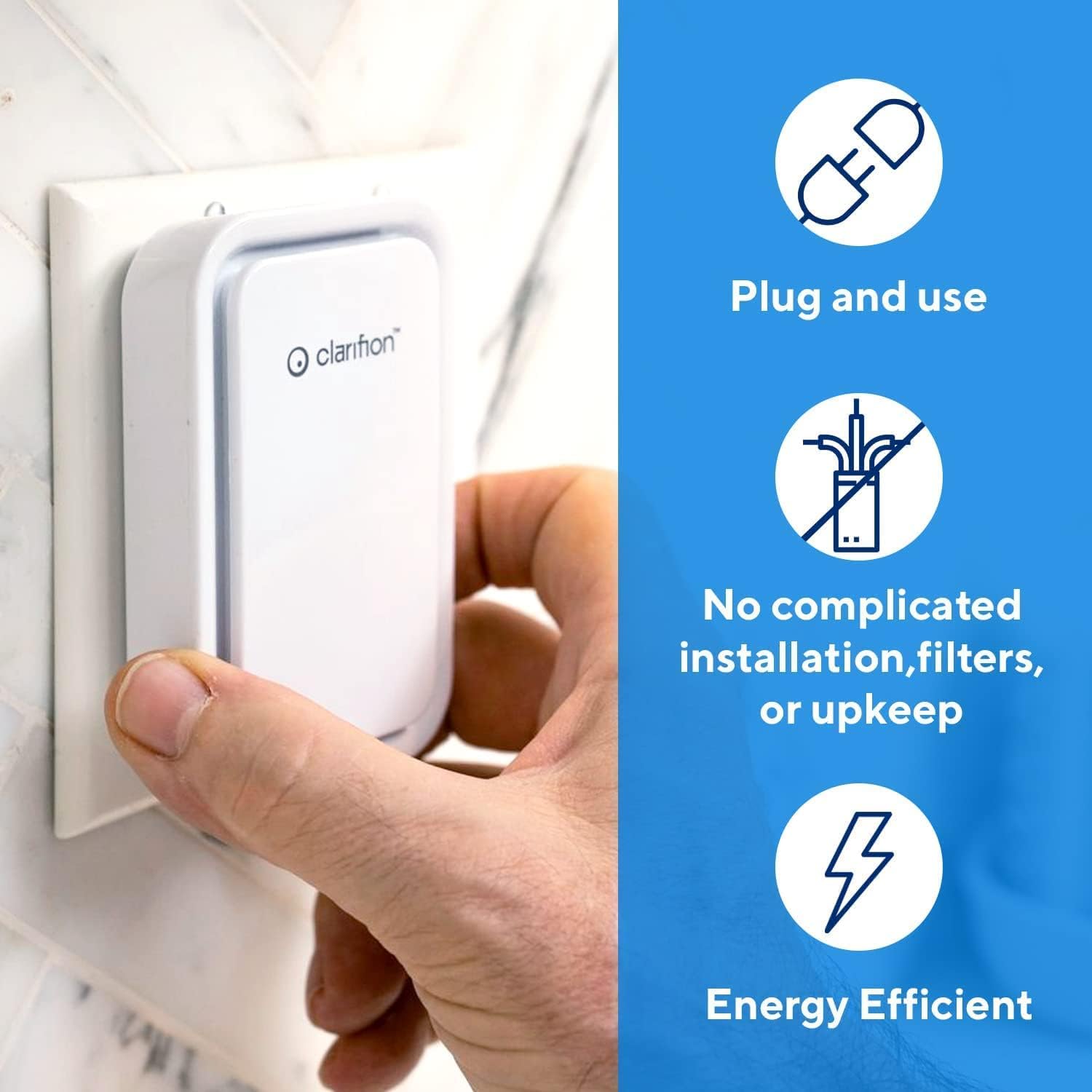
Image 2: A hand plugging a Clarifion Air Ionizer into a wall outlet, demonstrating the simple plug-and-use setup.
Video 1: Official Clarifion video demonstrating the easy installation and negative ion technology of the air ionizer.
3. Operating Instructions
Once plugged in, your Clarifion Air Ionizer begins to work immediately. The device operates quietly to minimize disturbance.
- Quiet Operation: Both Clarifion models are designed for whisper-quiet operation, making them suitable for bedrooms, offices, and other quiet spaces.
- Dual-Speed Fan (DSTx Model): The DSTx model features a dual-speed fan, allowing you to select between high and low settings based on your air purification needs. Control is typically via a touch interface on the device.
- Negative Ion Technology: The ionizers release negative ions into the air, which attach to airborne particles, helping to refresh the air.
- Carbon Filtration (DSTx Model): The DSTx model includes an activated carbon layer in its HEPA filter, which helps to absorb unwanted odors and smoke.
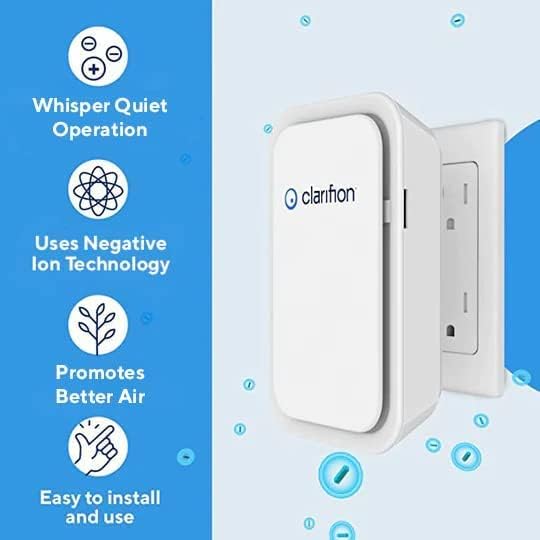
Image 3: Clarifion Air Ionizer highlighting key operational features: Whisper Quiet Operation, Negative Ion Technology, Promotes Better Air, and Easy to Install and Use.

Image 4: Clarifion Air Ionizers shown in various home environments, including living rooms, kitchens, bathrooms, and bedrooms, illustrating versatile placement.
4. Maintenance
Maintaining your Clarifion Air Ionizer is straightforward:
- General Cleaning: Periodically wipe the exterior of the device with a soft, dry cloth to remove dust. Ensure the device is unplugged before cleaning.
- Filter Maintenance (Clarifion GL-139): The Clarifion GL-139 model is a filterless device, requiring no filter replacement or cleaning.
- Filter Maintenance (DSTx GL-166): The DSTx GL-166 model includes an activated carbon HEPA filter. For optimal performance, refer to the product packaging or the official Clarifion website for specific filter replacement guidelines and schedules.
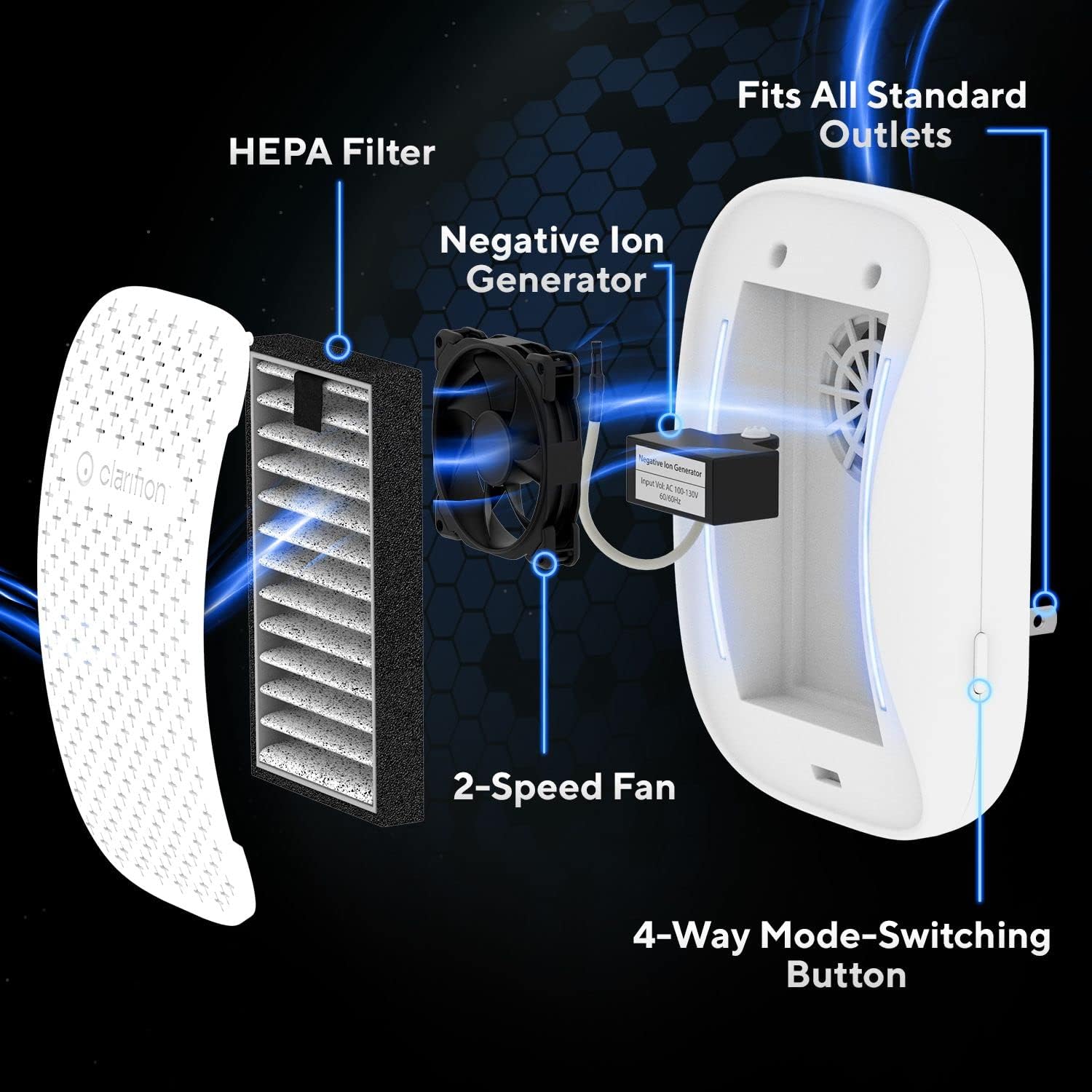
Image 5: An exploded view of the Clarifion Air Ionizer, illustrating its internal components such as the HEPA filter, negative ion generator, and 2-speed fan.
5. Troubleshooting
If you encounter any issues with your Clarifion Air Ionizer, please refer to the following common troubleshooting tips:
- Device Not Turning On: Ensure the unit is securely plugged into a functional electrical outlet. Test the outlet with another device to confirm it has power.
- Reduced Performance: For DSTx models, check if the activated carbon filter needs replacement. For all models, ensure the unit is not obstructed and has adequate airflow around it.
- Unusual Noises: If the device makes unusual noises, unplug it immediately and contact customer support.
6. Specifications
| Feature | Detail |
|---|---|
| Model Numbers | DSTx GL-166, Clarifion GL-139 |
| Power Source | Battery Powered (Note: Product description implies plug-in, please verify power source from product packaging for accuracy) |
| Control Method | Touch |
| Filter Type | Activated Carbon (for DSTx model); Filterless (for Clarifion model) |
| Dimensions (approx.) | Height: 5.21 in, Width: 3.34 in, Depth from wall: 3.15 in |
Note: The JSON data indicates 'Battery Powered' for Power Source, however, product images and descriptions consistently refer to 'plug-in' functionality. Please refer to your product packaging for the most accurate power source information.

Image 6: Clarifion Air Ionizer plugged into a wall outlet, displaying its approximate dimensions.
7. Warranty and Support
For information regarding product warranty, returns, or technical support, please visit the official Clarifion website or contact their customer service department. Keep your purchase receipt as proof of purchase.
You can find more information and contact details on the Clarifion Store.