
1. Introduction
This manual provides detailed instructions for the installation, operation, and maintenance of your Alondy Single Din Car Radio 2025C. Please read this manual thoroughly before using the product to ensure proper function and safety. This device features Bluetooth connectivity, a 2.2-inch touchscreen, USB and Type-C charging ports, AUX input, and TF card support for versatile media playback.

Figure 1.1: Alondy Single Din Car Radio 2025C with included remote control.
2. Package Contents
Verify that all items listed below are included in your package:
- Alondy Single Din Car Radio 2025C Unit
- Remote Control
- Power Cable
- Horn Cable (Speaker Wire Harness)
- User Manual
- Mounting Hardware (screws, metal plate)
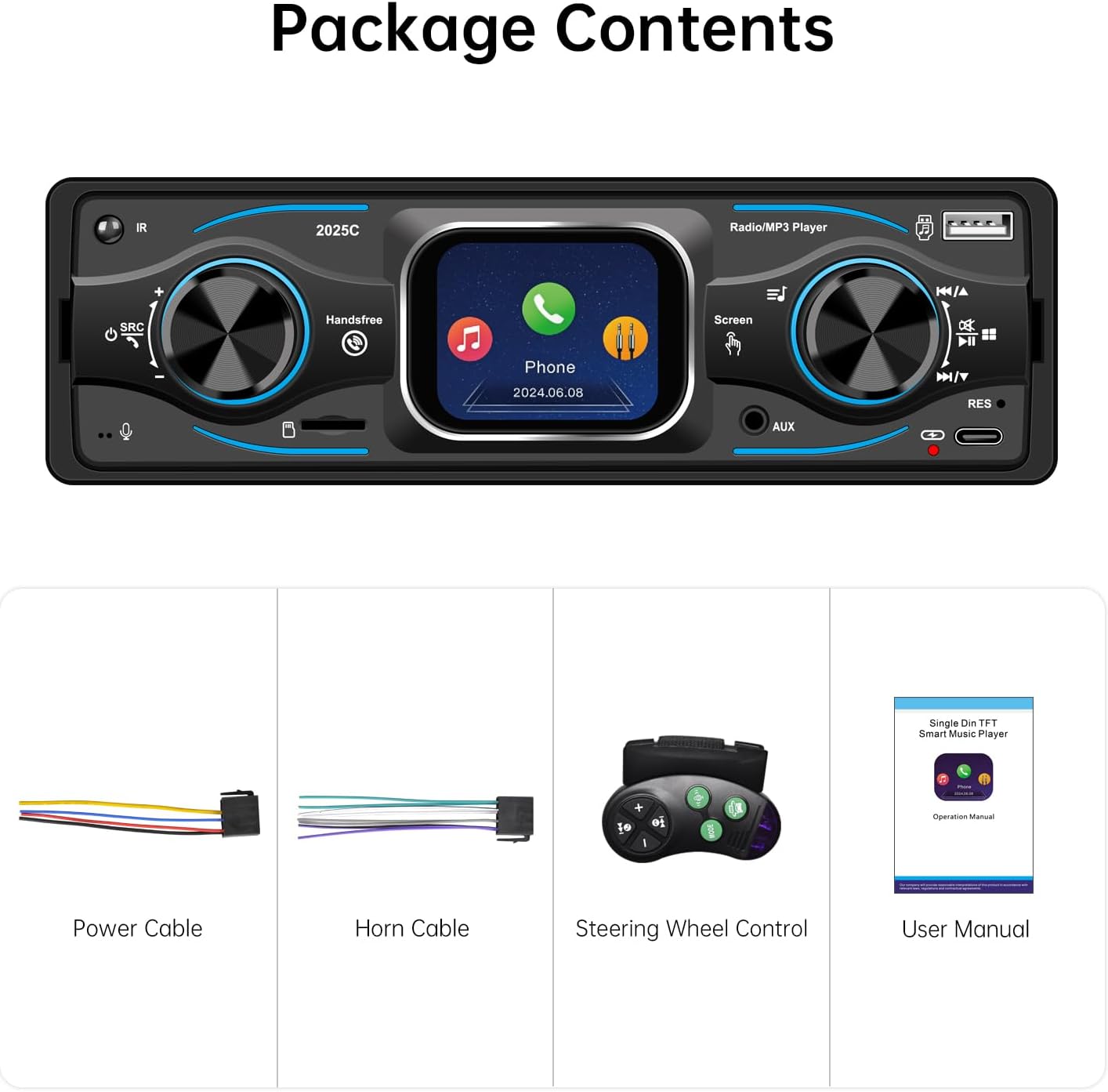
Figure 2.1: Contents included in the product package.
3. Product Features
3.1. 2.2-inch Touchscreen Display
The unit features a responsive 2.2-inch touchscreen for intuitive control and navigation through menus and settings.

Figure 3.1: The 2.2-inch touchscreen allows for convenient and quick operation.
3.2. Built-in Bluetooth Connectivity
Connect your mobile phone wirelessly via Bluetooth for hands-free calling and audio streaming (A2DP profile supported). This enhances driving safety by allowing calls without holding your device.

Figure 3.2: Bluetooth 6.0 module for stable connection, hands-free calls, and high-quality audio playback.
3.3. FM Radio Tuner
Enjoy high-quality digital stereo FM radio with automatic, semi-automatic, and accurate channel search functions. The unit supports 18 radio presets and includes a memory function to save your favorite stations. (Radio frequency range: 87.5-108MHz).

Figure 3.3: Full-band FM radio with selectable radio reception areas.
3.4. Versatile Media Playback and Charging
The car audio system supports external devices via USB interfaces, AUX input, and TF (Micro SD) card slots. It is compatible with various audio formats for extended playback. Additionally, a dedicated Type-C USB port is available for charging your devices.

Figure 3.4: USB, TF Card, AUX, and Type-C ports for media playback and device charging.
4. Setup and Installation
Important: Professional installation is recommended. Disconnect the vehicle's battery before starting installation to prevent electrical shorts.
4.1. Dimensions and Compatibility
The unit is designed for a universal single DIN radio opening size panel, measuring approximately (L)188mm x (H)58mm (7.41 x 2.29 inches). Ensure your vehicle's dashboard opening is compatible. The unit's chassis dimensions are approximately 178mm (W) x 48mm (H) x 62mm (D).

Figure 4.1: Product dimensions for installation reference.
4.2. Wiring Connections
Use the provided ISO interface power wire harness. Connect the wires according to your vehicle's wiring diagram. Common connections include:
- Yellow: Constant 12V (Battery)
- Red: Switched 12V (Accessory)
- Black: Ground
- Blue: Power Antenna / Amplifier Remote Turn-On
- Speaker Wires: Connect to corresponding vehicle speakers (e.g., White/White-Black for Front Left, Gray/Gray-Black for Front Right, Green/Green-Black for Rear Left, Purple/Purple-Black for Rear Right).
The rear of the unit also features RCA outputs for external amplifiers and subwoofers, and an antenna input.
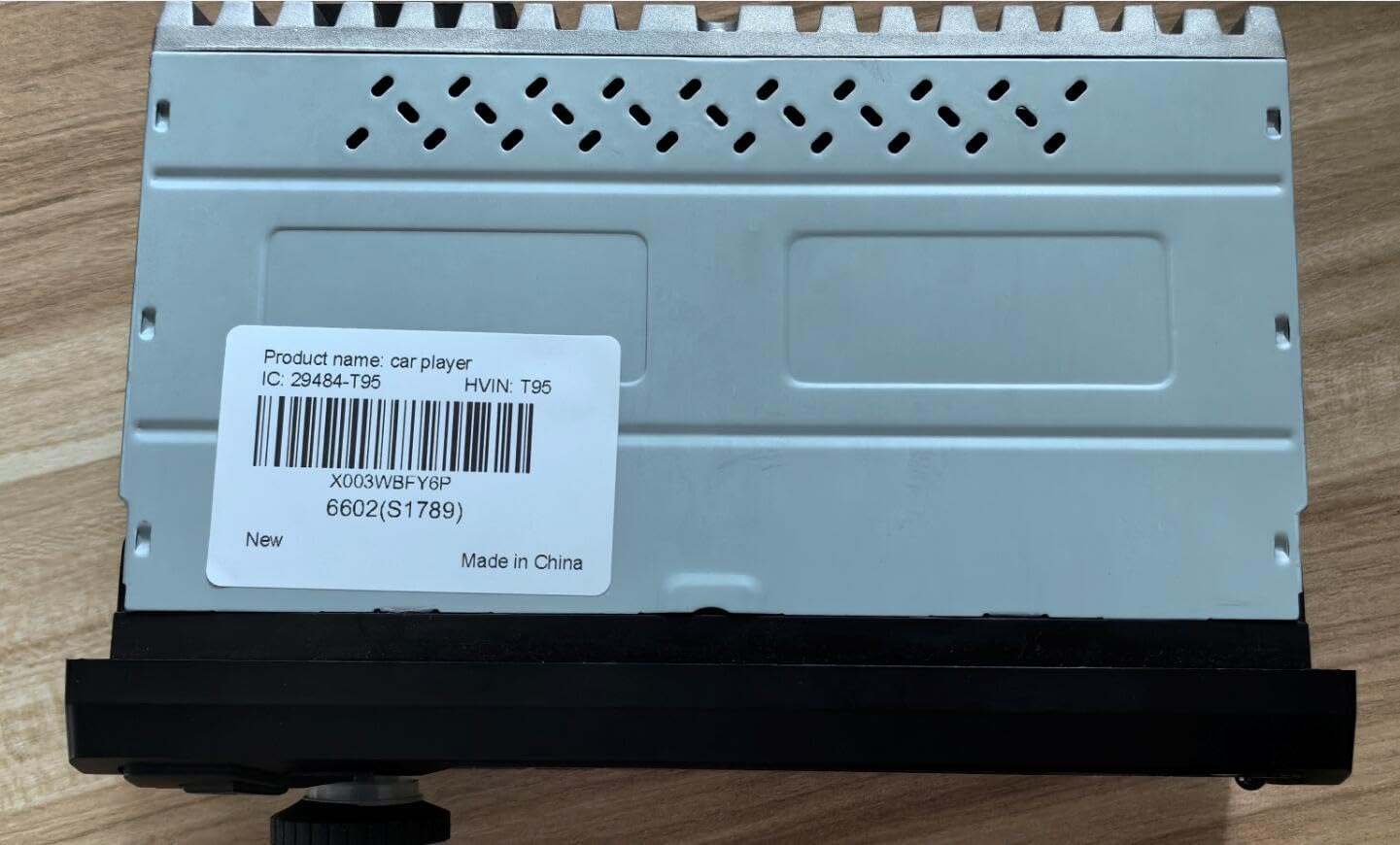
Figure 4.2: Rear panel connections of the car radio.
For additional product identification, the unit's internal identifier is X003WBFY6P.
5. Operating Instructions
5.1. Power On/Off
Press the power button (usually marked with IR or a power symbol) to turn the unit on or off. The unit will automatically power on when the vehicle's ignition is turned on (if wired correctly).
5.2. Source Selection
Press the SRC button to cycle through available audio sources: FM Radio, Bluetooth Audio, USB, TF Card, and AUX input.
5.3. Volume Control
Rotate the main knob on the left side of the unit to adjust the volume. Alternatively, use the volume buttons on the remote control.
5.4. Bluetooth Pairing
- Ensure Bluetooth is enabled on your mobile device.
- Select Bluetooth as the source on the car radio.
- On your mobile device, search for available Bluetooth devices and select "Alondy 2025C" (or similar name).
- Confirm pairing if prompted.
5.5. FM Radio Operation
- Auto Scan: Press and hold the SCAN button to automatically search and save strong stations.
- Manual Tuning: Use the forward/backward buttons to manually tune to frequencies.
- Presets: Use the numbered buttons (1-6) to select saved preset stations.
5.6. Media Playback (USB/TF Card/AUX)
- USB/TF Card: Insert a USB flash drive or TF card into the respective port. The unit will automatically switch to the USB/TF source and begin playback.
- AUX Input: Connect an external audio device using a 3.5mm audio cable to the AUX port. Select AUX as the source.
6. Maintenance
- Cleaning: Use a soft, dry cloth to clean the unit's display and exterior. Avoid abrasive cleaners or solvents.
- Temperature: Do not expose the unit to extreme temperatures or direct sunlight for prolonged periods.
- Moisture: Keep the unit dry. Moisture can damage internal components.
7. Troubleshooting
| Problem | Possible Cause | Solution |
|---|---|---|
| No power | Incorrect wiring; Blown fuse; Vehicle battery low | Check power and ground connections; Replace fuse; Check vehicle battery. |
| No sound | Volume too low; Mute activated; Incorrect speaker wiring; Amplifier not powered | Increase volume; Deactivate mute; Check speaker connections; Ensure external amplifier is powered. |
| Bluetooth not connecting | Bluetooth not enabled on device; Device too far; Incorrect pairing procedure | Enable Bluetooth on your phone; Bring device closer; Repeat pairing steps. |
| Radio reception poor | Antenna not connected; Weak signal area; Damaged antenna | Ensure antenna is securely connected; Try tuning in a different location; Inspect antenna for damage. |
| USB/TF card not recognized | Unsupported file format; Corrupted media; Card/drive not inserted correctly | Ensure media contains supported audio formats; Try a different USB/TF card; Reinsert media. |
8. Specifications
- Brand: Alondy
- Model: 2025C
- Product Dimensions: 1.77 x 7.01 x 1.97 inches (45 x 178 x 50 mm approx.)
- Item Weight: 15.8 ounces (0.45 Kilograms)
- Connectivity Technology: Auxiliary, Bluetooth, USB
- Controller Type: Mechanical knob, Touchscreen
- Special Feature: 2.2-inch Touchscreen
- Compatible Devices: Amplifier, Speaker
- Connector Type: USB Type A, USB Type-C
- Wattage: 60 Watts (Output Wattage)
- Number of Channels: 4
- FM Radio Frequency: 87.5-108MHz
- TF Card Support: Up to 32GB Micro SD cards
9. Warranty and Support
For warranty information or technical support, please refer to the contact details provided with your purchase documentation or visit the official Alondy website. Please retain your proof of purchase for warranty claims.