
1. Overview
This manual provides comprehensive instructions for the Xmenha Trucker Bluetooth Headset, designed for clear communication and versatile use. Please read this manual carefully before using the product to ensure proper operation and longevity.

The Xmenha Trucker Bluetooth Headset features a sleek design with an ear hook and integrated microphone.
2. Package Contents
Verify that all items are present in the package:
- Xmenha Trucker Bluetooth Headset (1 unit)
- USB Charging Cable (1 unit)
- User Manual (1 unit)
- Ear Caps (2 pairs)
3. Product Diagram and Controls
Familiarize yourself with the headset's components and control buttons:

The headset features a '+Key' for volume up and previous song, a '-Key' for volume down and next song, and a 'Multifunction Button' for various call and media controls.
Control Functions:
- +Key: Long press for Volume Increase. Short press for Previous Song.
- -Key: Long press for Volume Decrease. Short press for Next Song.
- Multifunction Button:
- One click: Play/Pause, Answer/End Call.
- Double-click: Last Replay.
- Click three times: Game Mode.
- Press and hold for 1 second: Wake up Voice Assistant.
- Hold for 3 seconds: Switch On/Off.
4. Setup
4.1 Charging the Headset
Before initial use, fully charge the headset. Connect the provided USB charging cable to the headset's charging port and a compatible USB power source. The headset has a 300mAh battery capacity and requires approximately 1.5 hours for a full charge, providing 30-38 hours of continuous playtime.

The headset is designed for low power consumption, providing extended usage time on a single charge.
4.2 Pairing with Devices
- Ensure the headset is powered off.
- Press and hold the Multifunction Button until the indicator light flashes, indicating pairing mode.
- On your device (smartphone, tablet, laptop), enable Bluetooth and search for available devices.
- Select "Xmenha Trucker" from the list of found devices to connect.
- Once successfully paired, the headset will automatically reconnect to previously paired devices upon powering on.
The headset utilizes Bluetooth 5.2 technology for stable connections up to 10 meters (33 feet).
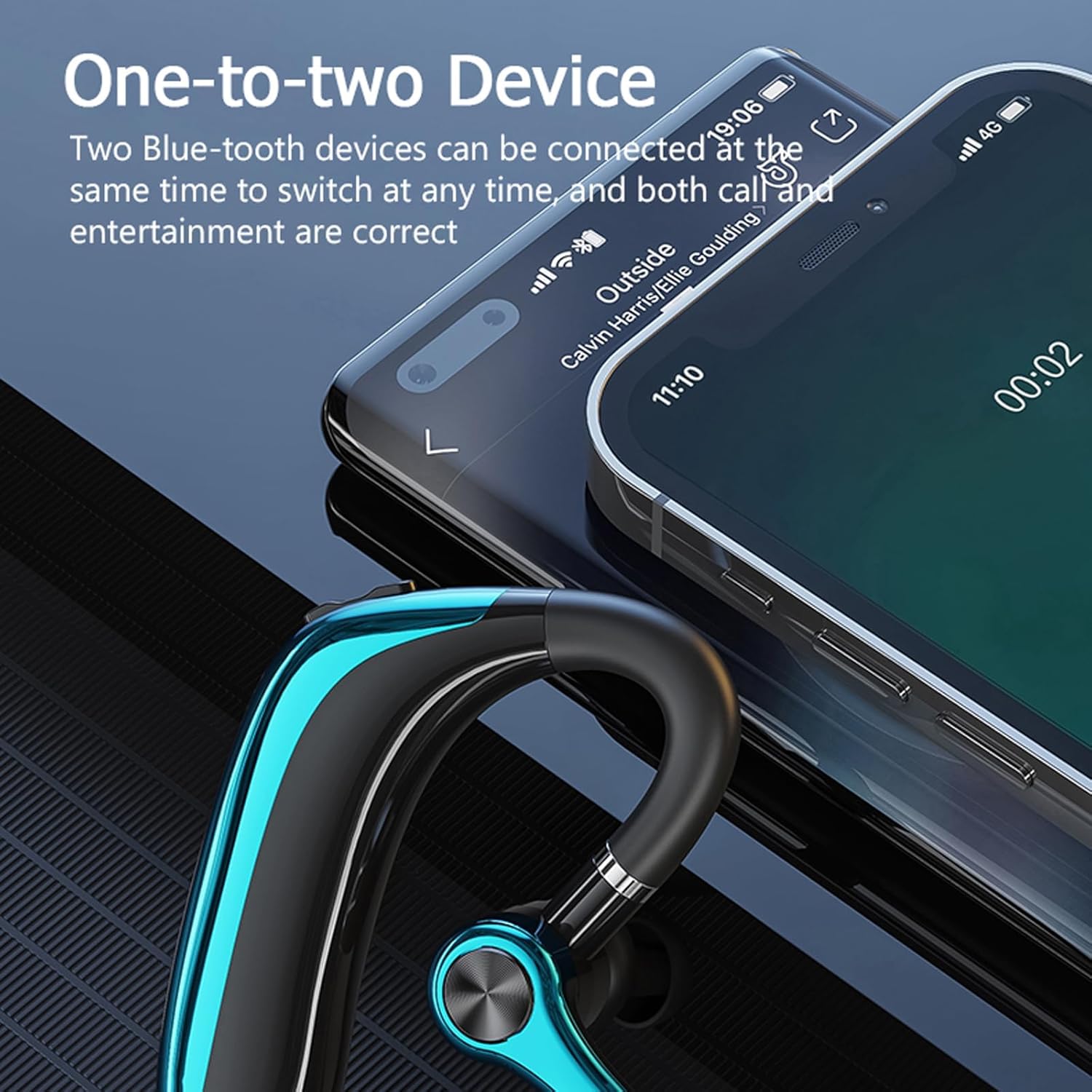
The headset supports connecting to two Bluetooth devices concurrently, enabling seamless switching between calls and media.
5. Operating Instructions
5.1 Wearing the Headset
The Xmenha Trucker Bluetooth Headset is designed for ergonomic comfort. The ear hook can rotate 180 degrees, and the cantilever microphone can adjust 270 degrees, allowing you to wear it comfortably on either your left or right ear. Choose the most suitable angle for optimal fit and microphone positioning.

The headset's ear hook rotates 180 degrees, and the microphone boom adjusts 270 degrees, allowing for comfortable wear on either ear.
5.2 Making and Receiving Calls
The headset features an ENC (Environmental Noise Cancellation) dual microphone system to ensure clear, high-definition calls by reducing background noise.

Equipped with ENC dual microphone noise reduction technology, the headset ensures clear, high-definition calls by effectively reducing ambient noise.
- Answering/Ending Calls: Press the Multifunction Button once.
- Rejecting Calls: Press and hold the Multifunction Button for 2 seconds.
- Redialing Last Number: Double-click the Multifunction Button.
5.3 Audio Playback
Enjoy enhanced audio quality through the stereo woofer sound unit and optimized cavity design. Use the '+Key' and '-Key' for track navigation and volume control as described in Section 3.
5.4 Voice Assistant
Activate your device's voice assistant by pressing and holding the Multifunction Button for 1 second. This feature requires your mobile phone to support smart voice and be activated online.
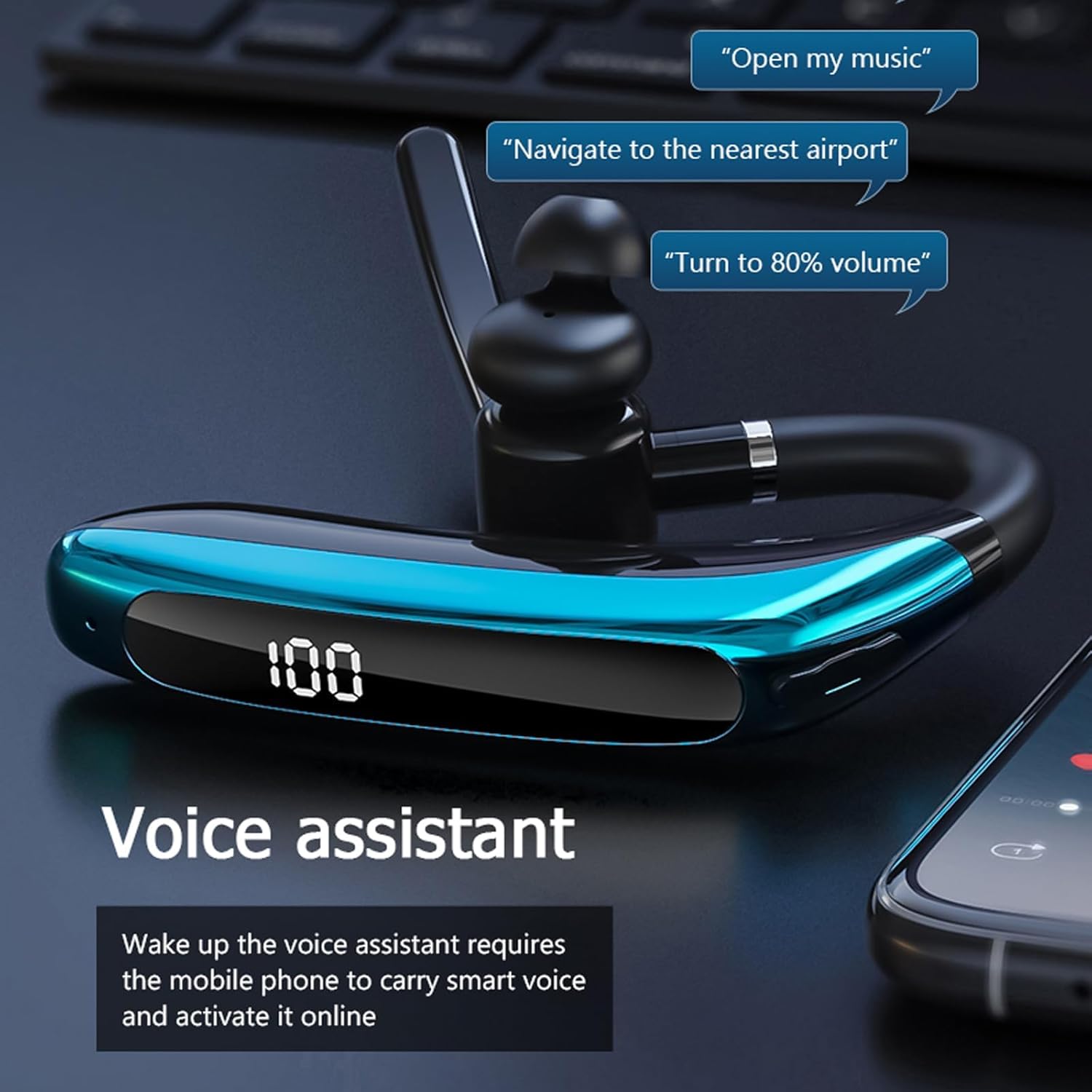
The headset supports voice assistant activation, allowing users to control their device with voice commands.
6. Maintenance
6.1 Cleaning
Wipe the headset with a soft, dry cloth. Avoid using harsh chemicals or abrasive materials.
6.2 Water Resistance
The headset features an IPX6 waterproof rating, providing protection against strong jets of water. This makes it suitable for use during workouts or in light rain. However, it is not designed for submersion in water.
7. Troubleshooting
If you encounter issues with your Xmenha Trucker Bluetooth Headset, try the following:
- No Power: Ensure the headset is fully charged.
- Cannot Pair: Ensure the headset is in pairing mode and within 10 meters of your device. Turn off and on Bluetooth on your device, then try pairing again.
- No Sound: Check the volume levels on both the headset and your connected device. Ensure the headset is properly connected.
- Poor Call Quality: Ensure the microphone is positioned correctly. Move closer to your connected device to improve signal strength.
For further assistance, please refer to the product packaging for manufacturer contact information.
8. Specifications
| Feature | Specification |
|---|---|
| Model Name | Trucker |
| Brand | Xmenha |
| Connectivity Technology | Wireless (Bluetooth) |
| Bluetooth Version | 5.2 |
| Bluetooth Range | 10 Meters |
| Battery Capacity | 300mAh |
| Playing Time | 30-38 hours |
| Charging Time | 1.5 Hours |
| Water Resistance Level | IPX6 (Waterproof) |
| Noise Control Features | ENC Dual Microphone Noise Reduction, Sound Isolation |
| Item Weight | 20g (0.7 oz) |
| Product Dimensions | 5.9 x 2 x 5.9 inches |
| Compatible Devices | iOS and Android devices, tablets, laptops, computers, MP3 players |
9. Official Product Video
This video provides a visual overview of the Xmenha Trucker Bluetooth Wireless Headset, showcasing its key features such as ENC noise reduction, IPX6 waterproofing, and ergonomic design.
10. Warranty and Support
For warranty information and customer support, please refer to the documentation included with your product or visit the official Xmenha website. If you receive a defective product or have any questions during use, please contact the manufacturer directly.