
Introduction
The Belkin SoundForm Immerse Noise Cancelling Earbuds offer a premium audio experience with advanced features designed for clarity and convenience. These true wireless earbuds integrate Hybrid Active Noise Cancelling (ANC) to minimize distractions, multipoint technology for seamless device switching, and Apple Find My compatibility for easy location. With IPX5 sweat and water resistance, they are suitable for various activities, ensuring your music and calls remain uninterrupted.
What's in the Box
- SOUNDFORM Immerse Noise Cancelling Earbuds
- Wireless Charging Case
- 3 Pairs of Silicone Ear Tips (S/M/L)
- 3 Pairs of Wing Tips (S/M/L)
- USB-C Charging Cable
- User Manual
Product Overview


Key Features:
- Hybrid Active Noise Cancelling (ANC): Three microphones per earbud (two outer, one inner) actively cancel ambient noise for clear audio.
- Hear-Thru Mode: Allows you to selectively let in ambient sounds for situational awareness.
- Bluetooth Multipoint Technology: Connect and seamlessly switch between two devices simultaneously (e.g., phone, tablet, laptop).
- Wireless Charging Case: Conveniently charge your earbuds on any Qi-capable charging pad.
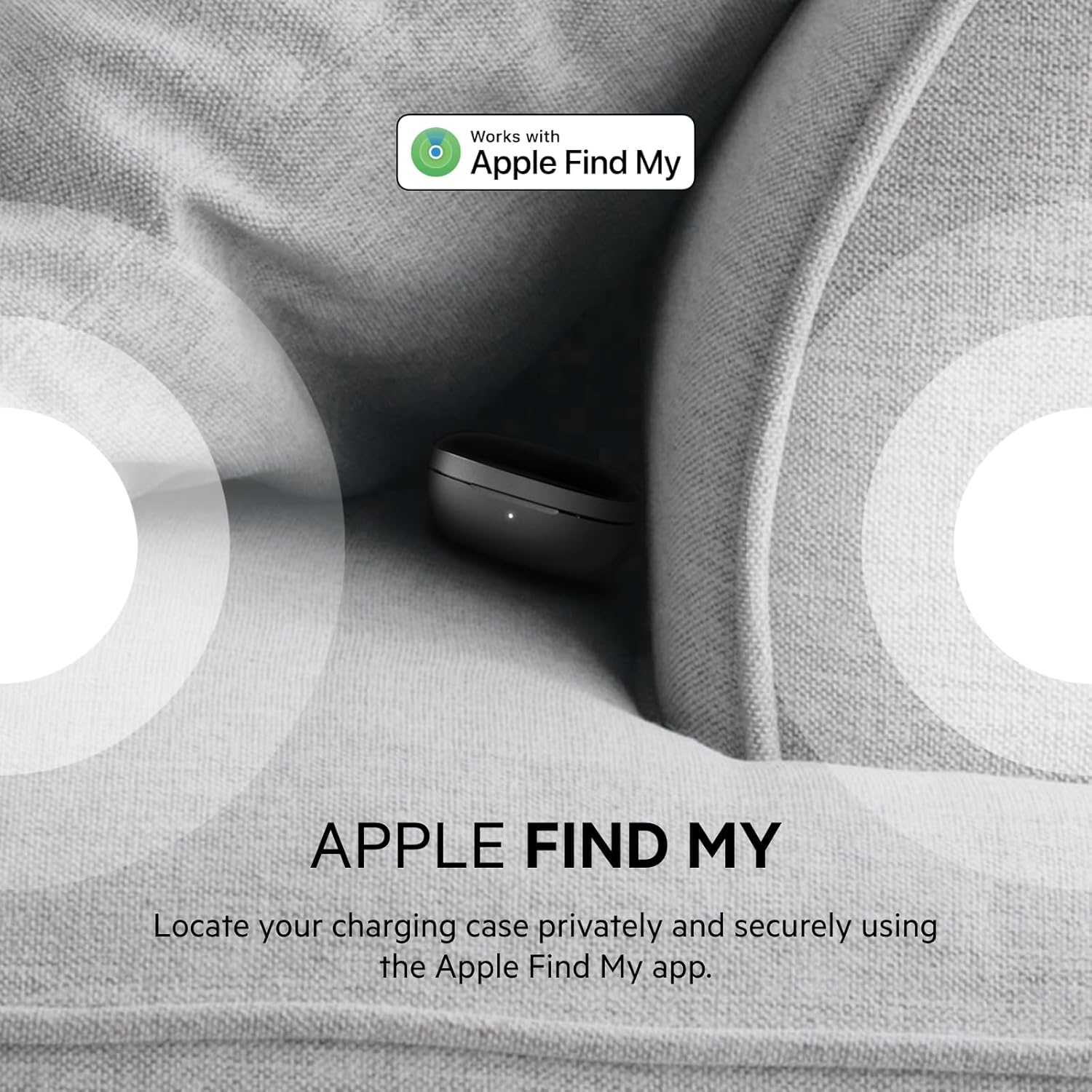
- Apple Find My Network Compatibility: Locate your charging case privately and securely using the Apple Find My app.
- Belkin Ping My Earbuds Feature: Locate individual earbuds within Bluetooth range.
- IPX5 Sweat and Water Resistance: Designed to withstand light rain and challenging workouts.
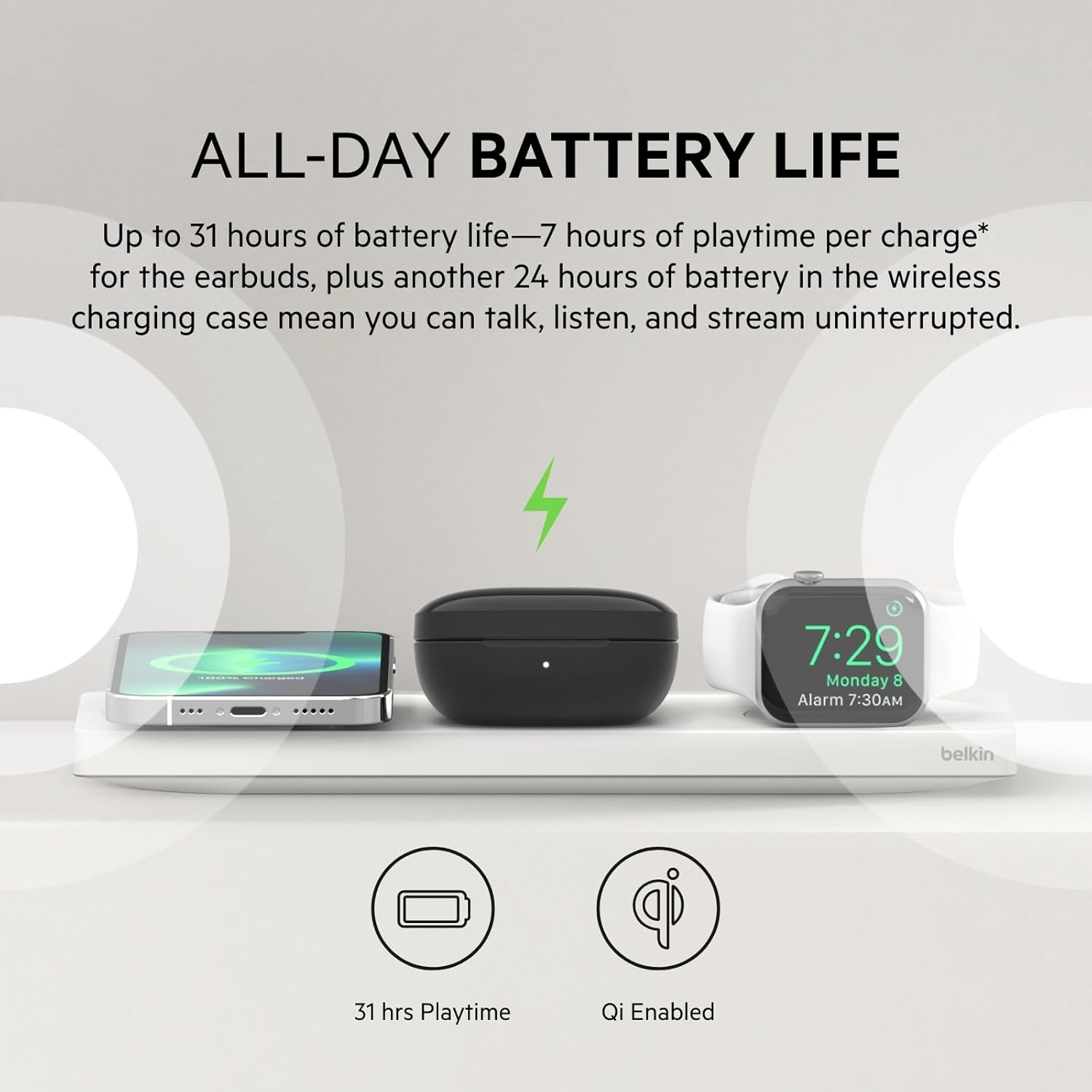
- Long Battery Life: Up to 7 hours of playtime per charge, with an additional 24 hours provided by the charging case, totaling 31 hours.
- Google Fast Pair: Quick and easy connection to compatible Android devices.
- SoundForm App: Customize EQ settings and control noise cancellation modes for a personalized listening experience.
Setup
1. Charging the Earbuds and Case
Before first use, fully charge your earbuds and charging case. The charging case supports both USB-C cable charging and Qi wireless charging.
- USB-C Charging: Connect the provided USB-C cable to the charging port on the back of the case and to a power source.
- Wireless Charging: Place the charging case on a Qi-compatible wireless charging pad.
LED Indicators:
- Case Battery Level: The LED indicator on the front of the case will show battery status: Red (very low), Yellow (approx. 50%), White (100% charged).
- Earbud Charging: While earbuds are in the case, flashing blue lights indicate active charging. Solid blue lights indicate fully charged earbuds.
2. Bluetooth Pairing
The earbuds automatically enter pairing mode when removed from the charging case.
- For Android Devices (Google Fast Pair): If your Android device supports Google Fast Pair, a pop-up notification will appear. Tap to connect.
- For Other Devices: Open your device's Bluetooth settings and select "SF Immerse" from the list of available devices.
3. SoundForm App Installation
Download the Belkin SoundForm app from your device's app store to unlock custom EQ settings, noise control modes, and other personalized features.
Operating the Earbuds
Touch Controls
Each earbud features touch-sensitive controls for various functions:
| Action | Left Earbud | Right Earbud |
|---|---|---|
| Volume Up | 1x Tap | |
| Volume Down | 1x Tap | |
| Play/Pause | 2x Tap (either earbud) | |
| Next Track | 3x Tap | |
| Previous Track | 3x Tap | |
| ANC/Hear-Thru Toggle | 1x Tap (either earbud) | |
| Answer/End Call | 2x Tap (either earbud) | |
| Ignore Call | Hold for 2 seconds (either earbud) | |
| Activate Voice Assistant | Hold for 2 seconds (either earbud) | |
Active Noise Cancelling (ANC) and Hear-Thru Modes
Toggle between ANC, Hear-Thru, and normal mode with a single tap on either earbud. The SoundForm app allows for fine-tuning of these modes.

Apple Find My Integration
The charging case is compatible with the Apple Find My network. Use the Find My app on your iOS device to locate your case if it's lost. The Belkin Ping My Earbuds feature can help locate individual earbuds within Bluetooth range.
Multipoint Technology
Seamlessly switch audio between two paired Bluetooth devices without needing to disconnect and reconnect. For example, you can listen to music on your laptop and instantly answer a call on your phone.
Fit and Comfort
The SoundForm Immerse earbuds come with three sizes of silicone ear tips (S/M/L) and wing tips (S/M/L) to ensure a secure and comfortable fit for various ear shapes. Experiment with different sizes to find the best seal for optimal sound quality and noise isolation.
Maintenance
To ensure longevity and optimal performance of your earbuds:
- Regularly clean the ear tips and charging contacts with a soft, dry cloth.
- Avoid exposing the earbuds or case to extreme temperatures or direct sunlight.
- While IPX5-rated, avoid submerging the earbuds in water. Dry them thoroughly if they get wet.

Troubleshooting
- Earbuds not charging: Ensure earbuds are properly seated in the charging case and charging contacts are clean. Verify the charging case itself is charged.
- Only one earbud working: Try resetting the earbuds by placing them in the case, closing it for a few seconds, then reopening. Re-pair with your device.
- Pairing issues: Ensure Bluetooth is enabled on your device and the earbuds are in pairing mode. Forget the device in your Bluetooth settings and try pairing again.
- Poor sound quality: Check ear tip fit for a proper seal. Adjust EQ settings in the SoundForm app. Ensure earbuds are within Bluetooth range of your device.
- App not connecting to earbuds: Ensure the earbuds are connected via Bluetooth to your phone and the SoundForm app is updated to the latest version.
Specifications
| Feature | Detail |
|---|---|
| Brand | Belkin |
| Model Number | AUC003 |
| Model Name | Soundform Immerse |
| Color | Black |
| Ear Placement | In Ear |
| Noise Control | Hybrid Active Noise Cancellation |
| Audio Driver Size | 12 Millimeters |
| Connectivity Technology | Wireless (Bluetooth 5.1) |
| Bluetooth Range | 10 Meters |
| Battery Life (Earbuds) | Up to 7 Hours |
| Total Battery Life (with Case) | Up to 31 Hours |
| Charging Port | USB-C |
| Wireless Charging | Yes (Qi-compatible) |
| Water Resistance Level | IPX5 (Sweat and Water Resistant) |
| Item Weight | 0.16 Pounds |
| UPC | 745883818372 |
Warranty and Support
The Belkin SoundForm Immerse Noise Cancelling Earbuds come with a Limited Lifetime Warranty. For detailed warranty information, product registration, or technical support, please visit the official Belkin website or contact their customer service.
Official Product Video
Watch the official product video for the Belkin SoundForm Immerse Noise Cancelling Earbuds to see key features and design highlights.