
Product Overview
The YIZEELFAR Starry UFO Floating Pool Speaker is designed to enhance your aquatic and outdoor experiences with high-quality sound and vibrant LED lighting. This speaker is IPX7 waterproof, allowing it to float safely on water surfaces in pools, hot tubs, and showers. It features a 10W speaker for loud, 360-degree surround sound and offers 6 different colorful LED lighting modes to create an engaging atmosphere. Equipped with Bluetooth 5.3 for stable wireless connections and a built-in microphone for hands-free calling, it is a versatile audio solution for various indoor and outdoor settings.

Image: The YIZEELFAR Floating Pool Speaker, partially submerged in water, displaying its vibrant LED light show.
What's in the Box
- One (1) YIZEELFAR Floating Pool Speaker
- One (1) Charging Cable
Setup
Charging the Speaker
Before first use, fully charge the speaker. Connect the provided charging cable to the USB port on the speaker and the other end to a compatible USB power adapter (not included). The charging indicator light will illuminate. A full charge takes approximately 5 hours. Once fully charged, the indicator light will change or turn off.
Initial Bluetooth Pairing
To pair your speaker with a Bluetooth-enabled device:
- Ensure the speaker is fully charged and powered off.
- Press and hold the Power button (ⓘ) on the speaker until you hear an audible prompt and the Bluetooth indicator light begins to flash, indicating it is in pairing mode.
- On your device (smartphone, tablet, laptop), navigate to the Bluetooth settings and enable Bluetooth.
- Search for available devices and select "YIZEELFAR Starry UFO" from the list.
- Once connected, you will hear a confirmation sound, and the Bluetooth indicator light on the speaker will become solid.
The speaker will automatically attempt to reconnect to the last paired device when powered on, if that device is within range and has Bluetooth enabled.

Image: The control panel of the speaker, featuring buttons for light modes, volume, power, and the USB charging port.
Operating Instructions
Power On/Off
- To power on: Press and hold the Power button (ⓘ) for approximately 3 seconds.
- To power off: Press and hold the Power button (ⓘ) for approximately 3 seconds.
Audio Playback
- Play/Pause: Press the Power button (ⓘ) once to play or pause music.
- Volume Up: Press the + button to increase volume.
- Volume Down: Press the - button to decrease volume.
- Next Track: Press and hold the + button to skip to the next track.
- Previous Track: Press and hold the - button to go to the previous track.

Image: Multiple YIZEELFAR Floating Pool Speakers creating a colorful light display in a swimming pool at night, enhancing the ambiance for swimmers.
LED Light Modes
The speaker features 6 different lighting modes. Press the Light button (🔆) to cycle through the available modes. Press and hold the Light button to turn the lights off.

Image: A close-up of the speaker's diamond-faceted base, showcasing the intricate light patterns it projects.
Answering Phone Calls
With the built-in microphone, you can answer or reject incoming calls directly from the speaker:
- Answer Call: Press the Power button (ⓘ) once when a call comes in.
- End Call: Press the Power button (ⓘ) once during a call to hang up.
- Reject Call: Press and hold the Power button (ⓘ) for 2 seconds to reject an incoming call.
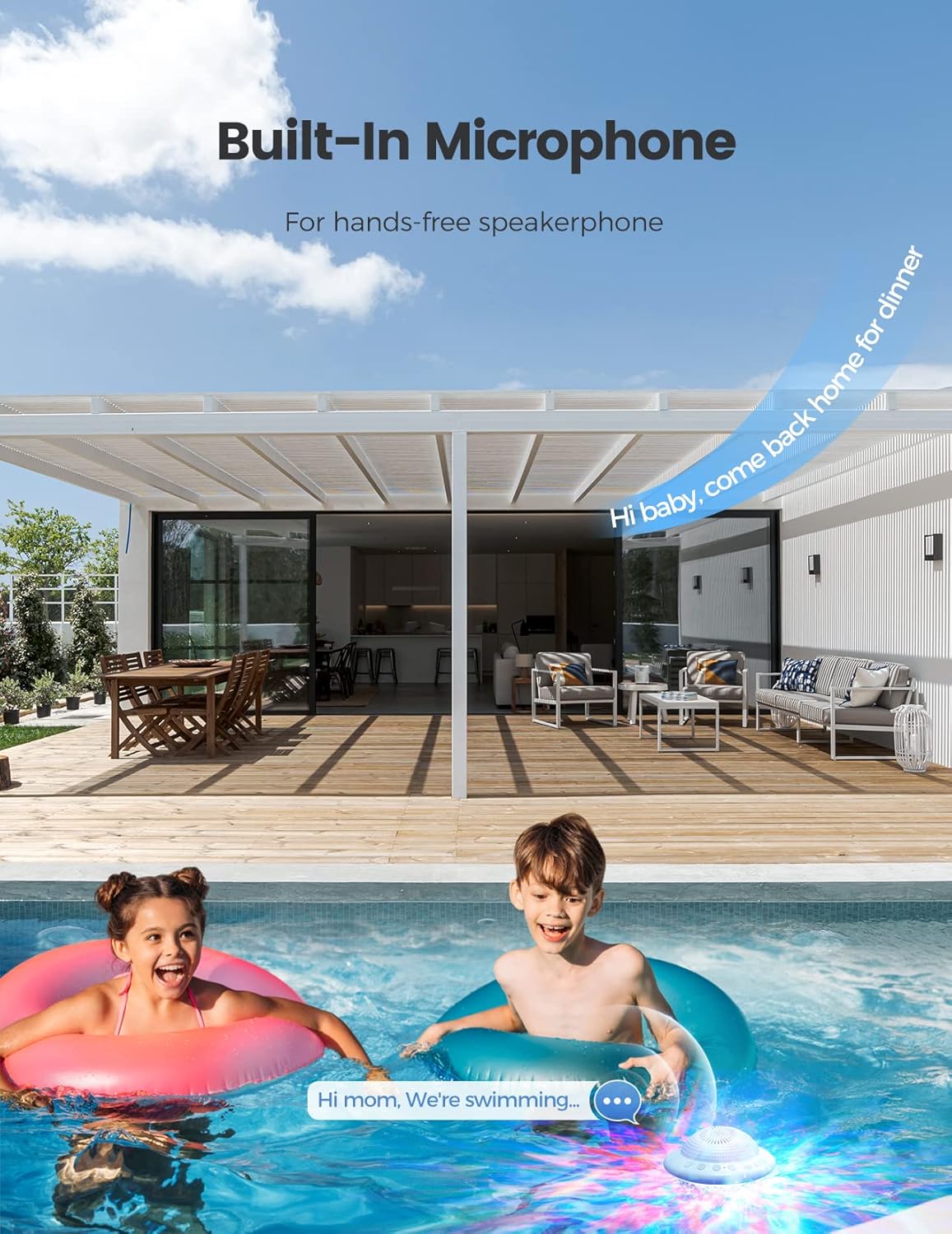
Image: Two children in a pool, with the floating speaker nearby, depicting the hands-free calling feature.
Maintenance
Cleaning
To clean the speaker, wipe it with a soft, damp cloth. Do not use abrasive cleaners or solvents, as these may damage the surface or internal components. Ensure the charging port cover is securely closed before exposing the speaker to water.
Storage
When not in use for extended periods, store the speaker in a cool, dry place away from direct sunlight and extreme temperatures. Ensure the speaker is clean and dry before storage.
Battery Care
To prolong battery life, avoid fully discharging the speaker frequently. Recharge the battery when the low battery indicator is active. If storing for a long time, charge the battery to about 50% every few months.
Troubleshooting
| Problem | Solution |
|---|---|
| Speaker not turning on | Ensure the speaker is fully charged. Connect it to a power source and allow it to charge for at least 30 minutes before attempting to power on again. |
| Cannot pair via Bluetooth |
|
| Sound distortion or low volume |
|
| Lights not working or stuck |
|
Specifications
| Feature | Detail |
|---|---|
| Model Name | Starry UFO |
| Brand | YIZEELFAR |
| Waterproof Rating | IPX7 |
| Connectivity | Bluetooth 5.3 |
| Speaker Output Power | 10 Watts |
| Battery Life | Up to 12 Hours |
| Charging Time | 5 Hours |
| Product Dimensions | 4"D x 3"W x 4"H |
| Item Weight | 0.45 Kilograms (15.8 ounces) |
| LED Light Modes | 6 |
| Built-in Microphone | Yes |
Warranty and Support
The YIZEELFAR Floating Pool Speaker comes with a limited warranty. For detailed warranty terms and conditions, please refer to the product packaging or contact YIZEELFAR customer support.
For technical support, troubleshooting assistance, or any inquiries regarding your product, please contact YIZEELFAR customer service through the retailer's platform or visit the official YIZEELFAR website for contact information.
Note: Please retain your proof of purchase for warranty claims.