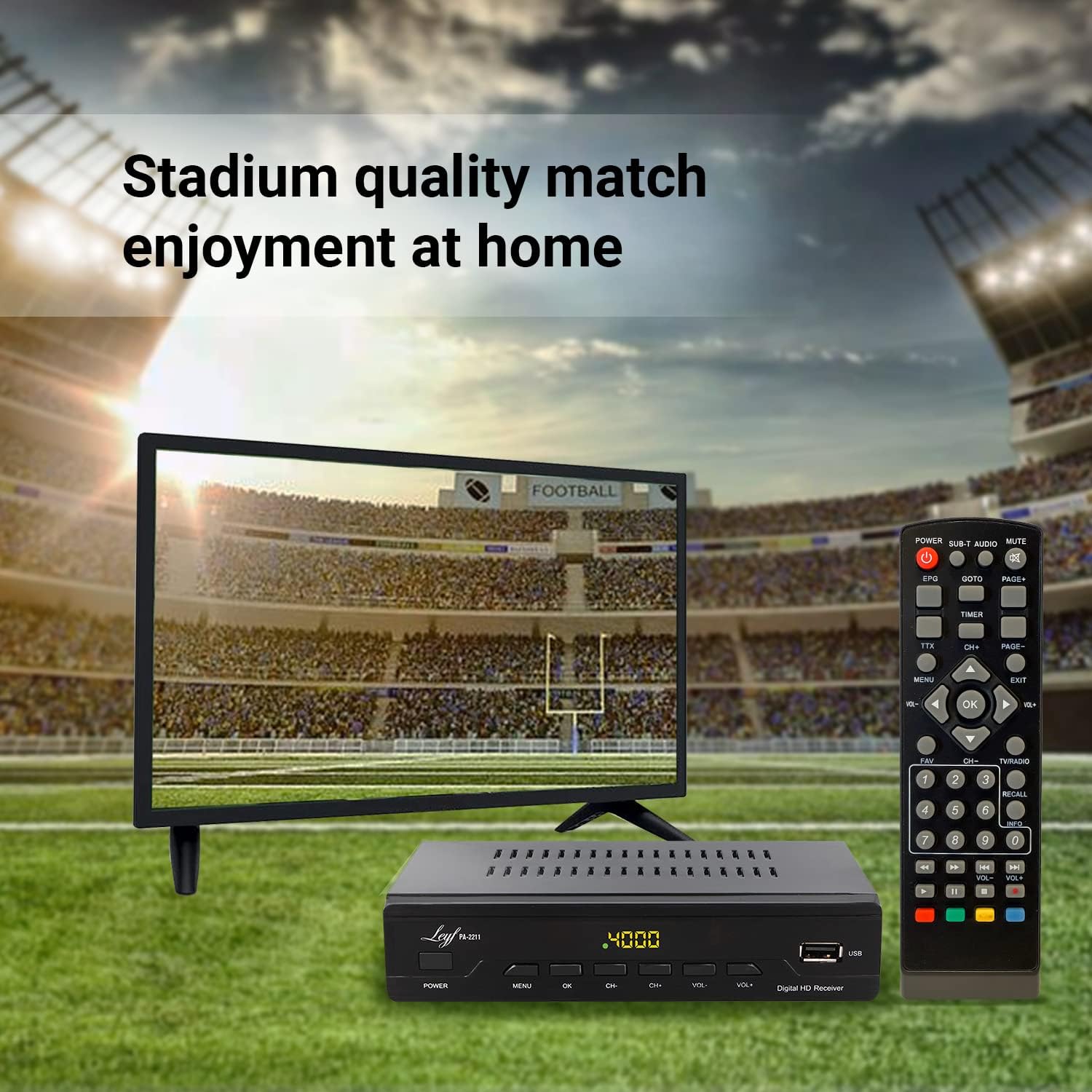
LEYF PA-2211 DVB-T2 Digital Terrestrial Receiver User Manual
Model: PA-2211 | Brand: LEYF
Introduction
The LEYF PA-2211 is a Full HD 1080p DVB-T2 Digital Terrestrial Receiver designed to provide an enhanced viewing experience. This manual provides essential information for setting up, operating, and maintaining your device. Please read these instructions carefully before use.
Image: Front view of the LEYF PA-2211 Digital Terrestrial Receiver, showing the display and front panel buttons.
Package Contents
Ensure all items are present in the package:
1x LEYF PA-2211 Digital Terrestrial Receiver
1x Remote Control
1x User Manual (this document)
1x Power Adapter
(Optional: HDMI Cable, depending on variant)
Image: The LEYF PA-2211 receiver, remote control, and product packaging.
Setup Instructions
Unpacking and Placement: Carefully remove the receiver from its packaging. Place the receiver on a stable, flat surface near your television. Ensure adequate ventilation around the device.
Remove Protective Film: Before use, gently peel off any protective film from the device's display or casing.
Image: Close-up of the LEYF PA-2211 receiver with a protective film being removed from the front panel.
Connect Antenna: Connect your DVB-T2 compatible antenna cable to the "ANT IN" port on the back of the receiver.
Connect to TV:
For High Definition (HD) connection: Use an HDMI cable to connect the receiver's "HDMI" port to an available HDMI input on your TV.
For Standard Definition (SD) connection: Use a SCART cable to connect the receiver's "SCART" port to the SCART input on your TV.
Connect Power: Plug the power adapter into the "DC-IN" port on the receiver, then plug the adapter into a wall outlet.
Initial Power On: Turn on your TV and select the correct HDMI or SCART input source. The receiver should power on automatically or can be turned on using the remote control.
First Time Installation: Follow the on-screen prompts for the first-time installation wizard. This typically includes language selection, country, and automatic channel scanning. The signal level indicator can assist with antenna positioning for optimal reception.
Image: Rear view of the LEYF PA-2211 receiver, showing ANT IN, LOOP OUT, COAXIAL, HDMI, SCART, and DC-IN ports.
Operating Instructions
Remote Control Functions
The remote control provides full functionality for your LEYF PA-2211 receiver.
Image: The LEYF PA-2211 remote control shown next to the receiver, highlighting its buttons and layout.
POWER: Turns the receiver on or off.
MENU: Accesses the main menu for settings and features.
OK: Confirms selections or displays channel list.
CH+/CH-: Changes channels.
VOL+/VOL-: Adjusts volume.
EPG: Displays the Electronic Program Guide.
TTX: Activates Teletext.
FAV: Accesses favorite channel lists.
USB: Switches to USB media playback mode.
INFO: Displays current channel information.
Channel Management
Automatic Channel Scan: During initial setup, the receiver will automatically scan for available channels.
Manual Channel Scan: If some channels are missing, you can perform a manual scan through the menu settings.
Editing Channel List: You can reorder, delete, or skip channels from the channel list menu.
Favorite Channels: Create and manage multiple favorite channel lists for quick access to your preferred programs.
Media Playback (USB)
The LEYF PA-2211 supports playback of various media files from a USB storage device.
Insert a USB flash drive into the USB port on the front of the receiver.
Press the "USB" button on the remote control or navigate to the media player section in the main menu.
Select the type of media you wish to play (JPEG for images, MP3 for music, MKV for videos).
Browse your files and select the desired content for playback.
Supported formats include 1080i, 1080p, 720p for video resolutions, JPEG for images, MP3 for music, and MKV for movies.
Parental Control
The receiver includes advanced locking systems for system settings, configuration, parental control, and channels to create a secure viewing environment. Access these settings via the main menu to set up passwords and restrictions.
Maintenance
Cleaning: Use a soft, dry cloth to clean the exterior of the receiver. Do not use liquid cleaners or abrasive materials.
Ventilation: Ensure the ventilation slots on the top and sides of the receiver are not blocked to prevent overheating.
Software Updates: While information on guaranteed software updates is not available, check the manufacturer's website periodically for any potential firmware updates that may improve performance or add features. The flash memory is designed to protect against faulty software installations.
Power Outage Protection: The device is designed to store and protect up to 1000 channels in case of a power outage.
Troubleshooting
If you encounter issues with your LEYF PA-2211 receiver, refer to the following common solutions:
Problem
Possible Cause
Solution
No power / Device not turning on
Power cable disconnected; Power outlet faulty; Remote control batteries low.
Check power cable connection; Try a different power outlet; Replace remote control batteries.
No signal / "No Signal" message on TV
Antenna not connected or misaligned; Incorrect TV input selected; Channel scan not performed.
Ensure antenna is securely connected to "ANT IN"; Adjust antenna position using signal indicator; Select correct HDMI/SCART input on TV; Perform an automatic or manual channel scan.
Missing channels after automatic scan
Some channels may not be found by automatic scan; Weak signal for certain frequencies.
Perform a manual channel scan for specific frequencies; Adjust antenna direction; Consider a stronger antenna or signal amplifier.
No audio or poor audio quality
Volume too low; Audio cables loose; Incorrect audio settings.
Increase volume on receiver and TV; Check HDMI/SCART cable connections; Verify audio output settings in the receiver's menu.
Remote control not working
Batteries depleted or incorrectly inserted; Obstruction between remote and receiver; Remote sensor blocked.
Replace batteries, ensuring correct polarity; Remove any objects blocking the line of sight; Clean the remote control sensor on the receiver.
Specifications
Feature
Detail
Model Number
PA-2211
Brand
LEYF
Connectivity Technology
Wi-Fi (Note: Requires compatible Wi-Fi adapter, not included)
Video Encoding
MKV (for media playback)
Audio Output Mode
Surround
Surround Sound Channel Configuration
5.1
Special Feature
Motion Detector (Functionality details not specified, refer to device menu)
Compatible Devices
YouTube (Requires Wi-Fi connectivity)
Total HDMI Ports
1
Connector Type
USB
Controller Type
Remote Control
Display Resolutions
1080i, 1080p, 720p
Channel Storage
Up to 1000 channels
Menu Languages
10 languages
Manufacturer
LEYF
Country of Origin
Turkey
Warranty and Support
For warranty information, please refer to the terms and conditions provided at the point of purchase. Typically, products purchased from Amazon.com.be may be eligible for a 30-day return/replacement policy.
Information regarding the availability of spare parts and guaranteed software updates is not available. For technical support or further assistance, please contact your retailer or refer to the official LEYF support channels if available.
Ask a question about this manual
Ask about setup, troubleshooting, compatibility, parts, safety, or missing instructions. Manuals+ will review the question and use this page’s manual context to help answer it.