1. Introduction
Thank you for choosing the SAN.COMO 25W Dual Port USB-C Fast Charger. This power adapter is designed to provide efficient and rapid charging for a wide range of compatible devices, including smartphones, tablets, and other electronic gadgets. Featuring both USB-C and USB-A output ports, it offers versatile charging solutions with advanced safety features to protect your devices.
2. Product Features
- Dual Port Output: Equipped with both a USB-C (PD 3.0) port and a USB-A (QC 3.0) port, allowing for simultaneous charging of two devices.
- 25W Fast Charging: Delivers a maximum output of 25W, enabling rapid charging for compatible devices. For example, it can charge Samsung Galaxy S24/S23/S22 series phones up to 50% in approximately 30 minutes.
- Superior Safety: Incorporates premium built-in safeguards and intelligent IC identification technology to prevent common charging issues such as short circuits, overheating, and overcharging. The charger automatically stops charging when the device's battery is full.
- Wide Compatibility: Designed to be compatible with a broad range of devices, including various models from Samsung Galaxy (S, Note, A series, Z Fold/Flip), Google Pixel, LG, and other USB Type-C enabled devices.

Figure 2.1: Internal safety mechanisms of the charger, illustrating protection against over-current, short circuits, over-temperature, and over-voltage.
3. Package Contents
Please verify that all items are present in your package:
- 2 x SAN.COMO 25W Dual Port USB-C Fast Charger (Model: EP-TA800)

Figure 3.1: The SAN.COMO 25W Dual Port USB-C Fast Charger units included in the package.
4. Setup Instructions
- Unpack the Charger: Carefully remove the charger from its packaging.
- Connect to Power Outlet: Insert the charger's prongs into a standard wall power outlet (100-240V).
- Connect Your Device:
- For USB-C devices: Use a USB-C to USB-C cable (not included) and connect one end to the charger's USB-C port and the other end to your device.
- For USB-A devices: Use a USB-A to compatible cable (not included) and connect one end to the charger's USB-A port and the other end to your device.
- Begin Charging: Your device should automatically begin charging. The charger is designed to optimize power delivery for fast charging.
Video 4.1: Demonstration of connecting the Type C Fast Charger to a power outlet and charging a mobile device. The video also illustrates the dual-port functionality for charging two devices simultaneously.
5. Operating Instructions
5.1 Single Device Charging
Connect your device to either the USB-C or USB-A port using a compatible charging cable. The charger will automatically detect your device's power requirements and deliver the optimal charging speed, up to 25W.
5.2 Dual Device Charging
To charge two devices simultaneously, connect one device to the USB-C port and another to the USB-A port. The charger will intelligently distribute the available 25W power output between the two connected devices. Note that charging speed may be slower when two devices are connected compared to charging a single device at its maximum rate.
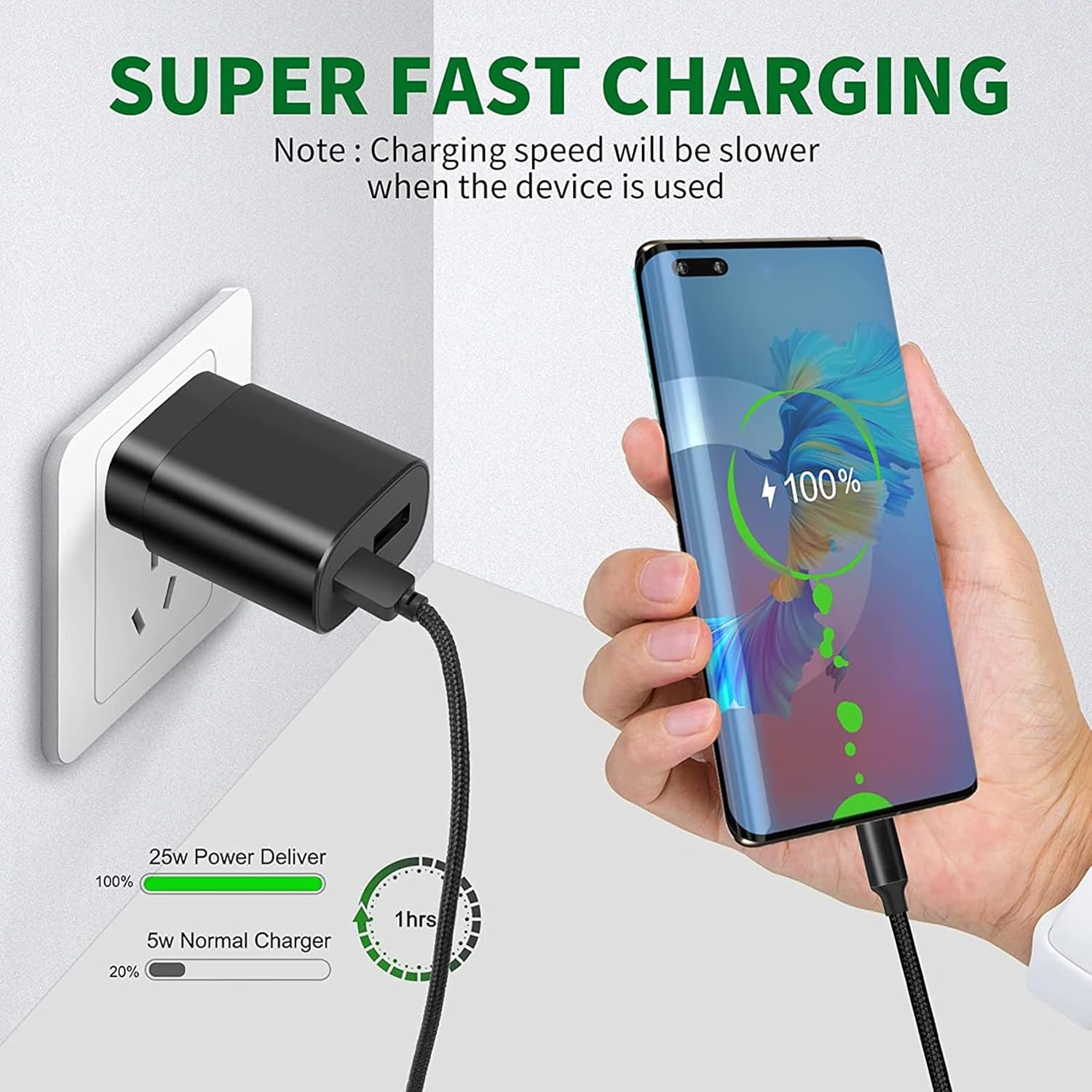
Figure 5.1: Illustration of the 25W fast charging capability, demonstrating a significant reduction in charging time compared to standard chargers.
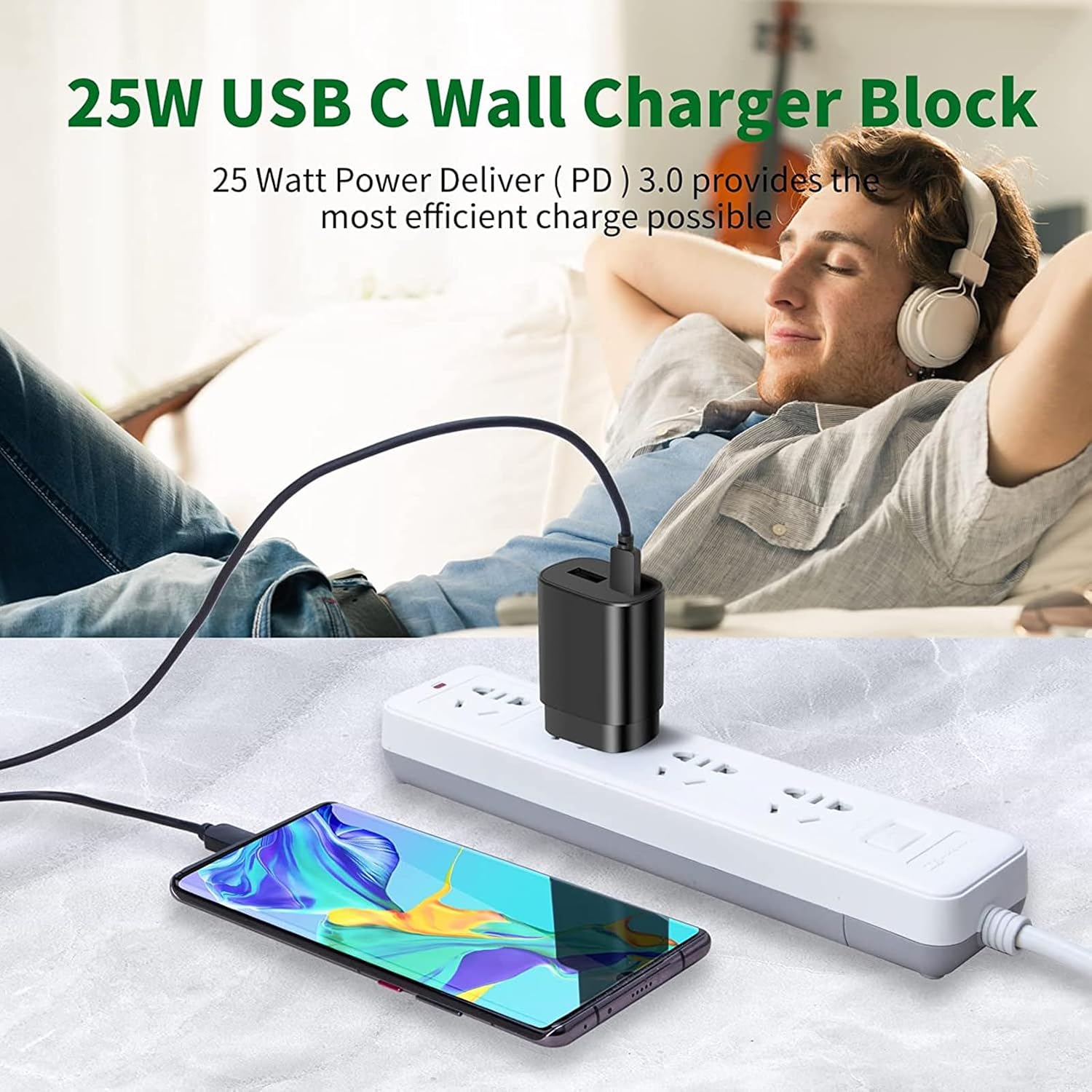
Figure 5.2: The 25W USB-C Wall Charger Block in use, providing efficient power delivery to a connected smartphone.
6. Compatibility
The SAN.COMO 25W Dual Port USB-C Fast Charger is broadly compatible with a variety of USB-C and USB-A powered devices. Below is a list of commonly supported devices:
6.1 Samsung Galaxy Devices (Super Fast Type C Phone Charger)
- Samsung Galaxy S Series: S24, S24 Ultra, S24 Plus, S23, S23 Plus, S23 Ultra, S22, S22 Ultra, S22 Plus, S21, S21 Ultra, S21 Plus, S20, S20 Plus, S20 Ultra, S20 FE, S10, S10 Plus, S10e, S9, S9 Plus, S9 Active, S8, S8+, S8 Active
- Samsung Galaxy Note Series: Note 20 Ultra 5G, Note 20 5G, Note 10 Plus 5G, Note 10, Note 9, Note 8
- Samsung Galaxy A Series: A02S, A3, A5, A6, A7, A8, A9, A10, A11, A12, A20, A31, A32, A33, A34, A35, A40, A41, A42, A50, A51, A52, A53, A54, A60, A70, A70s, A71 5G, A72, A80, A90, A13, A14, A15
- Samsung Galaxy Z Series: Z Fold2 5G, Z Fold 3, Z Flip, Z Flip 3
- Samsung Galaxy Tab Series: Tab A 8.0 (2018), Tab A 10.1 (2019), Tab 10.5, Tab A 8.0
6.2 Other Android Devices (Rapid Quick Charger)
- Google Pixel: Pixel, Pixel 2, Pixel 3, Pixel XL, Pixel 2XL, Pixel 3XL, Pixel 4XL, Pixel 3A, Pixel 6, Pixel 6 Pro
- LG: G5, G6, G7, G7 Thing, G8, Stylo 4, V20, V30 ThinQ Plus, V35, V30S, V40 ThinQ Plus
- Motorola: Moto Z, 11
- OnePlus, HTC, ZTE Axon, Nexus 6p
- iPad Pro 12.9 (2018 and up)
- Other USB Type-C devices
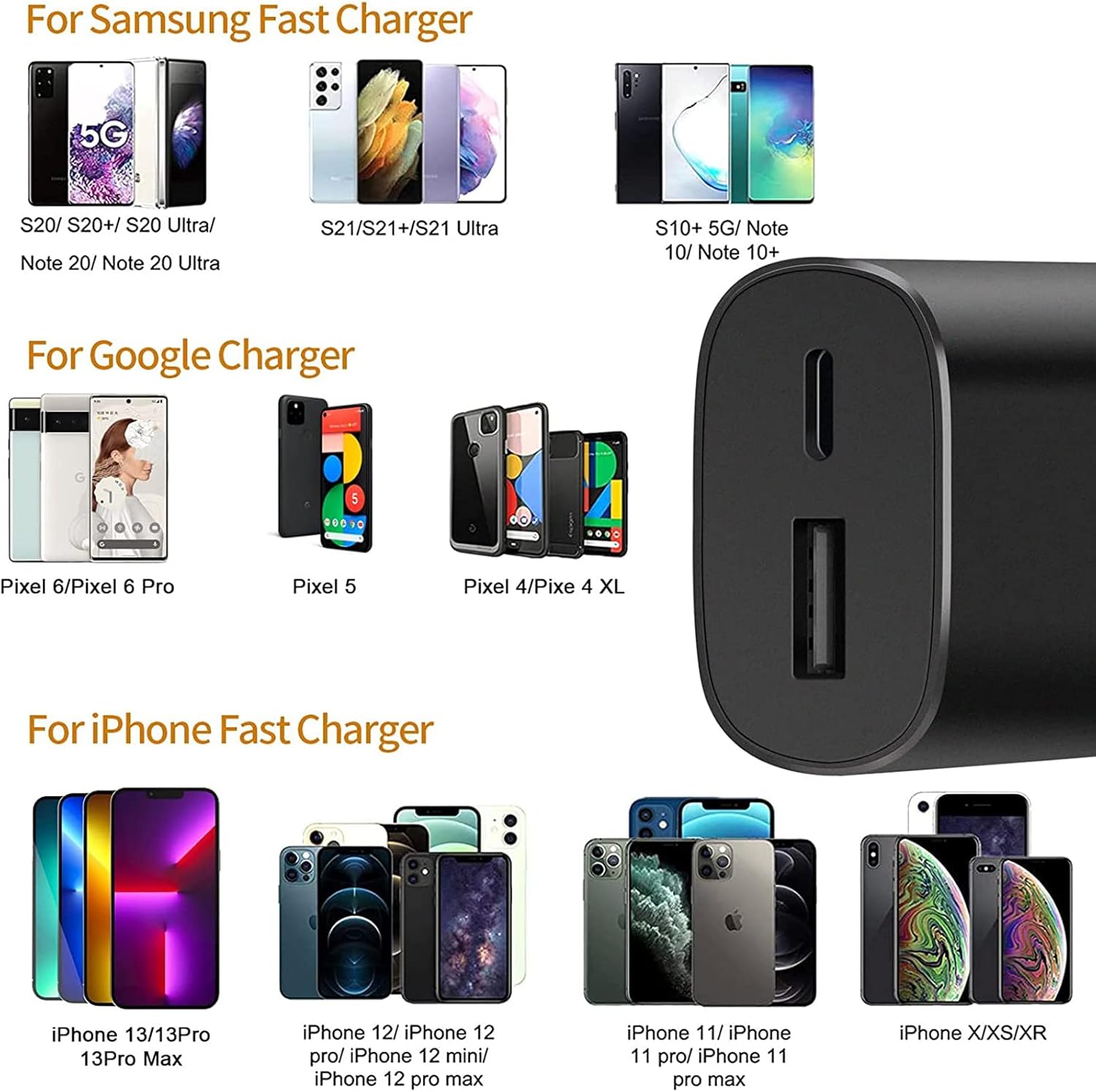
Figure 6.1: Overview of compatible devices, including popular models from Samsung, Google, and Apple.
7. Safety Information
To ensure safe and optimal use of your SAN.COMO 25W Dual Port USB-C Fast Charger, please adhere to the following safety guidelines:
- Do not expose the charger to liquids, moisture, or extreme temperatures.
- Avoid dropping, disassembling, or attempting to repair the charger yourself. Unauthorized repairs can void the warranty and pose safety risks.
- Ensure the charger is used in a well-ventilated area. Do not cover the charger during use.
- Disconnect the charger from the power outlet when not in use or during electrical storms.
- Keep out of reach of children.
- Use only certified and compatible charging cables with the charger.
- The charger is designed to automatically stop charging when the connected device is fully charged to prevent overcharging.
8. Troubleshooting
| Problem | Possible Cause | Solution |
|---|---|---|
| Device not charging. | Loose connection, faulty cable, incompatible device, power outlet issue. | Ensure cables are securely connected. Try a different cable. Test with another device. Try a different power outlet. |
| Slow charging. | Using a non-fast charging cable, device not supporting fast charging, charging two devices simultaneously. | Use a high-quality, fast-charging compatible cable. Verify your device supports 25W fast charging. If charging two devices, unplug one to test single-device speed. |
| Charger feels warm. | Normal operation during fast charging, excessive load. | A slight warmth is normal. If it becomes excessively hot, disconnect immediately and contact customer support. Ensure proper ventilation. |
9. Specifications
| Attribute | Detail |
|---|---|
| Model Number | EP-TA800 |
| Input Voltage | 100-240 Volts (AC) |
| Output Power | Max 25W (USB-C PD 3.0, USB-A QC 3.0) |
| Connectivity Technology | USB |
| Connector Type | USB Type C, USB Type A |
| Special Feature | Fast Charging, Dual Port |
| Color | Black |
| Item Weight | 0.247 ounces |
| Package Dimensions | 6.46 x 3.98 x 1.02 inches |

Figure 9.1: Physical dimensions of the charger, illustrating its compact size.

Figure 9.2: The charger's compact and portable design, suitable for travel.
10. Warranty and Support
SAN.COMO products are manufactured with quality and reliability in mind. For information regarding warranty coverage, technical support, or any product-related inquiries, please refer to the contact information provided with your purchase or visit the official SAN.COMO store on Amazon.
Customer support is available 24/7 to ensure a pleasing shopping experience. If you encounter any quality problems, please contact us directly.
Official SAN.COMO Store: Visit Store


