
Inkbird INK-IFT02
Inkbird Infrared Thermometer Gun User Manual
Model: INK-IFT02 | Brand: Inkbird
1. Product Overview
The Inkbird INK-IFT02 is a rechargeable infrared thermometer gun designed for non-contact surface temperature measurement. It features a colorful digital display and a laser pointer for accurate targeting. This device is ideal for various applications including cooking, baking, grilling, home repairs, and industrial environments. It provides quick temperature readings within 0.5 seconds.
Important Note: This thermometer is NOT for human body temperature measurement.

Image: The Inkbird INK-IFT02 Infrared Thermometer Gun, shown with its included USB-C charging cable. The thermometer is black and orange with a digital display.
2. Package Contents
- Inkbird INK-IFT02 Infrared Thermometer Gun
- USB Charging Cable
- User Manual
3. Setup
3.1 Charging the Device
The Inkbird INK-IFT02 features a built-in rechargeable lithium battery. Before first use, or when the battery indicator on the display shows low power, charge the device using the provided USB charging cable.
- Connect the USB-C end of the charging cable to the charging port on the thermometer.
- Connect the USB-A end of the charging cable to a compatible USB power source (e.g., computer, power bank, USB wall adapter).
- The battery indicator on the display will show charging status. A full charge typically lasts up to 12 hours with the backlight on.
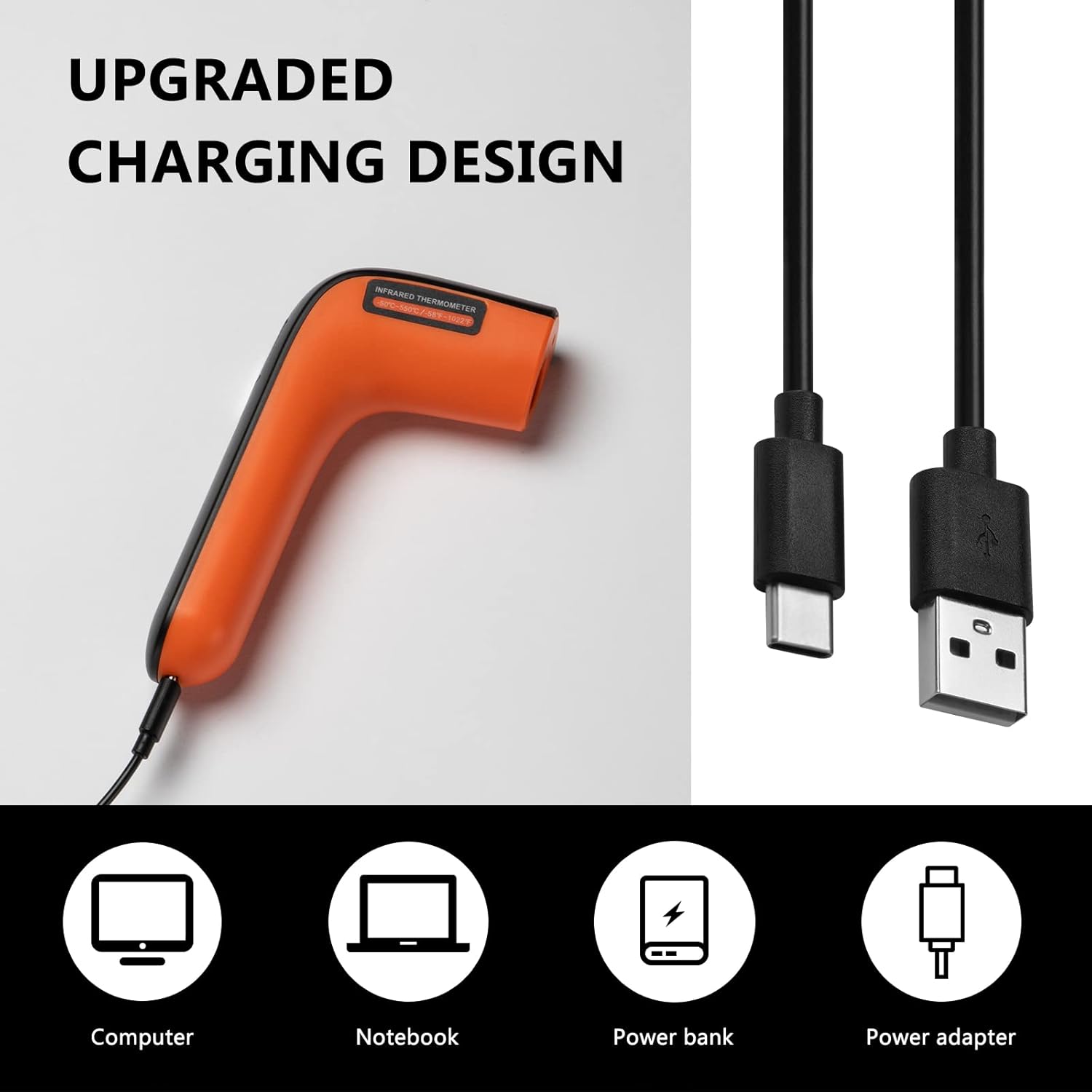
Image: Illustration showing the USB-C charging port on the Inkbird thermometer and various compatible charging sources like a computer, notebook, power bank, and power adapter.
4. Operating Instructions
4.1 Basic Operation (One-Button Control)
The Inkbird INK-IFT02 is designed for simple, one-button operation.
- Power On: Press the main button to turn on the device. The display will illuminate.
- Measure Temperature: Point the laser directly at the surface of the object you wish to measure. Press and hold the main button. The real-time temperature will be displayed.
- Hold Reading: Release the button to lock the current temperature reading on the screen. The maximum temperature recorded during the scan will also be displayed.
- Power Off: The device will automatically power off after a period of inactivity to conserve battery.
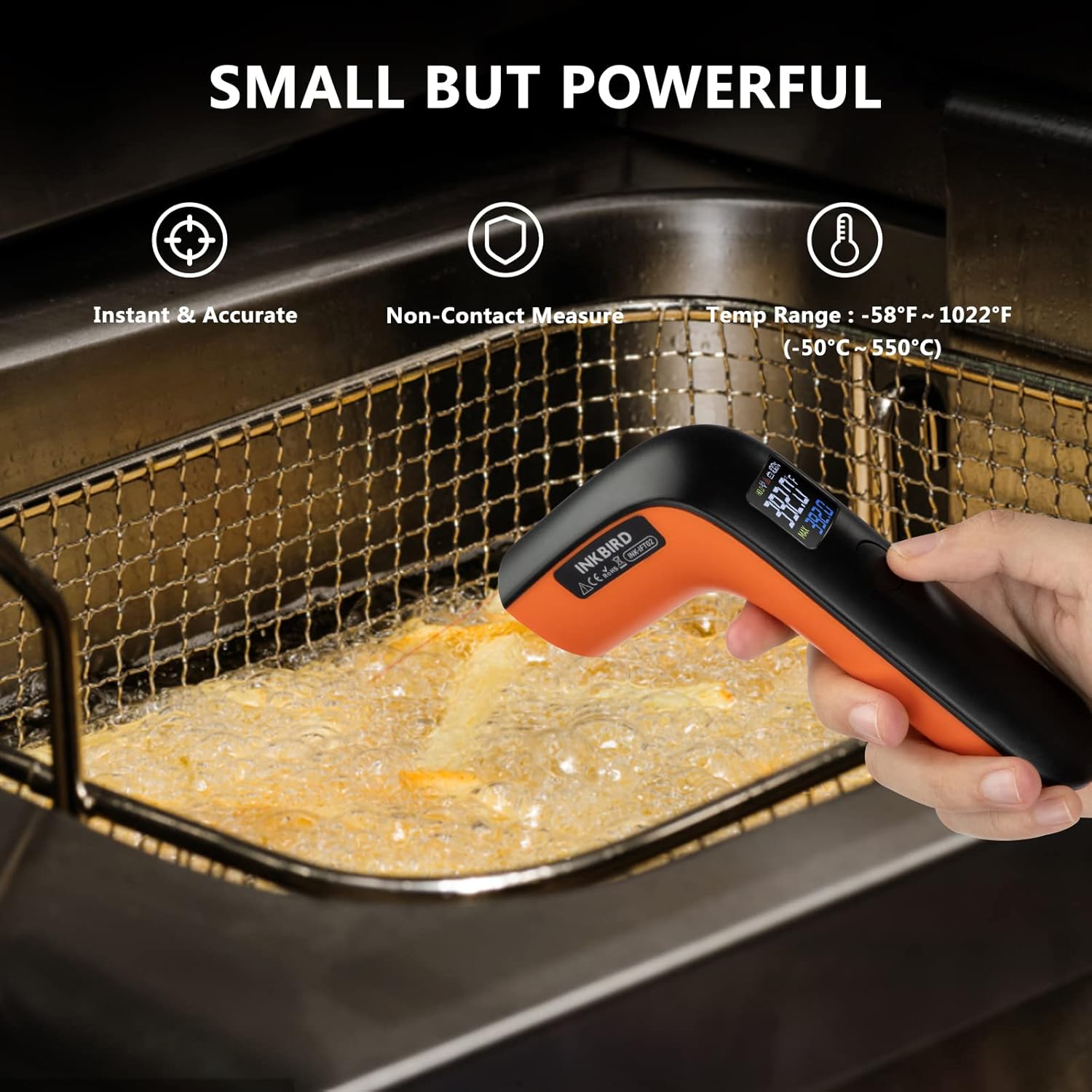
Image: A hand holding the Inkbird thermometer, pointing it into an oven to measure temperature. The display shows a temperature reading.
4.2 Temperature Unit Setting (Fahrenheit Only)
This model of the Inkbird infrared thermometer gun is designed to only support Fahrenheit (℉) settings. There is no option to switch to Celsius (℃).
4.3 Measurement Tips
- For accurate readings, ensure the laser is pointed directly at the surface and not through transparent materials. Check for obstructions or excessive dust on the sensor.
- The device measures surface temperature only. It cannot measure internal temperatures of objects or humans.
- Maintain an appropriate distance from the object being measured. The device has a Distance to Spot Size (D:S) ratio of 12:1. This means that at a distance of 12 inches, it measures a 1-inch spot.
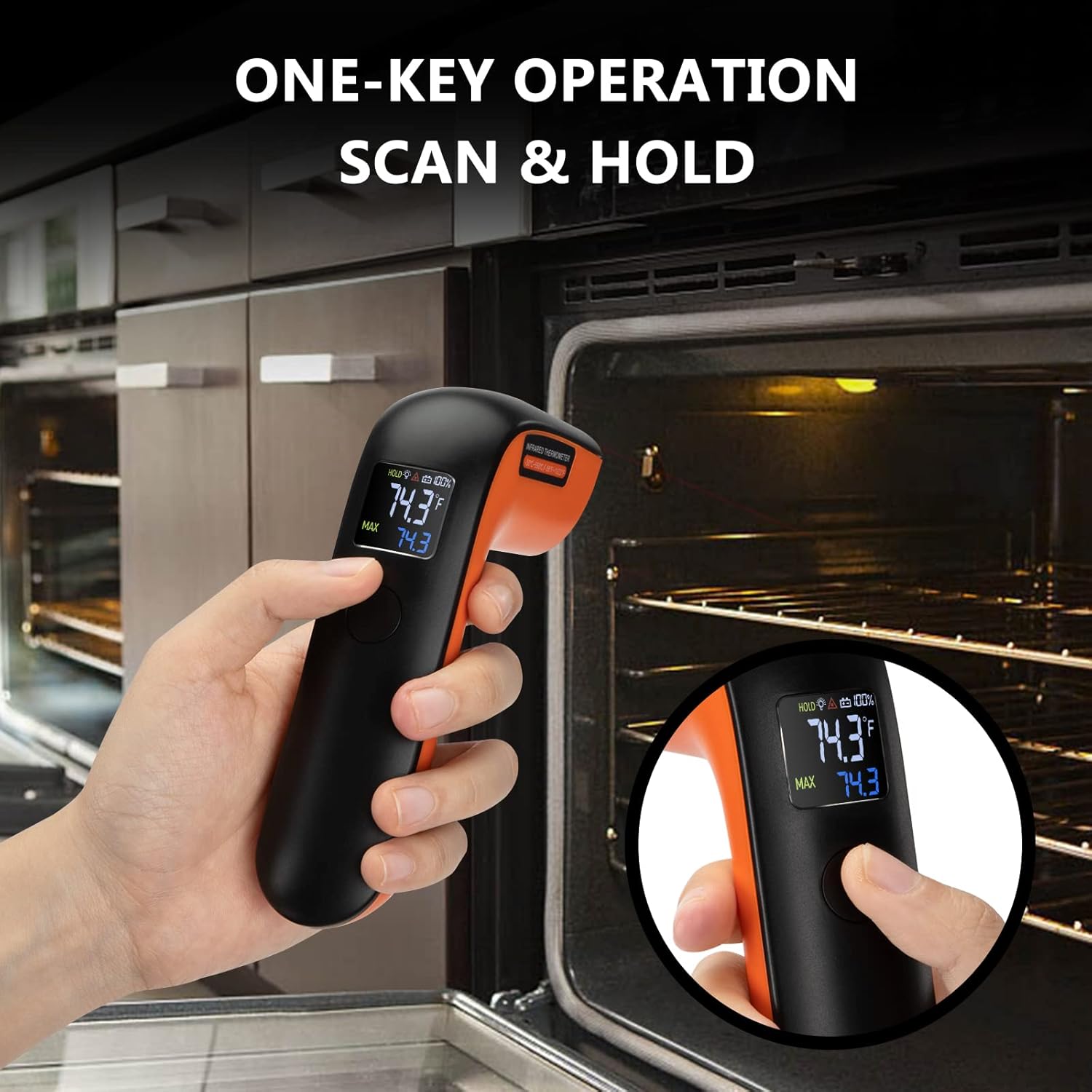
Image: The Inkbird thermometer measuring the temperature of oil in a deep fryer basket, highlighting its instant, accurate, non-contact measurement, and wide temperature range.

Image: A diagram illustrating the 12:1 Distance to Spot Size ratio of the thermometer, showing how the measurement spot size increases with distance. A table below shows the temperature range (-58°F to 1022°F) and response time (0.5s).
4.4 Applications
The Inkbird INK-IFT02 is suitable for a wide range of surface temperature measurements, including:
- Cooking, baking, and barbecue
- Brewing and frozen food preparation
- Household appliances
- Pool and spa water temperature
- Home repairs (e.g., checking for heat leaks)
- Industrial environments

Image: A circular graphic showing various applications for the Inkbird thermometer, including industrial settings, automotive repair, office environments, swimming pools, ovens, and deep frying.
5. Maintenance
5.1 Cleaning
To clean the thermometer, simply wipe it with a clean, damp cloth. Do not immerse the device in water or use abrasive cleaners.
5.2 Storage
Store the device in a cool, dry place away from direct sunlight and extreme temperatures. Keep it away from strong magnetic fields.
6. Troubleshooting
- Inaccurate Readings: Ensure the laser is pointed directly at the surface and not through transparent materials. Check for obstructions or excessive dust on the sensor.
- Device Not Turning On: Ensure the battery is sufficiently charged. Connect the device to a power source using the provided USB cable.
- Display Issues: If the display is dim or unreadable, ensure the battery is charged. The backlight may be affected by low battery.
- Cannot Switch to Celsius: This model (INK-IFT02) is designed to display temperature only in Fahrenheit (℉). It does not support Celsius (℃) conversion.
7. Specifications
| Feature | Detail |
|---|---|
| Brand | Inkbird |
| Model Number | INK-IFT02 |
| Special Feature | Non-Contact |
| Temperature Range | -58℉ to 1022℉ (-50℃ to 550℃) |
| Response Time | 0.5 seconds |
| Distance to Spot Ratio (D:S) | 12:1 |
| Display Type | Digital |
| Power Source | Battery Powered (1 Lithium Polymer battery included) |
| Item Weight | 6.3 ounces |
| Outer Material | Plastic |
| Certifications | CE, FCC, FDA |
8. Warranty and Support
8.1 Warranty Information
Please refer to the product packaging or the official Inkbird website for detailed warranty information. Typically, Inkbird products come with a limited warranty covering manufacturing defects.
8.2 Customer Support
For any questions, technical assistance, or support, please visit the official Inkbird website or contact their customer service directly. You can find more information and products at the Inkbird Store on Amazon.
Related Documents - INK-IFT02
 |
INKBIRD INK-IFT01 Infrared Thermometer Instruction Manual Detailed instruction manual for the INKBIRD INK-IFT01 Infrared Thermometer, covering specifications, operation, warnings, emissivity data, and auxiliary functions for accurate non-contact temperature measurement. |
 |
INKBIRD PLUS INK-IFT01 Infrared Thermometer User Manual and Specifications Detailed user manual and specifications for the INKBIRD PLUS INK-IFT01 Infrared Thermometer, covering operation, features, warnings, and emissivity data. |
 |
INKBIRD IBBQ-4T WiFi Meat Thermometer User Manual User manual for the INKBIRD IBBQ-4T WiFi meat thermometer. Provides setup, connection, specifications, troubleshooting, and safety information for grilling, smoking, and cooking. Features app control, 4 probes, and long-range monitoring. |
 |
INKBIRD INT-11I-B Wireless Digital Thermometer User Manual Comprehensive user manual for the INKBIRD INT-11I-B wireless digital thermometer, covering features, specifications, operation, and troubleshooting for grilling, smoking, and cooking. |
 |
INKBIRD INT-14-BW Wireless BBQ Thermometer User Manual Comprehensive user manual for the INKBIRD INT-14-BW wireless BBQ thermometer, detailing setup, features, technical specifications, app connection, and troubleshooting for precise meat temperature monitoring during grilling and cooking. |
 |
INKBIRD INT-12-BW Wireless BBQ Thermometer User Manual This user manual provides comprehensive information for the INKBIRD INT-12-BW dual-probe wireless BBQ thermometer. It covers product overview, technical specifications, appearance, status indicators, button definitions, battery details, app installation and connection, maintenance, troubleshooting, and warranty information. |
Ask a question about this manual
Ask about setup, troubleshooting, compatibility, parts, safety, or missing instructions. Manuals+ will review the question and use this page’s manual context to help answer it.