1. Introduction
Thank you for purchasing the Acogedor Wireless Bluetooth Speaker. This manual provides detailed instructions for the proper setup, operation, and maintenance of your speaker. Please read this manual thoroughly before use to ensure optimal performance and longevity of your device.

Image 1.1: Front view of the Acogedor Wireless Bluetooth Speaker, showcasing its wood grain finish and central speaker driver.
2. Package Contents
Please check the package contents upon unboxing. If any items are missing or damaged, contact customer support.
- Acogedor Wireless Bluetooth Speaker
- Charging Cable (USB to Micro USB)
- User Manual (this document)

Image 2.1: The Acogedor Wireless Bluetooth Speaker shown alongside its included USB charging cable.
3. Product Overview
3.1 Speaker Components
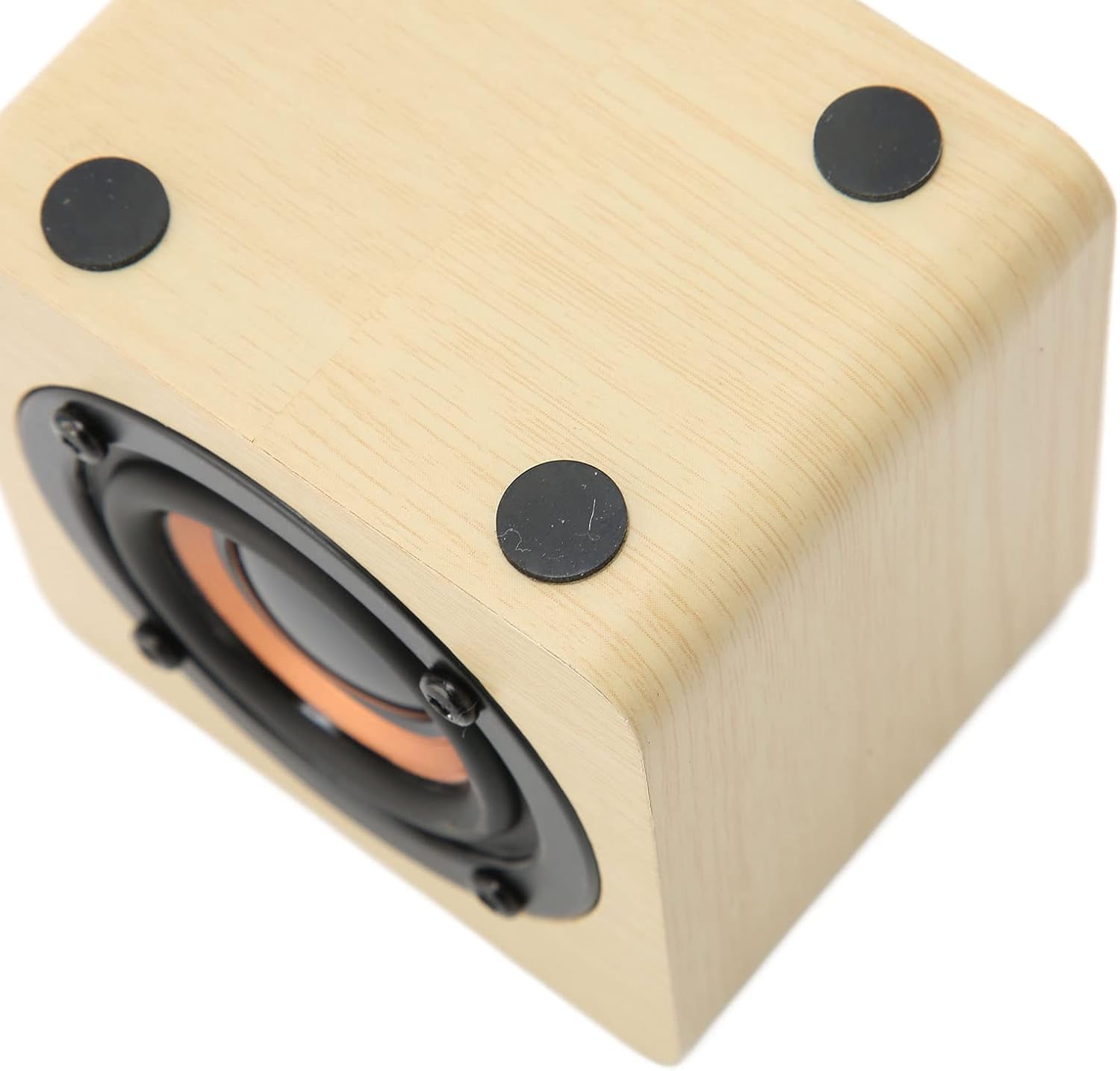
Image 3.1: Rear control panel of the speaker, featuring power, volume, play/pause buttons, and the 5V IN charging port.
The speaker features a compact design with a wood grain finish. The control panel is located on the rear of the device.
3.2 Control Panel Functions
- Power Button (⏻): Press and hold to power on/off.
- Volume Up (+): Press to increase volume.
- Volume Down (-): Press to decrease volume.
- Play/Pause Button (⏸): Press to play or pause audio.
- 5V IN Port: Micro USB port for charging the speaker.
- Indicator Light: (Small dot near 5V IN) Indicates charging status and Bluetooth pairing status.
4. Setup
4.1 Initial Charging
Before first use, fully charge the speaker.
- Connect the small end of the included USB charging cable to the 5V IN port on the speaker.
- Connect the larger end of the USB charging cable to a USB power adapter (not included) or a computer's USB port.
- The indicator light will illuminate during charging. It will turn off or change color when charging is complete.
- A full charge typically takes 2-3 hours and provides 6-8 hours of playback time.

Image 4.1: Visual representation of the speaker's charging process and battery life.
5. Operating Instructions
5.1 Power On/Off
- To power on, press and hold the Power Button (⏻) for approximately 3 seconds. The indicator light will flash, indicating it's ready for pairing.
- To power off, press and hold the Power Button (⏻) for approximately 3 seconds. The indicator light will turn off.
5.2 Bluetooth Pairing
The speaker uses Bluetooth 4.2 for wireless connection.
- Ensure the speaker is powered on and the indicator light is flashing, indicating it is in pairing mode.
- On your device (smartphone, tablet, laptop, etc.), enable Bluetooth and search for available devices.
- Select "Acogedor Speaker" (or similar name) from the list of found devices.
- Once paired, the indicator light on the speaker will stop flashing and remain solid. You will hear an audible confirmation.
- The speaker will automatically attempt to reconnect to the last paired device when powered on.

Image 5.1: Illustration of the speaker establishing a wireless Bluetooth connection.
The speaker is compatible with a wide range of devices, including smartphones, tablets, desktops, and laptops.

Image 5.2: Icons depicting the speaker's compatibility with various devices such as desktop PCs, laptops, cell phones, and tablets.
5.3 Audio Playback
- After successful pairing, start playing audio from your connected device.
- Press the Play/Pause Button (⏸) on the speaker to pause or resume playback.
- Use the Volume Up (+) and Volume Down (-) buttons to adjust the speaker's volume. You can also control volume from your connected device.
6. Maintenance
- Keep the speaker away from water, moisture, and extreme temperatures.
- Clean the speaker with a soft, dry cloth. Do not use abrasive cleaners or solvents.
- Avoid dropping or subjecting the speaker to strong impacts.
- When not in use for extended periods, charge the speaker at least once every three months to maintain battery health.
7. Troubleshooting
| Problem | Possible Solution |
|---|---|
| Speaker does not power on. | Ensure the speaker is fully charged. Connect it to a power source using the charging cable. |
| Cannot pair with Bluetooth device. |
|
| No sound or low volume. |
|
| Poor sound quality or intermittent connection. |
|
8. Specifications
| Feature | Detail |
|---|---|
| Model Name | Acogedor27nf3wmq5i-12 |
| Brand | Acogedor |
| Connectivity Technology | Bluetooth, USB |
| Wireless Communication Technology | Bluetooth 4.2 |
| Speaker Type | Portable, Outdoor |
| Power Source | Battery Powered (Built-in 1200mAh Lithium Battery) |
| Battery Life | 6-8 hours (on a full charge) |
| Audio Output Mode | Stereo |
| Speaker Size | 77 Millimeters |
| Control Method | Touch (buttons on control panel) |
| Product Dimensions | 0.3"D x 0.3"W x 0.3"H (Note: This dimension seems incorrect based on images, likely a data entry error. Actual dimensions are typically larger for a speaker of this type.) |
| Item Weight | 8.8 ounces |
| Material | Wood Grain Cabinet |
| Compatible Devices | Desktop, Laptop, MP3 Player, Projector, Smartphone, Tablet, Television |
Note: Product specifications are subject to change without prior notice.
9. Warranty and Support
For warranty information or technical support, please refer to the contact details provided with your purchase or visit the official Acogedor website. Keep your proof of purchase for warranty claims.
Manufacturer: Acogedor


