
1. Important Safety Information
Please read and understand all safety instructions before installing or operating the inverter. Failure to follow these instructions may result in electrical shock, fire, or serious injury.
- Ensure proper grounding of the inverter to prevent electrical leakage.
- Do not expose the inverter to rain, moisture, or extreme temperatures.
- Avoid short-circuiting the battery terminals. Always connect positive to positive and negative to negative.
- Keep the inverter away from flammable materials and ensure adequate ventilation to prevent overheating.
- Do not open the inverter casing. There are no user-serviceable parts inside. Refer all servicing to qualified personnel.
- The inverter is equipped with multiple protection features including overheating, under/over voltage, short circuiting, and overcharging. However, always operate within specified limits.
2. Product Overview
The TVNIKD 3500W Pure Sine Wave Inverter converts 12V DC battery power to 120V AC household power. It provides a continuous output of 3500W and a peak power of 7000W, suitable for a wide range of electronic devices and appliances. This inverter features 4 AC power outlets and 1 USB charging port.
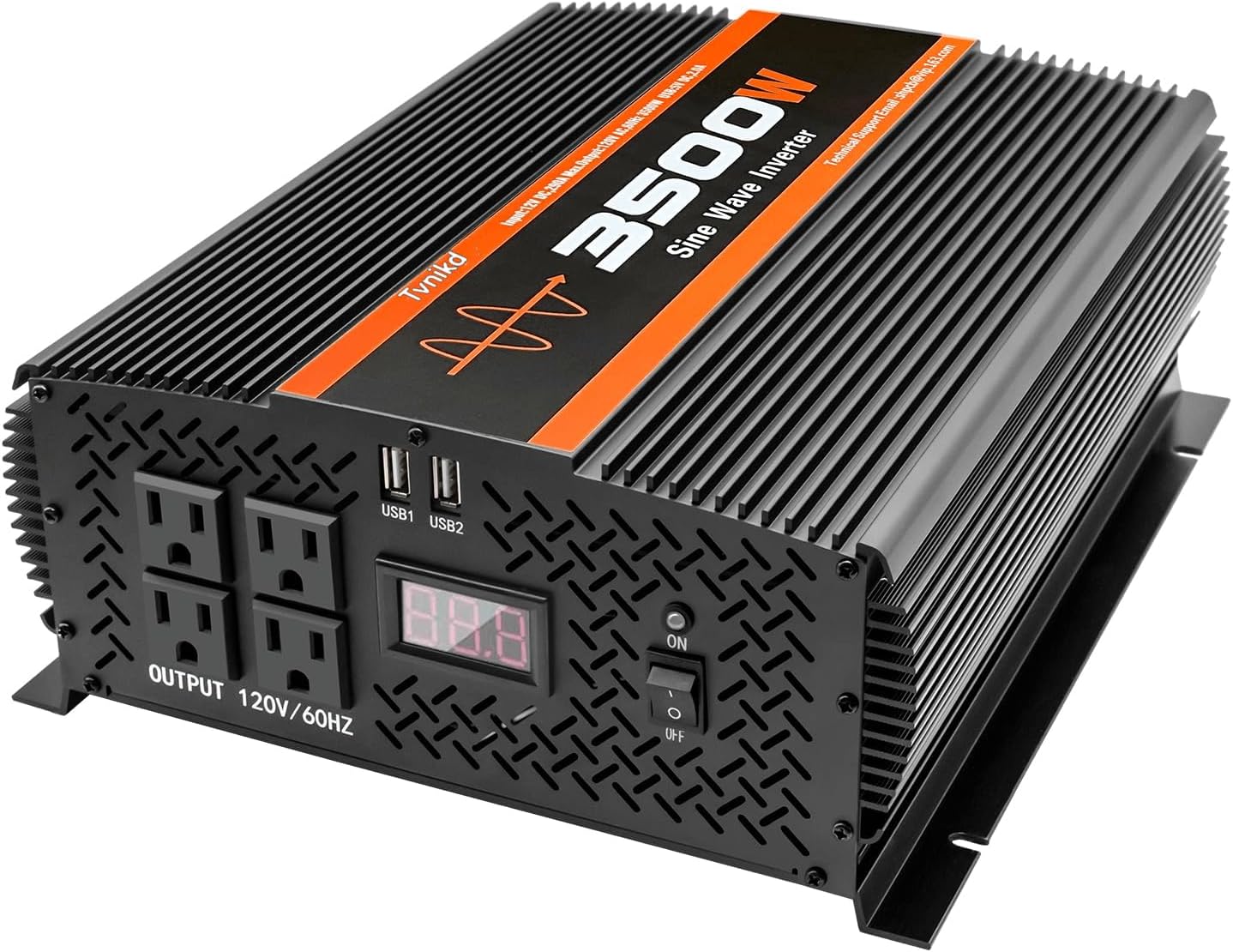
Figure 2.1: TVNIKD 3500W Pure Sine Wave Inverter, front view.
Pure sine wave technology ensures a stable and clean power output, similar to grid power, which is crucial for sensitive electronics. This results in lower interference, reduced noise, and extended lifespan for connected devices.
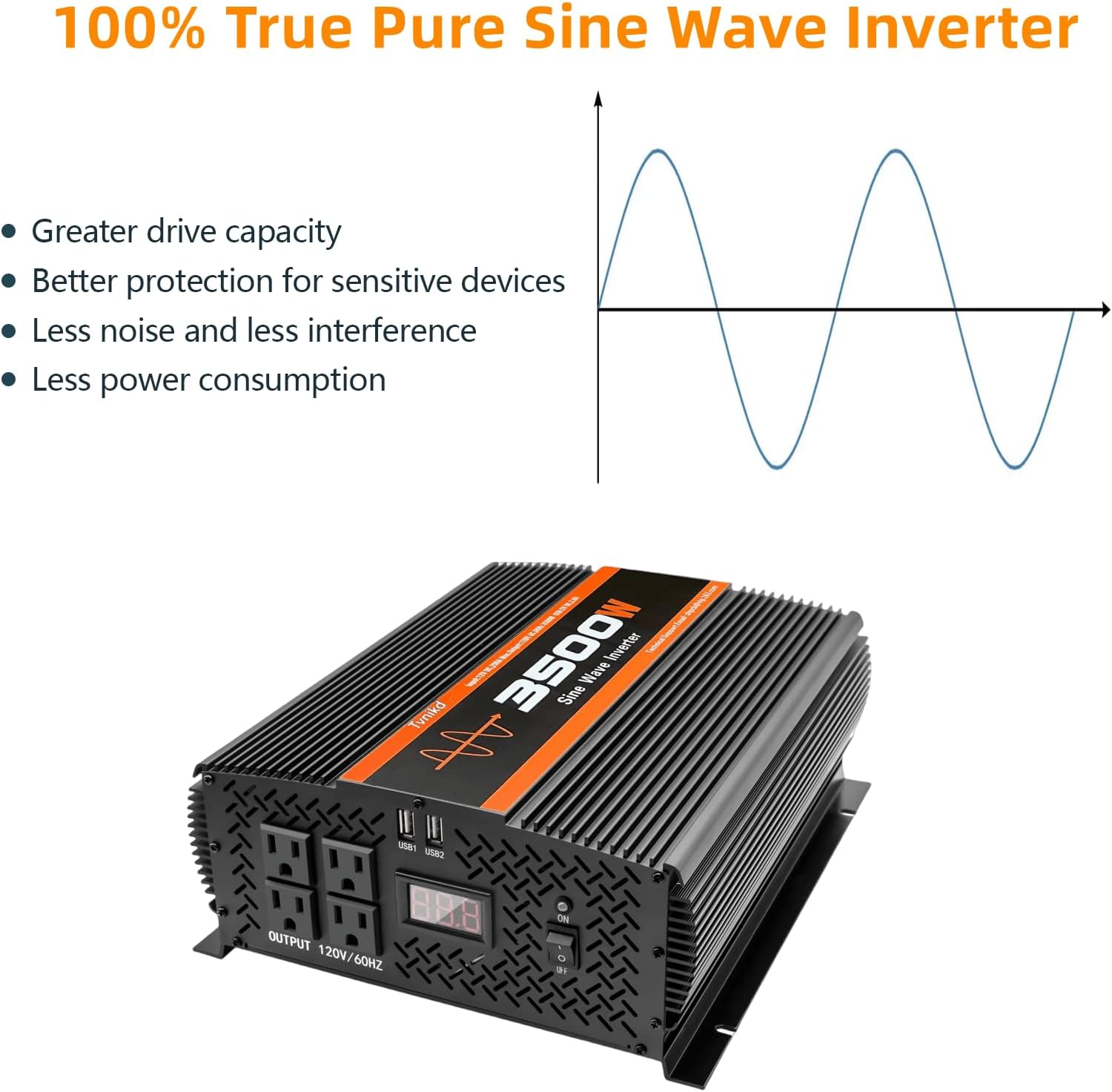
Figure 2.2: Comparison of Pure Sine Wave and Modified Sine Wave.
2.1 Component Identification

Figure 2.3: Front and Rear Panel Components.
- AC Sockets: Standard 120V AC outlets for connecting appliances.
- LCD Display: Shows real-time battery status and warning indications.
- USB Ports: 2A USB charging ports for mobile devices.
- Power Switch: Controls the inverter's power on/off state.
- Positive Terminal (DC 12V): Red terminal for positive battery connection.
- Negative Terminal (DC 12V): Black terminal for negative battery connection.
- Cooling Fans: Internal fans for heat dissipation.
- Ground Wire Terminal: Connection point for safety grounding.
3. Package Contents
Verify that all items are present in the package:
- 1 x TVNIKD 3500W Pure Sine Wave Inverter
- 2 x Car Battery Cables (for connection)
- 1 x User Manual (this document)
- 1 x Ground Wire
4. Setup and Installation
4.1 Choosing a Location
Select a dry, well-ventilated area for installation. Ensure the inverter is protected from direct sunlight, moisture, and dust. Maintain at least 6 inches of clear space around the inverter for proper airflow.
4.2 Battery Connection
Use the provided pure copper battery cables for optimal performance and safety. Ensure connections are tight and secure to prevent voltage drop and overheating.
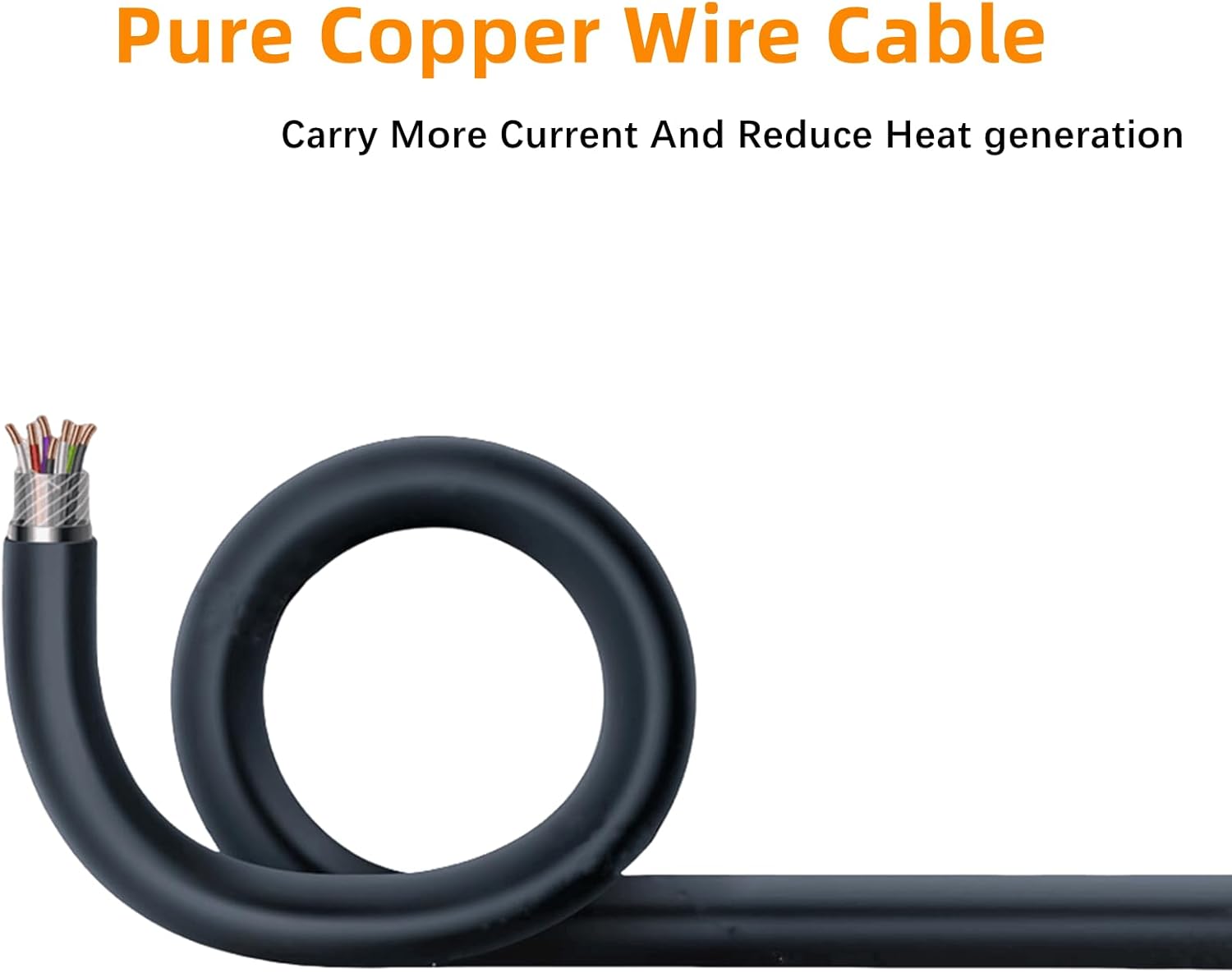
Figure 4.1: Pure Copper Wire Cable for efficient power transfer.
The inverter is compatible with various 12V battery types, including AGM, GEL, FLD, LI, and SLD.

Figure 4.2: Battery Connection Diagram and Specifications.
- Connect the red battery cable to the positive (+) terminal of your 12V battery.
- Connect the other end of the red cable to the positive (+) terminal on the inverter.
- Connect the black battery cable to the negative (-) terminal of your 12V battery.
- Connect the other end of the black cable to the negative (-) terminal on the inverter.
4.3 Grounding the Inverter
For safety, the inverter must be properly grounded. Connect the provided ground wire to the ground terminal on the inverter and to a suitable ground point (e.g., vehicle chassis, earth ground).
4.4 Wiring Diagram Example
The following diagram illustrates a typical setup for connecting the inverter with solar panels and batteries.

Figure 4.3: Example Wiring Diagram for Solar Power System.
5. Operation
5.1 Powering On/Off
- After ensuring all connections are secure, press the power switch on the inverter to the 'ON' position. The LCD display will illuminate.
- To turn off the inverter, press the power switch to the 'OFF' position.
5.2 Using AC Outlets and USB Ports
- Plug your 120V AC appliances into the AC outlets. Ensure the total wattage of connected devices does not exceed the inverter's continuous output of 3500W.
- Connect your USB-powered devices to the USB charging ports.
5.3 Monitoring with LCD Display
The LCD display provides real-time information about the inverter's status and battery voltage. It also shows warning indications for various protection states.

Figure 5.1: LCD Display showing operational status and protection codes.
6. Applications
The TVNIKD 3500W Pure Sine Wave Inverter is suitable for a wide range of applications, providing reliable AC power for various devices.

Figure 6.1: Examples of inverter applications.
- Vehicles: Ideal for RVs, trucks, and semi-trucks to power electronics on the go.
- Off-Grid Solar Systems: Converts solar battery power for household use.
- Camping & Outdoor Activities: Powers lights, small appliances, and charging devices.
- Emergency Backup: Provides power during outages for essential electronics.
- Home Appliances: Can run TVs, laptops, mini-refrigerators, coffee makers, microwaves, electric drills, and electric saws within its wattage limits.
7. Maintenance
Proper maintenance ensures the longevity and optimal performance of your inverter.
7.1 Cooling System
The inverter features built-in cooling fans that activate when the internal temperature exceeds 60 degrees Celsius. Ensure the fan vents are clear of obstructions to allow for efficient heat dissipation.

Figure 7.1: Inverter Cooling Fan System.
7.2 General Care
- Regularly inspect battery cables and connections for corrosion or damage. Clean terminals as needed.
- Keep the inverter clean and free from dust. Use a dry cloth for cleaning.
- Store the inverter in a cool, dry place when not in use for extended periods.
8. Troubleshooting
The inverter's LCD display provides warning indications to help identify and resolve issues. The internal protection system is designed to safeguard the inverter and connected devices.

Figure 8.1: Inverter Protection Features.
| Indication/Symptom | Possible Cause | Solution |
|---|---|---|
| 'OUP' (Over Voltage Protection) | Input voltage exceeds 16.5V. | Check battery voltage. Ensure it is within the 9.5V-16V operating range. |
| 'LUP' (Low Voltage Protection) | Input voltage drops below 9V. | Recharge or replace the battery. Check battery connections for looseness. |
| 'OPP' (Overheat Protection) | Internal temperature exceeds safe limits. | Reduce load, ensure proper ventilation, clear fan vents. Allow inverter to cool down. |
| 'OLP' (Over Load Protection) | Connected load exceeds 3500W continuous output. | Reduce the total wattage of connected appliances. Disconnect high-power devices. |
| 'SCP' (Short Circuit Protection) | Short circuit detected in the output. | Disconnect all AC loads and check for faulty wiring or appliances. |
| No Power Output | Loose connections, discharged battery, or internal fault. | Check battery cables, ensure battery is charged, verify power switch is ON. If problem persists, contact support. |
9. Specifications
| Feature | Specification |
|---|---|
| Model Number | TVNIKD3500W-P |
| Continuous Power | 3500 Watts |
| Peak Power | 7000 Watts |
| Input Voltage | 12V DC |
| Output Voltage | 120V AC |
| Output Frequency | 60Hz |
| Output Waveform | Pure Sine Wave |
| USB Output | 1 x 2A USB Port |
| AC Outlets | 4 |
| DC Input Range | 9.5V - 16V |
| Low Voltage Alarm | 9.5V - 10.1V |
| Low Voltage Shut Down | 9V - 10V |
| Over Voltage Shut Down | 15.5V - 16.5V |
| Efficiency | >90% |
| Product Dimensions | 13.3 x 10.4 x 4.6 inches |
| Item Weight | 15 pounds |
10. Warranty and Support
The TVNIKD 3500W Pure Sine Wave Inverter comes with a 12-month warranty from the date of purchase. This warranty covers manufacturing defects and workmanship under normal use.
For technical assistance, troubleshooting, or warranty claims, please contact TVNIKD customer service. Refer to the product packaging or the official TVNIKD website for contact information.