
Introduction
This manual provides detailed instructions for the safe and effective use of your Mecurate Digital Infrared Thermometer Gun. This precision instrument is designed for accurate non-contact temperature measurements across a broad range of surfaces, making it ideal for various professional and household applications, including cooking, BBQ, and freezer monitoring.
The device features adjustable emissivity, a 13-point laser guidance system, and a high-resolution HD VA display for clear readings in diverse lighting conditions. Please read this manual thoroughly before operation to ensure optimal performance and safety.
What's in the Box
- 1 x Mecurate Digital Infrared Thermometer Gun (Model UX-111)
- 1 x Food Thermometer Probe
- 2 x AAA Batteries
- 1 x User Manual

Figure 1: Contents of the Mecurate Digital Infrared Thermometer Gun package, including the main unit, a food thermometer probe, and two AAA batteries.
Setup
1. Battery Installation
- Locate the battery compartment on the handle of the infrared thermometer gun. It is typically a removable cover on the grip.
- Gently unclip or slide open the battery compartment cover.
- Insert the two AAA batteries, ensuring correct polarity (+ and -) as indicated inside the compartment.
- Close the battery compartment cover securely until it clicks into place.

Figure 2: The infrared thermometer gun with its battery compartment open, ready for battery insertion. The included food thermometer probe is also visible.
2. Power On
Once batteries are installed, the device is ready for use. Simply press the trigger to power on the device and begin taking measurements. The high-resolution HD VA display will illuminate.
Operating Instructions
1. Taking a Measurement
- Point the infrared thermometer gun at the target surface.
- Press and hold the trigger. The device will display the real-time temperature reading.
- Release the trigger to activate the automatic HOLD function, which retains the last reading on the display until the trigger is pressed again.

Figure 3: The measurement process: (1) Press the trigger to start scanning, (2) Get an instant reading, and (3) Release the trigger to hold the reading on the display.
2. Laser Guidance System
The thermometer features a built-in Class 2 0.5-0.9Mw laser with a 13-point guidance system. This system helps you accurately target the measurement area, ensuring precise readings. The laser points indicate the approximate area being measured.

Figure 4: The 13-point laser guidance system in action, showing the precise aiming capability of the thermometer.
3. Understanding Distance-to-Spot Ratio (D:S)
The Mecurate UX-111 has a 12:1 Distance-to-Spot Ratio. This means that at a distance of 12 units from the target, the measurement spot diameter will be 1 unit. For example, if you are 12 inches away from the target, the measurement spot will be 1 inch in diameter. Maintaining an appropriate distance is crucial for accurate readings, especially for smaller objects.

Figure 5: Visual representation of the 12:1 D:S ratio, demonstrating the relationship between distance from the target and the size of the area being measured.
4. Adjusting Emissivity (EMS)
Emissivity is a measure of an object's ability to emit infrared energy. Different materials have different emissivity values. For accurate measurements, especially on various surfaces, it is important to adjust the emissivity setting on your thermometer to match the target material. The UX-111 allows adjustment from 0.10 to 1.00 in 0.01 increments.
- Press the "MODE" button to enter the EMS setup.
- Use the "UP" and "DOWN" arrow buttons to adjust the emissivity number.
- Refer to the Emissivity Table below for common materials.

Figure 6: The thermometer's display indicating the current emissivity setting and controls for adjustment.
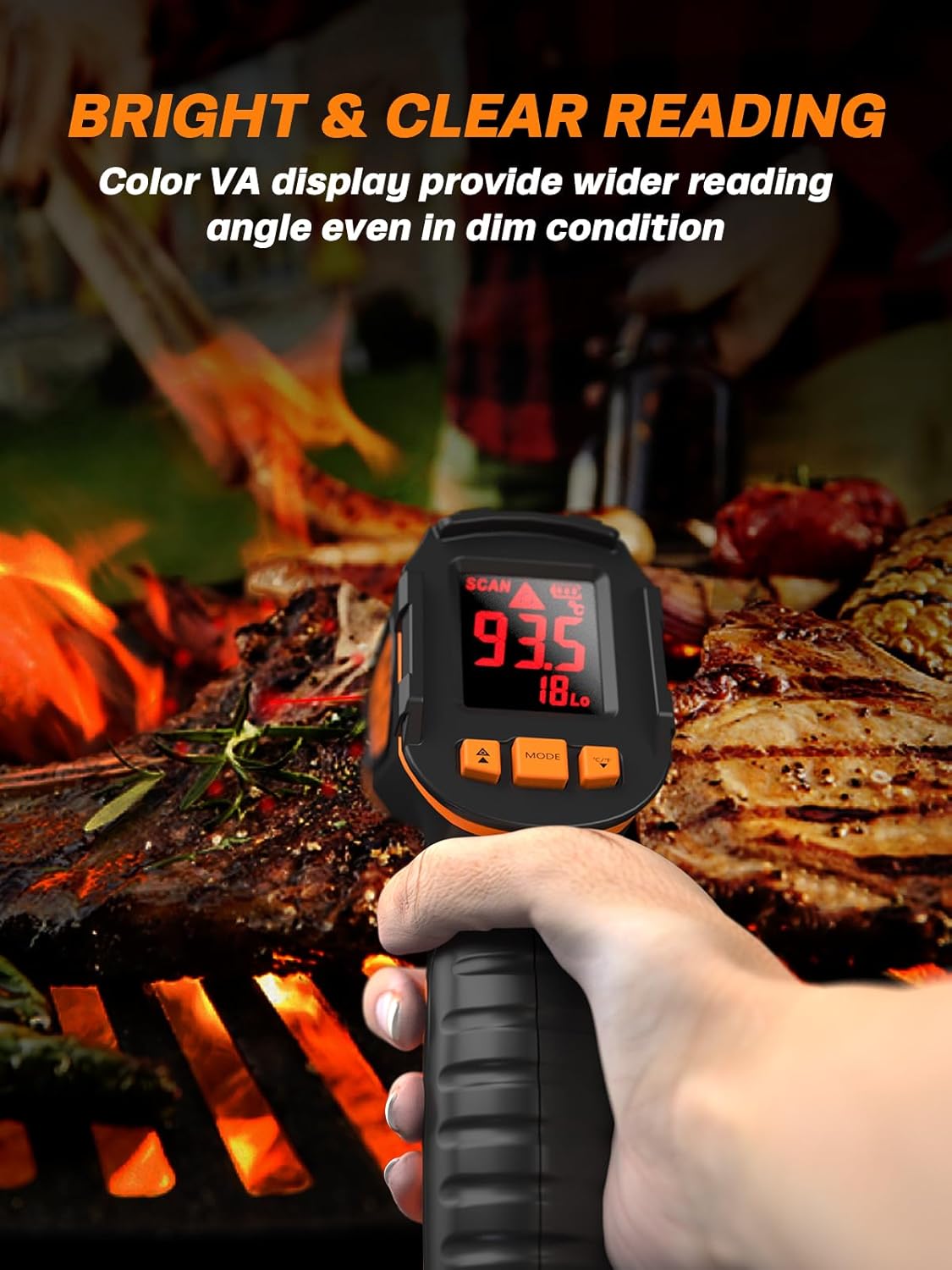
Figure 7: A reference table providing typical emissivity values for common materials to aid in accurate measurement.
5. Changing Temperature Units (°C/°F)
To switch between Celsius (°C) and Fahrenheit (°F), press the dedicated unit conversion button (often integrated with the UP/DOWN arrows or a separate button labeled °C/°F).
6. High/Low Temperature Limit Settings and Visual Alarm
The device allows you to set high and low temperature limits. If the measured temperature exceeds these limits, a visual alarm will appear on the full-color display, alerting you to potential issues. This feature is particularly useful for monitoring temperature trends and ensuring safety.
7. Automatic Hold Function and Auto-Off
The thermometer automatically holds the last reading on the display after the trigger is released, allowing you to record the measurement easily. To conserve battery life, the device also features an auto-off function that activates after 20 seconds of inactivity.
Maintenance
- Cleaning: Wipe the device with a soft, damp cloth. Do not use abrasive cleaners or immerse the unit in water. Ensure the lens is clean for accurate readings.
- Storage: Store the thermometer in a cool, dry place away from direct sunlight and extreme temperatures. Remove batteries if the device will not be used for an extended period.
- Battery Replacement: When the low battery indicator appears on the display, replace the two AAA batteries promptly to ensure continued accurate operation.
Troubleshooting
| Problem | Possible Cause | Solution |
|---|---|---|
| Device does not power on. | Dead or incorrectly installed batteries. | Check battery polarity. Replace batteries if necessary. |
| Inaccurate temperature readings. | Incorrect emissivity setting; dirty lens; too far from target; target too small. | Adjust emissivity to match material (refer to Emissivity Table). Clean the lens. Ensure appropriate Distance-to-Spot Ratio (12:1). |
| Display shows "HI" or "LO". | Temperature is outside the measurement range (-58°F to 1112°F). | Ensure the target temperature is within the device's specified range. |
| Laser not visible or weak. | Low battery; laser function disabled (if applicable). | Replace batteries. Check user manual for laser activation/deactivation. |
Specifications
- Temperature Range: -58°F to 1112°F (-50°C to 600°C)
- Emissivity: Adjustable from 0.10 to 1.00
- Distance-to-Spot Ratio (D:S): 12:1
- Laser Type: Class 2, 0.5-0.9Mw, 13-point guidance
- Display: High-resolution HD VA Color Display
- Power Source: 2 x AAA Batteries (included)
- Auto-Off: After 20 seconds of inactivity
- Special Features: Non-Contact, High/Low Temperature Limit Settings with Visual Alarm, Real-time Maximum Temperature Reading, Automatic HOLD function.
- Dimensions: 8.82 x 6.02 x 2.05 inches
- Weight: 9.17 ounces
- Material: Plastic
Warranty and Support
Mecurate stands behind the quality of its products. The Mecurate Digital Infrared Thermometer Gun is backed by a 12-month warranty. We are committed to ensuring customer satisfaction and provide lifetime support for this product. Should any issues arise, please contact Mecurate customer service for assistance. Free replacements are provided for qualifying issues.
For further support or inquiries, please visit the official Mecurate store: Mecurate Store on Amazon.