
SVBONY SV406P
SVBONY SV406P 20-60x80 ED Spotting Scope with WiFi Camera User Manual
Model: SV406P | Brand: SVBONY
Introduction
This manual provides detailed instructions for the setup, operation, and maintenance of your SVBONY SV406P 20-60x80 ED Spotting Scope with WiFi Camera. Please read this manual thoroughly before using the product to ensure optimal performance and longevity.
What's in the Box
- 1x SVBONY SV406P Spotting Scope
- 1x Carrying Case
- 1x Lens Cover
- 1x Eyepiece Cover
- 1x Lens Cleaning Cloth
- 1x SC001 WiFi Camera
- 1x User Manual (this document)

Figure 1: Included Components
Product Overview
The SVBONY SV406P is a high-performance spotting scope designed for detailed observation. It features ED glass for superior image clarity and reduced chromatic aberration, a large 80mm objective lens for excellent light gathering, and a versatile 20-60x magnification range. The included SC001 WiFi camera allows for wireless viewing and recording via a smartphone app.

Figure 2: SVBONY SV406P Spotting Scope with WiFi Camera
Setup
1. Attaching the Tripod
- Unfold the tripod legs and ensure they are stable.
- Locate the standard 1/4-20 tapped hole thread on the bottom of the spotting scope.
- Align the spotting scope with the tripod mount and securely fasten it using the tripod's mounting screw.
Figure 3: Spotting Scope on Tripod
2. Installing the SC001 WiFi Camera
- Remove the standard eyepiece from the SV406P spotting scope by twisting it counter-clockwise.
- Carefully insert the SC001 WiFi camera into the eyepiece port of the spotting scope.
- Secure the WiFi camera by twisting it clockwise until it is firmly in place.
- Attach the WiFi antenna to the designated port on the SC001 camera.
- Long press the power button on the SC001 camera to turn it on.
Video 1: Demonstrating the connection of the SC001 WiFi eyepiece to the SV406P Spotting Scope.
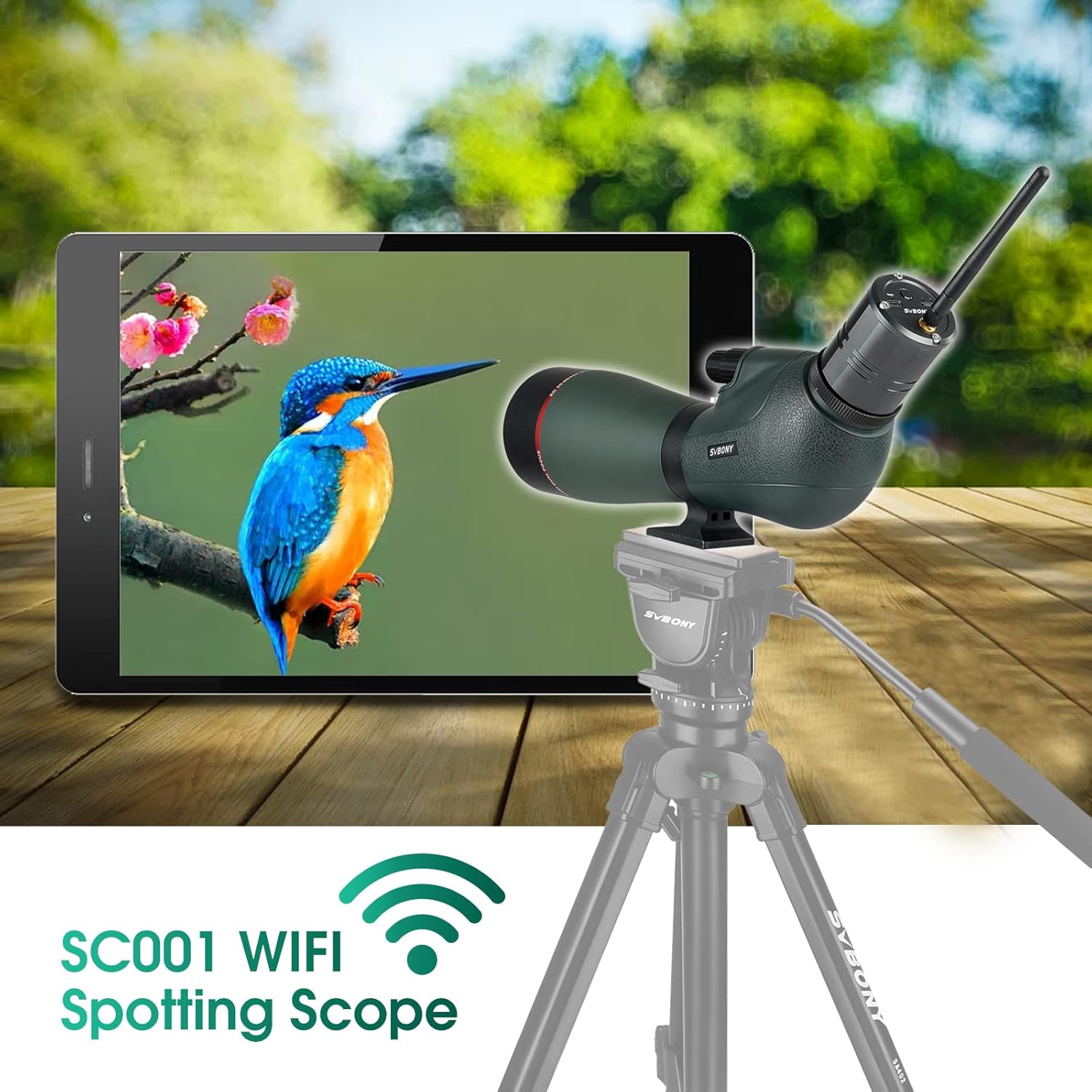
Figure 4: SC001 WiFi Camera connected to the Spotting Scope
Operating Instructions
1. Focusing and Magnification
- The SV406P features dual focus wheels: a large wheel for coarse focusing and a smaller wheel for fine adjustments. Rotate these wheels to achieve a sharp image.
- Adjust the magnification from 20x to 60x by rotating the magnification ring on the eyepiece.
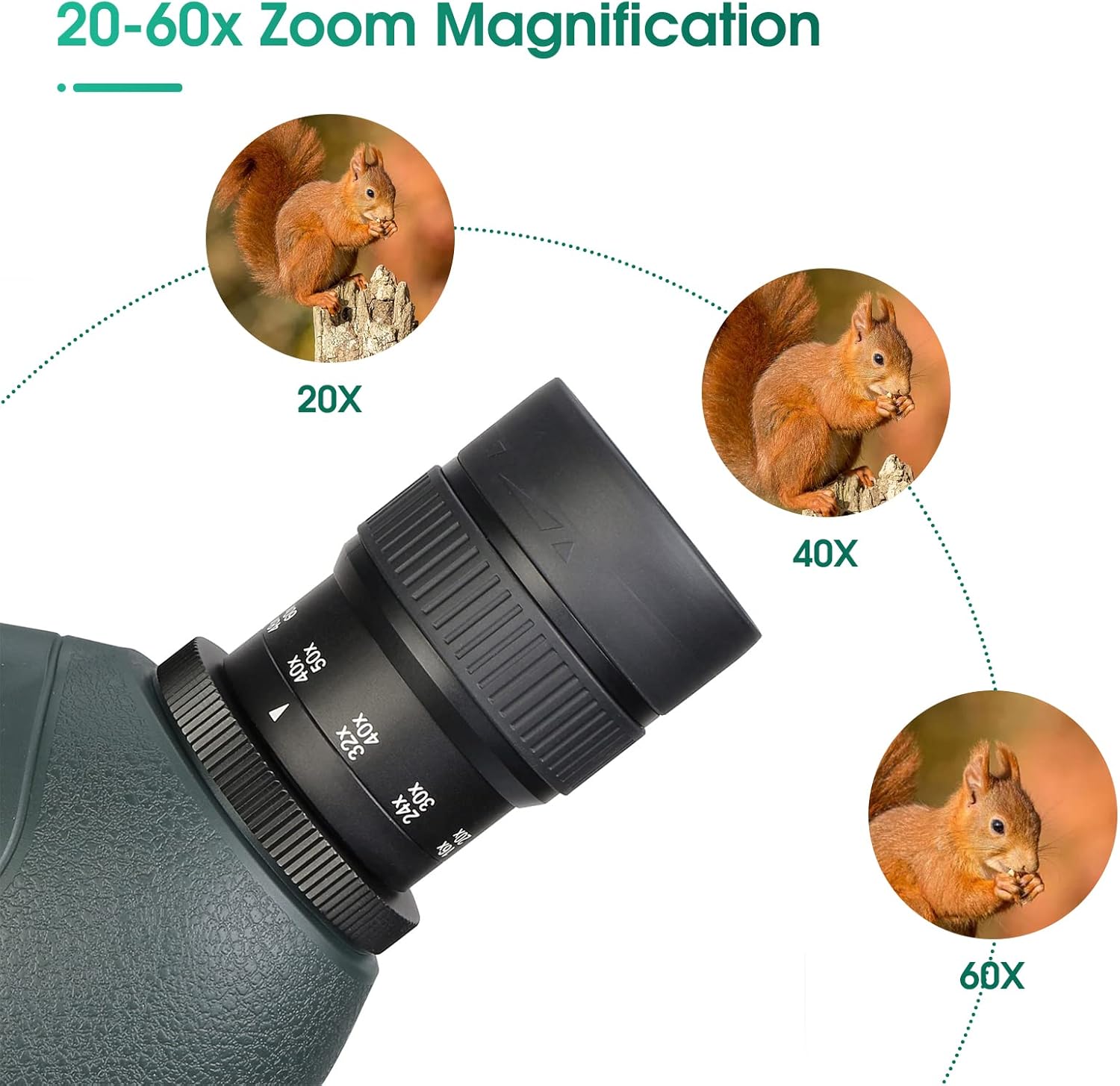
Figure 5: Magnification and Focus Controls
2. Using the WiFi Camera App
- Download the App: Search for "SVBONY Cam" in your device's APP store and download it.
- Connect to WiFi:
- Turn on WiFi in your phone's settings.
- Find and select the SC001's WiFi network (e.g., "SC001_XXXXXX").
- Enter the initial password: 12345678, then click "Join".
- If prompted with "Cannot use local network, do you want to continue using it?", select "Allow".
- Access the Device: Open the "SVBONY Cam" app. If you cannot enter the device immediately, refresh the app a few times. You should then be able to enter the device normally.
- Capture Images/Videos: Once connected, use the app interface to view the live feed, take photos, and record videos.
Video 2: Instructions on connecting the SC001 WiFi camera to the SVBONY Cam app on an iOS device.
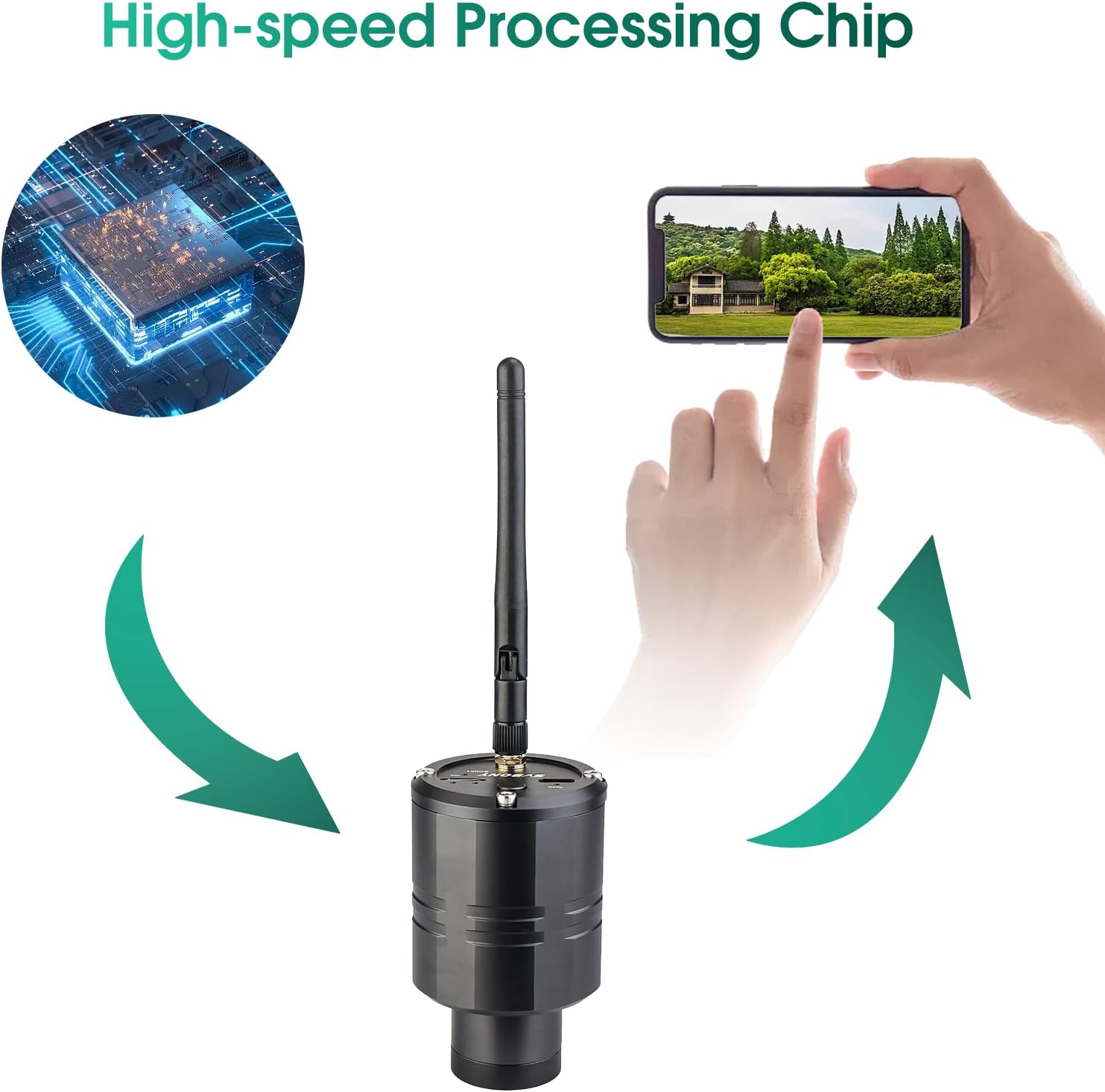
Figure 6: SC001 WiFi Camera with High-Speed Processing Chip
3. Extendable Sunshade and Twist-up Eyecup
- The extendable sunshade helps reduce glare and protect the objective lens. Extend it as needed.
- The twist-up eyecup allows for comfortable viewing with or without eyeglasses. Twist it up or down to find your preferred eye relief.
Key Features
- ED Glass: Minimizes dispersion and reduces chromatic aberration for clearer, brighter images.
- Large 80mm Objective Lens: Gathers more light, enhanced by FMC coating for detailed views.
- IPX7 Waterproof: Designed to withstand immersion in water, ensuring durability in various weather conditions.
- Built-in Battery: The SC001 WiFi camera has a 1500mAh lithium battery for over 3 hours of continuous shooting, rechargeable via Type-C.

Figure 7: Benefits of ED Glass

Figure 8: 80mm Large Objective Lens
Maintenance
- Cleaning Lenses: Use the provided lens cleaning cloth or a soft, lint-free cloth. For stubborn smudges, use a small amount of lens cleaning fluid. Avoid abrasive materials.
- Storage: Store the spotting scope in its carrying case in a cool, dry place when not in use. Ensure all caps are on to protect the lenses.
- Waterproof Care: While IPX7 waterproof, avoid prolonged submersion and always dry the scope thoroughly after exposure to moisture.
Troubleshooting
- Blurry Image: Adjust the dual focus wheels (coarse and fine) until the image is sharp. Ensure the magnification ring is set correctly.
- No Image through WiFi Camera:
- Check if the SC001 camera is powered on.
- Verify that your phone is connected to the SC001's WiFi network.
- Ensure the "SVBONY Cam" app has local network permissions.
- Try refreshing the app or restarting both the camera and the app.
- Chromatic Aberration (Color Fringing): While ED glass significantly reduces this, some minimal fringing might occur at very high magnifications or in extreme lighting conditions. This is normal for optical instruments.
Specifications
| Feature | Specification |
|---|---|
| Model | SV406P |
| Magnification | 20-60x |
| Objective Lens Diameter | 80mm |
| Lens Type | ED Glass |
| Coating | FMC (Fully Multi-Coated) |
| Waterproof Rating | IPX7 |
| Focus Type | Manual Focus (Dual Focus Wheels) |
| WiFi Camera Resolution | 1080P High-Definition |
| WiFi Camera Battery | 1500mAh Lithium (3+ hours continuous use) |
| Dimensions | 17.72 x 8.27 x 5.91 inches |
| Item Weight | 5.9 pounds |
Safety Information
- WARNING: Never look directly at the sun through the spotting scope or its accessories, as this can cause severe and permanent eye damage.
- Keep out of reach of small children.
- Handle with care to avoid dropping or impacting the optical components.
Warranty and Support
For warranty information or technical support, please refer to the official SVBONY website or contact their customer service directly. Keep your purchase receipt for warranty claims.
Ask a question about this manual
Ask about setup, troubleshooting, compatibility, parts, safety, or missing instructions. Manuals+ will review the question and use this page’s manual context to help answer it.