
1. Introduction
The XP-PEN Seelve ACJ03 is a protective case designed to safeguard your graphic tablet and its accessories. It offers robust protection against environmental elements and physical impacts, ensuring your device remains secure during transport and storage. This manual provides essential information on the features, proper usage, and care of your ACJ03 protective case.
2. Key Features
- Waterproof Exterior: The outer layer is crafted from durable cationic polyester, providing resistance against water splashes and light rain to protect your device.
- Shockproof Design: Engineered to absorb impacts, the case helps protect your tablet from accidental bumps and drops.
- Scratch Protection: A soft, fluffy polyester lining on the interior cradles your tablet, preventing scratches and abrasions on its screen and body.
- Lightweight and Portable: Designed for ease of carrying, making it an ideal companion for travel or daily commutes.
- Multiple Storage Compartments: Features a main compartment for your tablet and additional pockets for organizing accessories such as chargers, cables, and styluses.
- Smooth Zippers: Equipped with high-quality zippers that glide easily for convenient and secure access to your device.

Figure 2.1: Overview of the protective features, including wear-resistance, lightweight construction, waterproofing, and shock absorption.
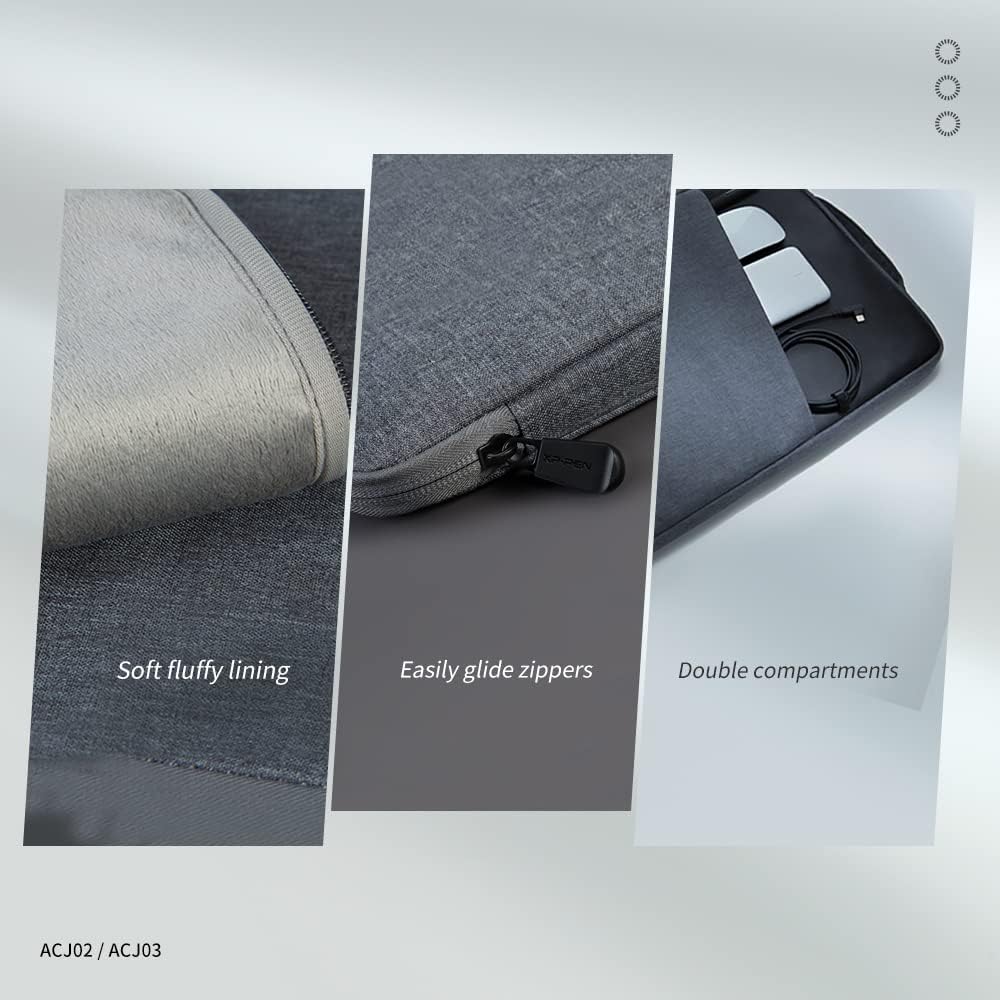
Figure 2.2: Detailed view of the interior, highlighting the soft lining, smooth zippers, and dual storage compartments for organization.
3. Compatibility
The ACJ03 protective case is designed to accommodate graphic tablets with screen sizes up to 15.6 inches. It is compatible with a range of XP-Pen models, including but not limited to:
- XP-Pen Artist 15.6
- XP-Pen Artist 15.6 Pro
- XP-Pen Artist Pro 16
- XP-Pen Innovator 16
- XP-Pen Artist Pro 16 TP
- XP-Pen Artist Pro 14 (Gen 2)
- XP-Pen Artist Pro 16 (Gen 2)
- Other tablets with maximum dimensions of 475 x 295 x 30 mm.
4. Usage and Storage
4.1 Inserting Your Tablet
- Open the main zippered compartment of the ACJ03 case.
- Carefully slide your graphic tablet into the main compartment. Ensure it fits comfortably without requiring excessive force.
- Securely close the zipper to prevent the tablet from falling out.

Figure 4.1: Illustration of a graphic tablet being carried securely within the protective case.
4.2 Storing Accessories
The ACJ03 case is designed with additional compartments to help you organize your accessories efficiently.
- Utilize the front pocket for smaller items such as charging cables, styluses, USB drives, or memory cards.
- The larger secondary compartment can accommodate bulkier items like power adapters, mobile phones, or small notebooks.

Figure 4.2: Demonstration of the case's ample storage capacity for a tablet and multiple essential accessories.
5. Maintenance
Proper maintenance will extend the lifespan and preserve the appearance of your ACJ03 protective case.
- Cleaning: For general cleaning, wipe the exterior surface with a soft, damp cloth. For more persistent stains, a mild soap solution can be used, followed by wiping with a clean, damp cloth. Allow the case to air dry completely before reuse or storage.
- Storage: When not in use, store the case in a cool, dry place away from direct sunlight and extreme temperatures.
- Avoid Harsh Chemicals: Do not use abrasive cleaners, solvents, or strong detergents, as these can damage the fabric and protective coatings.
- Zipper Care: Periodically check the zippers for any trapped debris or fabric. Keep them clean to ensure smooth operation and prevent damage.
6. Specifications
| Feature | Detail |
|---|---|
| Product Name | XP-PEN Seelve Protective Case |
| Model | ACJ03 |
| Weight | 289 g (0.64 lbs) |
| Dimensions (L x W x H) | 475 x 295 x 30 mm (18.7 x 11.6 x 1.2 inches) |
| Color | Grey + Black |
| Exterior Material | 100% Cationic Polyester |
| Lining Material | 100% Polyester |
| Max Compatible Device Size | 15.6 inches |
| Water Resistance Level | Waterproof |
| Special Features | Lightweight, High-performance protection |
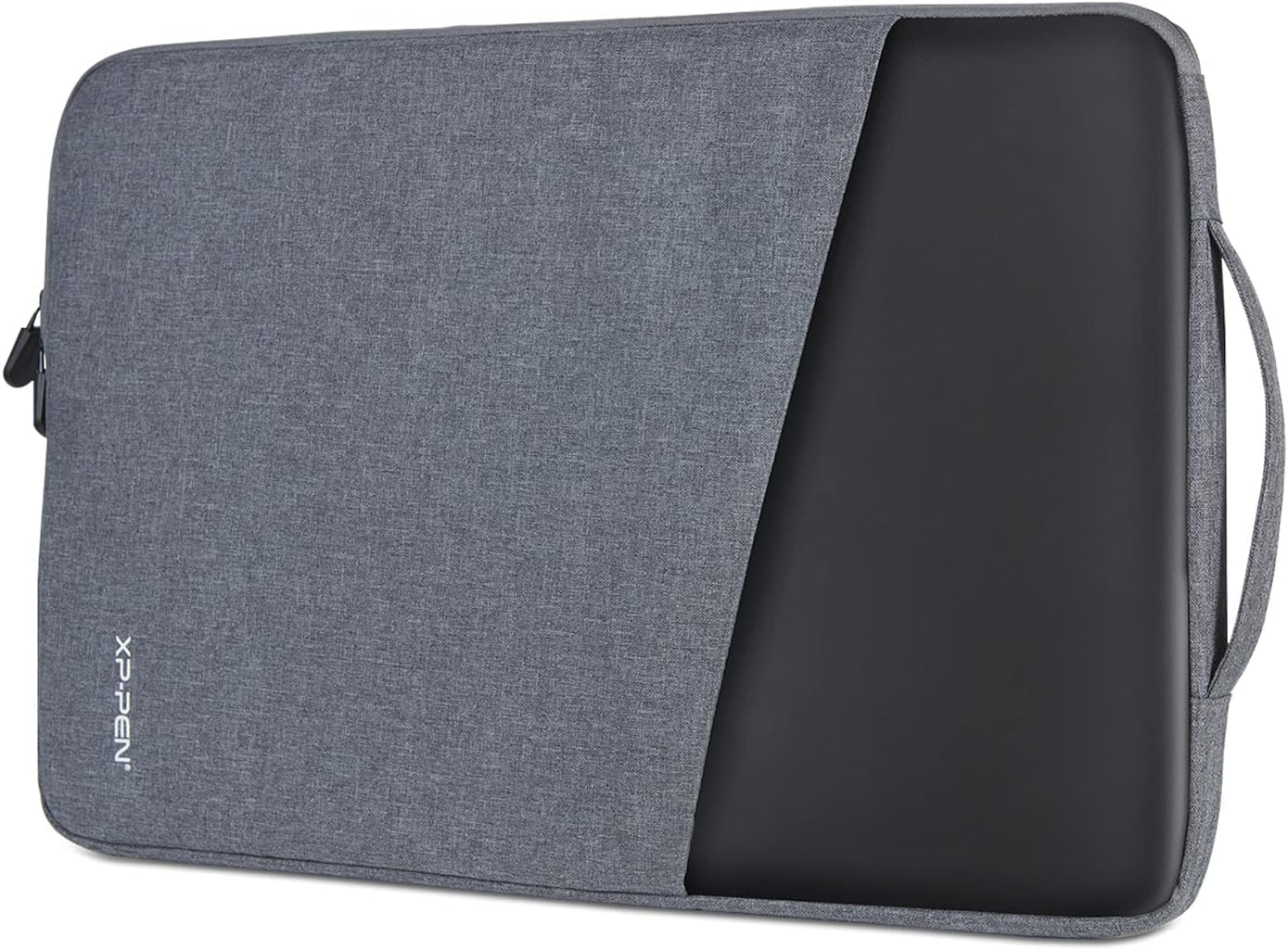
Figure 6.1: Dimensional specifications and weight of the ACJ03 protective case.
7. Troubleshooting
This section addresses common concerns you might encounter with your protective case.
- Tablet does not fit: Ensure your tablet's dimensions are within the maximum compatible size of 475 x 295 x 30 mm (15.6 inches). Refer to Section 3 for a list of compatible models and general size guidelines.
- Zipper sticking or difficult to close: Check for any fabric, threads, or debris caught in the zipper teeth. Gently remove any obstructions. Avoid forcing the zipper, as this can cause damage.
- Case appears dirty or stained: Follow the cleaning instructions provided in Section 5 to properly clean the exterior and interior of the case.
8. Warranty and Support
For detailed warranty information, product registration, or technical assistance, please visit the official XP-Pen website or contact XP-Pen customer service directly. It is recommended to retain your purchase receipt as proof of purchase for any warranty claims.