
Yamaha YDPS35WH
Yamaha Arius YDP-S35 Digital Piano Instruction Manual
Model: YDPS35WH
Brand: Yamaha
Introduction
The Yamaha Arius YDP-S35 digital piano is designed for modern living spaces, offering a stylish, compact design without compromising on sound quality. It features an improved sound engine based on the flagship Yamaha CFX concert grand piano and the renowned GHS keyboard action, harmonizing touch and tone for an authentic playing experience.
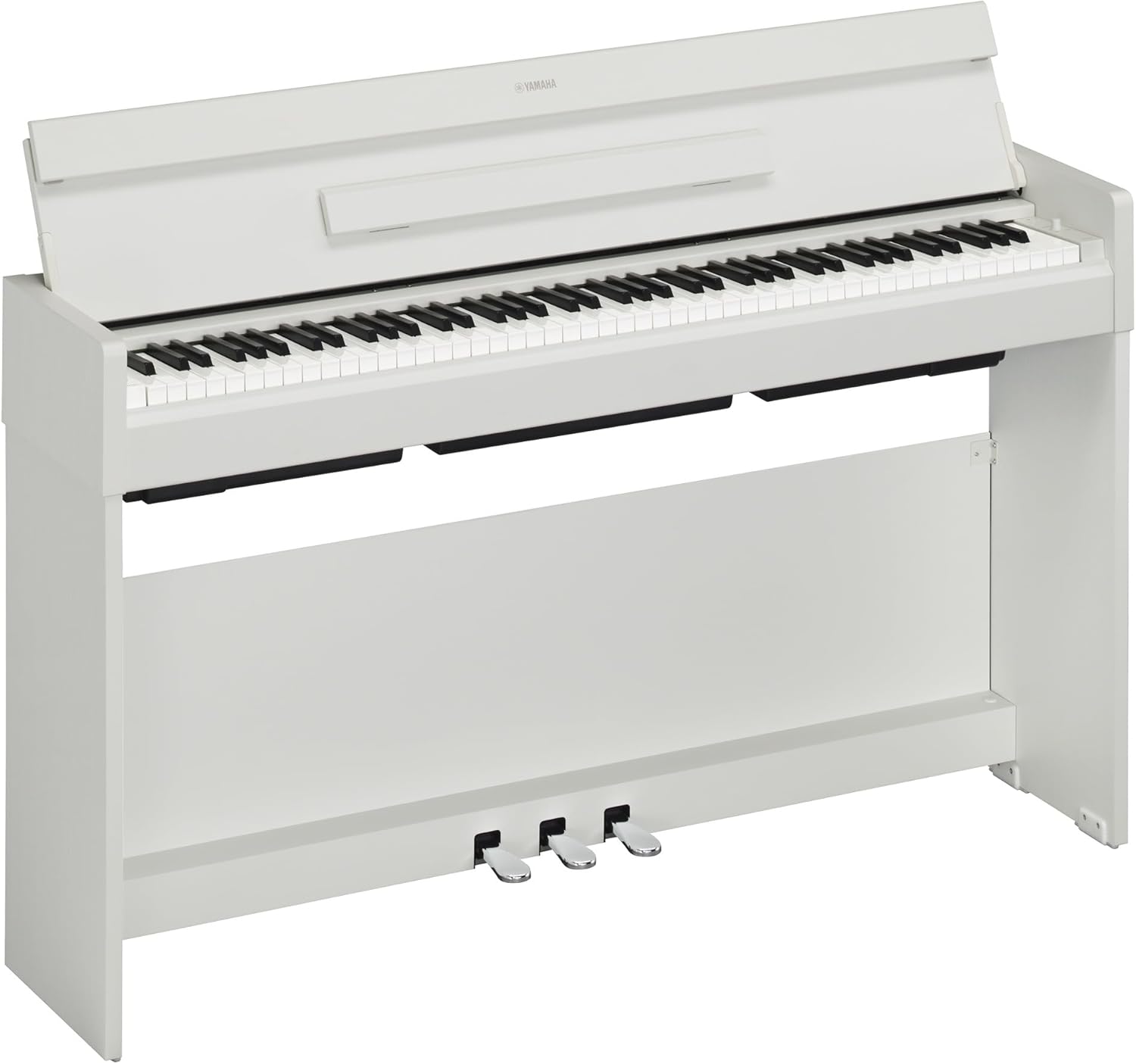
Figure 1: The Yamaha Arius YDP-S35 Digital Piano (White Model)
Setup and Assembly
The Yamaha Arius YDP-S35 requires some assembly. Follow the instructions in the included Owner's Manual for proper setup. Ensure all components are present before beginning assembly.
Bundled Items
Verify that the following items are included in your package:
- Power Adaptor
- Anti-fall Brackets (for securing the piano)
- 50 Classical Music Masterpieces (Music Book)
- Owner's Manual

Figure 2: Included Accessories and Documentation
Power Connection
Connect the provided power adaptor to the DC IN jack on the piano and then to a standard electrical outlet. Use only the specified power adaptor for this instrument.
Connectivity Options
The YDP-S35 offers various connectivity options for enhanced functionality:
- Headphones: Two 3.5mm headphone jacks are available for private practice.
- USB to Host: Connect the piano to a PC or smart device via USB for MIDI communication and data transfer.
- Bluetooth: Wireless connectivity for audio streaming or MIDI (check specific model features for full Bluetooth capabilities).
- Wi-Fi: (If applicable to your model) For advanced network features or app integration.

Figure 3: Connectivity Overview
Operating the Piano
This section details the primary features and functions of your Yamaha Arius YDP-S35 digital piano.
Key Features
- CFX Premium Grand Piano Voice: Experience the rich, powerful, and nuanced sound of Yamaha's flagship CFX concert grand piano. This voice is meticulously sampled to reproduce the authentic tone of an acoustic grand.
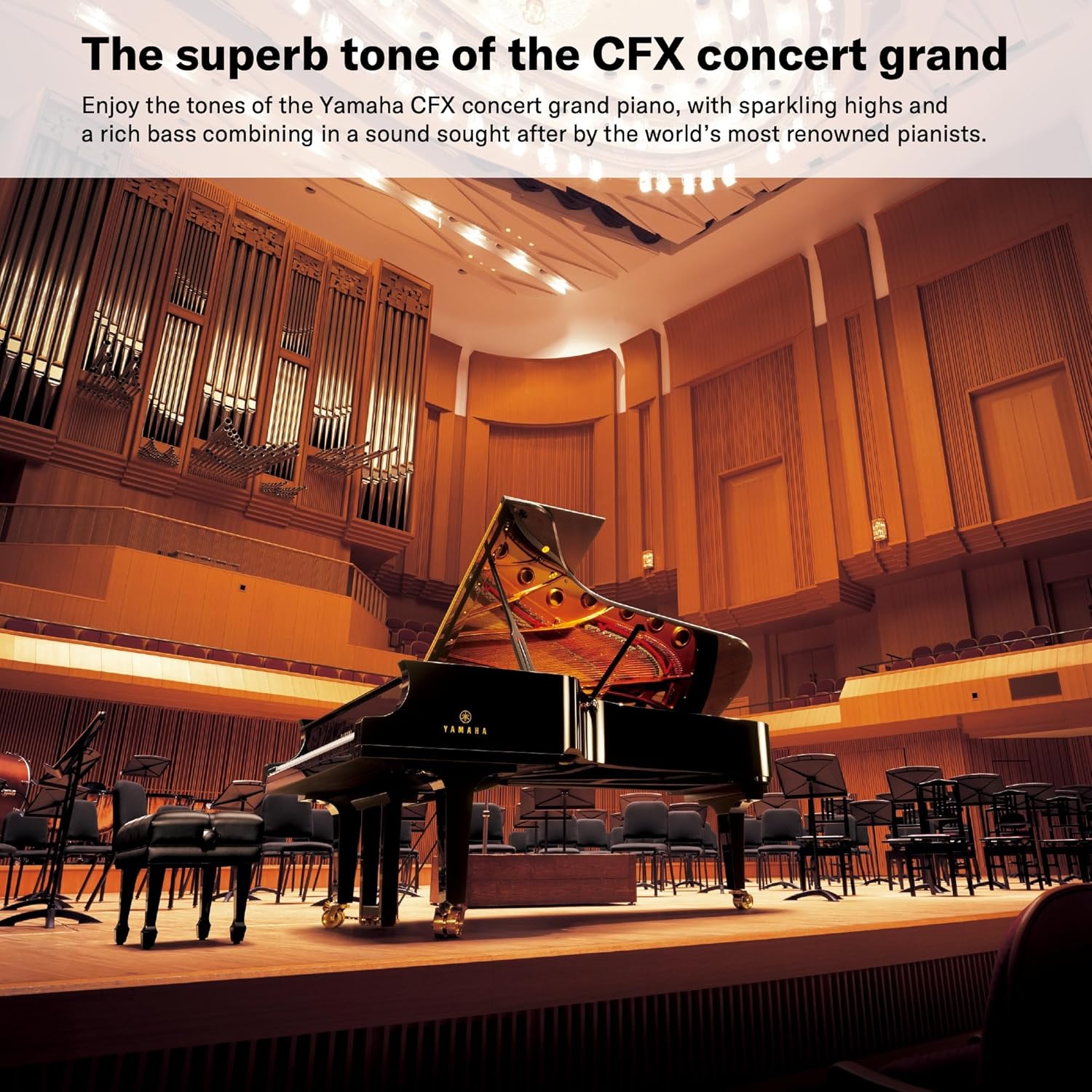
Figure 4: The superb tone of the CFX concert grand
- GHS Weighted Action: The Graded Hammer Standard (GHS) keyboard features a weighted action that is heavier in the lower keys and lighter in the high keys, mimicking the feel of an acoustic piano. This provides a realistic touch response for developing proper finger technique.

Figure 5: GHS keyboard with matte black key tops
- 3 Piano Style Pedals: The YDP-S35 includes three pedals (Sustain, Sostenuto, and Soft) that offer authentic performance, similar to an acoustic grand piano.
- Virtual Resonance Modeling (VRM): VRM technology simulates the complex sympathetic vibrations of an acoustic grand piano, allowing for vivid and richly varied expression. This enhances the realism of the sound by reproducing the resonance of the strings and soundboard.
- Stereophonic Optimizer: When using headphones, the Stereophonic Optimizer adjusts the spatial distribution of sound, creating the sensation that the sound is coming directly from the piano itself, rather than from the headphones. This provides a more natural and immersive listening experience.
Smart Pianist App Integration
Enhance your experience with Yamaha's Smart Pianist App. This dedicated application provides intuitive control over piano settings and sound selection directly from your smart device. A cable connection is required to link your smart device to the piano. The app is available for download on the App Store and Google Play.

Figure 6: Yamaha Smart Pianist App
Maintenance
Proper maintenance ensures the longevity and optimal performance of your digital piano.
- Cleaning: Use a soft, dry cloth to wipe down the piano's surface. For stubborn dirt, slightly dampen the cloth with water and a mild, non-abrasive cleaner, then wipe dry immediately. Avoid using harsh chemicals, solvents, or abrasive materials, as these can damage the finish.
- Key Cleaning: Gently wipe the keys with a soft, slightly damp cloth. Do not use excessive moisture.
- Dust Protection: When not in use, cover the piano with a dust cover to prevent dust accumulation on the keys and internal components.
- Placement: Place the piano in a stable location, away from direct sunlight, heat sources, and excessive humidity or extreme temperature changes.
Troubleshooting
If you encounter issues with your Yamaha Arius YDP-S35, refer to the following common troubleshooting steps:
- No Sound:
- Ensure the power adaptor is securely connected to both the piano and the electrical outlet.
- Check if the volume is turned up.
- If headphones are connected, disconnect them to check sound from the built-in speakers.
- Verify that no cables are loose or damaged.
- Keys Not Responding:
- Perform a power cycle (turn off, wait a few seconds, then turn on).
- Ensure no foreign objects are lodged between the keys.
- Connectivity Issues (USB/Bluetooth/Wi-Fi):
- For USB, ensure the correct drivers are installed on your computer (if required) and the cable is functioning.
- For Bluetooth/Wi-Fi, ensure the piano's wireless functions are enabled and your device is within range. Refer to the Owner's Manual for specific pairing instructions.
For more detailed troubleshooting, consult the comprehensive Owner's Manual provided with your piano or visit the official Yamaha support website.
Specifications
Below are the key specifications for the Yamaha Arius YDP-S35 Digital Piano (Model YDPS35WH):
| Model Name | YDP S35 |
| Item Model Number | YDPS35WH |
| Color | White |
| Number of Keys | 88 |
| Key Action | GHS Weighted Action |
| Product Dimensions (D x W x H) | 16.5"D x 20.5"W x 56.75"H |
| Item Weight | 81.6 Pounds (37.0 kg) |
| Power Source | Corded Electric |
| Connectivity Technology | Bluetooth, USB, Wi-Fi |
| Headphones Jack | 3.5mm Jack (x2) |
| UPC | 889025140751 |

Figure 7: Product Weight and Dimensions
Warranty and Support
For detailed warranty information, please refer to the warranty card included with your product or visit the official Yamaha website. Yamaha provides customer support for product inquiries and assistance.
- Owner's Manual: A comprehensive user guide is available in PDF format for detailed instructions and information. You can access it here.
- Online Support: Visit the official Yamaha store on Amazon for product information and support resources: Yamaha Store.
Related Documents - YDPS35WH
 |
Yamaha ARIUS YDP-165, YDP-145, YDP-S55, YDP-S35 數位鋼琴 使用說明書 Yamaha ARIUS 系列數位鋼琴 YDP-165, YDP-145, YDP-S55, YDP-S35 的詳細使用說明書, 包含操作指南、規格、組裝說明與故障排除。 |
 |
Yamaha Arius YDP-165/145/S55/S35 Digital Piano: Quick Operation Guide Concise guide to operating the Yamaha Arius YDP-165, YDP-145, YDP-S55, and YDP-S35 digital pianos, covering song playback, sound settings, metronome, tuning, and dual mode. |
 |
YAMAHA ARIUS YDP-164/YDP-144/YDP-S54 デジタルピアノ取扱説明書 YAMAHA ARIUSシリーズのデジタルピアノ、YDP-164、YDP-144、YDP-S54の取扱説明書です。安全な使用方法、機能、設定、お手入れ方法など、製品を最大限に活用するための詳細情報を提供します。 |
 |
Yamaha ARIUS YDP-165/145/S55/S35 MIDI Reference Guide A comprehensive MIDI reference guide for the Yamaha ARIUS YDP-165, YDP-145, YDP-S55, and YDP-S35 digital pianos, detailing MIDI functions, transmit/receive channels, local control, program change, and control change settings. |
 |
Yamaha ARIUS Digital Pianos: YDP-160, YDP-140, YDP-S31 - Features & Specifications Explore the Yamaha ARIUS series of digital pianos, including models YDP-160, YDP-140, and YDP-S31. Discover their authentic sound, natural grand piano touch, AWM stereo sampling, and advanced features for practice and performance. |
 |
YAMAHA P-45 Digital Piano Owner's Manual Comprehensive owner's manual for the YAMAHA P-45 88-Key Weighted Action Digital Piano, providing detailed instructions on setup, operation, features, troubleshooting, and specifications for this digital keyboard. |
Ask a question about this manual
Ask about setup, troubleshooting, compatibility, parts, safety, or missing instructions. Manuals+ will review the question and use this page’s manual context to help answer it.