1. Introduction
This manual provides instructions for the safe and effective use of your Wireless V5.1 Bluetooth Earbuds. Please read this manual thoroughly before using the product and retain it for future reference. These earbuds are designed to provide high-quality audio and clear communication through a stable Bluetooth connection.
2. Safety Information
- Do not expose the earbuds or charging case to extreme temperatures, direct sunlight, or moisture.
- Avoid dropping, impacting, or disassembling the device. This may cause damage and void the warranty.
- Keep the device away from children and pets.
- Use only the provided charging cable or a certified equivalent.
- Do not use the earbuds at excessively high volumes for prolonged periods, as this may cause hearing damage.
- Be aware of your surroundings when using earbuds, especially in traffic or other potentially hazardous situations.
3. Package Contents
Verify that all items listed below are present in your package:
- Wireless V5.1 Bluetooth Earbuds (Left and Right)
- Portable Charging Case
- USB-C Charging Cable
- Earbud Tips (Small, Large) - Medium tips are pre-installed
- User Manual (This document)
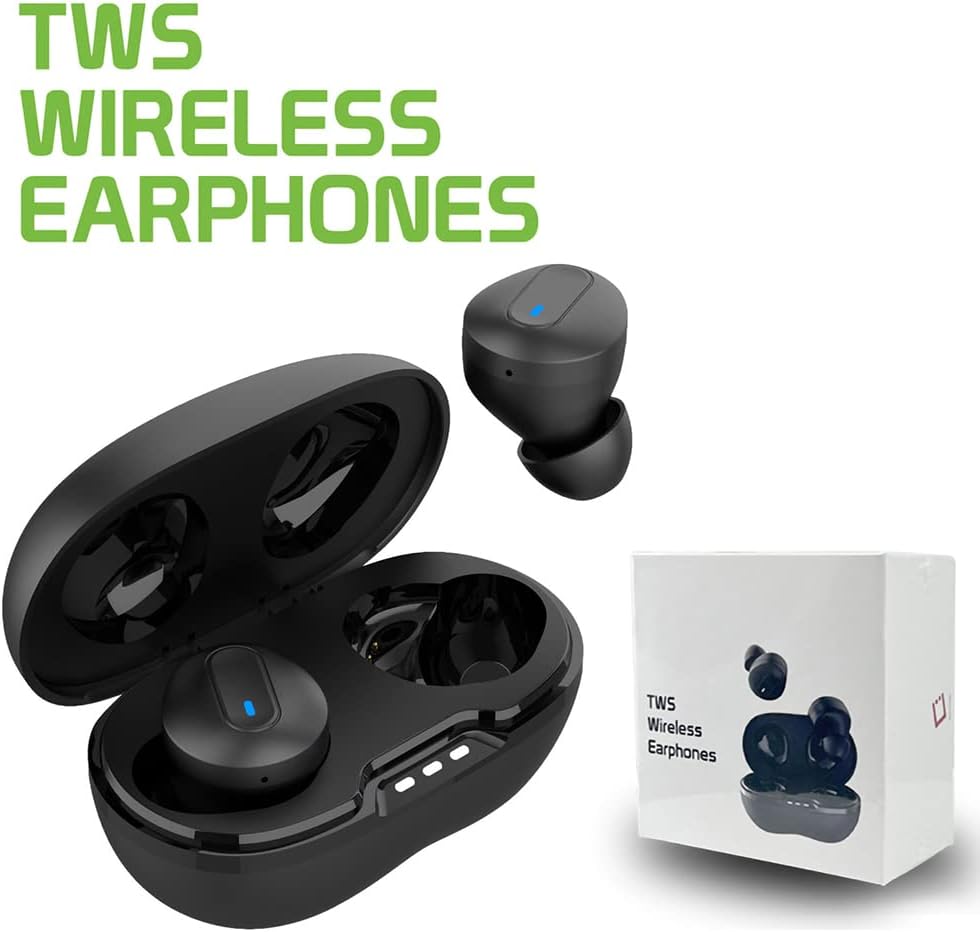
Image: The product packaging, including the earbuds, charging case, and a white box, indicating the items included in the package.
4. Product Overview
The Wireless V5.1 Bluetooth Earbuds are designed for comfort and high-fidelity audio. They feature a compact design and come with a portable charging case.

Image: An open charging case with one earbud inside and another earbud shown separately, highlighting the compact design and blue indicator light.
4.1 Earbud Components
- Multifunctional Button: Controls playback, calls, and voice assistant.
- LED Indicator: Shows pairing status, battery level, and charging status.
- Microphone: For calls and voice commands.
- Charging Contacts: For charging inside the case.
4.2 Charging Case Components
- Earbud Charging Slots: Securely holds and charges the earbuds.
- Charging Indicator Lights: Displays the charging status of the case.
- USB-C Charging Port: For connecting the charging cable to power the case.
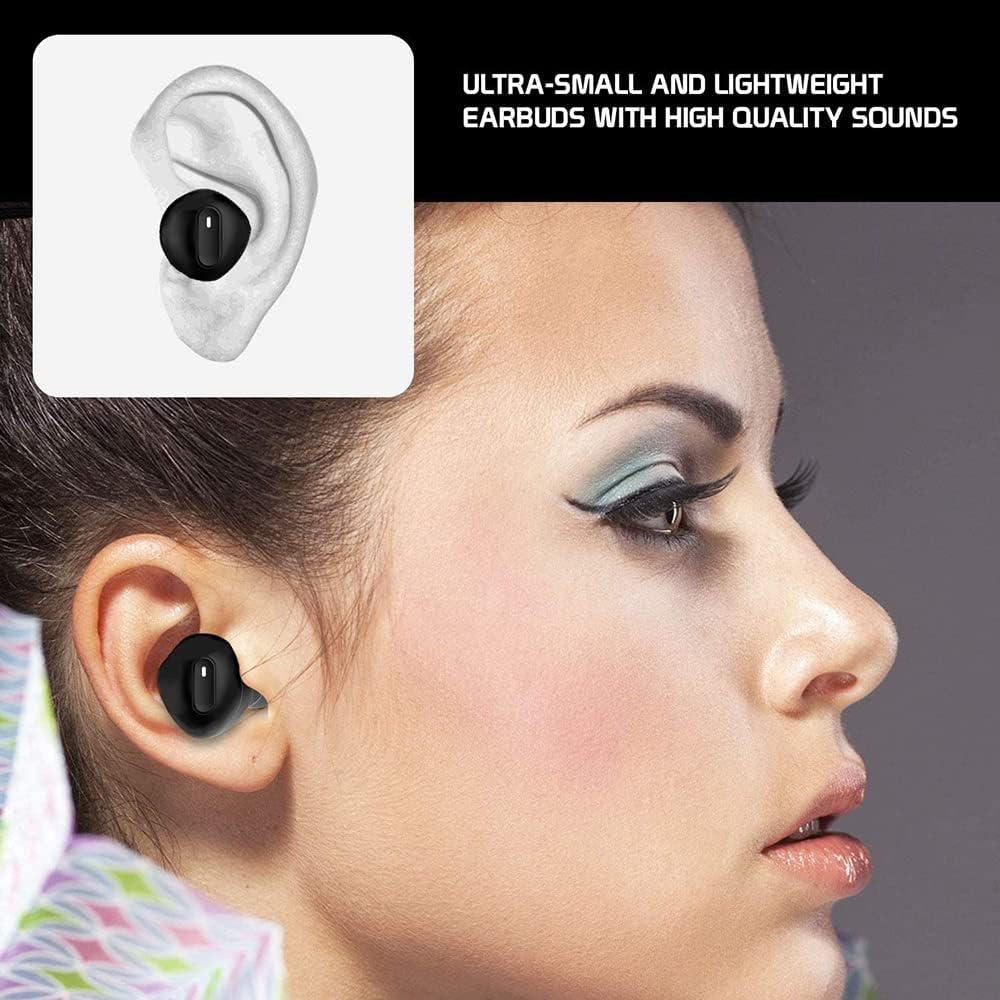
Image: A close-up of an earbud correctly placed in a person's ear, demonstrating its ergonomic fit.
5. Setup
5.1 Initial Charging
Before first use, fully charge both the earbuds and the charging case.
- Place the earbuds into the charging case. Ensure they are correctly seated in their respective slots.
- Connect the USB-C charging cable to the charging port on the case and the other end to a USB power source (e.g., wall adapter, computer USB port).
- The indicator lights on the charging case will illuminate to show charging status. Earbuds will also show an indicator light (usually red) while charging.
- Charging time for the case is approximately 4 hours. Earbuds charge within the case in about 1 hour.
- Once fully charged, disconnect the charging cable.

Image: A closed charging case with the earbuds inside, illustrating the convenient charging and storage function. Text overlay indicates charging times.
5.2 Pairing with a Bluetooth Device
Follow these steps to pair your earbuds with your smartphone or other Bluetooth-enabled device:
- Power On: Remove both earbuds from the charging case. They will automatically power on, and a blue light will indicate this.
- Earbud Sync: Wait for the voice prompt "Pairing, Left Channel, Right Channel." This confirms the earbuds have synced with each other.
- Device Bluetooth: On your device (e.g., smartphone), go to the Bluetooth settings and ensure Bluetooth is enabled.
- Search & Connect: In the list of available Bluetooth devices, search for "Cellet_EB600".
- Confirm Connection: Select "Cellet_EB600" to connect. Once connected, both earbuds will flash blue every 8 seconds, indicating a successful connection.
- If pairing fails, turn off the earbuds, disable Bluetooth on your device, and repeat the steps.
6. Operating the Earbuds
6.1 Power On/Off
- Power On: Remove earbuds from the charging case. They will power on automatically. Alternatively, press and hold the multifunctional button on both earbuds for 3 seconds.
- Power Off: Place earbuds back into the charging case. They will power off automatically and begin charging. Alternatively, press and hold the multifunctional button on both earbuds for 5 seconds.
6.2 Music Playback Controls
- Play/Pause: Single press the multifunctional button on either earbud.
- Next Track: Double press the multifunctional button on the right earbud.
- Previous Track: Double press the multifunctional button on the left earbud.
6.3 Call Management
- Answer Call: Single press the multifunctional button on either earbud when an incoming call is received.
- End Call: Single press the multifunctional button on either earbud during a call.
- Reject Call: Press and hold the multifunctional button on either earbud for 2 seconds when an incoming call is received.
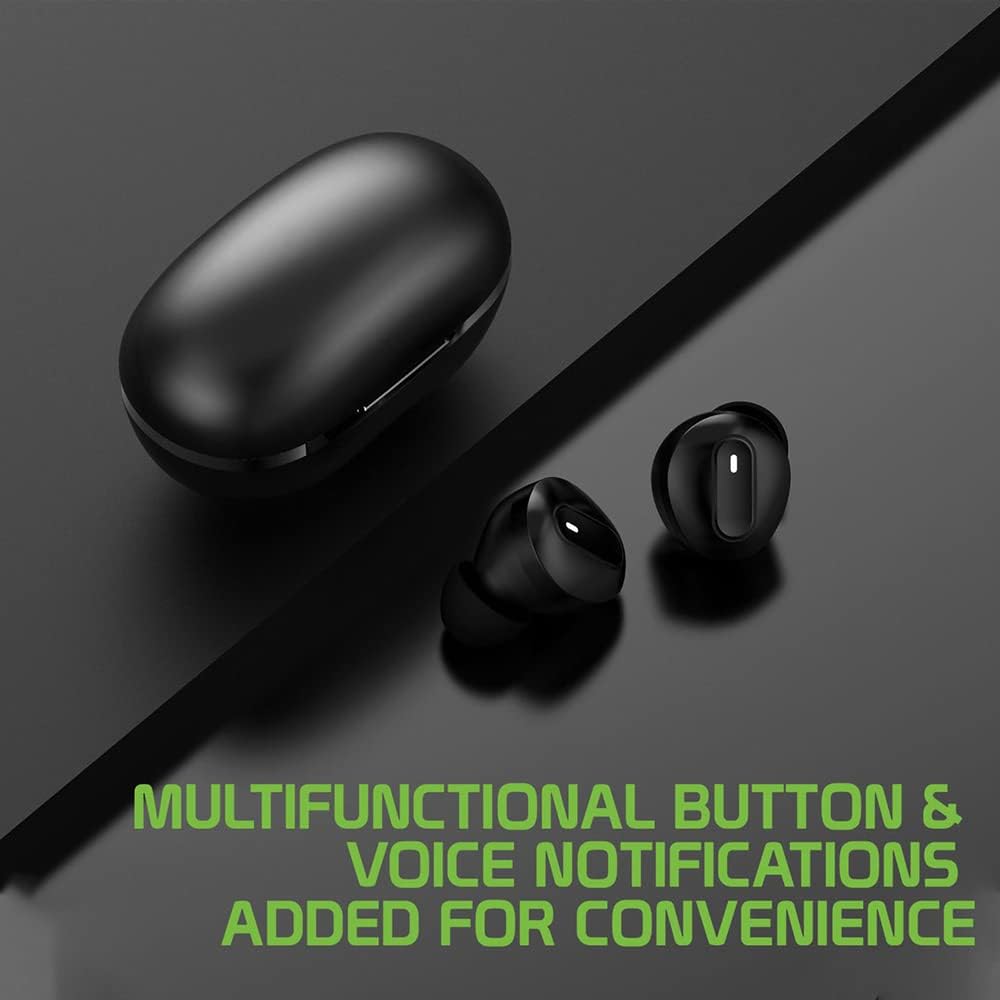
Image: Two earbuds and a charging case, with text emphasizing the multifunctional button and voice notification features for user convenience.
6.4 Voice Assistant Activation
- Activate Voice Assistant: Triple press the multifunctional button on either earbud to activate your device's voice assistant (e.g., Siri, Google Assistant).
7. Maintenance
7.1 Cleaning
- Regularly clean the earbuds and charging case with a soft, dry, lint-free cloth.
- Do not use abrasive cleaners, alcohol, or chemical solvents.
- Ensure charging contacts on both earbuds and case are clean and free of debris to maintain proper charging.
- Remove earbud tips and clean them with mild soap and water if necessary, ensuring they are completely dry before reattaching.
7.2 Storage
- When not in use, store the earbuds in their charging case to protect them and keep them charged.
- Store the device in a cool, dry place, away from extreme temperatures and direct sunlight.
8. Troubleshooting
| Problem | Possible Solution |
|---|---|
| Earbuds do not power on. | Ensure earbuds are charged. Place them in the charging case and connect the case to power. |
| Earbuds do not pair with device. |
|
| Only one earbud is working. |
|
| Poor sound quality or disconnections. |
|
9. Specifications
| Feature | Detail |
|---|---|
| Connectivity Technology | Wireless |
| Wireless Communication | Bluetooth V5.1 |
| Form Factor | In Ear |
| Noise Control | Active Noise Cancellation |
| Material | Plastic, Stainless Steel |
| Color | Black |
| Item Weight | 4 Ounces (earbuds + case) |
| Product Dimensions | 3.1 x 1.1 x 2.1 inches (charging case) |
| Talk Time | Up to 5 hours |
| Music Playback Time | Up to 6+ hours |
| Standby Time | Up to 150 hours |
| Earbud Charging Time | Approx. 1 hour |
| Case Charging Time | Approx. 4 hours |
| Frequency Response | 48000 KHz |
| UPC | 781289695889 |
10. Warranty and Support
This product comes with a standard manufacturer's warranty against defects in materials and workmanship. For specific warranty terms and conditions, please refer to the documentation included with your purchase or contact the retailer.
For technical support, troubleshooting assistance, or to inquire about warranty claims, please contact the customer support team of "Works for U11 EYEs" through their official channels or the retailer where the product was purchased. Please have your product model number (V5.1 Black) and proof of purchase ready.


