
1. Introduction
The NGTeco Solar Security Camera is a 100% wire-free outdoor surveillance solution designed for home security. It features a 1080P HD camera, a 9000mAh rechargeable battery, and is continuously powered by an included 5W solar panel. Advanced PIR motion detection, color night vision, and two-way audio capabilities enhance its functionality, providing comprehensive monitoring and peace of mind.
2. What's in the Box
- Security Camera x 1
- Solar Panel x 1
- User Manual x 1
3. Setup and Installation
3.1 Physical Installation
The camera and solar panel are designed for wall-mounted installation. Choose a location that provides optimal sunlight exposure for the solar panel and a clear view for the camera. Ensure the camera is within range of your 2.4G WiFi network.
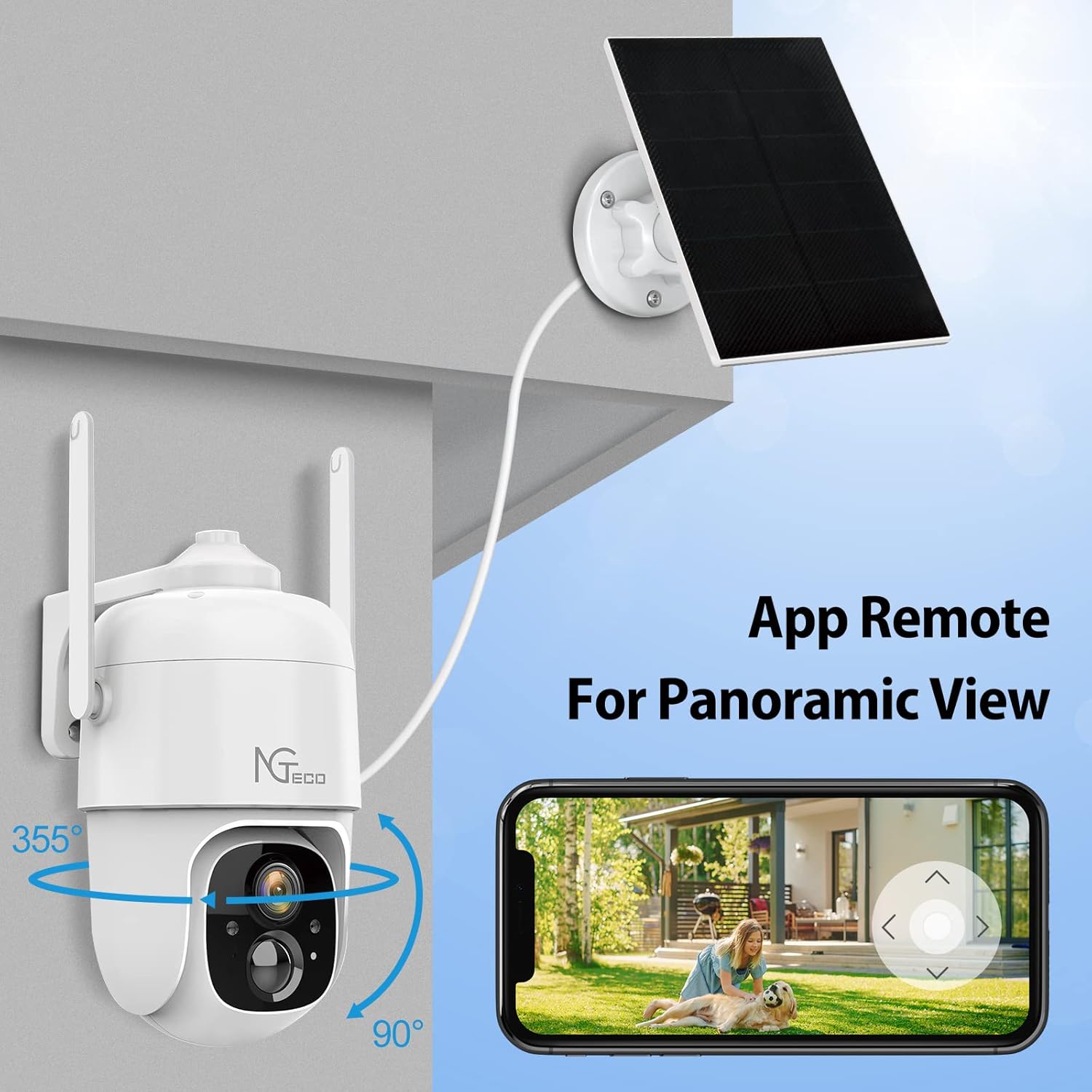
The camera offers a wide panoramic view with app remote control for pan and tilt adjustments.
3.2 App Setup
Download the Vico Home application from your device's app store. Follow the in-app instructions to pair your camera with your smartphone and connect it to your home's 2.4G WiFi network. This app allows for remote viewing, motion detection alerts, and access to recorded footage.

The Vico Home app provides smart AI recognition and behavior analysis for detected events.
3.3 Initial Charging
Before the first use, ensure the camera's 9000mAh battery is fully charged. While the solar panel provides continuous power, an initial charge via USB may be necessary for optimal performance.
4. Operating Instructions
4.1 Video Quality
The camera captures video in 1080P HD, providing clear and detailed images for effective surveillance.
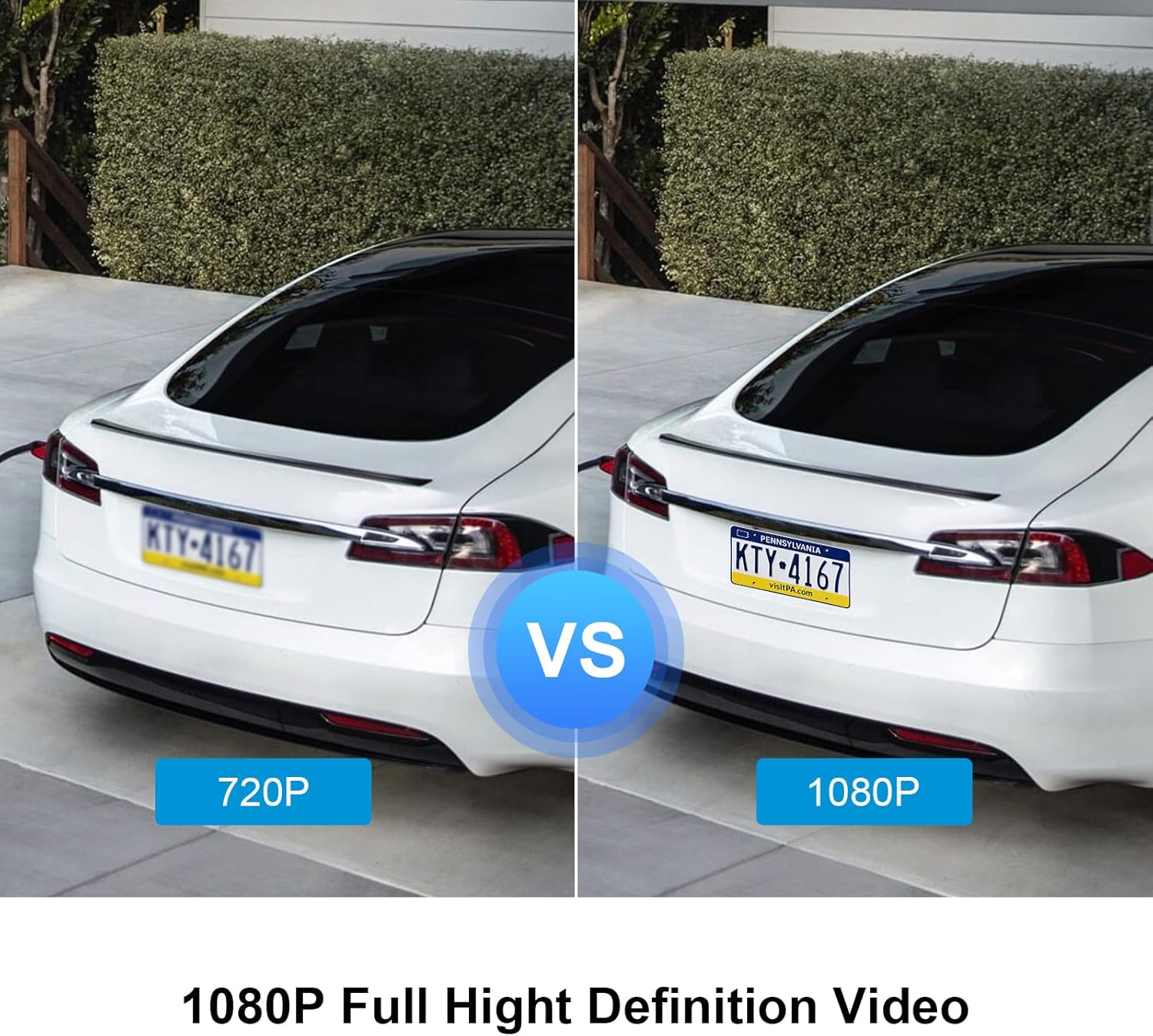
Visual comparison demonstrating the enhanced clarity of 1080P video over 720P.
4.2 Night Vision
The camera supports both full-color night vision and infrared (IR) night vision. The integrated white spotlight enables color recording in low-light conditions, while IR LEDs provide clear black-and-white footage in complete darkness up to 32 feet.

Illustrates the difference between full-color night vision (spotlight on) and infrared night vision (spotlight off).
4.3 Smart PIR Motion Detection
The camera utilizes advanced PIR (Passive Infrared) sensing technology to detect motion. When motion is detected, the camera will record and send real-time notifications to your connected app. You can adjust the PIR sensitivity (Low/Medium/High) within the app to optimize detection and minimize false alerts.
4.4 Smart Alarms
Upon detecting an intruder, the camera can activate smart alarms, including a flashlight alert (auto or manual) and a siren alert (auto or manual). Motion detection notifications are also pushed directly to your phone.
The app interface for managing smart alarm modes to deter intruders.
4.5 Two-Way Audio
Communicate directly through the camera using the two-way audio feature. This allows you to speak to visitors or deter unwanted guests from your smartphone.

Demonstration of the two-way audio function, enabling communication via the camera.
4.6 Smart Home Integration
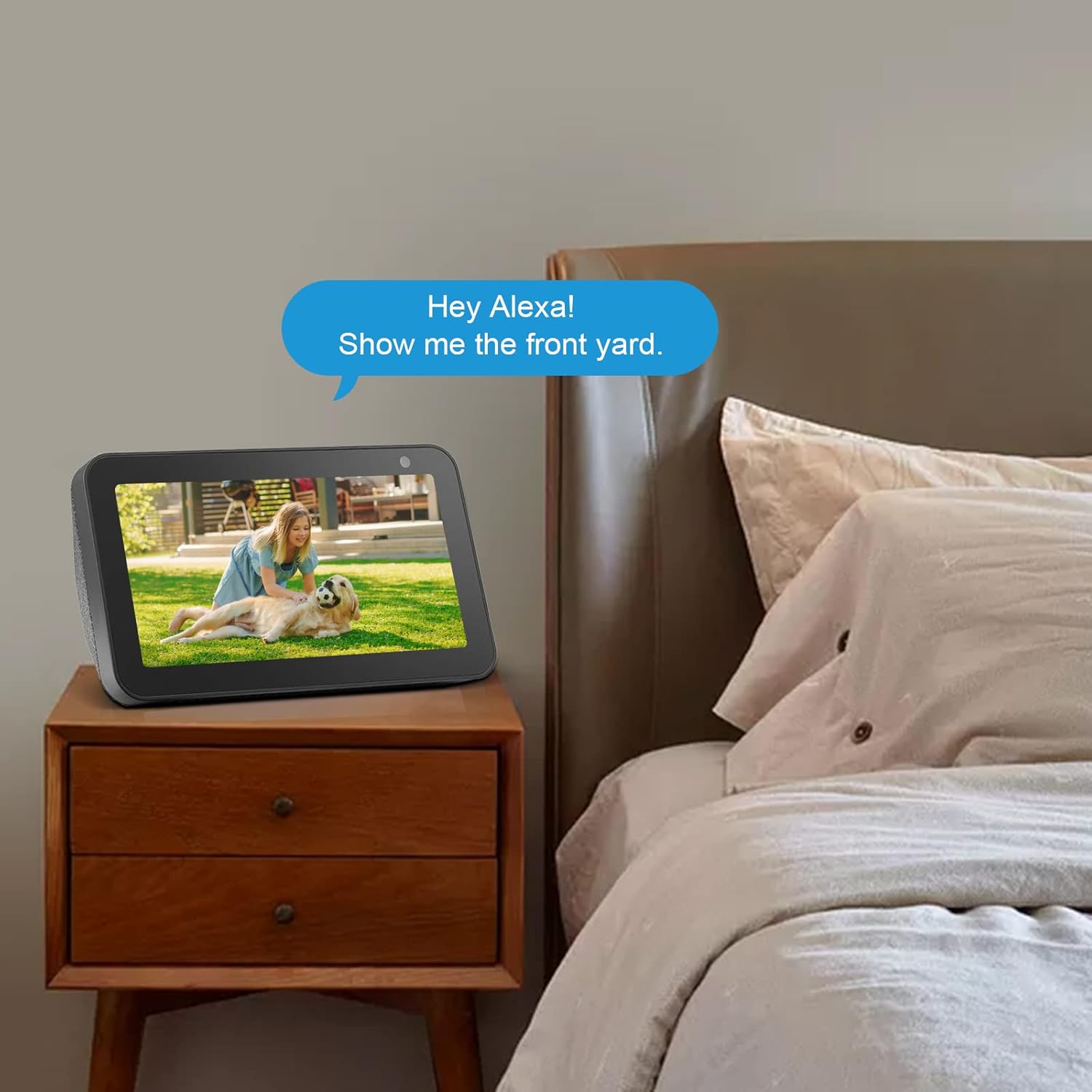
The NGTeco camera is compatible with Amazon Alexa, allowing for voice control and integration into your smart home ecosystem. For example, you can ask Alexa to display the camera's live feed on compatible devices.

An Echo Show device displaying the camera's live feed, activated by voice command.
5. Maintenance
5.1 Battery Management
The camera is equipped with a 9000mAh rechargeable battery and is primarily powered by the solar panel. Ensure the solar panel is positioned to receive maximum direct sunlight to maintain battery charge. In periods of prolonged low light, the battery can be recharged via a USB cable.
5.2 Weather Resistance
The camera has an IP65 waterproof rating, making it suitable for outdoor use in various weather conditions. Regularly check the camera and solar panel for any debris or obstructions that might affect performance.

The camera is designed for reliable operation day and night, and in various weather conditions.
6. Troubleshooting
If you encounter issues with your NGTeco Solar Security Camera, please refer to the following general guidelines:
- No Power: Ensure the solar panel is clean and receiving direct sunlight. Check the USB charging cable connection if charging manually.
- Offline Status: Verify your 2.4G WiFi network is stable and the camera is within range. Restart the camera and your router if necessary.
- Motion Detection Issues: Adjust PIR sensitivity settings in the Vico Home app. Ensure there are no obstructions blocking the camera's view.
- Poor Video Quality: Check your WiFi signal strength. Ensure the camera lens is clean.
For more detailed troubleshooting or persistent issues, please contact NGTeco customer support.
7. Specifications
| Feature | Detail |
|---|---|
| Brand | NGTeco |
| Model | C5500 |
| Power Source | Battery Powered, Solar |
| Battery Capacity | 9000 mAh |
| Connectivity Protocol | Wi-Fi (2.4G) |
| Video Capture Resolution | 1080P |
| Night Vision Range | 32 Feet |
| International Protection Rating | IP65 |
| Control Method | App (Vico Home) |
| Dimensions (L x W x H) | 5.5 x 4.5 x 8.5 inches |
| Item Weight | 2.56 pounds |
8. Warranty and Support
NGTeco offers a 30-day free trial of cloud service, which includes cloud storage and intelligent notifications for humans, pets, and vehicles. We also provide Free Lifetime USA Technical Support.
Contact Information:
- Phone: +1(770)800-2321
- E-mail: ngtime@ngteco.com
- Service Hours: Monday to Friday, 6:00 am to 6:00 pm (EST)

NGTeco customer support is available for assistance with your product.


