
Sunbeam Velvet WiFi Connected Dual Temperature Warm Thermal Heated Blanket
Sunbeam Velvet WiFi Connected Dual Temperature Warm Thermal Heated Electric Blanket User Manual
Model: Velvet WiFi Connected Dual Temperature Warm Thermal Heated Blanket
Introduction
Rest easy knowing ConfortSLIM, Sunbeam's thinnest and most flexible wire, is made with premium components. ComfortSLIM provides fast reliable heating and features that help prevent overheating. Dual safety circuits helps to monitor the blanket's operations throughout the night. Heated wire technology senses and adjusts for continuous heat.
Setup
Connecting the Controller
Locate the connection port on the blanket. Insert the controller's cable firmly into the port. Ensure the connection is secure to prevent disconnections during use. The cable is designed to go underneath the mattress to avoid tangling.
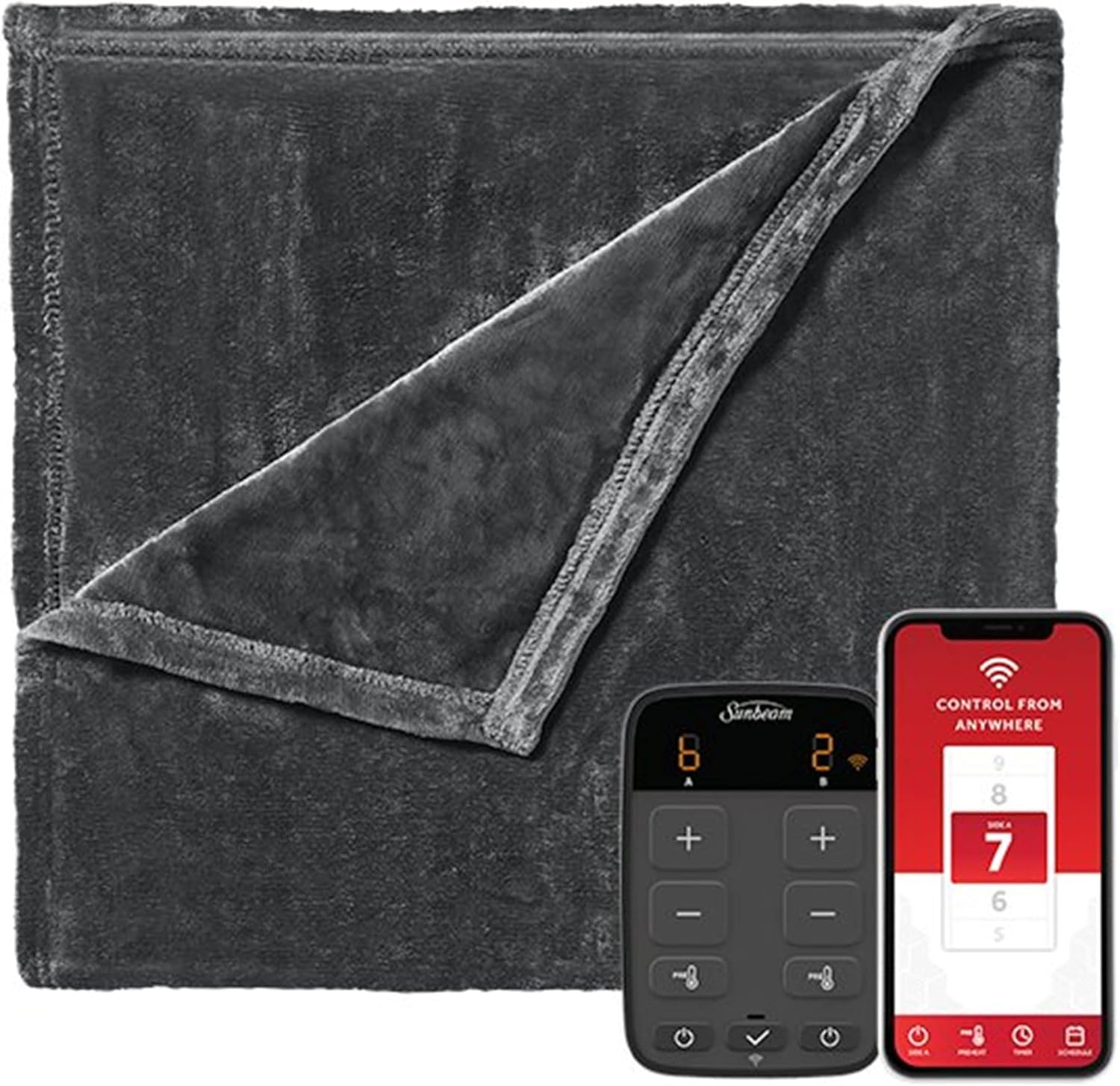
The Sunbeam Velvet WiFi Connected Dual Temperature Warm Thermal Heated Electric Blanket, showing the blanket, digital controller, and smartphone app interface.

Close-up of the digital controller with independent controls for each side of the bed.
App and Voice Assistant Setup
Download the official Sunbeam app from your device's app store. Follow the in-app instructions to connect your blanket to your home WiFi network. Ensure your phone or tablet is connected to a 2.4 GHz WiFi network during the initial pairing process, as some smart devices may have difficulty connecting via 5 GHz networks. Once paired, you can switch your phone back to 5 GHz if desired.
The blanket is compatible with voice assistants such as Hey Google and Alexa. Refer to the Sunbeam app for specific instructions on linking your blanket to your preferred voice assistant.
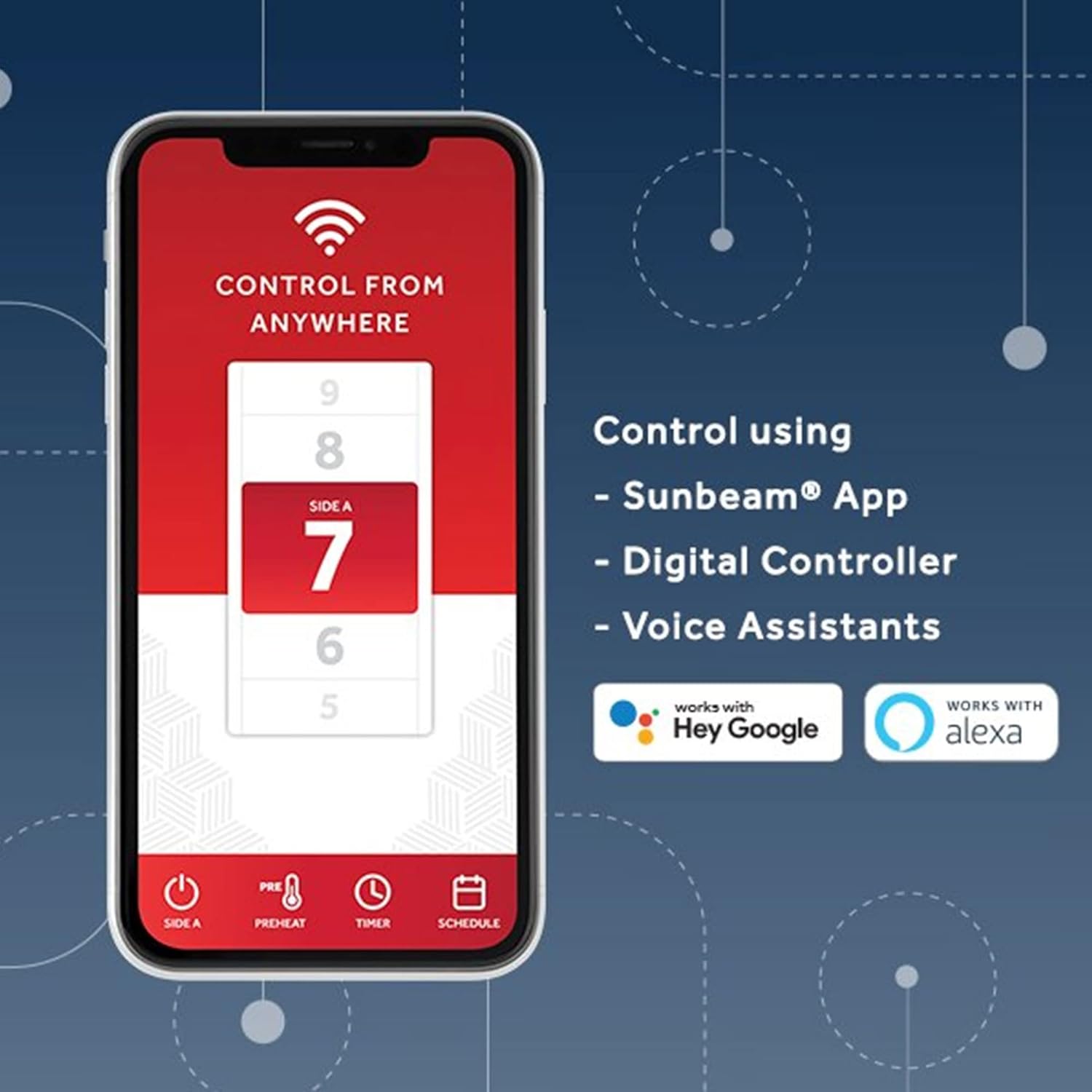
The Sunbeam app interface, showing options to control the blanket from anywhere, including heat settings and voice assistant compatibility.
Operating Instructions
Heat Settings
The blanket offers up to 10 heat settings for customizable comfort. Use the '+' and '-' buttons on the digital controller or the Sunbeam app to adjust the heat level for each side of the blanket independently.
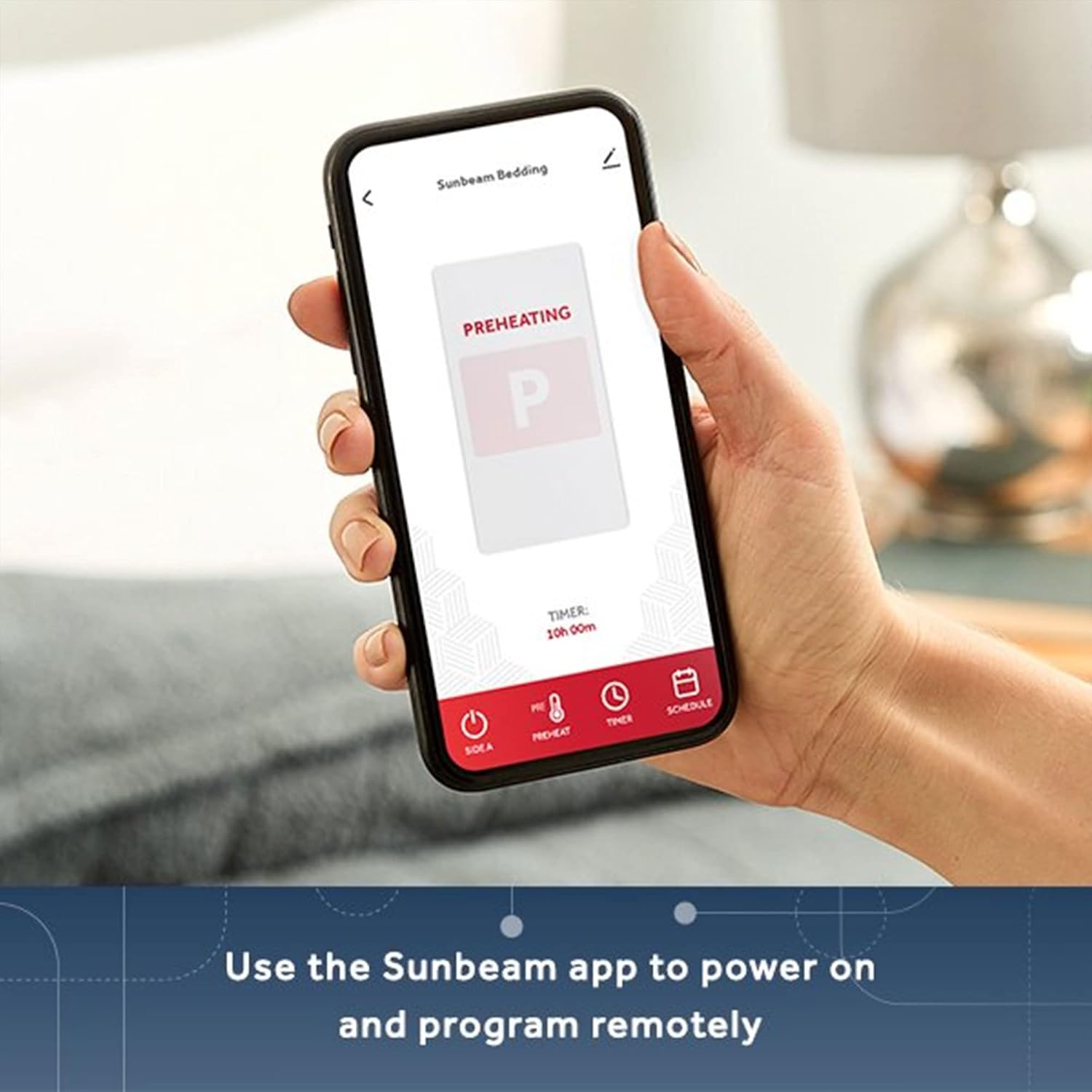
The Sunbeam app displaying the preheating function, allowing remote activation and programming.

The Sunbeam app interface demonstrating the selection of up to 10 heat settings for personalized comfort control.
Remote Control and Scheduling
Utilize the Sunbeam app to power on and program the blanket remotely. You can set specific times for the blanket to turn on, preheat, and turn off. The scheduling feature allows you to set daily or weekly routines to ensure your bed is warm when you need it.
Important Note: For safety reasons, if you set a schedule or turn the blanket on with the app, you may still need to press a physical button on the controller within 1 hour for the blanket to remain on, especially if the heat setting is above level 4. This is a safety measure to prevent unintended prolonged heating.
Maintenance
Cleaning Instructions
The Sunbeam Velvet Electric Blanket is washer- and dryer-safe. Always disconnect the controller and power cord before washing. Follow the care instructions on the product label for best results. Avoid dry cleaning, ironing, or using bleach, as these can damage the heating elements.
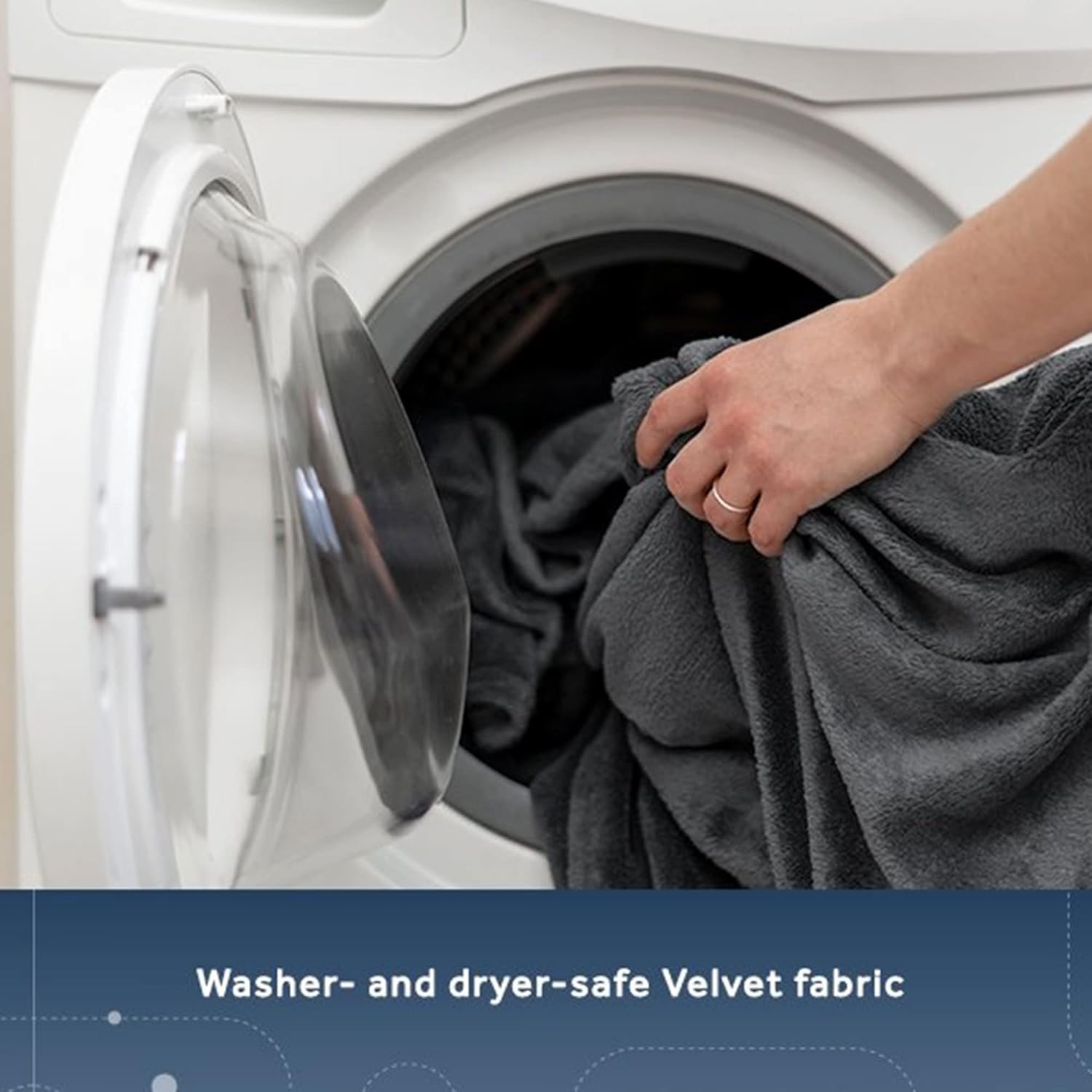
A person placing the Sunbeam electric blanket into a washing machine, demonstrating its washer- and dryer-safe Velvet fabric.
Troubleshooting
- Blanket not heating or inconsistent heat: Ensure the controller is securely connected to the blanket and the power outlet. Check if the blanket has been folded or bunched up, which can trigger safety features. If the blanket stops heating after a period of use, it may indicate an internal issue. Refer to the warranty section for replacement or repair options.
- WiFi connection issues: During initial setup, ensure your mobile device is connected to a 2.4 GHz WiFi network. Some smart devices struggle with 5 GHz networks for initial pairing. If issues persist, try resetting your router or the blanket's WiFi connection (refer to app instructions).
- App control limitations: Be aware that for heat settings above level 4, you might need to physically press a button on the controller within an hour of app activation or scheduling for the blanket to remain on. This is a built-in safety feature.
- Unheated areas: Some users have reported small areas, typically 4-6 inches down the center, that do not heat. This can be a design characteristic. If you experience large unheated areas or significant inconsistencies, contact customer support.
Specifications
| Feature | Detail |
|---|---|
| Brand | Sunbeam |
| Model Name | Velvet WiFi Connected Dual Temperature Warm Thermal Heated Blanket |
| Size | Queen |
| Color | Slate Gray |
| Material | Velvet, Heating Wire |
| Special Feature | Corded Electric, WiFi Connected, Dual Temperature, Voice Assistant Compatible |
| Product Care Instructions | Machine Wash |
| Item Weight | 7 pounds |
| Package Dimensions | 16 x 12 x 12 inches |
| UPC | 053891163033 |

An illustration showing the dimensions of the Queen-sized blanket: 90 inches by 84 inches.
Warranty and Support
This product was first available on January 17, 2022. While specific warranty details are not provided in this manual, most Sunbeam products come with a manufacturer's warranty. Please retain your proof of purchase for any warranty claims.
For returns, the standard policy allows for returns or replacements within 30 days of purchase. For further assistance, please contact the seller, NewEra Products, or visit the official Sunbeam website for customer support information.
You can visit the Sunbeam Store on Amazon for more product information and support resources.
Related documentsVelvet WiFi Connected Dual Temperature Warm Thermal Heated Blanket

Ask a question about this manual
Ask about setup, troubleshooting, compatibility, parts, safety, or missing instructions. Manuals+ will review the question and use this page’s manual context to help answer it.