
1. Introduction
This manual provides detailed instructions for the installation, operation, and maintenance of your iYogaled Smart RGB-CCT Outdoor Wall Light. Please read this manual thoroughly before installation and use to ensure proper function and safety. This product is designed to provide versatile lighting options with multi-color and tunable white capabilities, controlled via a remote or an optional smart app/voice control gateway.
2. Safety Information
WARNING: Risk of Electric Shock. Disconnect power at the fuse or circuit breaker before installation or servicing.
- Always turn off the main power supply before attempting any electrical work.
- Installation should be performed by a qualified electrician or in accordance with local electrical codes.
- Ensure the product is securely mounted to a stable surface.
- Do not operate the fixture with damaged parts.
- This product is rated IP65 for outdoor use, providing protection against dust and water jets. However, avoid submerging the fixture in water.
- Use only GU10 bulbs up to 75mm in length as specified.
3. Package Contents
Verify that all components are present and undamaged before proceeding with installation:
- 2 x iYogaled Smart RGB-CCT Outdoor Wall Light Fixtures
- 4 x GU10 RGB+CCT LED Spotlights
- 1 x Mi.Light Remote Control
- 1 x Mounting Hardware Kit (screws, wall anchors, wire nuts)
- 1 x User Manual (this document)
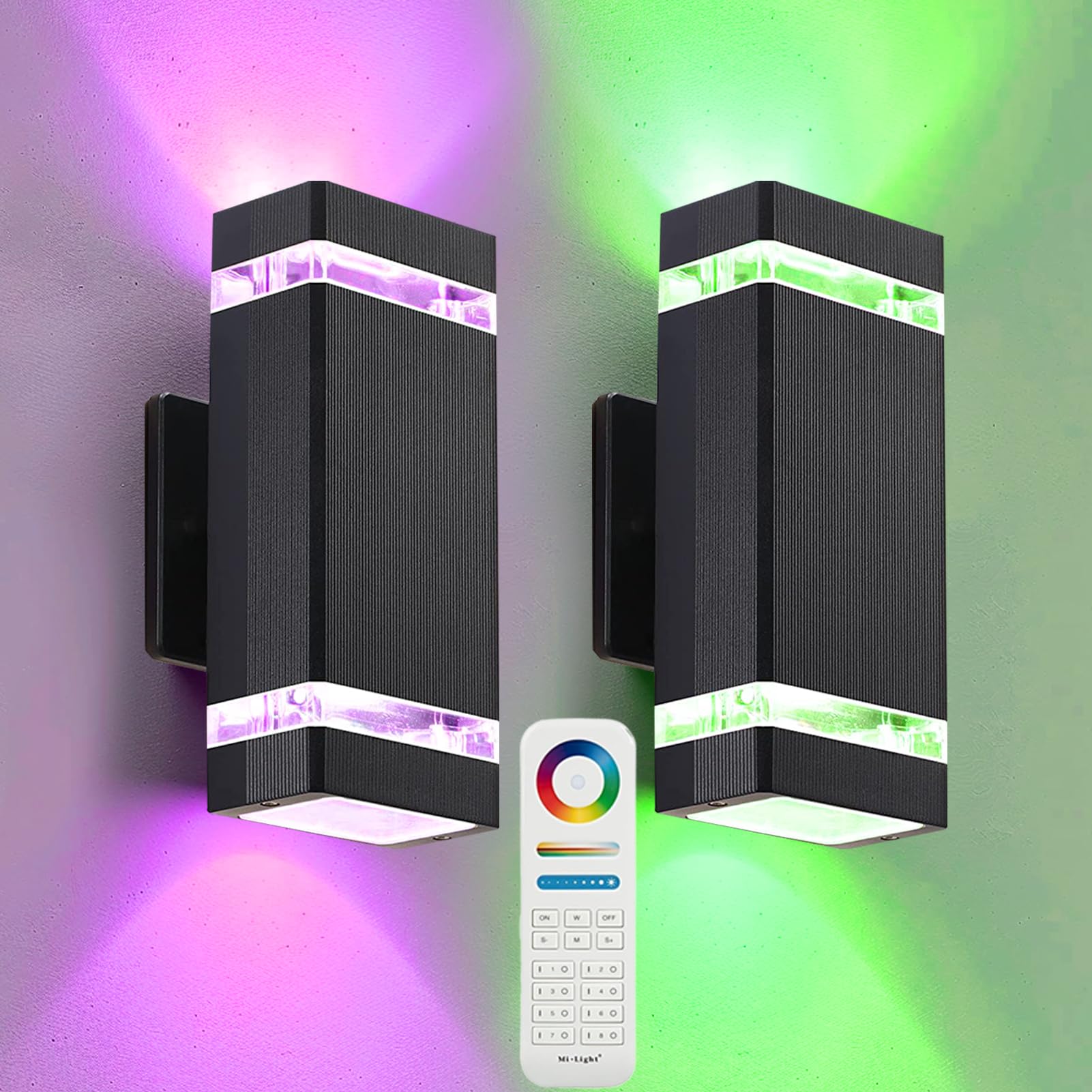
Image: Overview of the iYogaled Smart RGB-CCT Outdoor Wall Light package contents.
4. Product Overview
The iYogaled Smart RGB-CCT Outdoor Wall Light offers advanced lighting features for both aesthetic and functional purposes:
- Multi-Colors and Tunable White: Features pure warm white, pure cool white, and a full spectrum of RGB colors. Adjust color temperature from 2700K (warm white) to 6500K (cool white) and dim brightness from 1% to 100%.
- Remote Control: The included radio frequency (RF) RGBCCT remote control operates the lights from up to 96 feet (30 meters) away.
- Smart App & Voice Control (Optional): Compatible with the Mi.Boxer app and voice assistants like Alexa and Google Home via an optional WLBOX1 gateway (sold separately). This allows for advanced control, zone management, and scheduling.
- Durable & Waterproof: Constructed with a durable aluminum body and tempered glass, rated IP65 for weather resistance, suitable for outdoor use in various conditions.
- Up and Down Lighting: Designed to cast light both upwards and downwards, creating a modern and appealing lighting effect on walls.
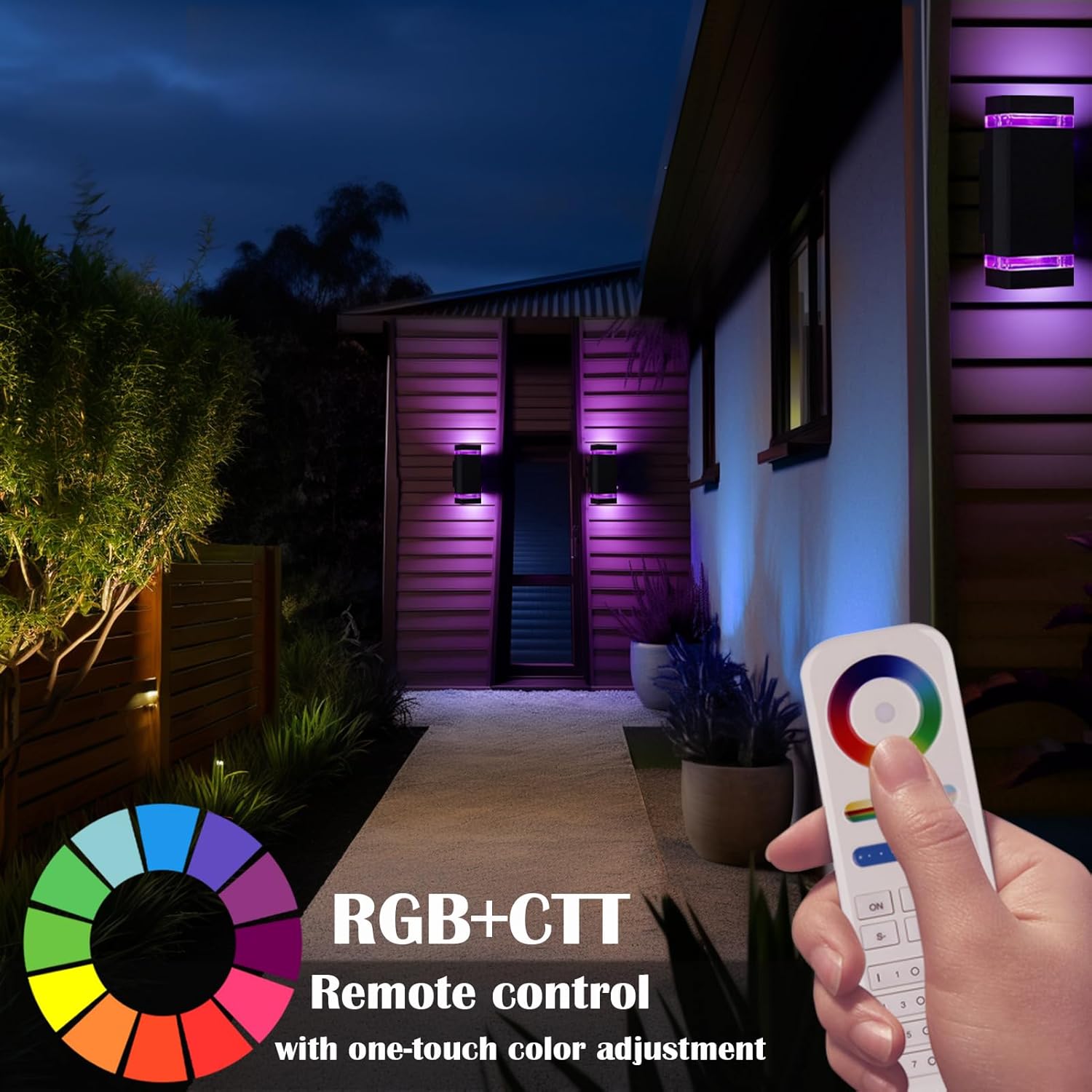
Image: iYogaled Smart RGB-CCT Outdoor Wall Light providing ambient purple lighting.

Image: Demonstrating cold white (6500K) and warm white (2700K) lighting options.
5. Specifications
| Feature | Detail |
|---|---|
| Brand | iYogaled |
| Model Number | -FUT106 |
| Color | RGB 2 Pack |
| Material | Aluminum, Glass |
| Style | Modern |
| Light Fixture Form | Sconce |
| Product Dimensions | 4.33"L x 10.23"W x 3.4"H |
| Indoor/Outdoor Usage | Outdoor |
| Power Source | AC |
| Installation Type | Flush Mount |
| Special Feature | Dimmable |
| Control Method | Remote Control, Wi-Fi (with optional gateway) |
| Light Source Type | LED (GU10) |
| Voltage | 110 Volts (AC) |
| Light Color | RGB+Tunable White |
| Brightness | 1200 Lumen (per fixture) |
| Wattage | 60 watts (max compatible) |
| Water Resistance Level | Waterproof (IP65) |
| Certifications | CE, ETL, FCC, RoHS |
Image: Product dimensions for installation planning.
6. Installation
Follow these steps for safe and proper installation:
- Prepare for Installation:
- Turn off power at the circuit breaker or fuse box to avoid electrical shock.
- Ensure the mounting surface is clean, dry, and structurally sound.
- Unpack all components and inspect for any damage.
- Mount the Fixture Base:
- Attach the mounting bracket to the junction box using the provided screws.
- Connect the household wires to the fixture wires: black to black (live), white to white (neutral), and green/bare copper to green/bare copper (ground). Secure connections with wire nuts.
- Carefully tuck all wires into the junction box.
- Secure the Light Fixture:
- Align the fixture with the mounting bracket and secure it with the provided screws.
- Ensure the fixture is flush against the wall to maintain its IP65 rating.
- Install the GU10 Bulbs:
- Gently insert the GU10 RGB+CCT LED spotlights into the sockets at the top and bottom of the fixture. Twist to lock them into place.
- Ensure bulbs are seated correctly.
- Restore Power:
- Turn the main power supply back on at the circuit breaker.

Image: Close-up of a GU10 RGB+CCT LED Spotlight bulb.
7. Operation
7.1 Remote Control Functions
The included Mi.Light remote control allows for easy adjustment of your wall lights. Familiarize yourself with the remote layout:

Image: Mi.Light Remote Control with functions labeled.
- Color Ring: Touch to select any color from the spectrum.
- Saturation/CCT Control: Adjust color saturation or color temperature (for white light).
- Brightness Dimming: Slide to adjust light intensity from 1% to 100%.
- White Light (W): Press to switch to white light mode.
- Master ON/OFF: Turn all paired lights ON or OFF.
- Zone ON/OFF (1-8): Control individual lighting zones.
- Mode (M): Cycle through various dynamic lighting modes.
- Speed +/- (S+/S-): Adjust the speed of dynamic modes.
7.2 Pairing the Remote Control
To pair your remote control with the wall lights:
- Ensure the wall light is powered off at the switch.
- Turn the wall light ON.
- Within 3 seconds of turning the light ON, press the "ON" button of the desired zone (e.g., "1 ON") on the remote control three times.
- The light will blink green three times to indicate successful pairing.
You can set up to 8 different lighting zones, allowing individual or group control of multiple fixtures.

Image: Example of group control for multiple wall lights using the remote.
7.3 App and Voice Control (Optional)
For advanced control features, including Wi-Fi connectivity and voice assistant integration (Alexa, Google Home), an optional Mi.Boxer WLBOX1 gateway is required (sold separately). Once the gateway is set up and connected to your home Wi-Fi network, you can:
- Control lights via the Mi.Boxer smartphone app.
- Create custom scenes and schedules.
- Integrate with voice assistants for hands-free control.
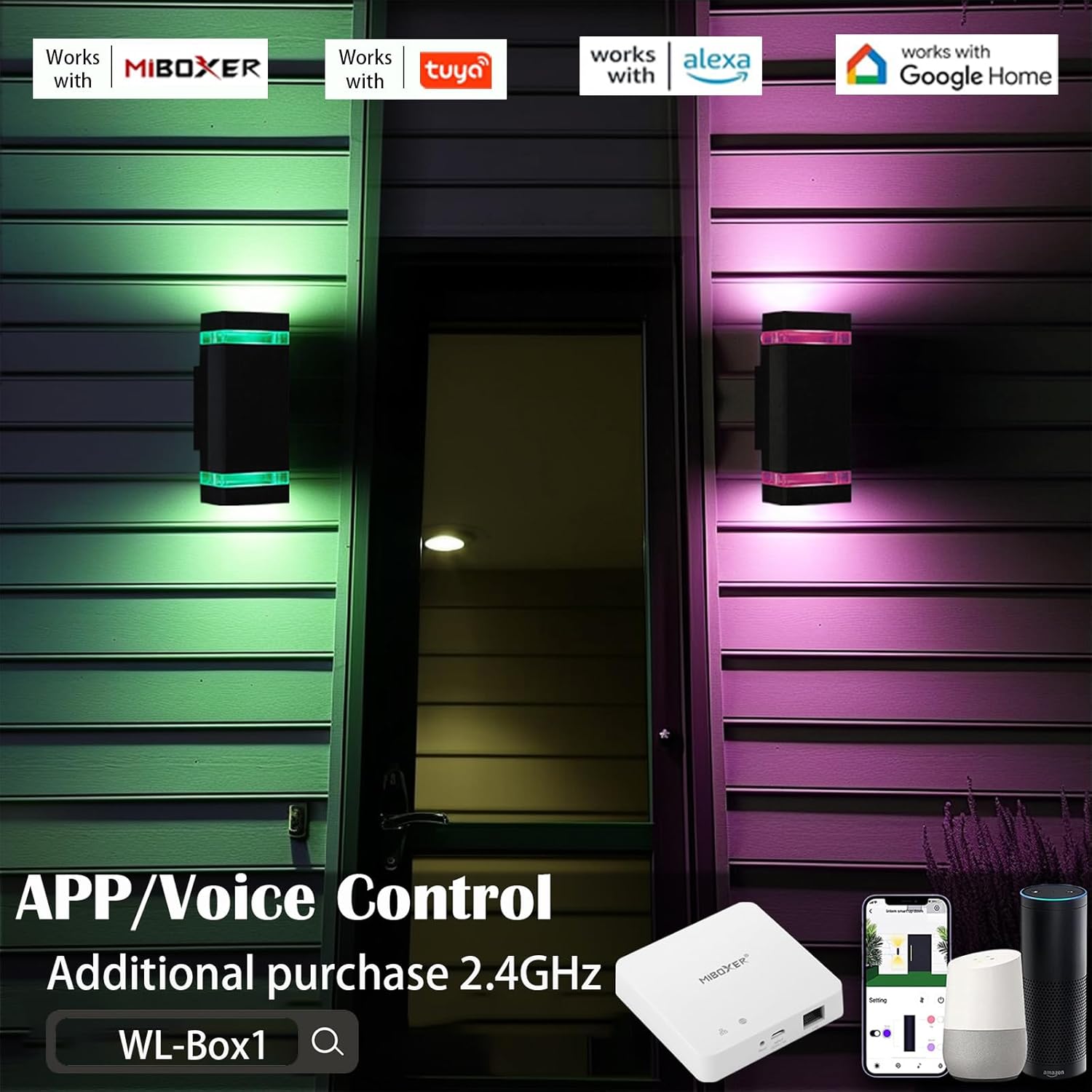
Image: Mi.Boxer app and voice control setup with optional gateway.
Video: Demonstration of iYogaled Smart RGB-CCT Outdoor Wall Lights changing colors and modes.
8. Maintenance
- Cleaning: Periodically clean the fixture with a soft, damp cloth. Do not use abrasive cleaners or solvents. Ensure power is off before cleaning.
- Bulb Replacement: If a GU10 bulb needs replacement, ensure the power is off. Carefully remove the old bulb by twisting and pulling, then insert a new GU10 RGB+CCT LED spotlight (max 75mm length) and twist to secure.
- Inspection: Regularly check the fixture for any signs of wear, damage, or loose connections. Address any issues promptly.

Image: The IP65 waterproof design ensures durability in outdoor conditions.
9. Troubleshooting
| Problem | Possible Cause | Solution |
|---|---|---|
| Light does not turn on. | No power supply; loose wiring; faulty bulb. | Check circuit breaker/fuse. Ensure all wiring connections are secure. Replace bulb if necessary. |
| Remote control not working. | Remote battery low/dead; remote not paired; obstruction. | Replace remote battery. Re-pair the remote control (see Section 7.2). Ensure no obstructions between remote and light. |
| Lights flicker or change color unexpectedly. | Unstable power supply; interference; faulty bulb. | Check power supply stability. Minimize interference from other RF devices. Replace bulb. |
| App/Voice control not working. | WLBOX1 gateway not connected/configured; Wi-Fi issue. | Ensure WLBOX1 gateway is properly installed and connected to Wi-Fi. Refer to gateway manual for setup. |
10. Warranty & Support
This iYogaled product comes with a Limited Warranty. Please refer to the warranty card included in your package or contact iYogaled customer support for specific details regarding warranty coverage and terms.
For technical assistance, troubleshooting, or warranty claims, please contact iYogaled customer support through the retailer's platform or visit the official iYogaled website for contact information.