
Tonstep Q7
Tonstep Q7 True Wireless Earbuds User Manual
Model: Q7 | Brand: Tonstep
1. Introduction
Thank you for choosing the Tonstep Q7 True Wireless Earbuds. This manual provides detailed instructions to help you set up, operate, maintain, and troubleshoot your new earbuds. Please read this manual carefully before use to ensure optimal performance and a satisfying audio experience.
2. What's in the Box
Your Tonstep Q7 True Wireless Earbuds package includes the following items:
- 1 x Wireless Earbuds
- 1 x USB C Charging Cable
- 3 x Ear Caps (S/M/L)
- 1 x Charging Case
- User Manual
3. Product Overview
The Tonstep Q7 earbuds are designed for comfort and high-quality audio. Familiarize yourself with the main components:


4. Setup
4.1 Charging the Earbuds and Case
Before first use, fully charge both the earbuds and the charging case. Use the provided USB-C charging cable to connect the case to a power source. The indicator light on the case will show charging status.

4.2 Pairing with Your Device
The Tonstep Q7 earbuds feature one-step pairing for convenience:
- Open the charging case. The earbuds will automatically enter pairing mode.
- On your device (smartphone, tablet, etc.), enable Bluetooth.
- Search for "Q7" in the list of available Bluetooth devices and select it to connect.
- Once connected, you will hear a confirmation prompt, and the earbuds will be ready for use.
5. Operating the Earbuds
5.1 Smart Touch Control
The Tonstep Q7 earbuds are equipped with intuitive touch controls for easy management of music and calls:
| Action | Function |
|---|---|
| Single Tap (L/R) | Play/Pause Music, Answer/End Call |
| Double Tap (L) | Previous Song |
| Double Tap (R) | Next Song |
| Triple Tap (L) | Volume Down |
| Triple Tap (R) | Volume Up |
| Long Press 3s (L/R) | Activate Voice Assistant |

5.2 Hi-Fi Stereo Sound Quality
Experience rich and immersive audio with the Tonstep Q7 earbuds. They feature an 8.0mm diameter speaker with crystal clear treble, vibrant mid-range, and mellow, powerful bass, providing a realistic sound experience.

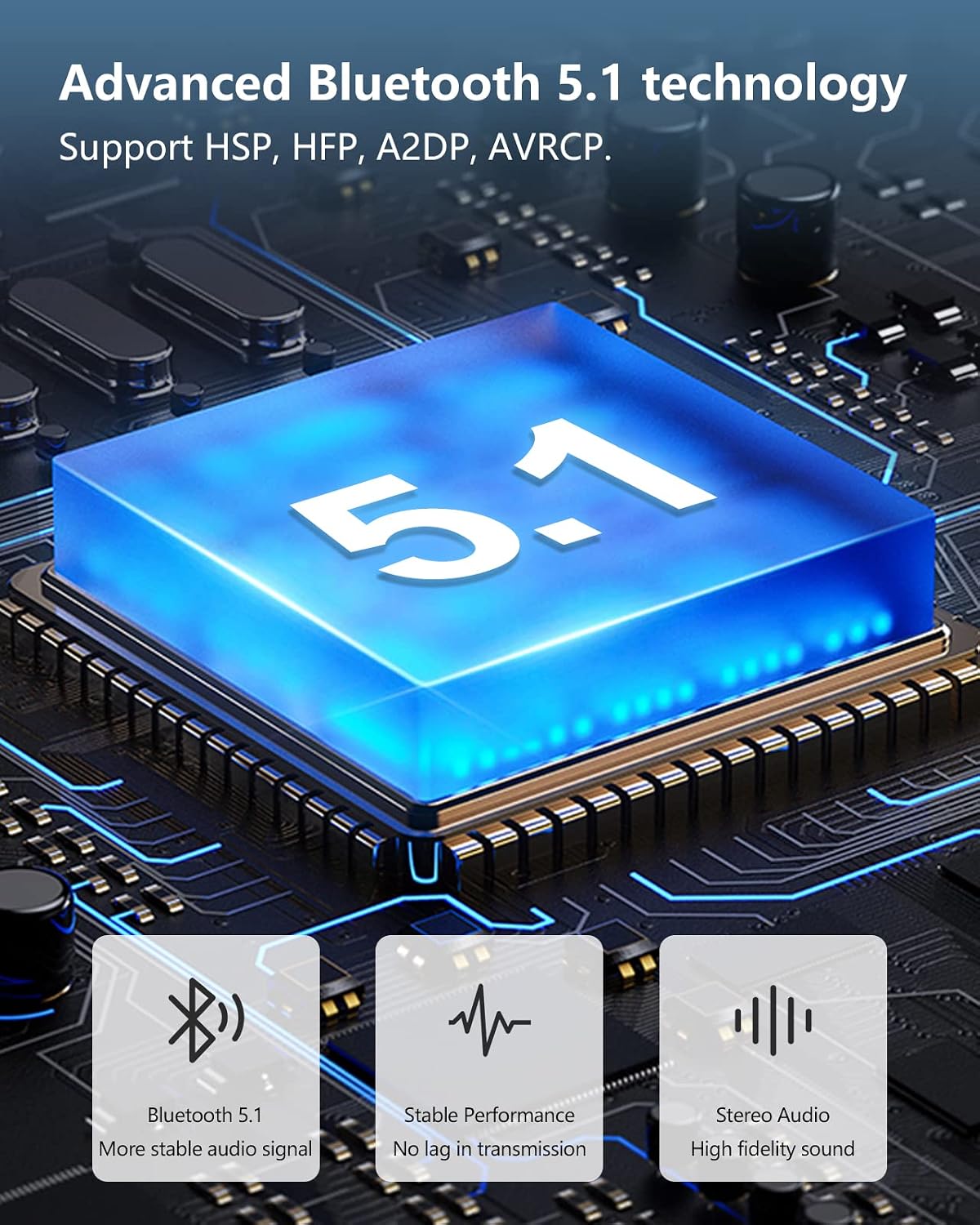
5.3 Advanced Bluetooth 5.1 Technology
The earbuds utilize advanced Bluetooth 5.1 technology, ensuring a stable and fast connection with low latency. This technology supports HSP, HFP, A2DP, and AVRCP profiles, providing a reliable wireless experience up to 10-15 meters.
6. Maintenance
6.1 IPX6 Waterproof Rating
The Tonstep Q7 earbuds are IPX6 waterproof, meaning they are resistant to high-pressure, heavy sprays of water. This makes them suitable for workouts and outdoor activities, but they are not designed for submersion in water.

6.2 Cleaning and Storage
To maintain the longevity and performance of your earbuds:
- Regularly clean the earbuds and charging case with a soft, dry, lint-free cloth.
- Remove ear caps and clean them separately with mild soap and water if necessary, ensuring they are completely dry before reattaching.
- Avoid using abrasive cleaners or solvents.
- Store the earbuds in their charging case when not in use to protect them and keep them charged.
- Keep the charging port free of dust and debris.
7. Troubleshooting
If you encounter any issues with your Tonstep Q7 earbuds, please refer to the following common solutions:
7.1 Pairing Issues
- Earbuds not pairing with device: Ensure Bluetooth is enabled on your device and the earbuds are in pairing mode (open the case). Try turning Bluetooth off and on again on your device.
- Only one earbud connecting: Place both earbuds back into the charging case, close the lid, wait a few seconds, then open it again. This often re-syncs them.
- Earbuds not appearing in Bluetooth list: Ensure the earbuds are charged. If they were previously paired with another device, disconnect them from that device first.
7.2 Sound Issues
- No sound: Check the volume level on both your device and the earbuds. Ensure the earbuds are properly connected.
- Low volume: Adjust volume on your device. Ensure ear caps are correctly sized and seated in your ear for optimal sound seal.
- Sound cutting out: Ensure you are within the Bluetooth transmission range (10-15 meters) and there are no significant obstacles between the earbuds and your device.
7.3 Charging Issues
- Earbuds not charging: Ensure the charging contacts on the earbuds and inside the case are clean and dry. Make sure the charging cable is securely connected and the power source is active.
- Case not charging: Try a different USB-C cable or power adapter.
If these steps do not resolve your issue, please contact Tonstep customer support for further assistance.
8. Specifications
Detailed technical specifications for the Tonstep Q7 True Wireless Earbuds:
| Feature | Detail |
|---|---|
| Model Name | Q7 |
| Brand | Tonstep |
| Connectivity Technology | Wireless (Bluetooth) |
| Wireless Communication Technology | Bluetooth 5.1 |
| Ear Placement | In Ear |
| Form Factor | In Ear |
| Control Type | Touch Control |
| Water Resistance Level | Waterproof (IPX6) |
| Item Weight | 1.41 ounces (40 Grams) |
| Product Dimensions | 3 x 2 x 4 inches |
| Material | Plastic |
| Color | Black |
| Impedance | 32 Ohm |
| Frequency Response | 20 Hz |
| Noise Control | Active Noise Cancellation |
9. Warranty and Support
Tonstep products come with a standard manufacturer's warranty. For specific warranty details, returns, or technical support, please refer to the warranty card included in your package or visit the official Tonstep website. You may also contact your retailer for assistance.
Related documentsQ7


Ask a question about this manual
Ask about setup, troubleshooting, compatibility, parts, safety, or missing instructions. Manuals+ will review the question and use this page’s manual context to help answer it.